
Supermarket Simulator · read from a local copy
Supermarket Simulator
Run a better shop: stock shelves, price products, serve customers and grow day by day. Start with a first-day route, then jump into products, shelves, checkout, staff and upgrades. Every entry says what the game itself establishes, and nothing here is estimated.
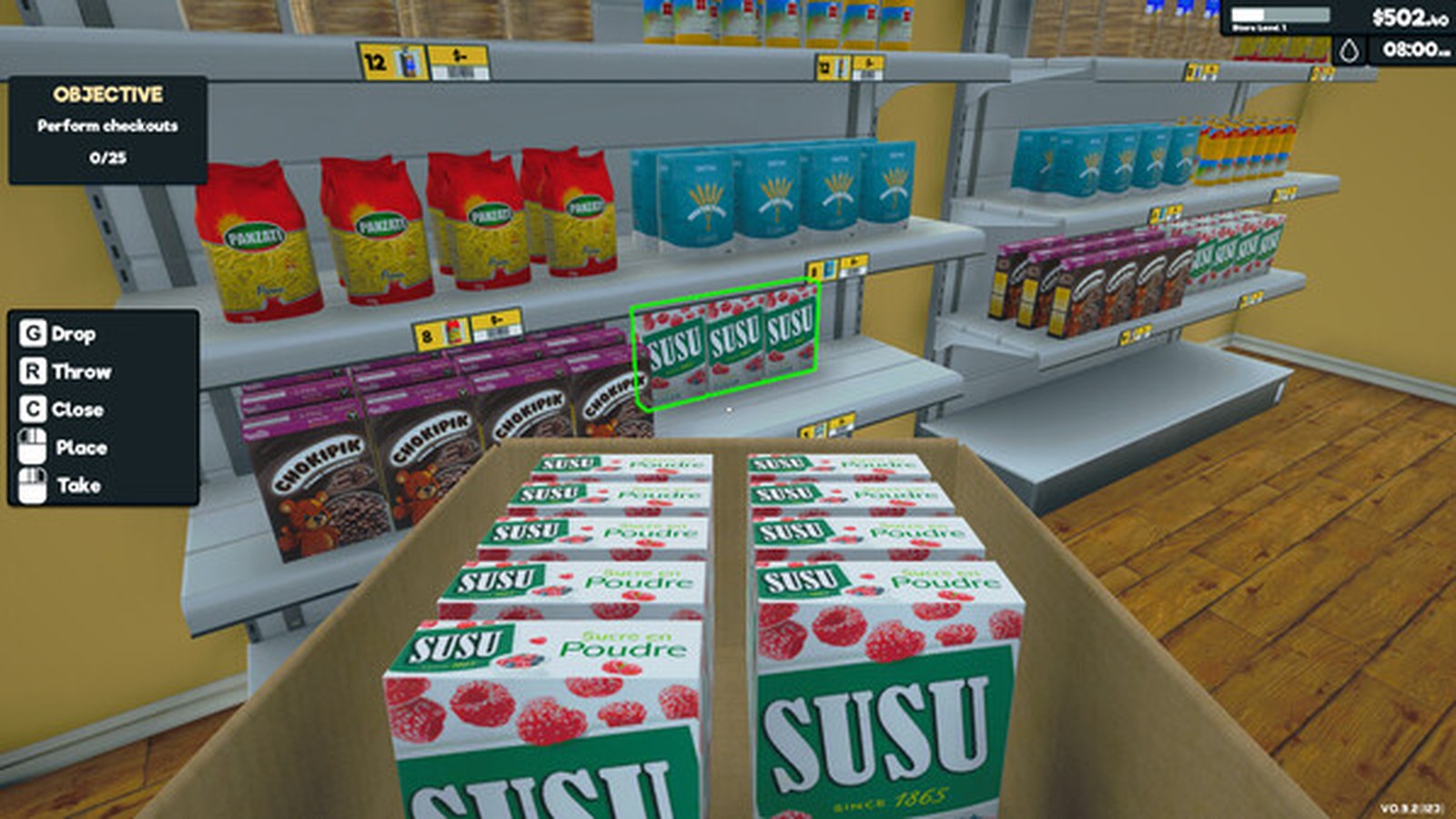
Your next shift
Run the shop in three moves
Pick a phase to see the decision that matters most right now.
Put the first earners within reach
Place a small, reliable range, check every price tag and leave a clear path to the till.
Read the first-day route →Keep stock and the queue moving
Watch the shelf that sells first, then choose whether your next action is restock, scan or checkout.
Find checkout answers →Spend the next upgrade on flow
Compare licences, storage and layout before you commit your next day of profit.
Browse shop systems →What this game is
Supermarket Simulator is a shop simulator: you order stock, fill shelves, set prices, serve customers and grow the shop. This site covers the parts of it you actually deal with — products, shelves, customers, tills, staff, layout, money and the routine of a day — and it documents one build at a time.
Documented build: 1.6.0 (223). Where the game changes between builds, the entry says which one it was checked against.
Popular entities
A curated starting set, each with an in-game picture credited with the page it came from.
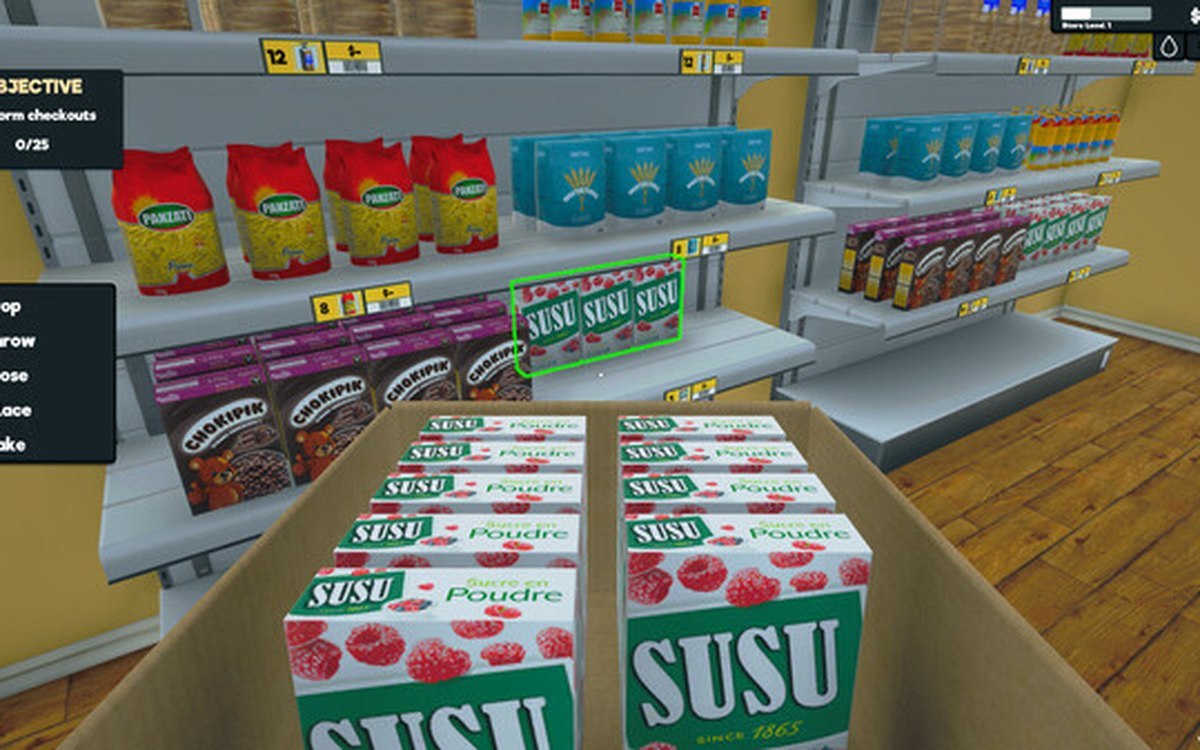 ProductsProducts and what arrives in a deliveryEvery product is identified by its own product id.
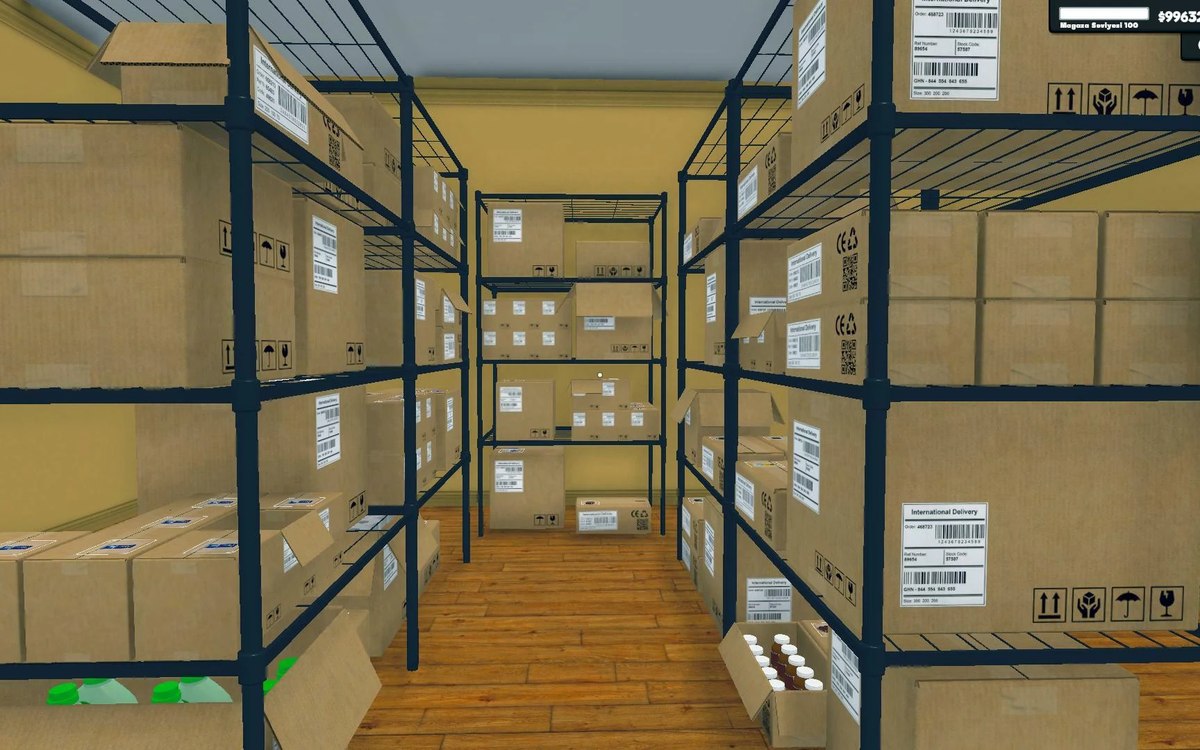 Shelves and stockRestocking shelvesThe game runs an automated restock loop for shelves.
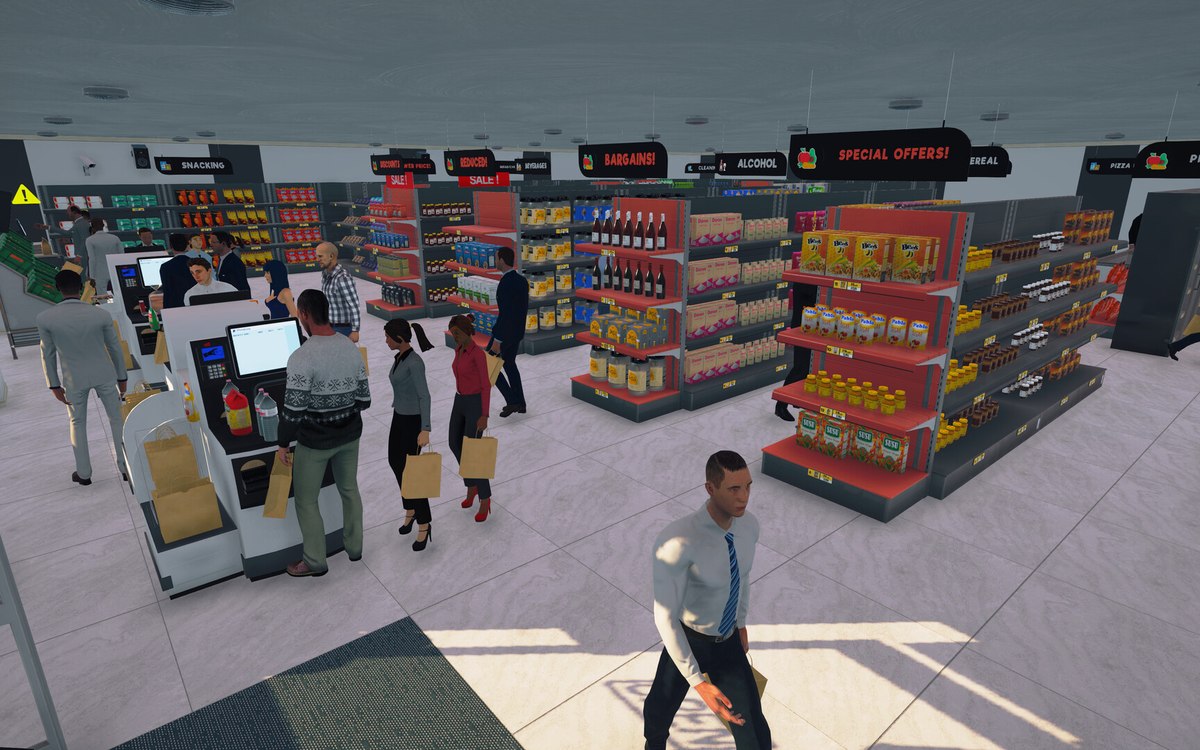 CheckoutCheckout and cashiersA checkout can be operated by a hired cashier.
 CustomersCustomers and helpersCustomers are generated by the game.
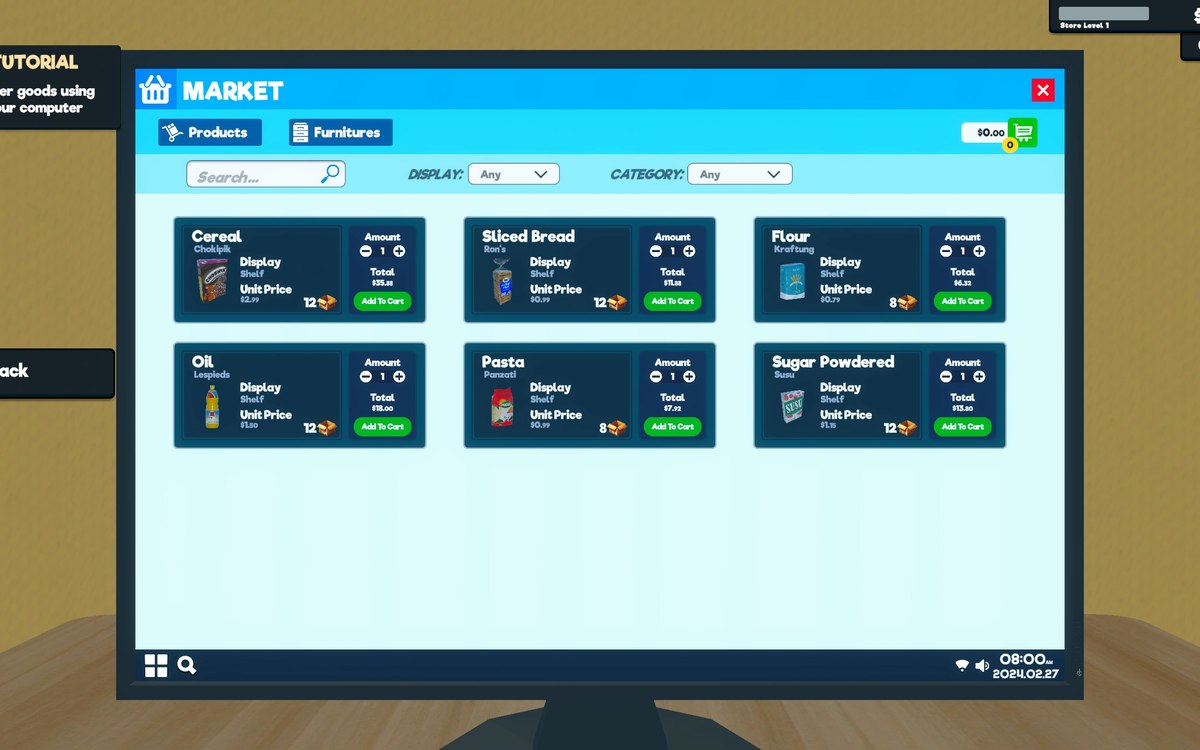 Running the shopThe shop computerThe shop computer is an object of its own with its own desk.
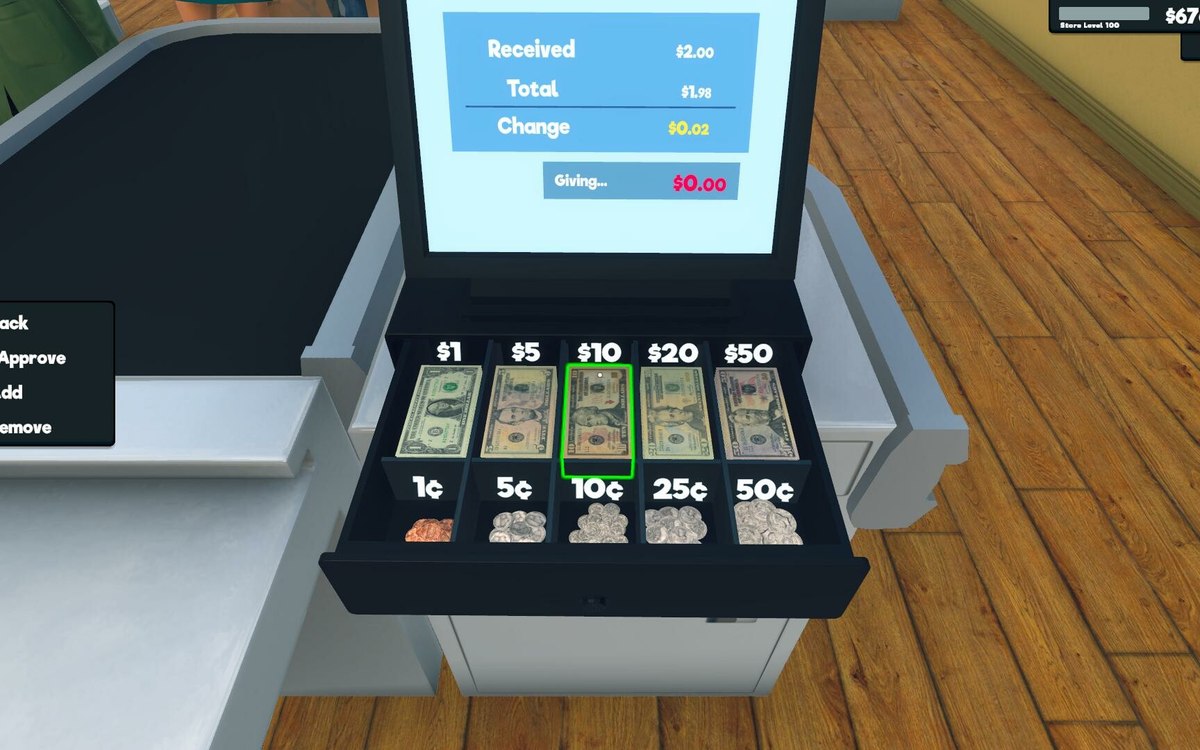 Money, bills and loansMoney as an object in the shopThe game has a pack of money as an object of its own.
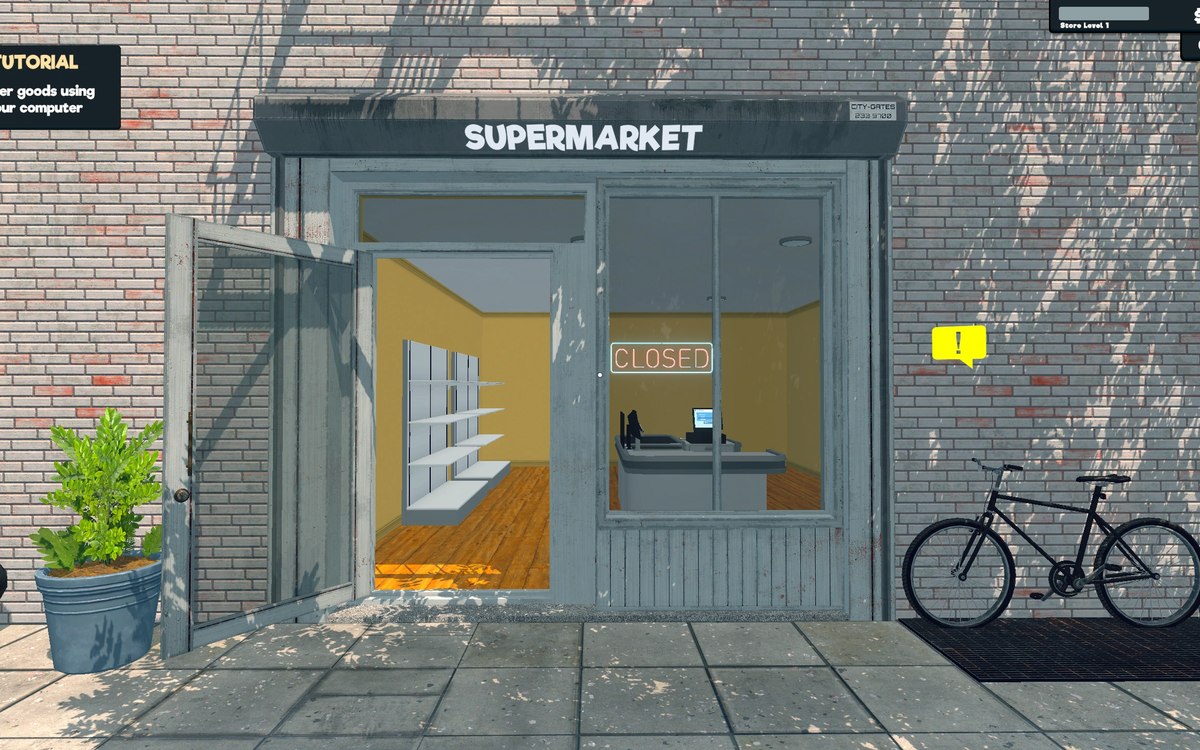 VehiclesHow a vehicle drives and answers the controlsA vehicle has a controller of its own, with a separate one for the car kind.
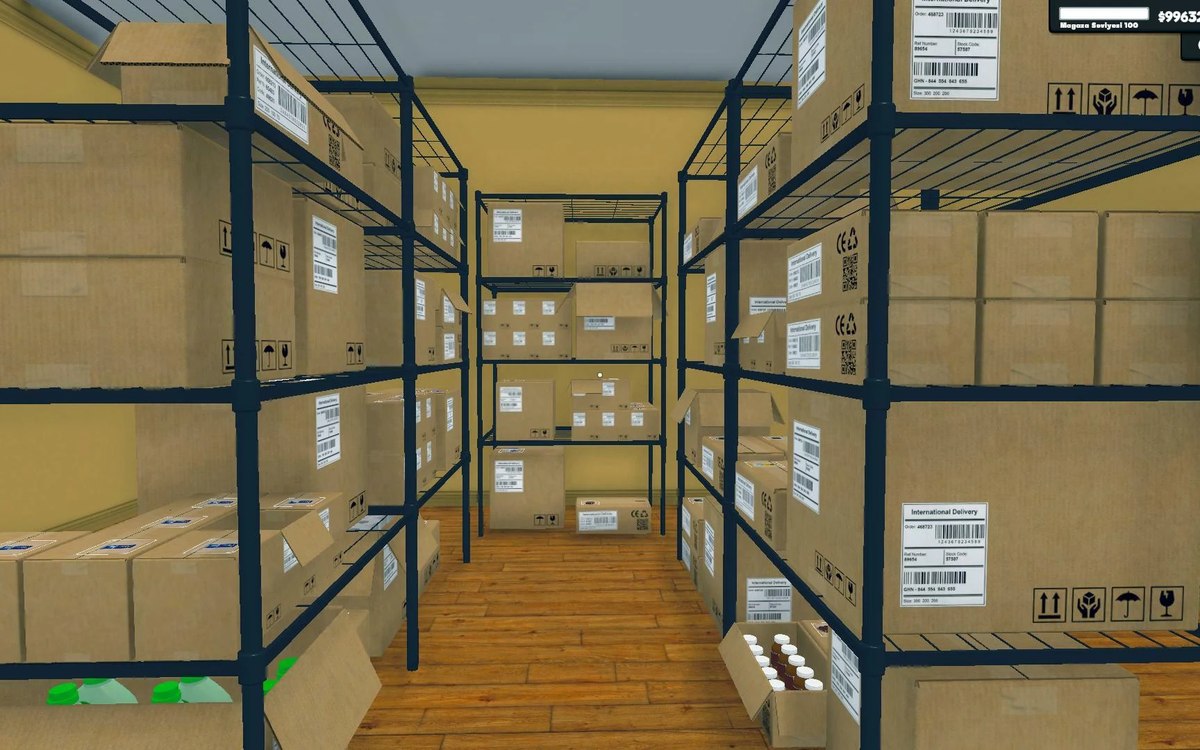 Shelves and stockStorage, crates and the storage tabStorage is laid out in sections with a defined arrangement.
What are you trying to do?
Choose the job in front of you; each card opens the pages that answer it.
Browse the archive
Every part of your shop, in plain language.
Products, storage, customers, checkout, staff, money, layout and upgrades are grouped around the jobs you do in a shift.
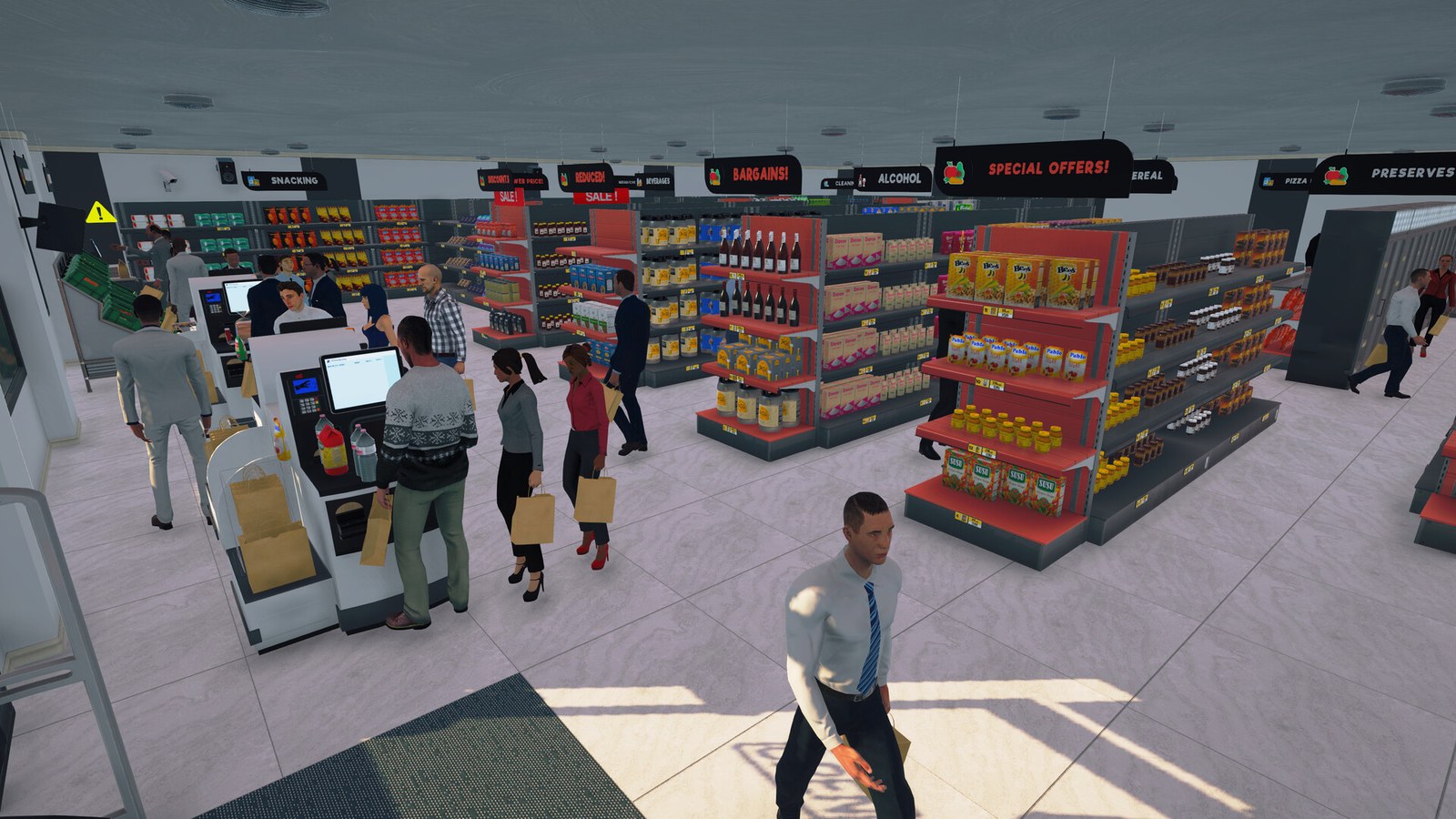
The question you probably have
Latest updates
- 2026-11-05 Pricing a new product before the first sale New guide
- 2026-11-05 Reordering by what is on the shelf, not by habit New guide
- 2026-11-04 What a day's profit is actually made of New guide
- 2026-11-03 Keeping the route from the door to the till clear New guide
- 2026-10-01 Dressing a corner with plants New guide
- 2026-10-01 The plants and planters New entry
Where the pictures and facts come from
Pictures on this site come from the game: official screenshots from the game's Steam store page and files shared by the community on the game's wiki sites. Every one is credited with the page it came from, and each is used only to identify the subject an entry describes; a diagram drawn for this site is always labelled as a diagram and is never passed off as a screenshot. Facts are read from the game's own files, not from a wiki or a forum. The build this site documents is 1.6.0 (223).
The raw identifiers, tables and extraction notes are kept in a technical reference, reachable from the footer of every page and kept out of search engines on purpose.
How this wiki works
Player pages stay focused on decisions in the shop. The evidence and extraction record is kept in Reference, so you can read an answer without wading through implementation details.