
Guide
A restocking routine that keeps shelves selling
How to keep shelves from running dry during a trading day, using the shelf and stock behaviour the game itself defines.
Applies to
1.6.0 (223), read from the copy of the game this site was built from (see the sources page)
Before you start
- Shelves built and placed
- Stock in the storage room
- Enough money for the next order
Steps
- Walk the shelves before you open, not after the first complaint.
an empty slot is what triggers the game's own refill behaviour - Carry the stock in yourself and fill the shelf by hand while the shop is small.
restocking is part of the shop logic rather than an instant action - Keep money aside for the next order instead of spending it all on space.
products are tracked by their own product id, so an order you cannot afford means an empty shelf
Common mistakes
- Restocking only once a shelf is completely empty.
- Spending the day's takings on furniture and leaving nothing for stock.
- Assuming every product is orderable from the start.
Related entries
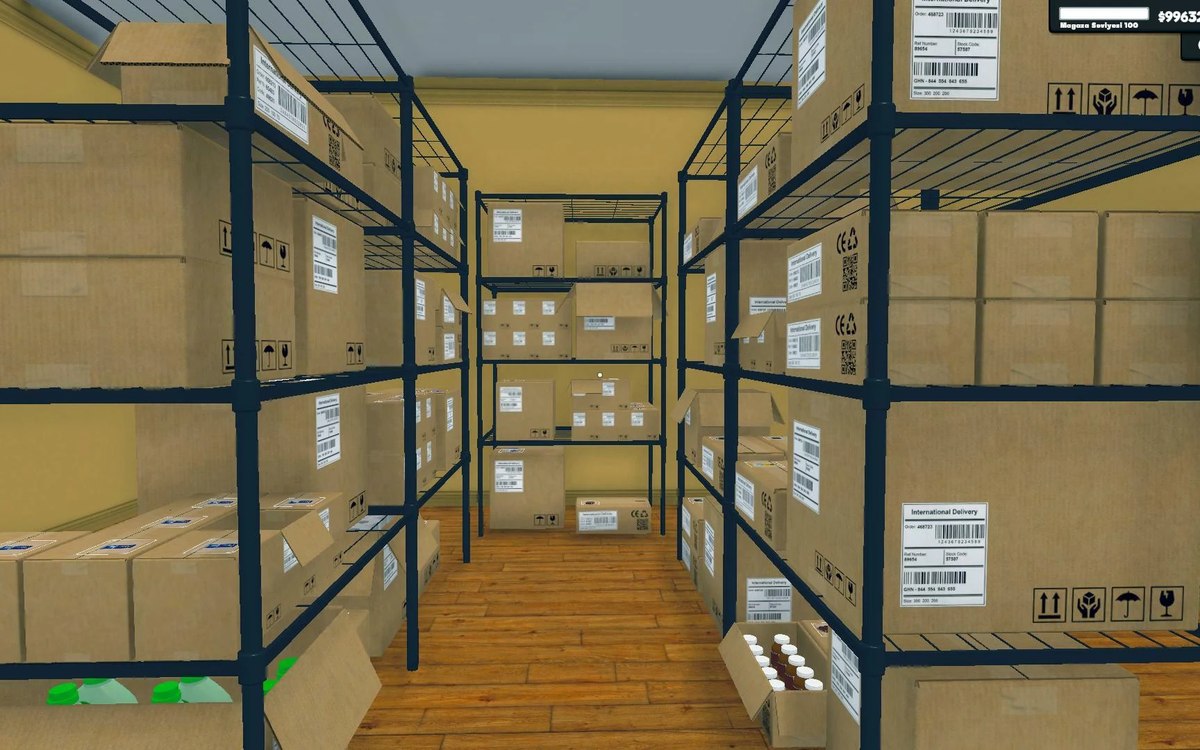 Shelves and stockRestocking shelvesThe game runs an automated restock loop for shelves.
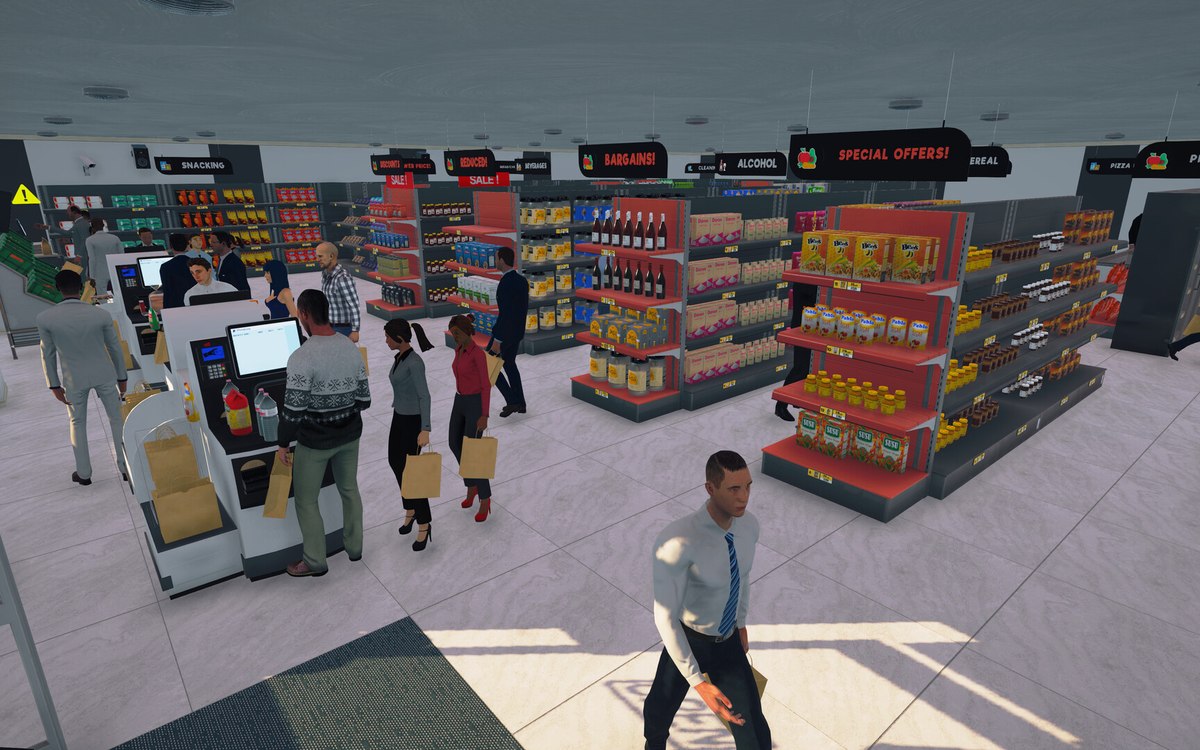 CheckoutCheckout and cashiersA checkout can be operated by a hired cashier.
Related guides
- Reordering by what is on the shelf, not by habit
How to decide what to reorder in Supermarket Simulator and how much: shelf and incoming counts, slot space, the order notebook, unit cost against the display price, and the back room a bulk deal needs.
Sources
A local copy of the game, read only. Grounding for each step is on the technical reference pages; no number is estimated.