
Shelves and stock · Supermarket Simulator · read from a local copy
Restocking shelves
The game runs an automated restock loop for shelves.
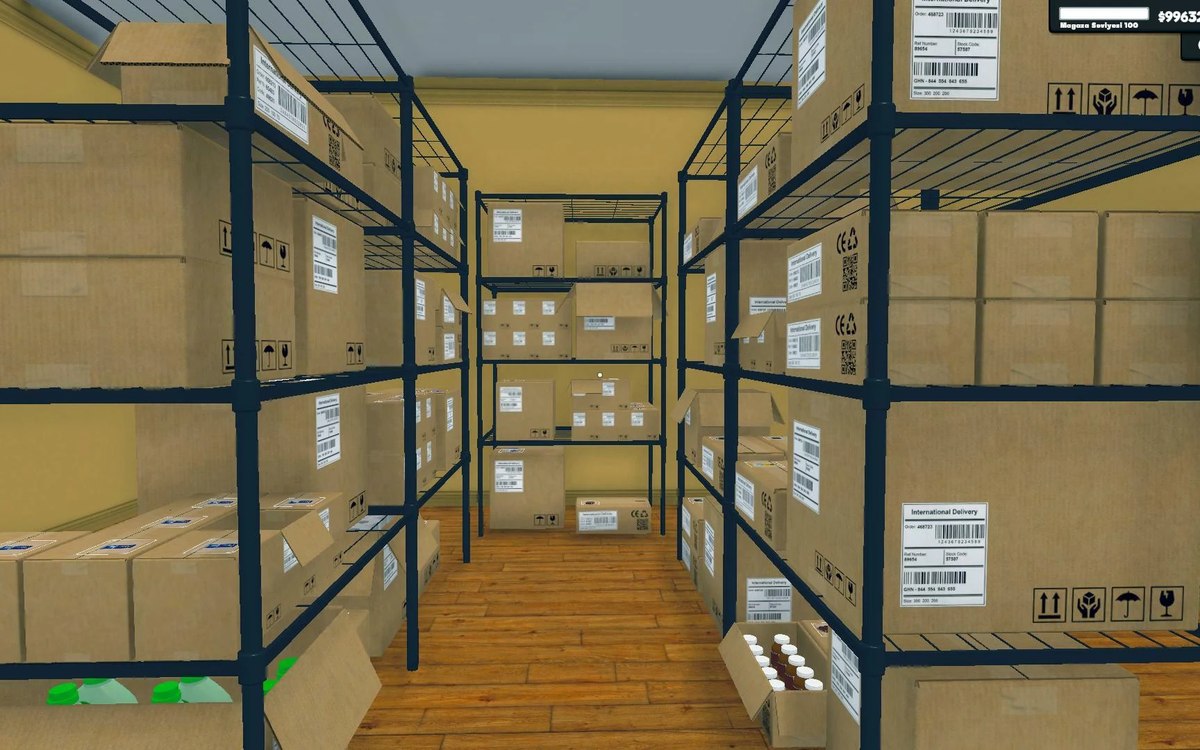
How shelf stock works in Supermarket Simulator: you buy stock, carry it from the storage room and fill the shelves yourself, and a product can be locked behind a store level.
What the game establishes
- The game runs an automated restock loop for shelves. (checked against the game's own files)
- A product can require a minimum store level before it is available. (checked against the game's own files)
- Shelves can be refilled automatically when a slot is empty. (checked against the game's own files)
- Products are identified by their own product id. (checked against the game's own files)
- The build names its shelving by pattern and width, including a bakery shelf in a single and a standard width. (checked against the game's own files)
In play
Shelves only sell what you put on them. Stock arrives from the storage room, not from the shelf, so a normal loop is: order or carry boxes in, unpack at the shelf, and refill before the shelf runs empty.
Products are not all available from the start. Each product can carry a required store level, which is why some items cannot be ordered until the shop has grown.
What this entry does not tell you: prices, order quantities, restock timings and how fast customers buy. We have not verified those numbers, so we do not print them.
Related
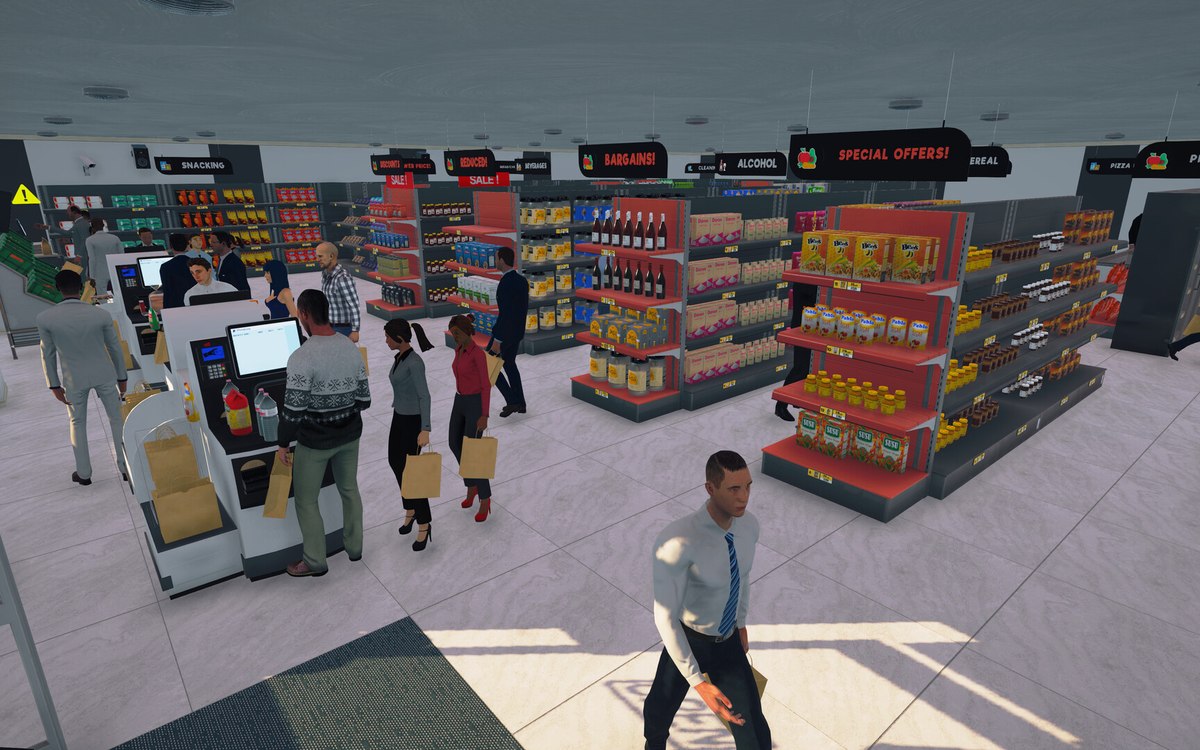 CheckoutCheckout and cashiersA checkout can be operated by a hired cashier.
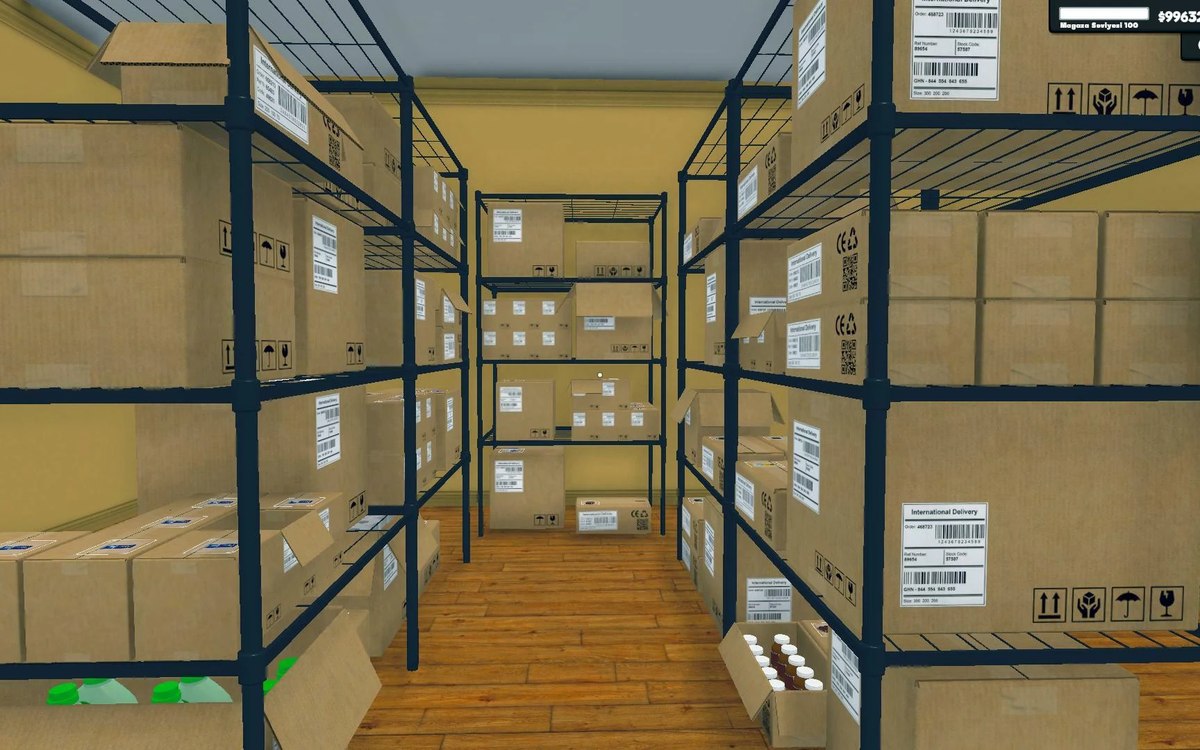 Shelves and stockStorage, crates and the storage tabStorage is laid out in sections with a defined arrangement.
Version and sources
A local copy of the game, read only. Identifiers are listed on the technical reference pages; nothing here is estimated. Documented build: 1.6.0 (223).