
Shelves and stock · Supermarket Simulator · read from a local copy
Storage, crates and the storage tab
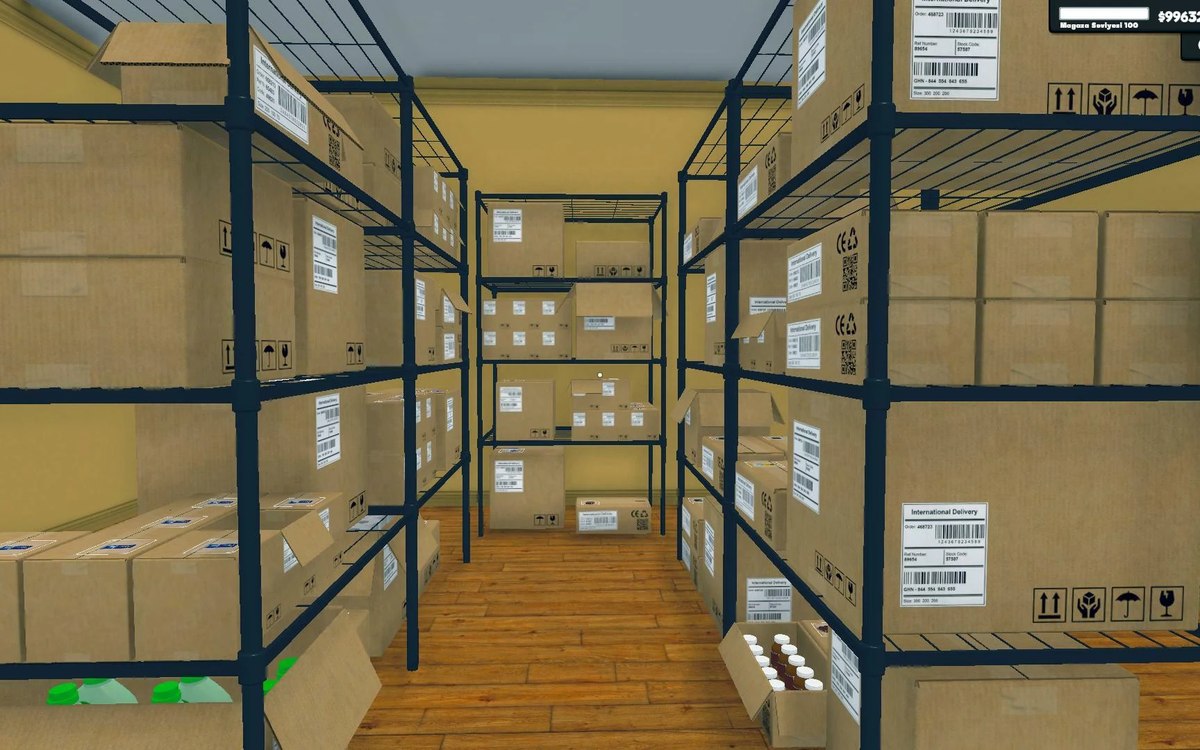
Storage is laid out in sections with a defined arrangement.
Behind the shop floor Supermarket Simulator keeps a storage side: the game defines crates, crate sale items, storage sections and a storage tab, which is where stock waits before it reaches a shelf.
What the game establishes
- Storage is laid out in sections with a defined arrangement. (checked against the game's own files)
- Storage has its own interface tab. (checked against the game's own files)
- A crate is an object, and a crate can also be sold as an item. (checked against the game's own files)
- The build ships the crates and vegetable crates the storage work uses, with a colour texture of their own. (checked against the game's own files)
- A further crate piece is shipped at a lower level of detail. (checked against the game's own files)
- The crates are modelled at several levels of detail, and a produce crate has a display slot of its own. (checked against the game's own files)
In play
Storage is organised into sections with their own layout, and the interface gives storage its own tab rather than mixing it with the shop floor.
Crates are objects in their own right, and a crate can also be offered for sale, which is why the game distinguishes a crate from a crate sale item.
Because stock waits in storage, how you arrange it decides how long a refill takes.
What this entry does not tell you: crate capacities, storage limits or how much a crate is worth when sold. We have not verified those numbers, so we do not print them.
Related
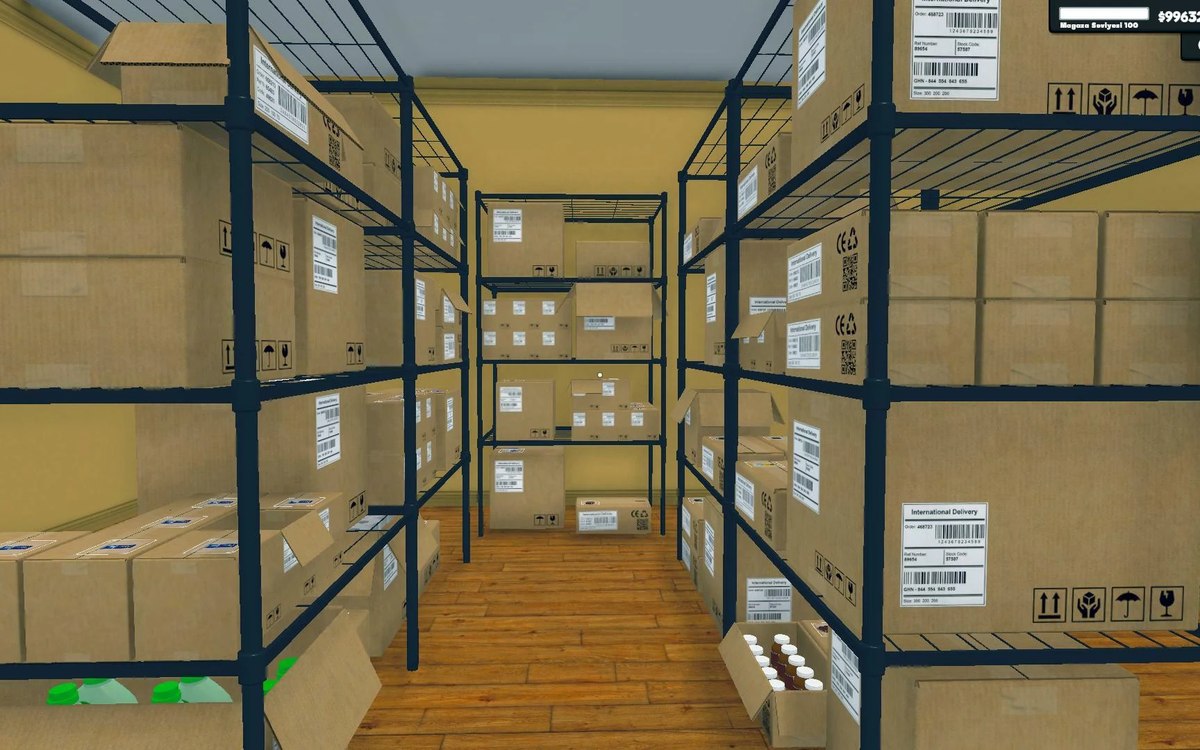 Shelves and stockRestocking shelvesThe game runs an automated restock loop for shelves.
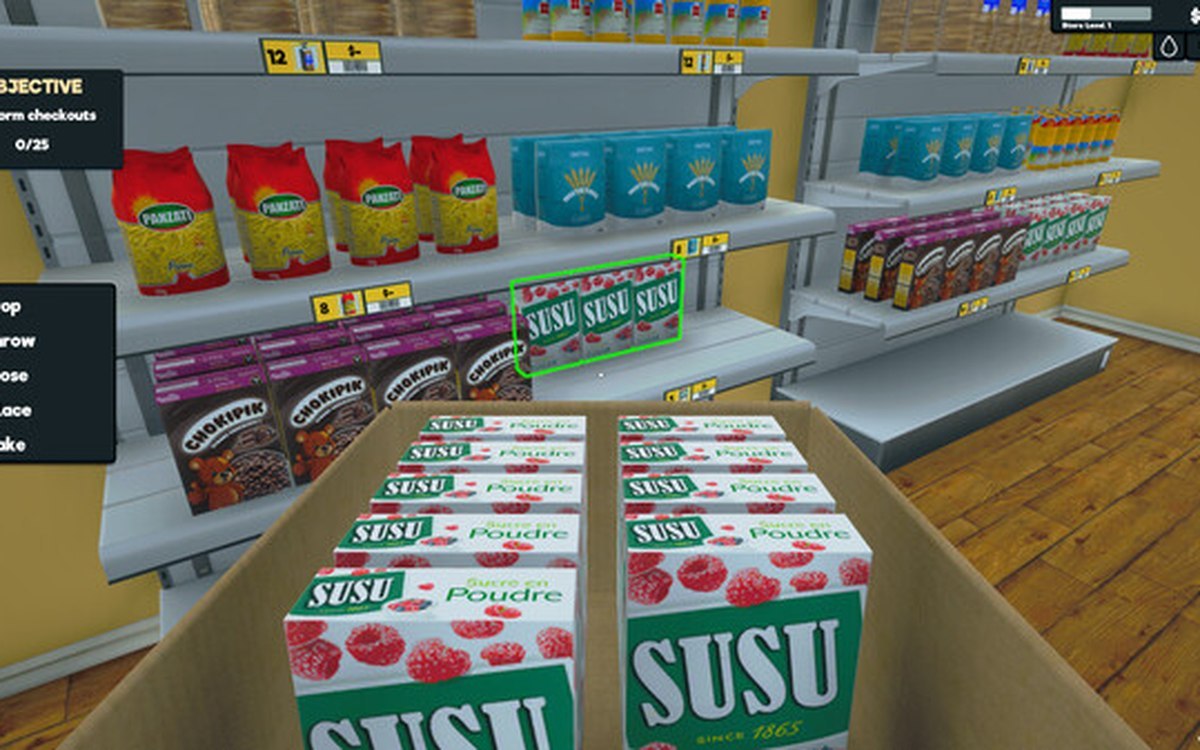 ProductsSetting prices in bulkPrices can be set in bulk through a dedicated manager and panel.
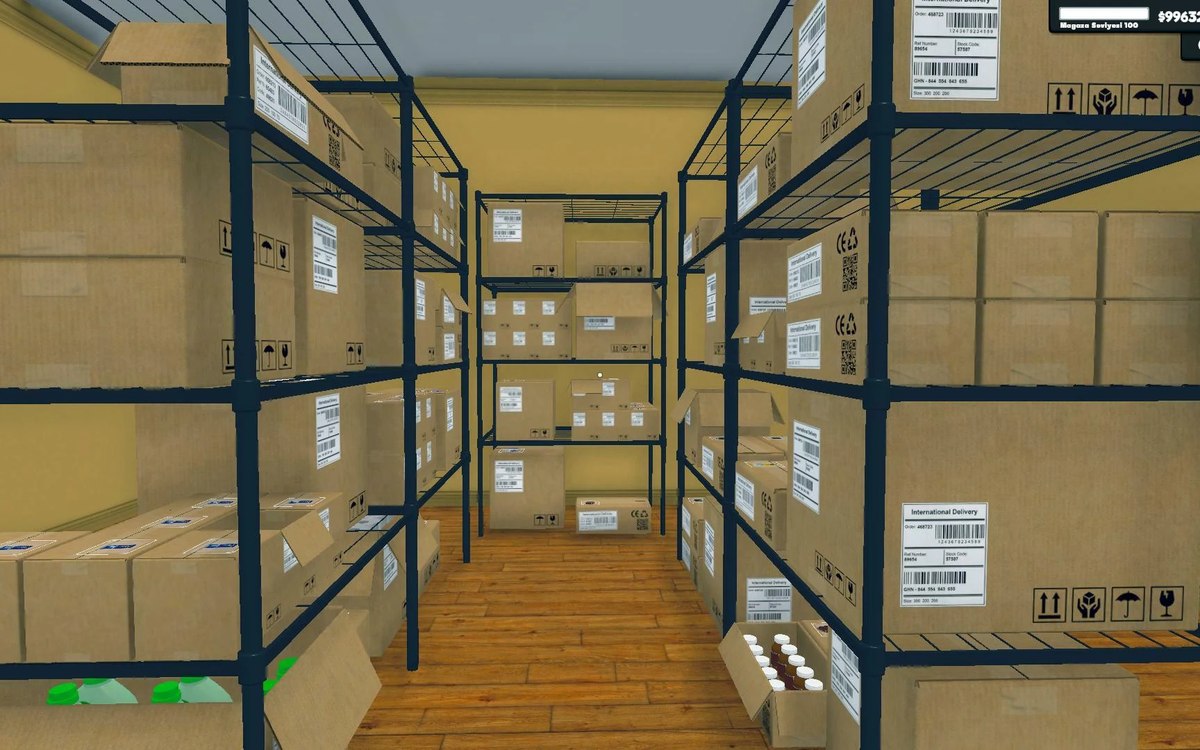 Shelves and stockStorage sections and sortingStorage is built from sections rather than one flat list.
Version and sources
A local copy of the game, read only. The grounding for each fact is listed on the technical reference pages; nothing here is estimated. Documented build: 1.6.0 (223).