
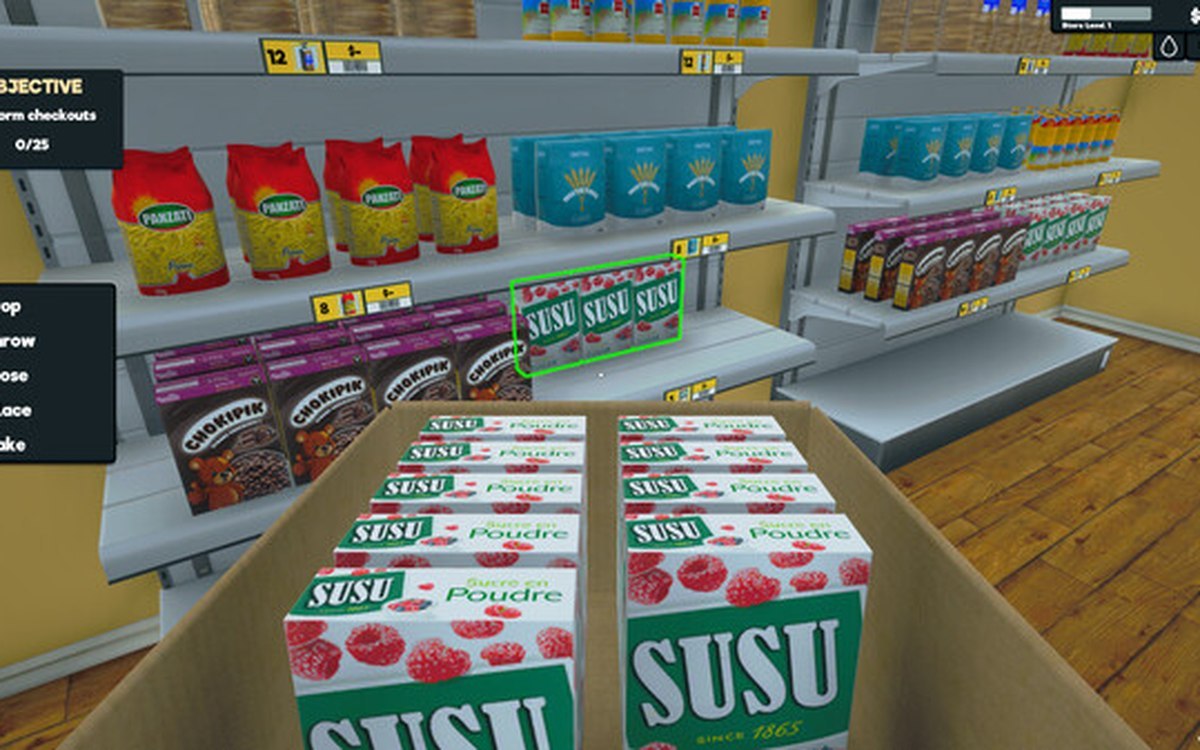
Products · Supermarket Simulator · read from a local copy
Setting prices in bulk
Prices can be set in bulk through a dedicated manager and panel.
Supermarket Simulator gives you pricing decisions well beyond one item at a time: the game has bulk pricing panels and their own section types, plus a separate discount system.
What the game establishes
- Prices can be set in bulk through a dedicated manager and panel. (checked against the game's own files)
- The bulk pricing panel is built from typed sections. (checked against the game's own files)
- Discounts are a separate system from prices. (checked against the game's own files)
- The price tag a bulk price is written on is an object the build ships. (checked against the game's own files)
- Barcodes are things the build makes: it names a creator for them, a spawner and a sticker decal for one. (checked against the game's own files)
- The shop's scanner is named in the build, with a colour sheet of its own. (checked against the game's own files)
- Bulk pricing has a wholesale offer of its own, with a toggle that enables it and a key entry beside it. (checked against the game's own files)
- The discount side is named piece by piece: a section, a button with text on it, a line and a discounted price. (checked against the game's own files)
- The pricing interface is named piece by piece: a price input, a quick-pick element and separate total and unit price texts. (checked against the game's own files)
In play
Pricing is organised in bulk rather than per item on the shelf: the game has a bulk pricing manager and a panel for it, which is where you set prices for groups of goods.
Sections of the bulk pricing panel are typed, so the panel can present different kinds of price decisions in the same place.
Discounts are handled separately from prices, so a discount is not the same thing as changing a price.
What this entry does not tell you: the exact price steps, how many products a section covers, or how discounts affect customer behaviour. We have not verified those numbers, so we do not print them.
Related
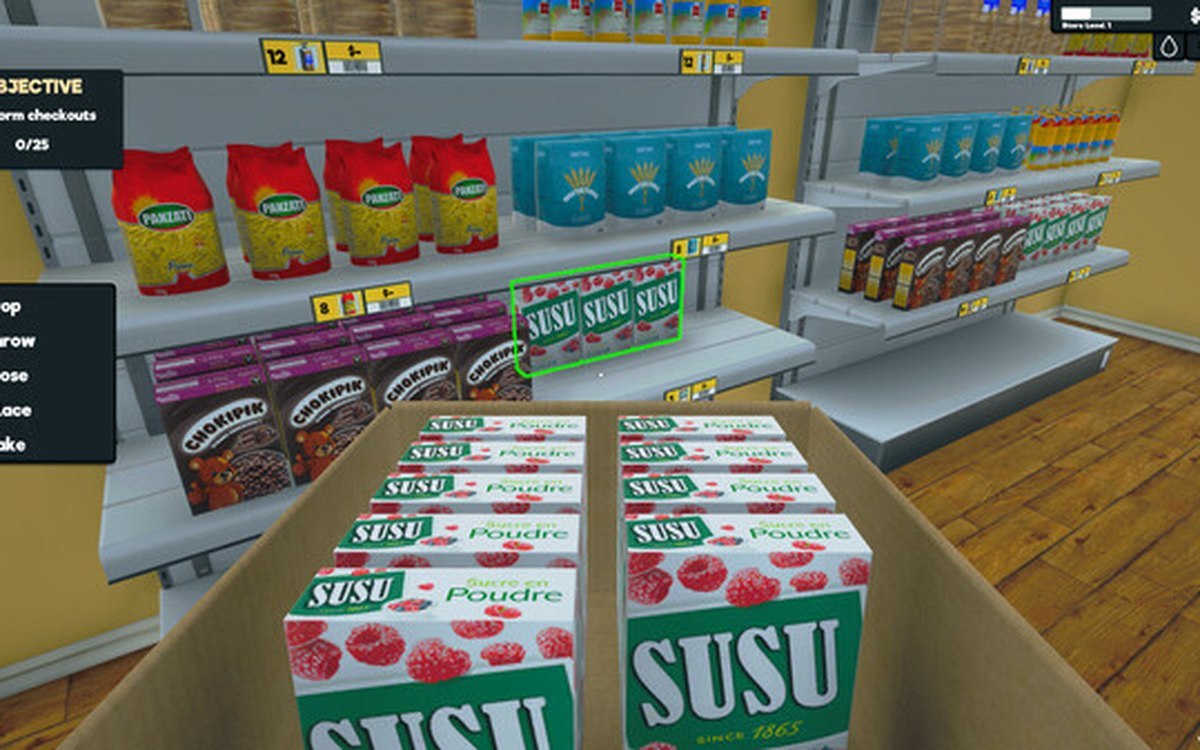 ProductsProducts and what arrives in a deliveryEvery product is identified by its own product id.
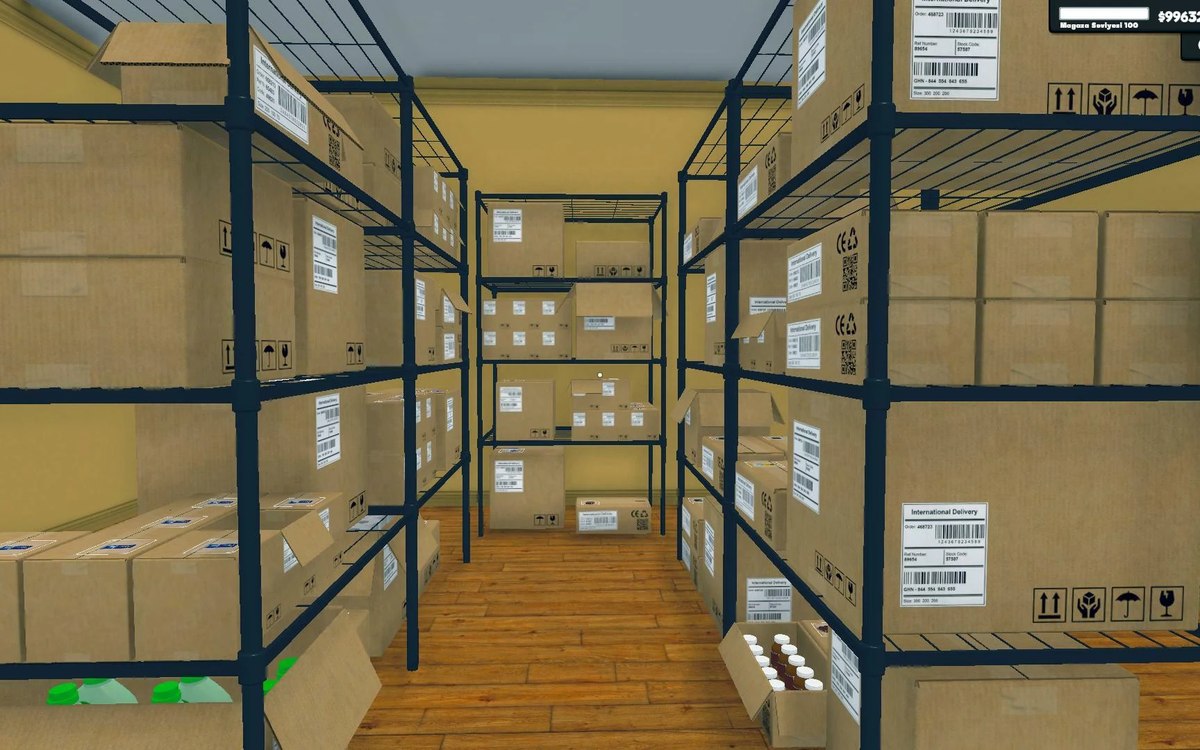 Shelves and stockStorage, crates and the storage tabStorage is laid out in sections with a defined arrangement.
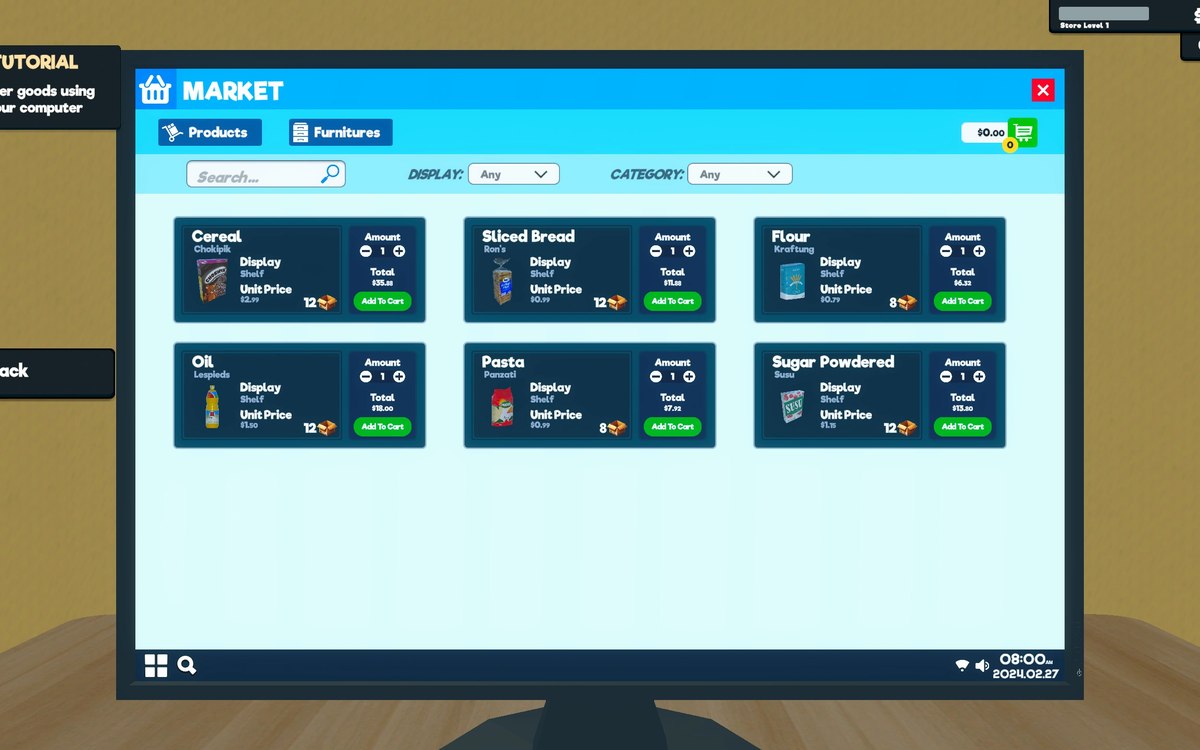 ProductsThe pricing screen and how a price is chosenPrices are set on a canvas of their own, opened by its own interaction, on the pricing side of the game.
Version and sources
A local copy of the game, read only. The grounding for each fact is listed on the technical reference pages; nothing here is estimated. Documented build: 1.6.0 (223).