
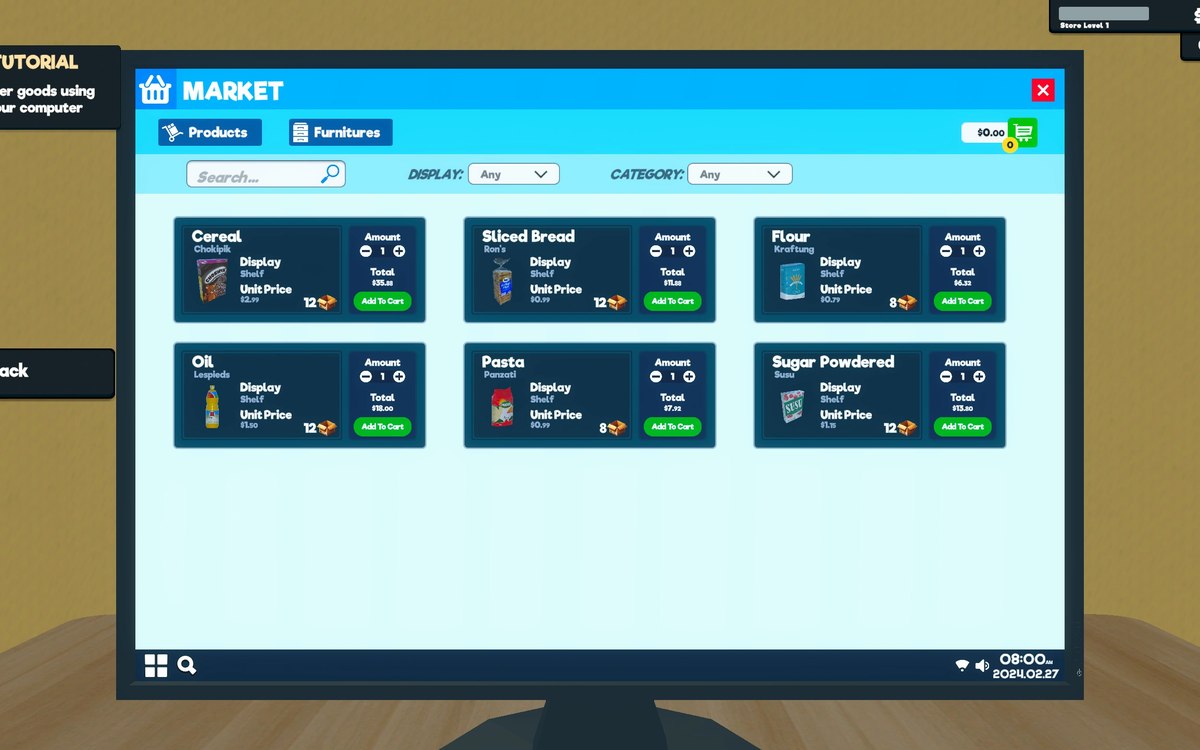
Products · Supermarket Simulator · read from a local copy
The pricing screen and how a price is chosen
Prices are set on a canvas of their own, opened by its own interaction, on the pricing side of the game.
Setting a price in Supermarket Simulator happens on a canvas of its own: the screen is built from a layout configuration, the goods are filtered and can be sorted, a price can be picked quickly from a group of its own, and the change is reported through a notification.
What the game establishes
- Prices are set on a canvas of their own, opened by its own interaction, on the pricing side of the game. (checked against the game's own files)
- The screen is built from a layout configuration. (checked against the game's own files)
- The goods shown are filtered and presented through a product viewer. (checked against the game's own files)
- The list can be sorted, with a button, a kind of sorting and a sorting state. (checked against the game's own files)
- A price can be picked quickly through quick-pick buttons, a group, a mode and their own data. (checked against the game's own files)
- A price carries a state and a container of its own. (checked against the game's own files)
- Prices are evaluated by a manager of their own. (checked against the game's own files)
- There is a kind of product whose price is dynamic. (checked against the game's own files)
- A price change raises a notification of its own. (checked against the game's own files)
- Margins are computed through a delegate of their own. (checked against the game's own files)
- The build keeps a price manager of its own. (checked against the game's own files)
In play
Prices are not set by walking up to each shelf. There is a pricing side with a canvas of its own and an interaction that opens it, so what a product costs is decided in one place rather than wherever the product happens to stand.
Prices have a manager. The build keeps a price manager of its own, which is why what everything costs can be looked after in one place rather than product by product.
The screen is assembled rather than fixed. It is built from a layout configuration, which is why the same canvas can present a long list of goods without each product being placed by hand.
What appears in the list is filtered. There is a product viewer and a filtered item of its own, so the screen shows the goods that match what you are doing rather than everything in the shop at once.
The list can be ordered. There is a sorting button, a kind of sorting and a state for it, which is why the same set of goods can be read in more than one order.
A price can be picked rather than typed. There are quick-pick buttons, a group for them, a mode that decides how they behave and its own data, which is why setting a price can be a choice instead of a calculation.
A price has a state and a container behind it. The screen keeps track of where a price is in its own process, which is what lets a change be started and then confirmed instead of applied the moment you touch it.
It is evaluated away from the screen. Evaluation runs through a manager of its own, so working out what should happen to a price is separate from drawing the interface that shows it.
A price can be dynamic. There is a kind of product whose price is handled differently from a fixed one, which is why the same screen can cover goods that move on their own.
Changes are announced. There is a notification for a price change, so what you have altered does not disappear quietly.
Margins are worked out through their own piece. The screen has a delegate for computing the margins it needs, which is why the figures behind a price are calculated in one place and shown in another.
What this entry does not tell you: what anything should cost, how much margin is healthy, or when a price should change. We have not verified those numbers, so we do not print them.
Related
 ProductsSetting prices in bulkPrices can be set in bulk through a dedicated manager and panel.
 ProductsWholesale offers and discountsWholesale offers run through a manager and settings of their own.
Version and sources
A local copy of the game, read only. Identifiers are listed on the technical reference pages; nothing here is estimated. Documented build: 1.6.0 (223).