
Guide
Reordering by what is on the shelf, not by habit
How to decide what to reorder in Supermarket Simulator and how much: shelf and incoming counts, slot space, the order notebook, unit cost against the display price, and the back room a bulk deal needs.
Applies to
1.6.0 (223), read from the copy of the game this site was built from (see the sources page)
Before you start
- A shelf that is actually selling
- Access to the ordering screen
- Room in the back room for a delivery
- A display price set for the product you are reordering
Steps
- Count what is already on the shelf and what is still on its way as two different numbers.
products are counted as a pair of amounts, so stock already displayed and stock still to come are kept apart rather than added into one figure - Read the shelf by its slots before you decide how much to buy back.
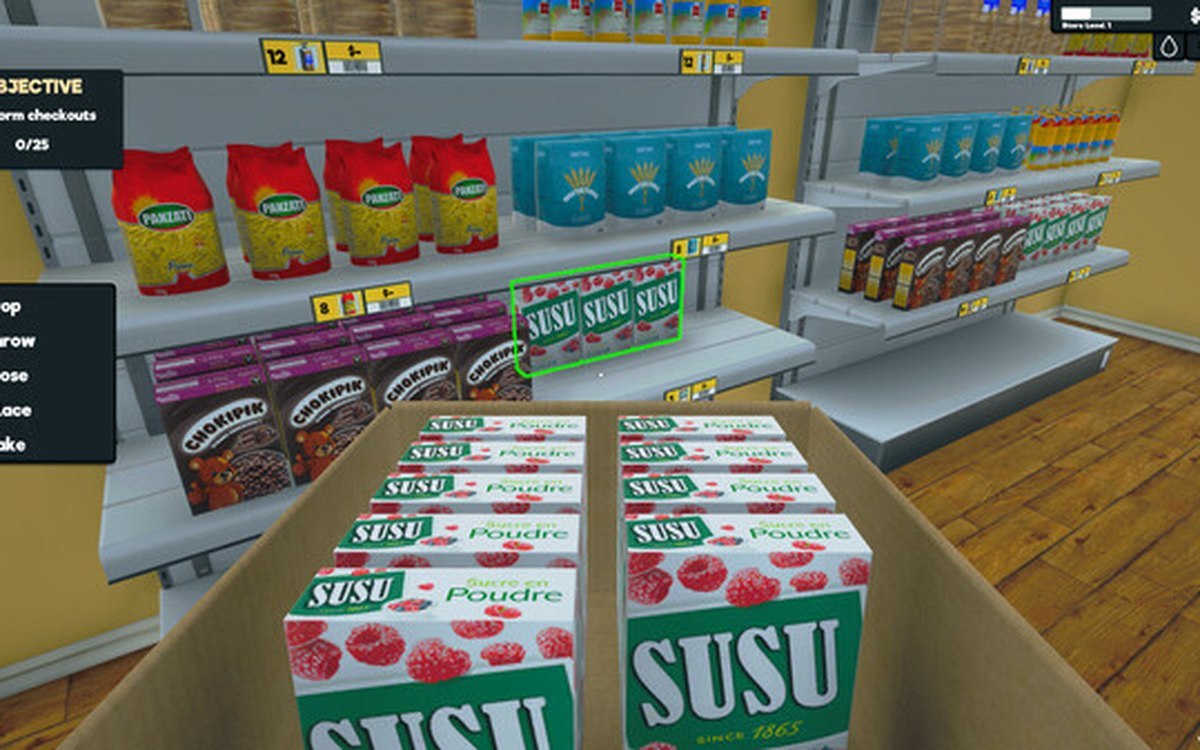
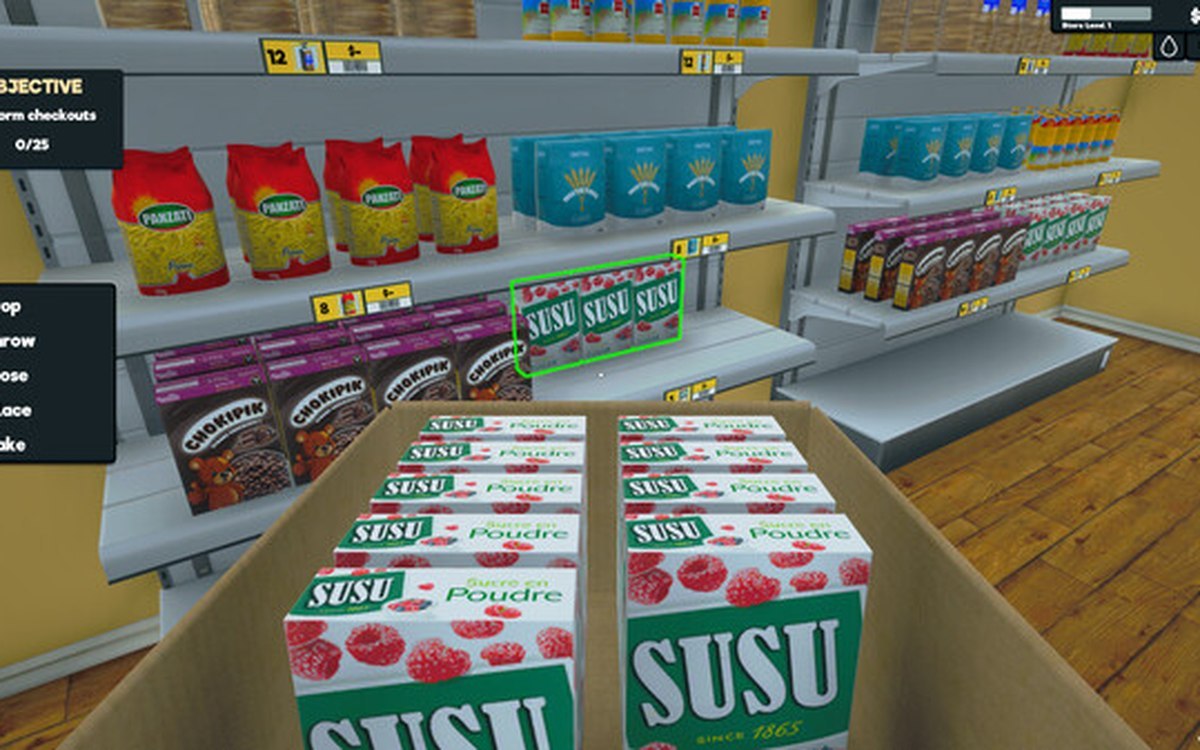
a shelf is a set of rack slots with their own records and indices, so the gaps are counted slot by slot rather than as one empty shelf - Treat a box that is already sitting on the shelf as stock in place, not as spare stock in the back.
a box on a shelf is tracked against a slot, which is why it counts toward what the shelf already holds - Read the order notebook before you add another line to it.
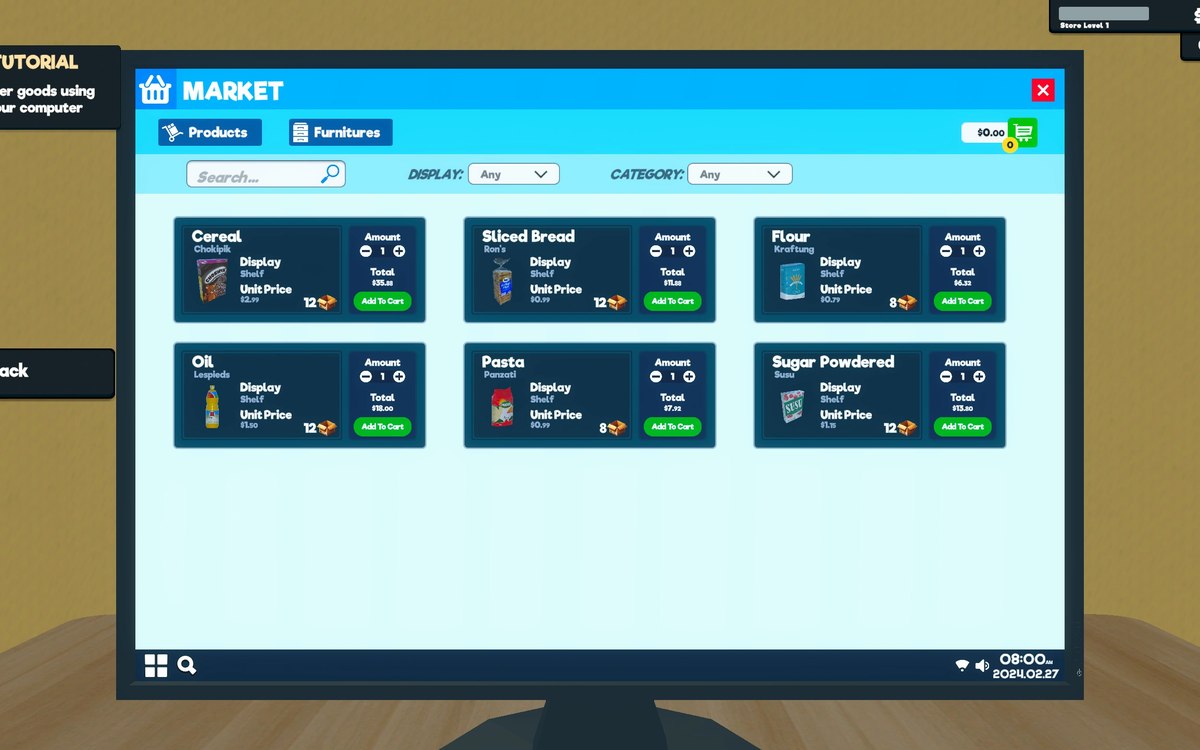
orders are kept in a notebook held in its own container, with order data of its own, so what is already ordered can be checked rather than remembered - Set the quantity with the order screen's own increase and decrease controls instead of retyping a number.
the build names the order-goods action and separate increase and decrease buttons for the amount - Compare the cost you are about to pay with the price the shelf displays, not with what you paid last time.
the market keeps a product cost and a displayed price as separate values, so the two can move apart between deliveries - Check the margin on the pricing screen against the cost of this reorder before the delivery is confirmed.
the pricing screen has its own price manager and computes the margins it needs through a delegate of its own - Take a bulk or wholesale saving only when the shelf and the back room can take the extra amount.
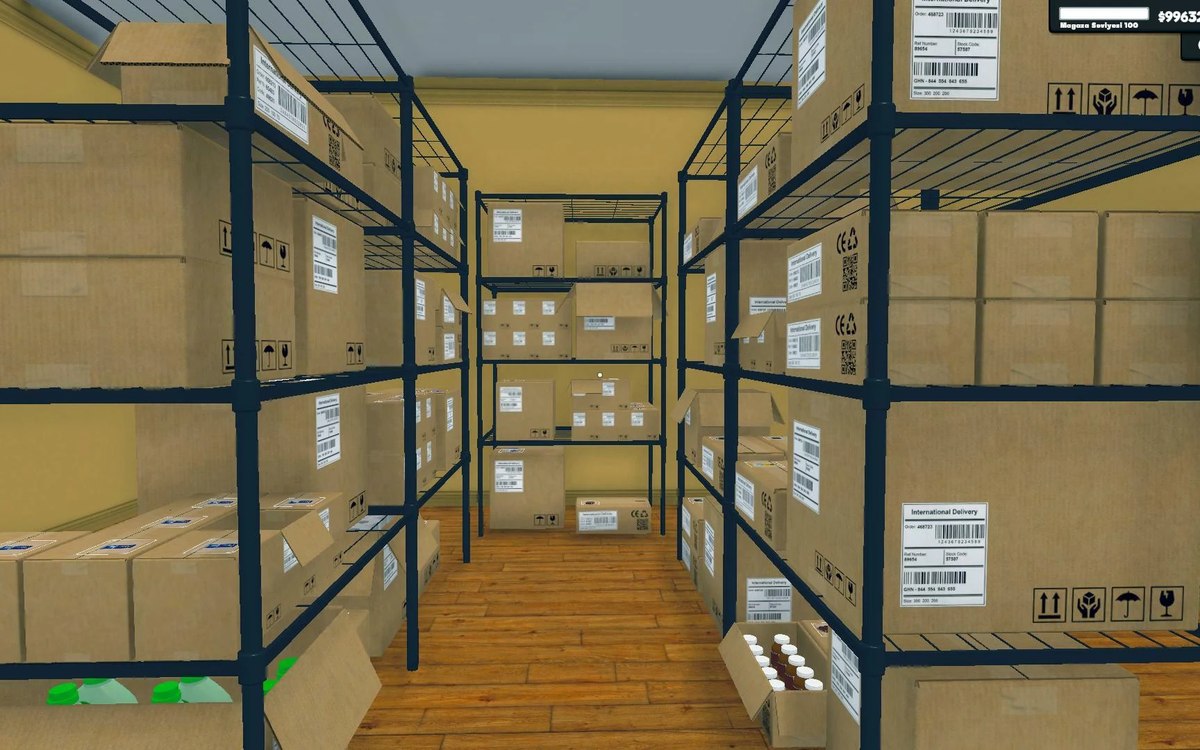
bulk buying carries a discount ratio of its own, and a wholesale offer has a kind, a time limit and an acceptance step, so a cheaper unit is still a larger purchase - Keep the back room able to take a delivery by merging part-used boxes and sorting stock into its sections.
boxes can be merged, and storage is built from sections with cells that can be sorted - Put the delivery where the next refill happens rather than on the first free piece of floor.
the game has placement areas for boxes, including one for sorted boxes and one for stacked boxes - Reorder on a walk-order-put-away rhythm, before the slot is empty rather than after the shelf has run dry.
the game runs a restock loop over products and treats an empty slot as the trigger for a refill, so the last moment to act is earlier than the empty shelf - Before adding a product that is new to the shop, check that the shop has reached the level it asks for.
a product can carry a required shop level before it can be ordered
Common mistakes
- Adding a delivery to a shelf that has no slot left for it.
- Counting an order that has not arrived as if it were already on the shelf.
- Reordering from the old cost after the market has moved.
- Buying a bulk lot because the unit is cheap and then storing it on the floor.
- Ordering at the first empty slot, when the shelf has been emptying for hours.
Related entries
 ProductsProducts and what arrives in a deliveryEvery product is identified by its own product id.
 Shelves and stockRestocking shelvesThe game runs an automated restock loop for shelves.
 ProductsThe local market and product costsThe game keeps a local market with its own product database.
 ProductsThe pricing screen and how a price is chosenPrices are set on a canvas of their own, opened by its own interaction, on the pricing side of the game.
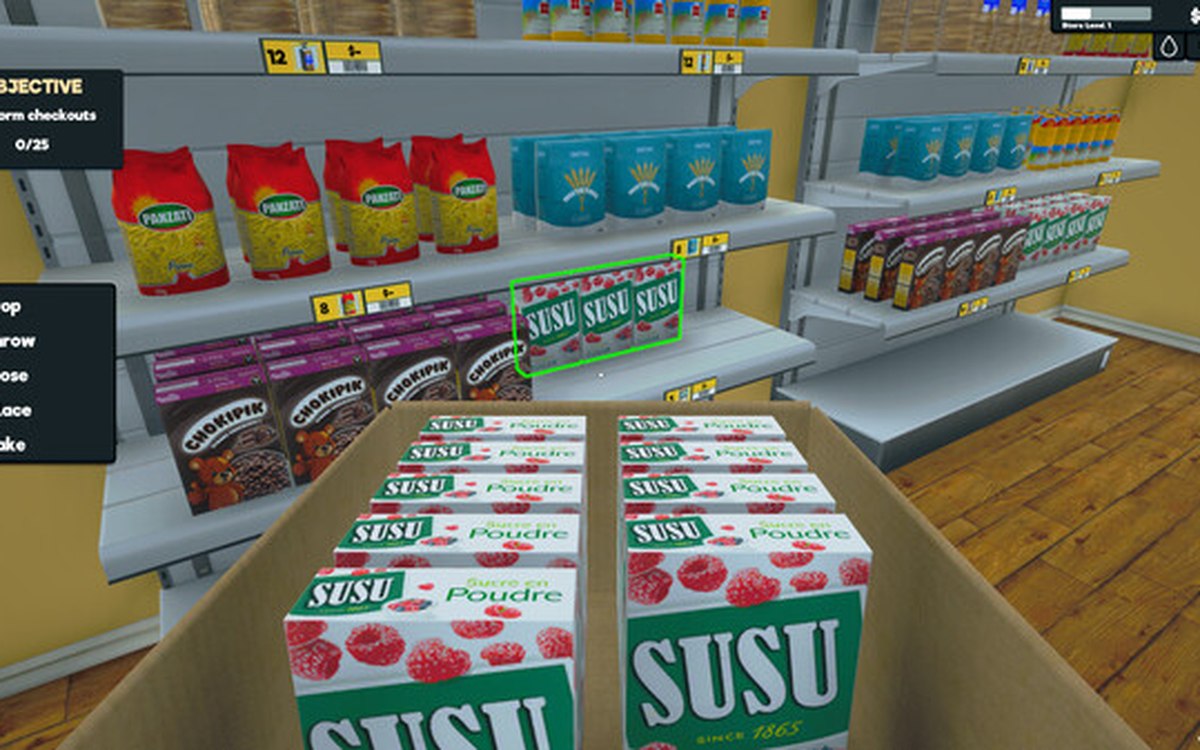
 Shelves and stockShelf slots and display spaceA shelf is made of rack slots with records of their own.
 ProductsWholesale offers and discountsWholesale offers run through a manager and settings of their own.
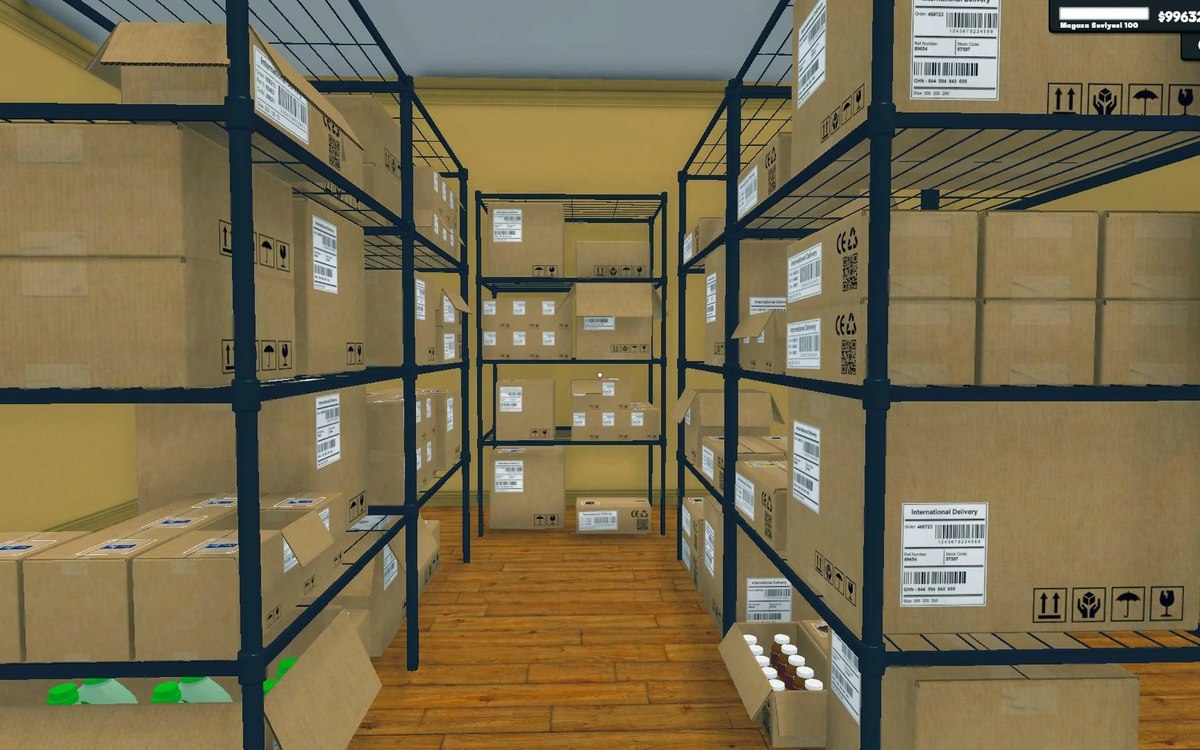
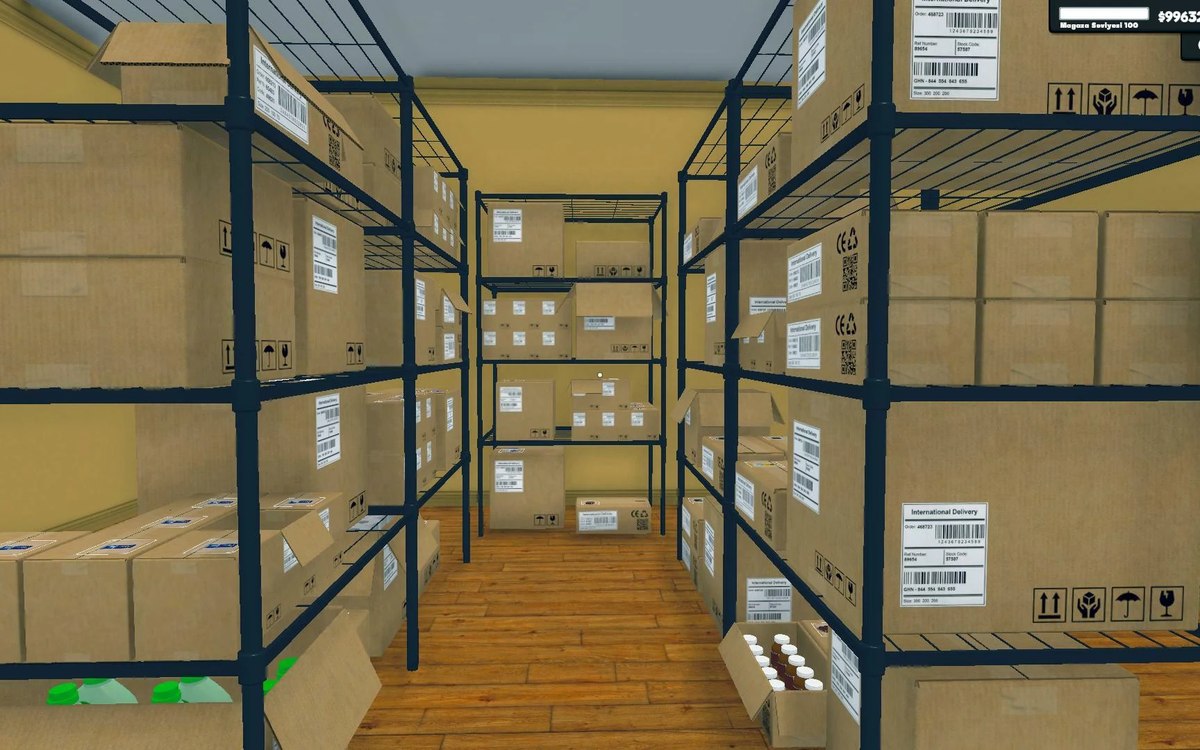 Basics and answersThe boxes in the back roomBoxes are sortable objects kept by a manager of their own.
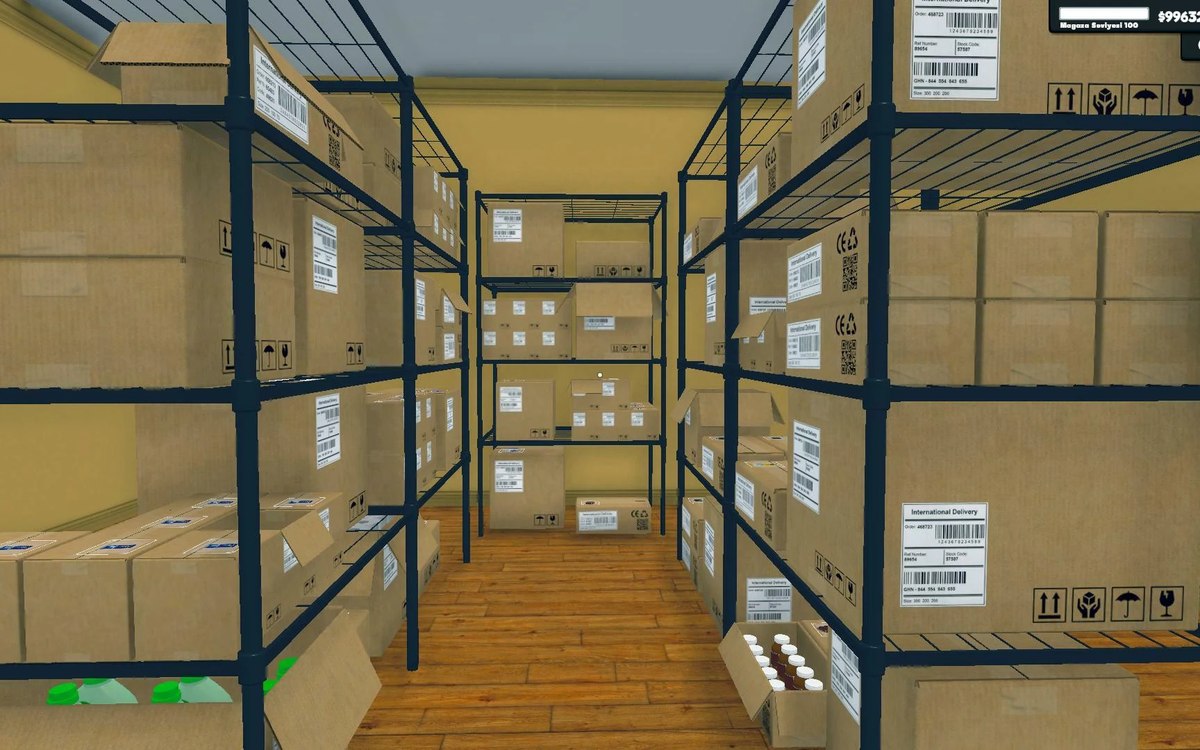 Shelves and stockStorage sections and sortingStorage is built from sections rather than one flat list.
Related guides
- A restocking routine that keeps shelves selling
How to keep shelves from running dry during a trading day, using the shelf and stock behaviour the game itself defines. - Buying stock without being taken in
How buying stock works in Supermarket Simulator: the market cost that moves on its own, the price you display, wholesale offers with a kind and a time limit, discounts as a separate system, the bulk ratio, and what a box is worth. - Buying on offer without filling the back room
How to use the wholesale offers and the discounts in Supermarket Simulator deliberately: what an offer actually is, where it is announced, how it differs from a discount, and when buying in bulk is worth the space it takes. - Repricing the shop in one pass
How to reprice what you sell in Supermarket Simulator in one deliberate pass instead of shelf by shelf: the bulk panel, the pricing screen's sorting and quick picks, dynamic goods, offers and discounts.
Sources
A local copy of the game, read only. Grounding for each step is on the technical reference pages; no number is estimated.