
Guide
Buying stock without being taken in
How buying stock works in Supermarket Simulator: the market cost that moves on its own, the price you display, wholesale offers with a kind and a time limit, discounts as a separate system, the bulk ratio, and what a box is worth.
Applies to
1.6.0 (223), read from the copy of the game this site was built from (see the sources page)
Before you start
- A shop that is open with stock to sell
- Something left in the till to spend
- A shelf or back-room space for what you buy
Steps
- Watch what the market charges rather than what you are displaying.
the market keeps a product cost of its own and your displayed price is tracked separately, so the two can move apart without you touching anything - Treat the market's list as the game's, not as yours.
the market has its own product database and its own store controller, so what is available is decided by the game rather than by what you have stocked before - Make a market trip a trip of its own.
the market system carries a shopping cart of its own, so buying there is a separate activity from ordering to the door - Check whether wholesale is switched on before you plan around it.
wholesale runs through its own manager and settings, with a flag for whether it is active and one for whether wholesale orders are allowed - Read an offer before you accept it, including how long it lasts.
an offer carries a kind and a time limit and has to be accepted, and there is a flag for whether it is a buying offer rather than a selling one - Know where offers appear rather than discovering them late.
an offer is announced through an indicator and a canvas of its own, and online orders have a separate indicator - Do not confuse an offer with a discount.
discounts are a separate system with their own manager and panel and a rate of their own, along with a flag for whether a discount is running - Do not assume buying in bulk always saves money.
bulk buying carries a discount ratio of its own rather than being free of cost - Judge a box by its own price, not by the goods inside it alone.
boxes carry a market price of their own, so what a box is worth is tracked separately from what is on your shelf - In a shared shop, expect one set of offers for everyone.
the wholesale manager and its offer canvas have networked forms, so a deal is a deal for the whole crew rather than per player
Common mistakes
- Reading your displayed price as the cost you are paying.
- Accepting an offer without checking how long it stays open.
- Treating a running discount and a wholesale offer as the same thing.
- Assuming that buying more always means paying less per unit.
Related entries
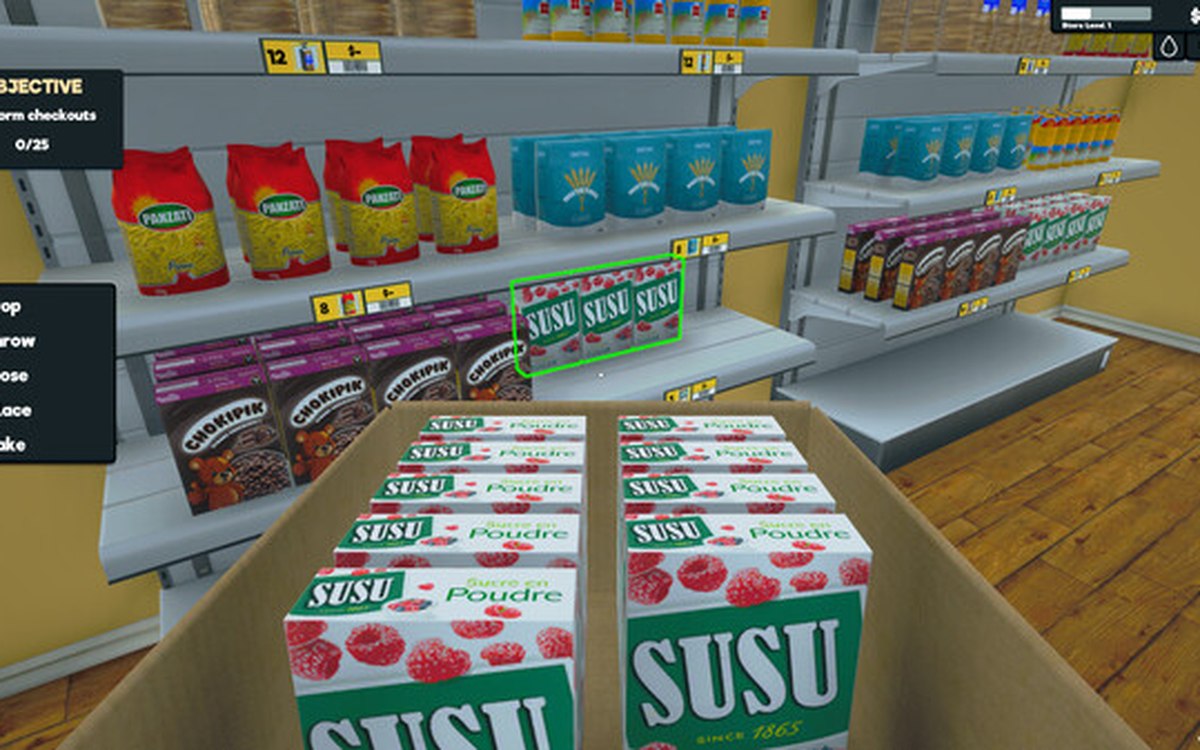 ProductsWholesale offers and discountsWholesale offers run through a manager and settings of their own.
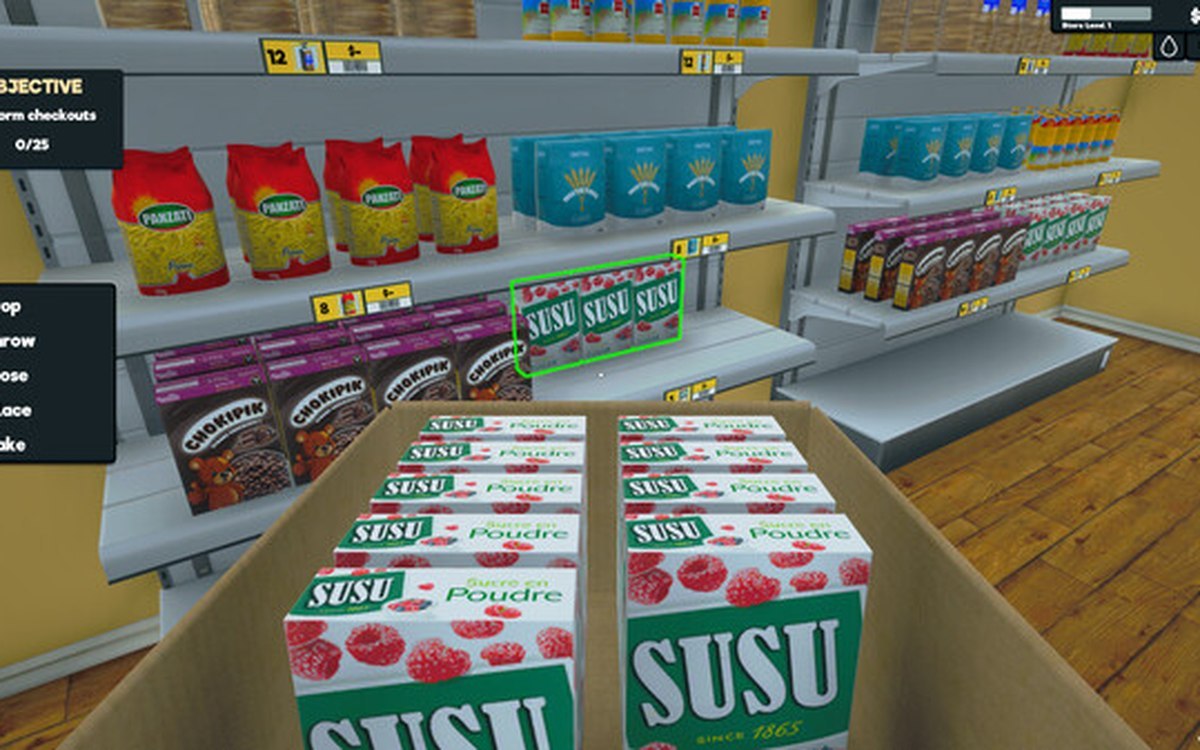 ProductsThe local market and product costsThe game keeps a local market with its own product database.
Related guides
- Reordering by what is on the shelf, not by habit
How to decide what to reorder in Supermarket Simulator and how much: shelf and incoming counts, slot space, the order notebook, unit cost against the display price, and the back room a bulk deal needs. - Pricing a new product before the first sale
How to set a new product's first price in Supermarket Simulator before it sells: market cost, pricing screen margin, quick picks, dynamic goods and offers.
Sources
A local copy of the game, read only. Grounding for each step is on the technical reference pages; no number is estimated.