
Guide
Pricing a new product before the first sale
How to set a new product's first price in Supermarket Simulator before it sells: market cost, pricing screen margin, quick picks, dynamic goods and offers.
Applies to
1.6.0 (223), read from the copy of the game this site was built from (see the sources page)
Before you start
- A product you can order at your shop's current level
- The product's market cost visible while you order
- Access to the pricing screen
- A shelf slot or display slot that can take the first delivery
- Enough cash for the first order
Steps
- Start from the buying list and confirm the product is there before you plan a price around it.
what can be bought is kept as sales items with a kind of sale of its own, so the list is the catalogue the shop is working from - Check the shop level the product asks for, because a price is no use on a product you cannot order yet.
a product can carry a required store level before it can be ordered - Read the market's cost for that product on the day you order, rather than the price you remember paying.
the market keeps a product cost and a displayed price as separate values, so the two can move apart - Set the first price on the pricing screen, not by copying the cost onto a shelf tag.
prices are set on a canvas of their own through a price manager and evaluated by a manager of their own - Use the margin the screen computes as the test of the number you typed.
the screen computes the margins it needs through a delegate of its own - Treat a quick pick as a shortcut to a price you have already decided, not as the decision itself.
a price can be picked quickly through quick-pick buttons, a group, a mode and their own data - Check whether the product prices itself before you fix a margin on it.
there is a kind of product whose price is dynamic rather than fixed - Keep a wholesale offer and a discount out of the shelf price, and count each where it belongs.
offers run through their own manager, carry a kind and a time limit and are accepted rather than applied automatically, while discounts have their own manager and rate - Before the first box is shelved, check the slot that will hold it rather than only the shelf's total space.
a shelf is made of rack slots and display slots with their own records, and a display slot can carry a condition on what may be placed in it - Let the first day's own record tell you whether the price worked before you change it again.
the game keeps a daily record with a manager and a screen of its own, and a price change is evaluated and raises a notification
Common mistakes
- Pricing the new product from the cost of the last one instead of its own market cost.
- Copying the market cost onto the shelf and leaving no margin.
- Using a quick pick without checking the margin it leaves.
- Treating a wholesale offer or a discount as if it were the shelf price.
- Shelving the first delivery before checking that a slot can take it.
- Reading the till total instead of the day's own record when judging the first price.
Related entries
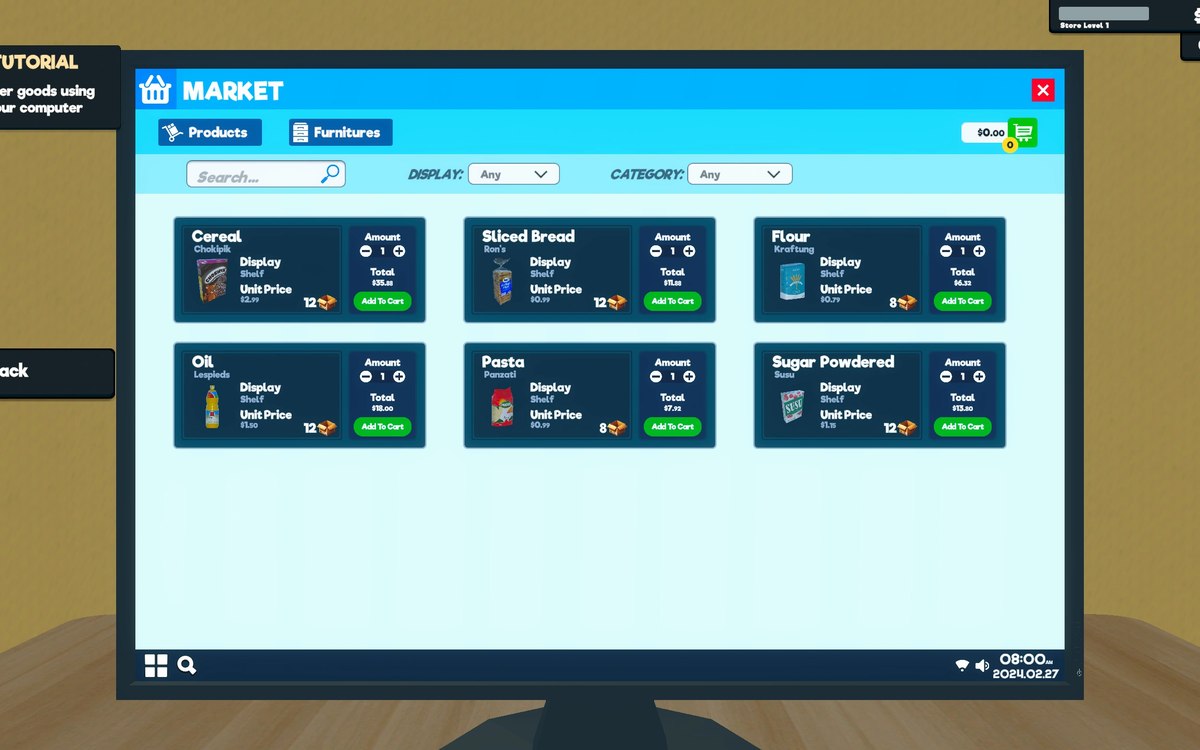 InterfaceThe list you buy fromWhat can be bought is kept as sales items with a kind of sale of its own.
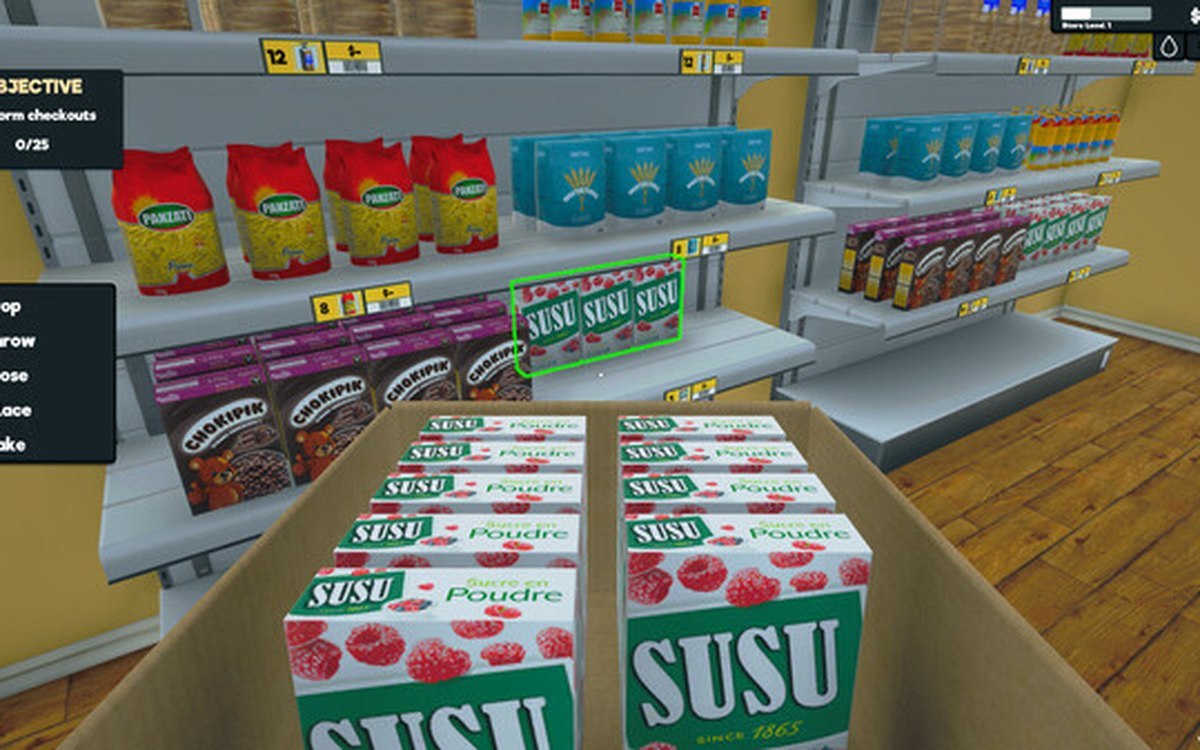 ProductsProducts and what arrives in a deliveryEvery product is identified by its own product id.
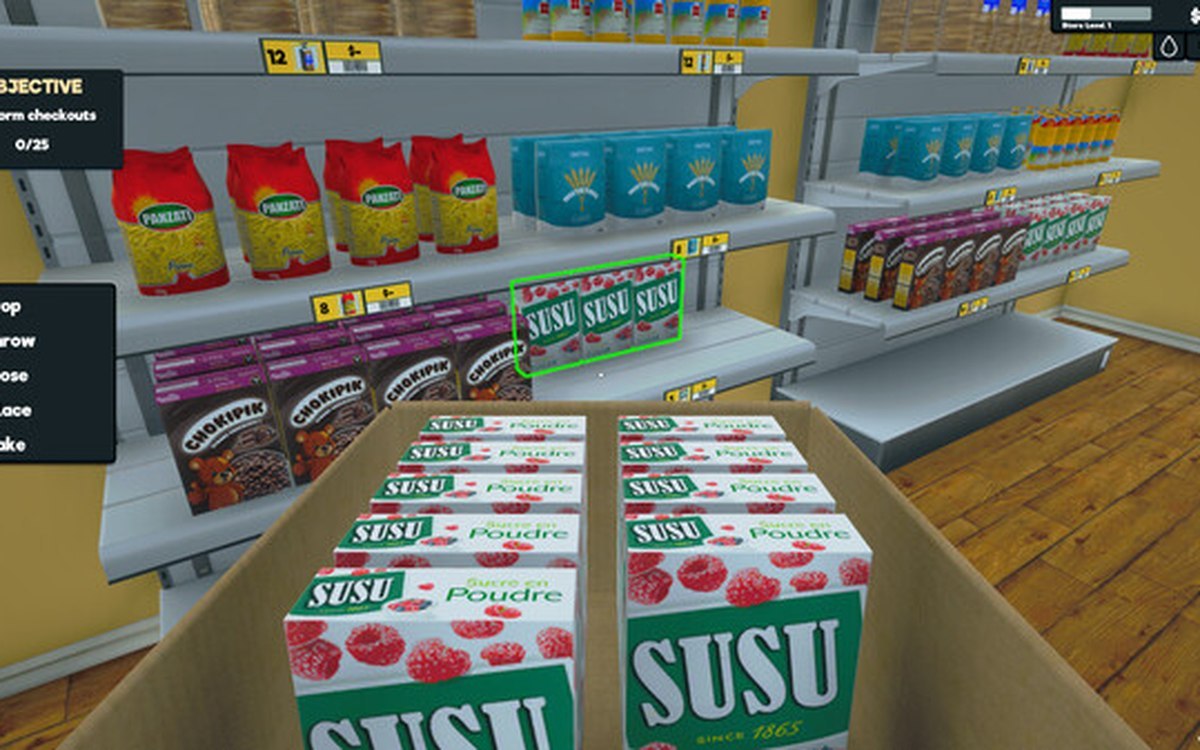 ProductsThe local market and product costsThe game keeps a local market with its own product database.
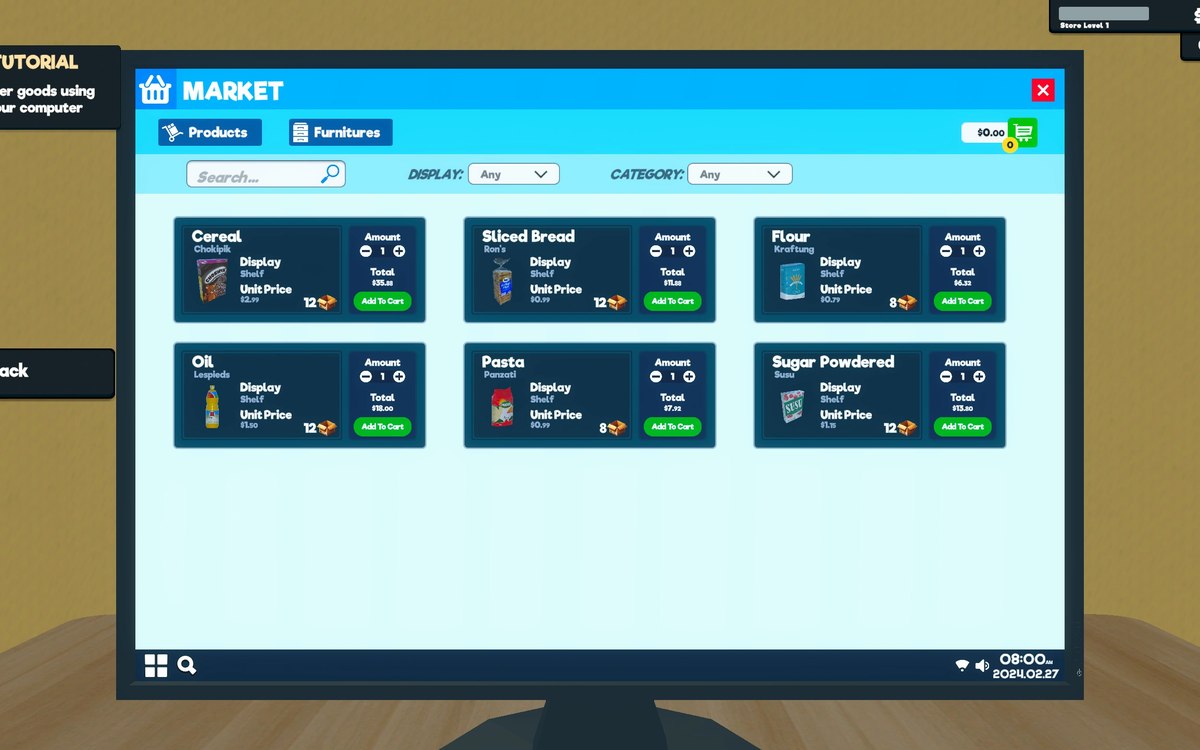 ProductsThe pricing screen and how a price is chosenPrices are set on a canvas of their own, opened by its own interaction, on the pricing side of the game.
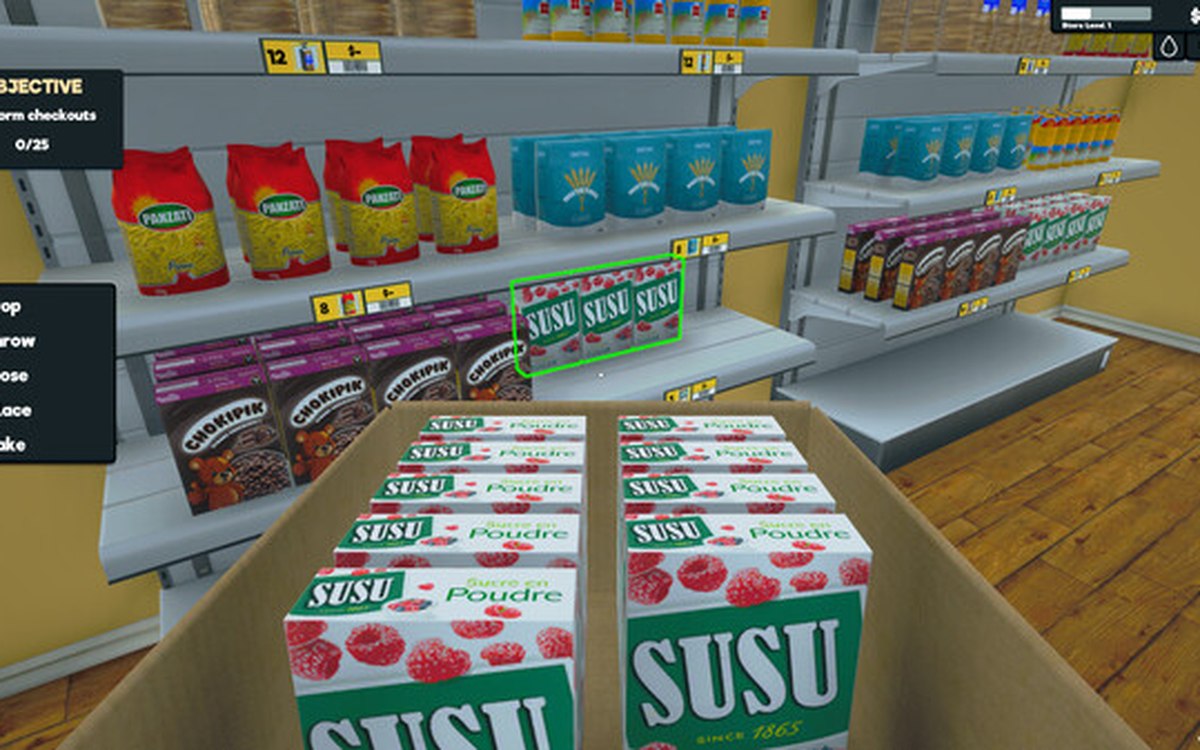 ProductsWholesale offers and discountsWholesale offers run through a manager and settings of their own.
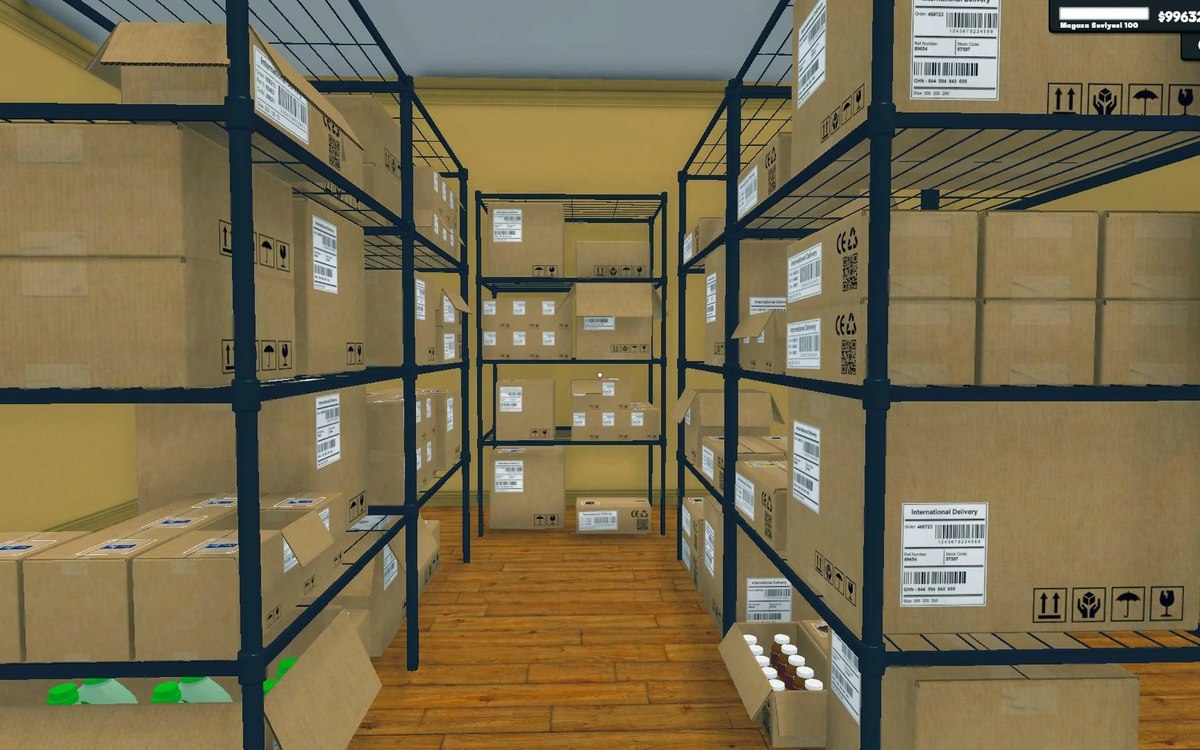 Shelves and stockShelf slots and display spaceA shelf is made of rack slots with records of their own.
 Shelves and stockRestocking shelvesThe game runs an automated restock loop for shelves.
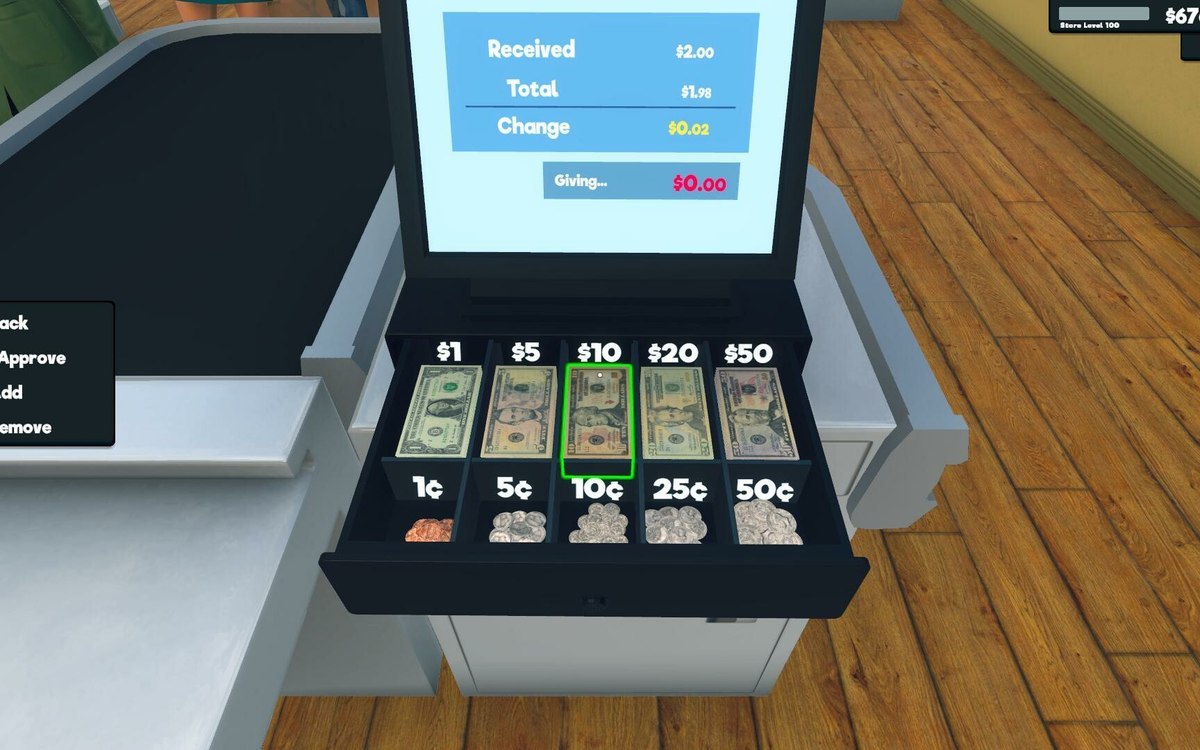 Money, bills and loansThe day's results and the screen that shows themThe game keeps a daily record of its own.
Related guides
- Buying stock without being taken in
How buying stock works in Supermarket Simulator: the market cost that moves on its own, the price you display, wholesale offers with a kind and a time limit, discounts as a separate system, the bulk ratio, and what a box is worth. - Reordering by what is on the shelf, not by habit
How to decide what to reorder in Supermarket Simulator and how much: shelf and incoming counts, slot space, the order notebook, unit cost against the display price, and the back room a bulk deal needs. - Repricing the shop in one pass
How to reprice what you sell in Supermarket Simulator in one deliberate pass instead of shelf by shelf: the bulk panel, the pricing screen's sorting and quick picks, dynamic goods, offers and discounts. - What a day's profit is actually made of
Where profit in Supermarket Simulator comes from: market cost, the price you display, the margin behind it, discounts, offers, expenses and the day's record. - A restocking routine that keeps shelves selling
How to keep shelves from running dry during a trading day, using the shelf and stock behaviour the game itself defines.
Sources
A local copy of the game, read only. Grounding for each step is on the technical reference pages; no number is estimated.