
Interface · Supermarket Simulator · read from a local copy
The list you buy from
What can be bought is kept as sales items with a kind of sale of its own.
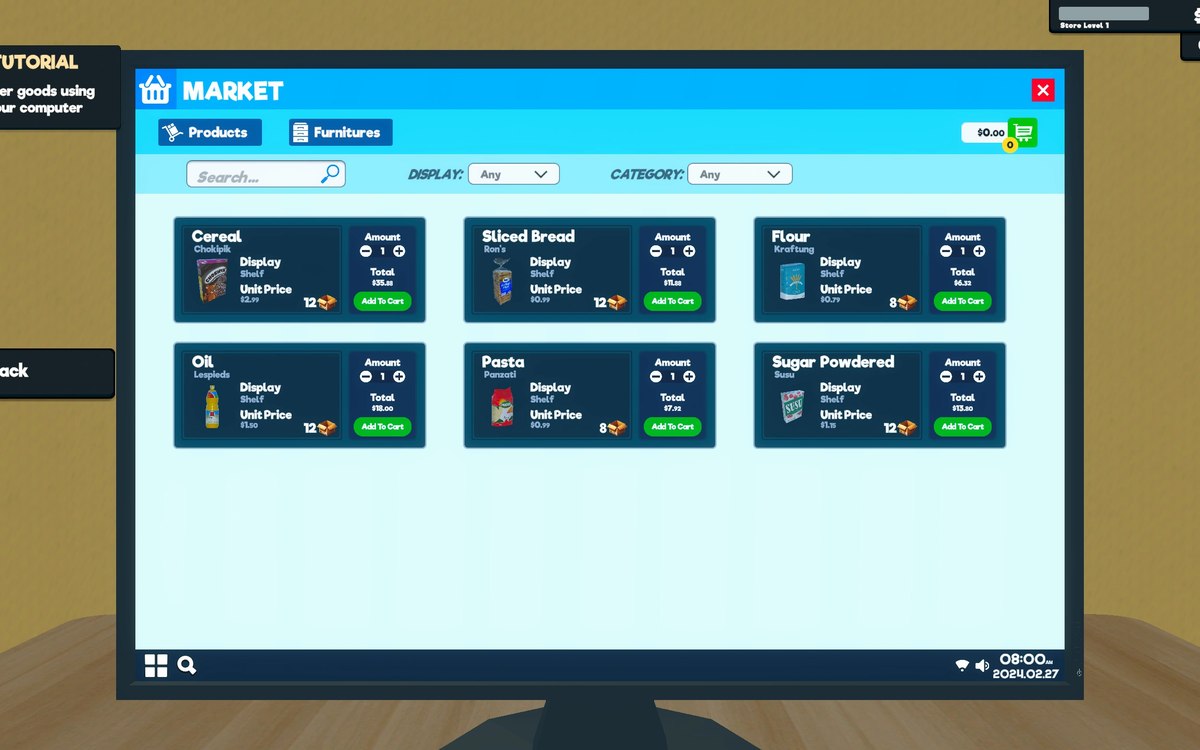
Buying in Supermarket Simulator is done from lists rather than shelves: the game keeps sales items and a sales type, gives every row a UI element of its own, and lets the list be filtered and a product toggled before it goes through a product viewer.
What the game establishes
- What can be bought is kept as sales items with a kind of sale of its own. (checked against the game's own files)
- Every row in the list is a UI element of its own. (checked against the game's own files)
- The list can be filtered, with filter types and filtered items, including one for a toolbox. (checked against the game's own files)
- What the list shows goes through a product viewer. (checked against the game's own files)
- A row can toggle a product rather than only describing it. (checked against the game's own files)
- Furniture rows carry a display colour and a dropdown item of their own. (checked against the game's own files)
In play
What you can buy arrives as a list rather than as a room full of things. The game keeps sales items and a kind of sale of its own, which is how ordering stock, equipment and fittings can share one way of being shown.
Every row is a thing of its own in the interface. There is a UI element for a sales row, so a line in the list can be drawn, selected and changed without the list being rebuilt around it.
The list can be filtered. There are filter types and filtered items, and even a filter type for a toolbox, which is why the same catalogue can be narrowed to what you actually came for.
What the list shows goes through a product viewer, so the catalogue reads its products from a place of its own rather than each row holding a copy.
A row is not only a label. There is an item that toggles a product, which is how the list can turn something on or off rather than only describing it.
Furniture rows carry more than a name: there is a display colour and a dropdown item belonging to them, which is how a fitting can be chosen in a colour from the same list.
The game draws the rows with icons of its own. It ships item icons and separate sets for the things that are not products, which is why a bucket of paint and a floor look like catalogue entries rather than like photographs.
The image beside this entry is the game's own: the icon it uses for an item in that list.
What this entry does not tell you: how many items the list holds, how its sorting works, or what anything costs. We have not verified those numbers, so we do not print them.
Related
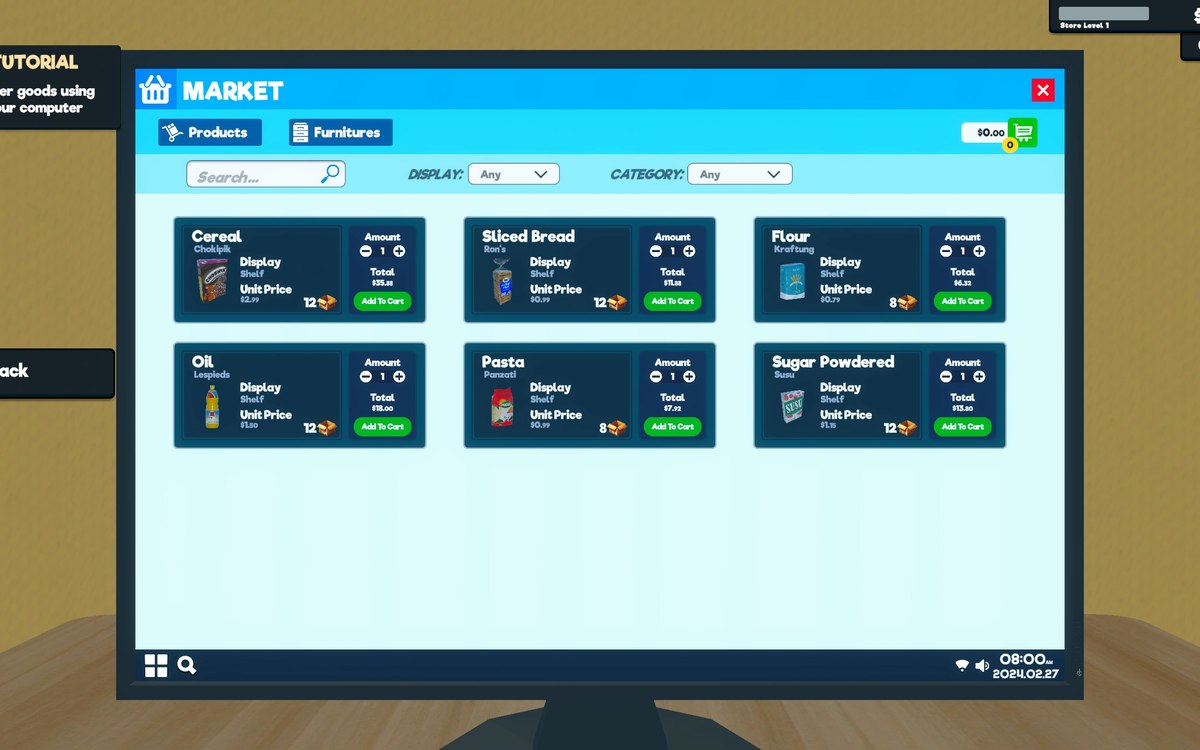 Running the shopThe shop computerThe shop computer is an object of its own with its own desk.
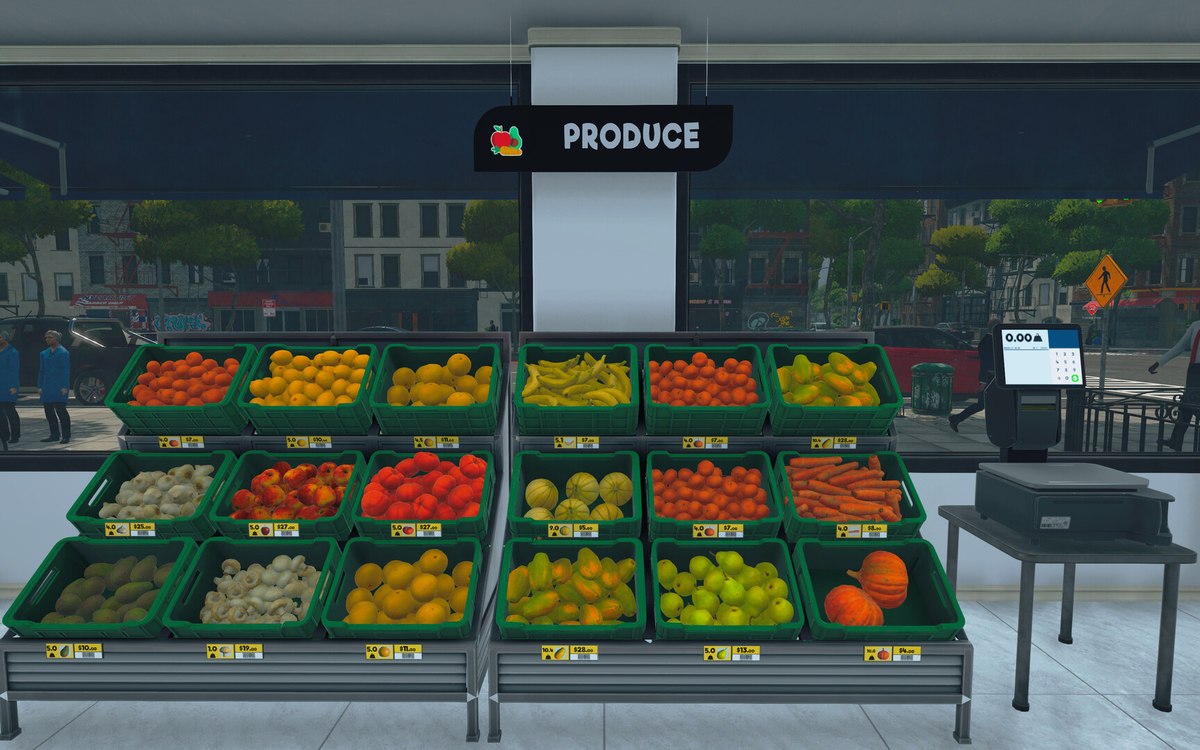 Running the shopThe management tabs on the computerThe computer keeps its functions in separate tabs.
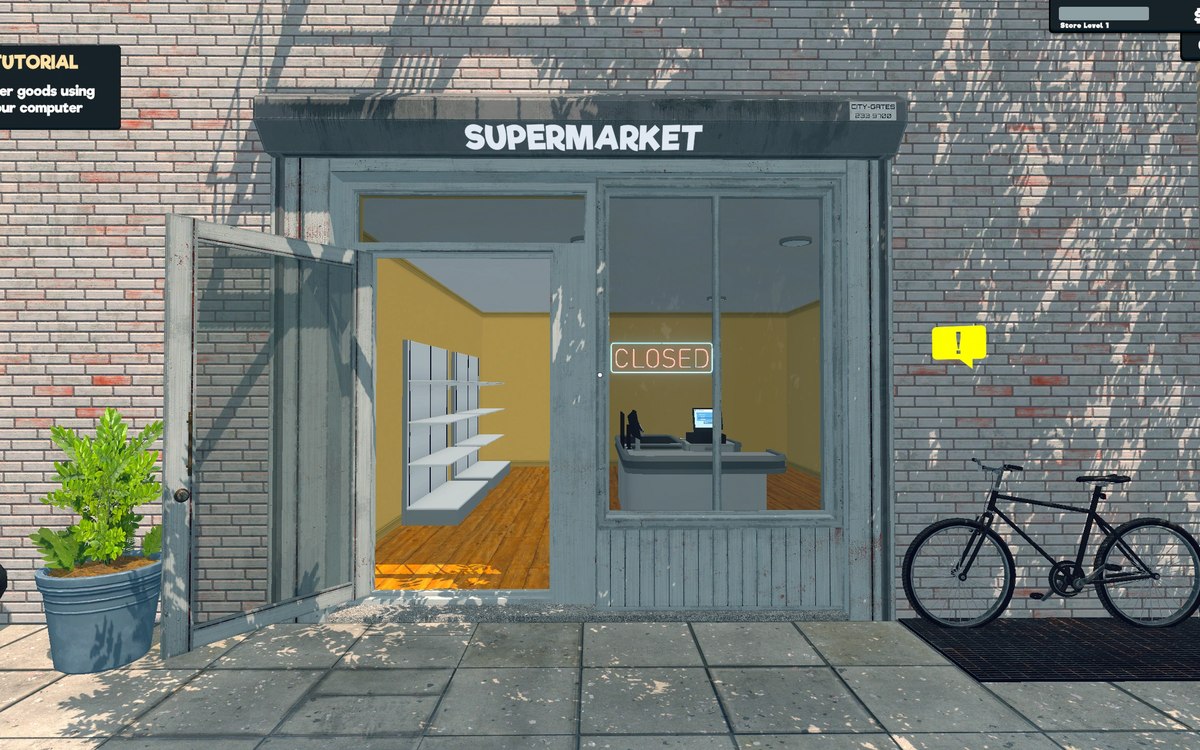 Running the shopFurniture and shop layoutFurniture arrives in a box that has to be handled before the piece can be used.
Version and sources
A local copy of the game, read only. The grounding for each fact is listed on the technical reference pages; nothing here is estimated. Documented build: 1.6.0 (223).