
Running the shop · Supermarket Simulator · read from a local copy
Furniture and shop layout
Furniture arrives in a box that has to be handled before the piece can be used.
Furniture in Supermarket Simulator arrives as a box you have to handle: you buy a piece, take it out of the box in a placing mode, and the game shows you where that piece is allowed to stand.
What the game establishes
- Furniture arrives in a box that has to be handled before the piece can be used. (checked against the game's own files)
- Placing a piece is a separate mode from carrying its box. (checked against the game's own files)
- The game defines snap points and a snap direction that decide where a piece may sit. (checked against the game's own files)
- Furniture is offered and presented through the game's own furniture records. (checked against the game's own files)
- The furniture options come from one layout setting. (checked against the game's own files)
- Furniture can be removed as well as placed: there is an interface for things that can be destroyed and a manager that handles them. (checked against the game's own files)
- The build keeps a placer for furniture and a way to batch the boxes it arrives in. (checked against the game's own files)
- The build names an advertising pillar and a point-of-sale terminal among the fixtures a shop can hold. (checked against the game's own files)
- The build also names a fountain element of its own among the things a shop can hold. (checked against the game's own files)
- Mirrors are held as objects of their own with a collider beside them. (checked against the game's own files)
- A magazine rack is named among the fittings a shop can hold. (checked against the game's own files)
- The build names its shelves by shape and by colour: concave and convex shelves in dune, gulf stream, jungle mist, lunar green, pale orange, pine glade, rock blue, sandrift, ship gray, sprout, terracotta and viola. (checked against the game's own files)
In play
Furniture is bought as a box. A piece arrives packed and has to be handled before it can be used, which is why an empty shop ends up with furniture boxes sitting around after a delivery rather than a finished aisle.
Putting it down is its own mode. The game switches you into a placing mode for the box and a placing mode for the piece, so you are never simply dropping furniture wherever you happen to be standing.
The game decides where a piece is allowed to go. Furniture carries snap points and a snap direction, so a unit locks onto a sensible position instead of floating wherever the camera was pointing.
The range on offer is data, not a fixed counter. What you can buy is listed through the game's own furniture records, and a layout setting governs how the shop is arranged, which is why the catalogue can differ from one shop to the next.
Furniture can be taken back out as well. There is an interface for things the game is allowed to remove and a manager that handles those removals, which is why rearranging a shop is a supported job rather than a one-way purchase.
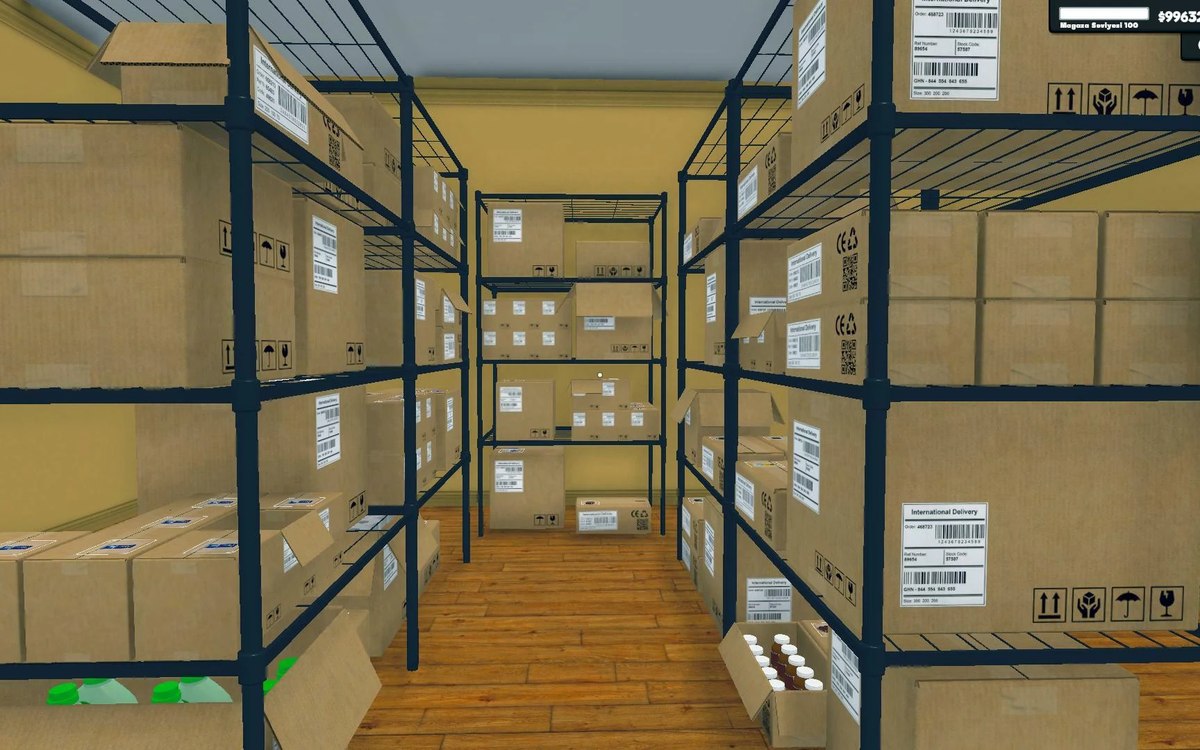
Putting it down is a job of its own. The build keeps a placer for furniture and a way to handle its boxes in a batch, which is why a delivery of fittings can be dealt with as a set rather than one crate at a time.
What this entry does not tell you: prices, how many pieces exist, or which furniture earns the most. We have not verified those numbers, so we do not print them.
Related
 Shelves and stockRestocking shelvesThe game runs an automated restock loop for shelves.
 Layout and decorationSigns, labels and organising the shopCategory signs carry an icon chosen from the game's own set.
Version and sources
A local copy of the game, read only. Identifiers are listed on the technical reference pages; nothing here is estimated. Documented build: 1.6.0 (223).