
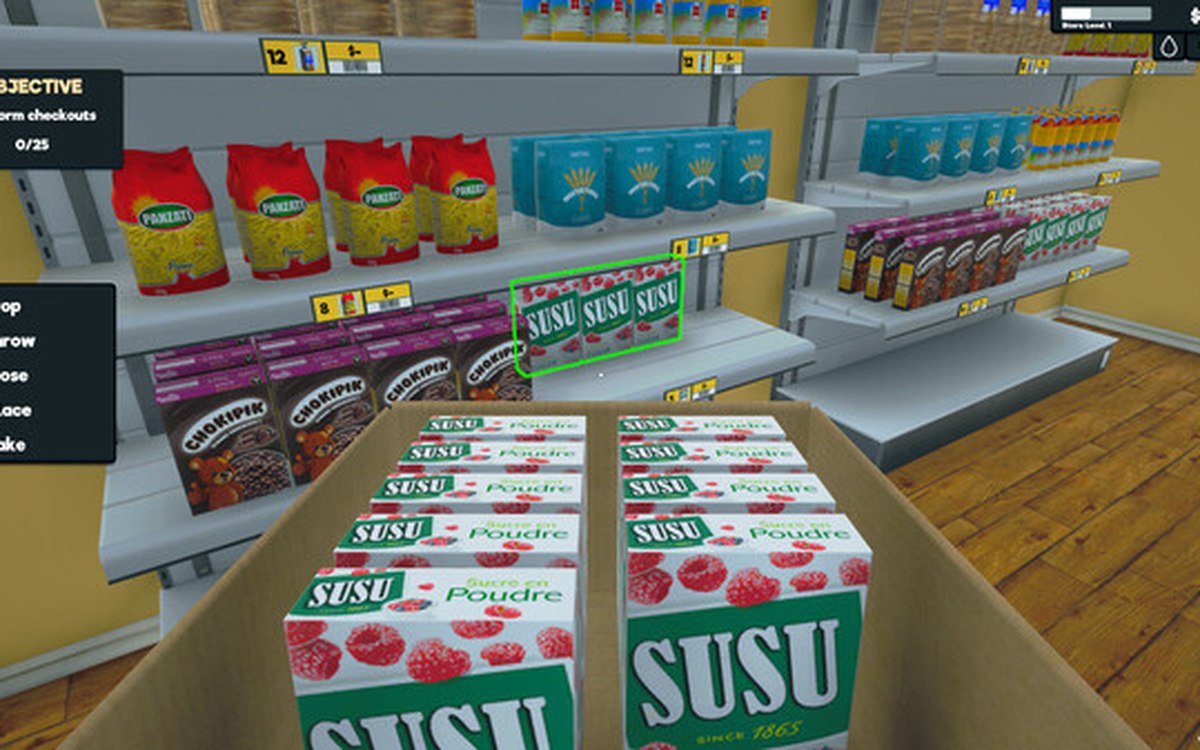
Layout and decoration · Supermarket Simulator · read from a local copy
Signs, labels and organising the shop
Category signs carry an icon chosen from the game's own set.
Finding things in a big shop is a design problem in Supermarket Simulator: the game gives signs their own icon and colour controls and puts labels on racks.
What the game establishes
- Category signs carry an icon chosen from the game's own set. (checked against the game's own files)
- Signs have a colour setting of their own. (checked against the game's own files)
- Racks can carry labels. (checked against the game's own files)
- The shop's entrance sign can be named. (checked against the game's own files)
- The build ships its category sign materials and a closed sign of its own. (checked against the game's own files)
- The sign palette is named in full, and includes London hue, lunar green, pale orange, pine glade, rock blue, sandrift and ship gray. (checked against the game's own files)
- Labels are shipped per place they belong to, with one for an item, one for a rack and one for a stall. (checked against the game's own files)
- The label set also names blank coloured labels, a title ribbon, a left label and a liquor-shop label. (checked against the game's own files)
- A display stand is shipped for flyers, and the build names a flyer of its own with a second variant and an emissive sheet. (checked against the game's own files)
- The signage artwork also includes a graffiti sheet and a cart logo, with a smoothness sheet for the road signs. (checked against the game's own files)
- The game draws a department sign of its own for each part of the shop: book, breakfast, cleaning, dairy, pasta, meat, frozen, decoration, produce, toilet, water and wine. (checked against the game's own files)
- The build also names price stands per department, with a deli, a green market, a liquor, a meat-and-dairy and a janitor's stand among them. (checked against the game's own files)
- The shop's own signage runs to a closed sign, a sign board and a store entrance signboard, with a coloured version of the last. (checked against the game's own files)
- A walk-lane sign is named among the shop's own signs. (checked against the game's own files)
In play
Signs are not decoration: the game lets you choose the icon and the colour a category sign carries, which is why a sign is a piece of information rather than a board.
Labels go on the racks themselves, so the shelf tells the customer what belongs there instead of leaving it to be discovered.
Even the shop's name can be set on an entrance sign, which is why the front of the shop is something you configure rather than accept.
What this entry does not tell you: how much signage changes customer behaviour or which icons exist. We have not verified those numbers, so we do not print them.
Related
 ProductsHow products are displayedProducts carry a display type of their own.
 Layout and decorationHow customers find their way aroundCustomers follow a path laid out by the game.
Version and sources
A local copy of the game, read only. The grounding for each fact is listed on the technical reference pages; nothing here is estimated. Documented build: 1.6.0 (223).