
Products · Supermarket Simulator · read from a local copy
How products are displayed
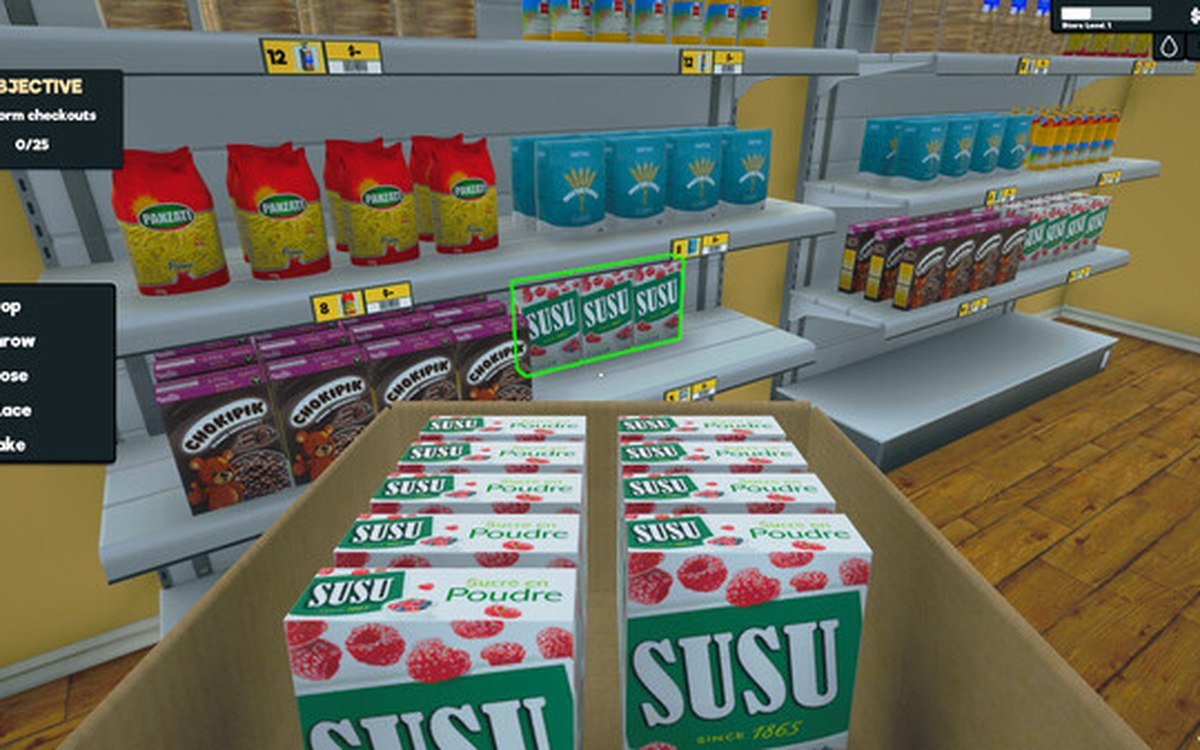
Products carry a display type of their own.
Two shops can sell the same item and look nothing alike: Supermarket Simulator gives products a display type and keeps product data with the crates they arrive in.
What the game establishes
- Products carry a display type of their own. (checked against the game's own files)
- Crates carry product data with them. (checked against the game's own files)
- Each product keeps its own identifier, independent of any shelf. (checked against the game's own files)
- The build ships both a metal and a wooden pegboard display, each with a material of its own. (checked against the game's own files)
- Display pieces for particular counters are shipped as well, a deli one and a single-width bakery one among them. (checked against the game's own files)
- Taking a product off a shelf is animated at three heights, each with a loop of its own. (checked against the game's own files)
In play
A product carries a display type of its own, which is why the game can decide how something is meant to be shown rather than leaving it entirely to you.
Crates carry product data with them, so what is in a box is known to the game before you open it rather than discovered afterwards.
Because a product keeps its own identifier, how it is displayed is a property of that product rather than a setting on one shelf.
What this entry does not tell you: how many display types exist or which one sells best. We have not verified those numbers, so we do not print them.
Related
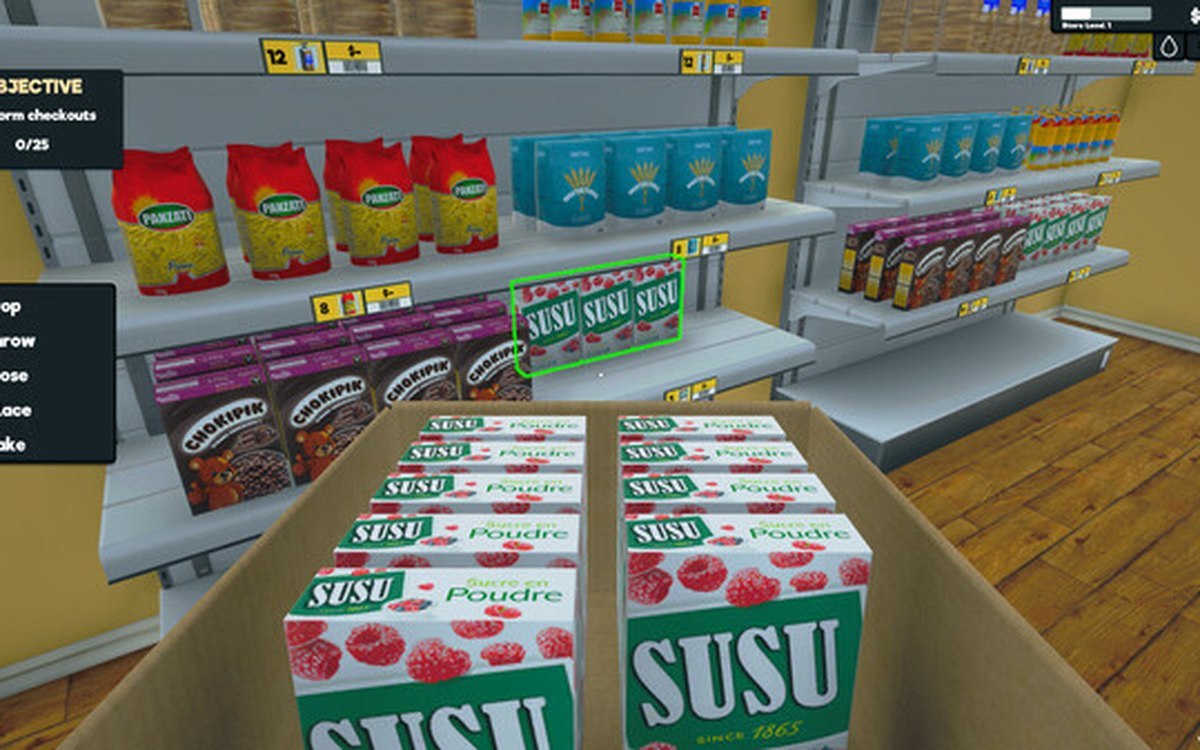 ProductsProducts and what arrives in a deliveryEvery product is identified by its own product id.
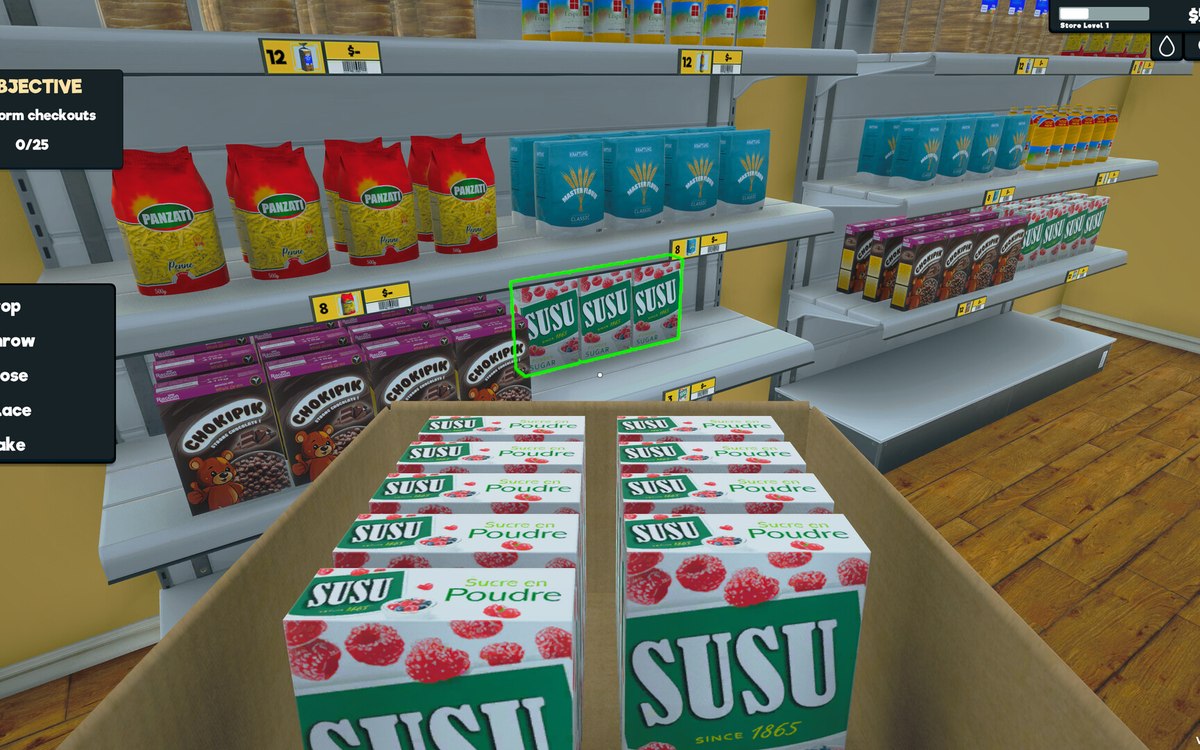 Layout and decorationRestock areas and vehiclesThere is a dedicated restock area for boxes.
Version and sources
A local copy of the game, read only. The grounding for each fact is listed on the technical reference pages; nothing here is estimated. Documented build: 1.6.0 (223).