
Layout and decoration · Supermarket Simulator · read from a local copy
Restock areas and vehicles
There is a dedicated restock area for boxes.
Supermarket Simulator treats bringing stock in as its own job: the game defines restock areas for boxes and a separate area for vehicles, so where you unload decides how much work a delivery is.
What the game establishes
- There is a dedicated restock area for boxes. (checked against the game's own files)
- Vehicles have their own restock area, separate from the box area. (checked against the game's own files)
- The shop entrance is managed and can change. (checked against the game's own files)
- There are helper items that carry jobs of their own. (checked against the game's own files)
- The game ships its own icon for one of the vehicles that carries stock. (checked against the game's own files)
In play
Unloading is placed in the shop rather than happening automatically, and the game keeps a dedicated area for boxes you bring in.
Vehicles get their own restock area, which is why a delivery can be handled on foot or moved with hardware depending on how the shop is laid out.
Because the entrance and its surrounding area can change, the distance between the door and the shelf is something you choose rather than something you inherit.
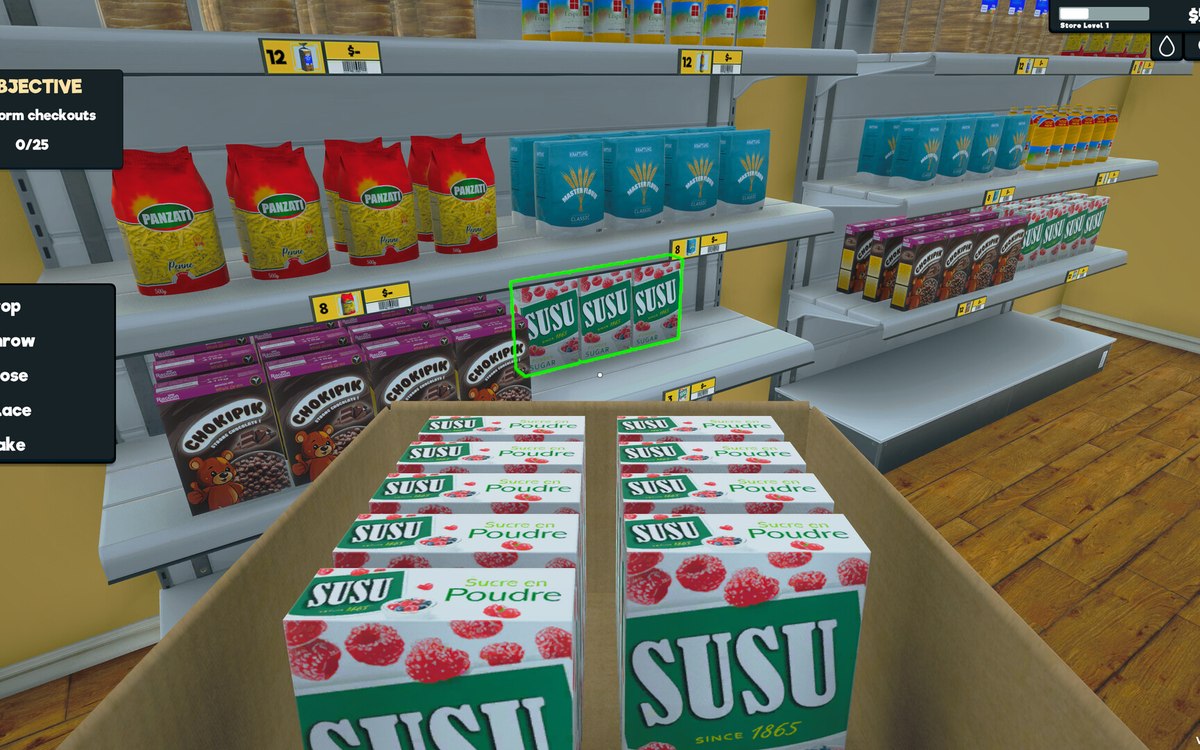
The image beside this entry is the game's own: the icon it ships for one of the vehicles that can carry stock, so what the vehicle area is for is pictured rather than only named.
What this entry does not tell you: how large an area is, how much a vehicle can carry or how many boxes fit. We have not verified those numbers, so we do not print them.
Related
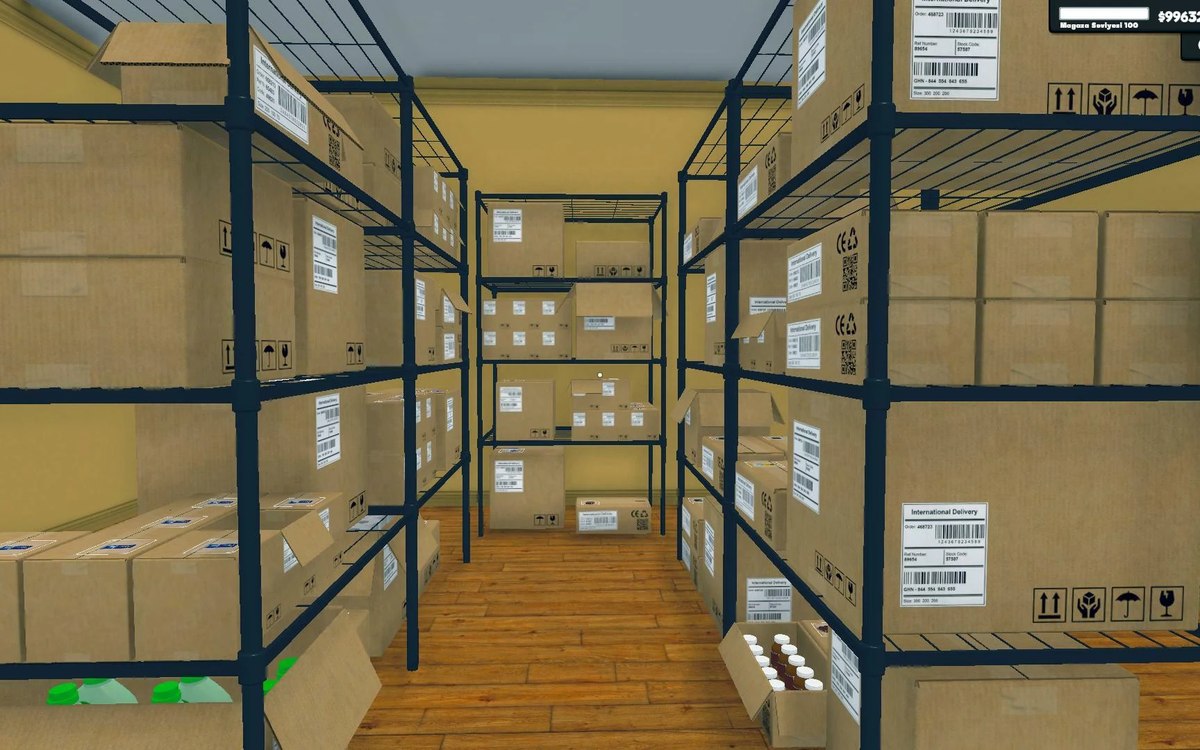 Shelves and stockStorage, crates and the storage tabStorage is laid out in sections with a defined arrangement.
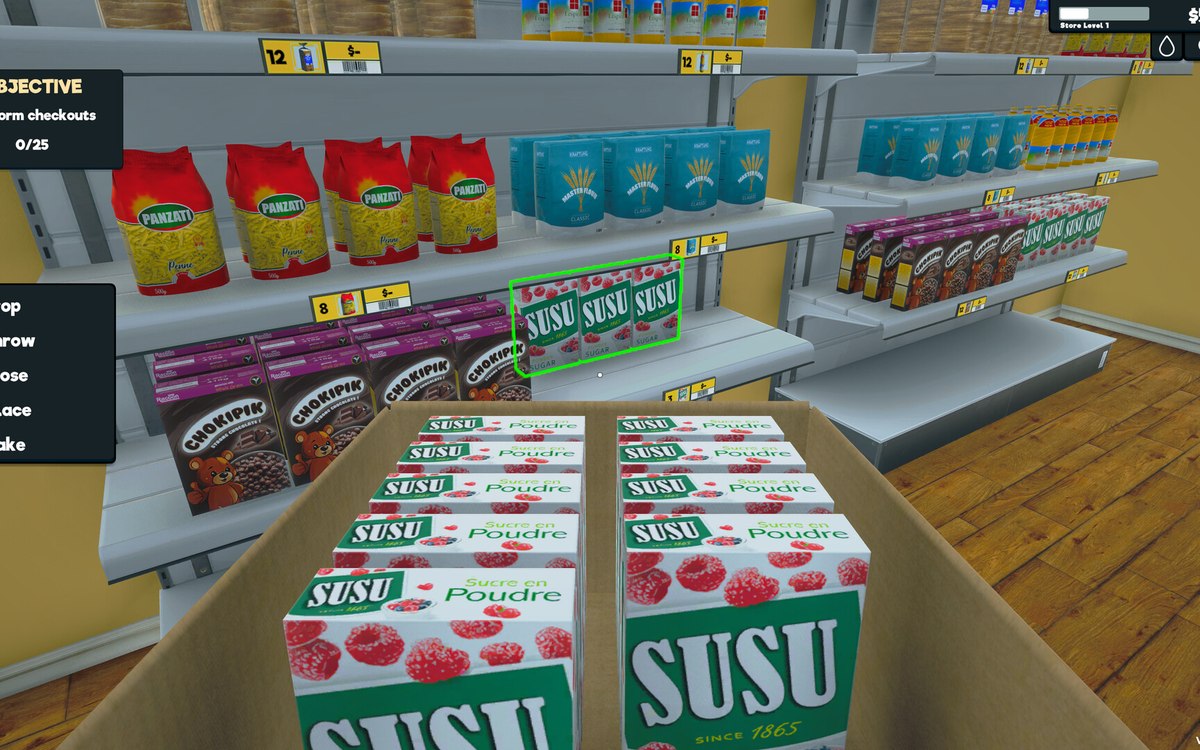 Layout and decorationHow customers find their way aroundCustomers follow a path laid out by the game.
Version and sources
A local copy of the game, read only. The grounding for each fact is listed on the technical reference pages; nothing here is estimated. Documented build: 1.6.0 (223).