Supermarket SimulatorSupermarket Simulatorwiki

Layout and decoration

Floors, walls, paint, signs and the shape of the shop itself.
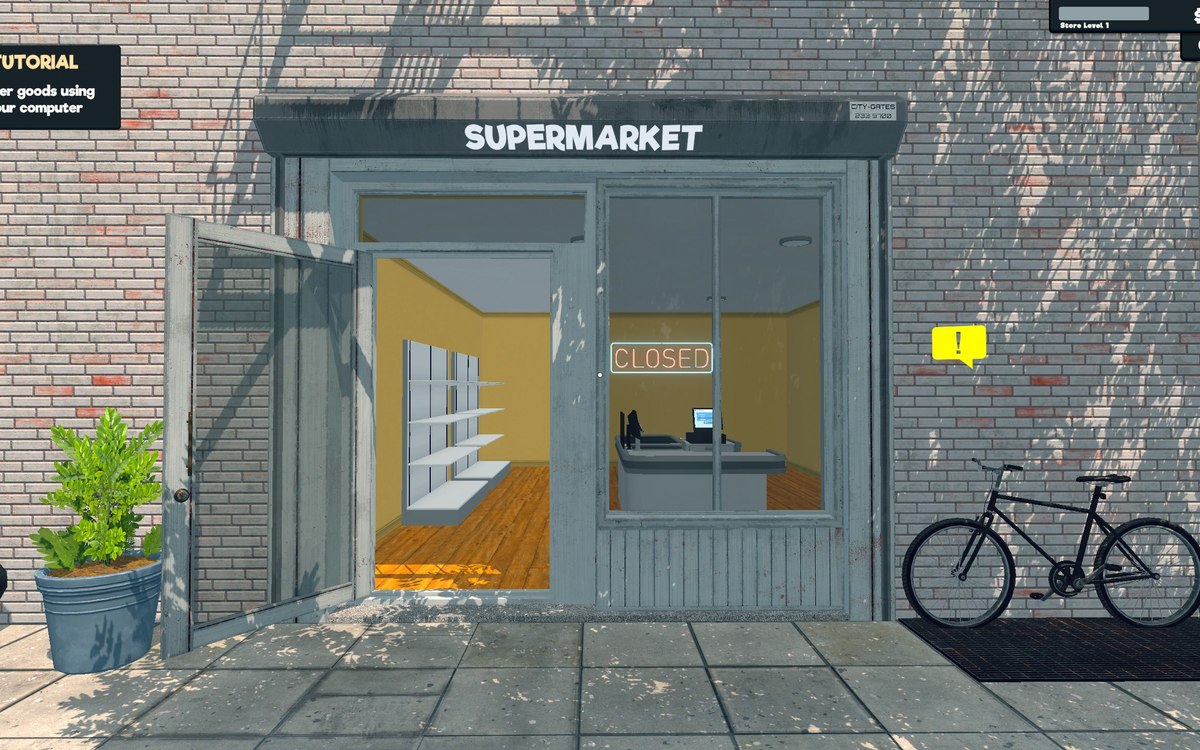
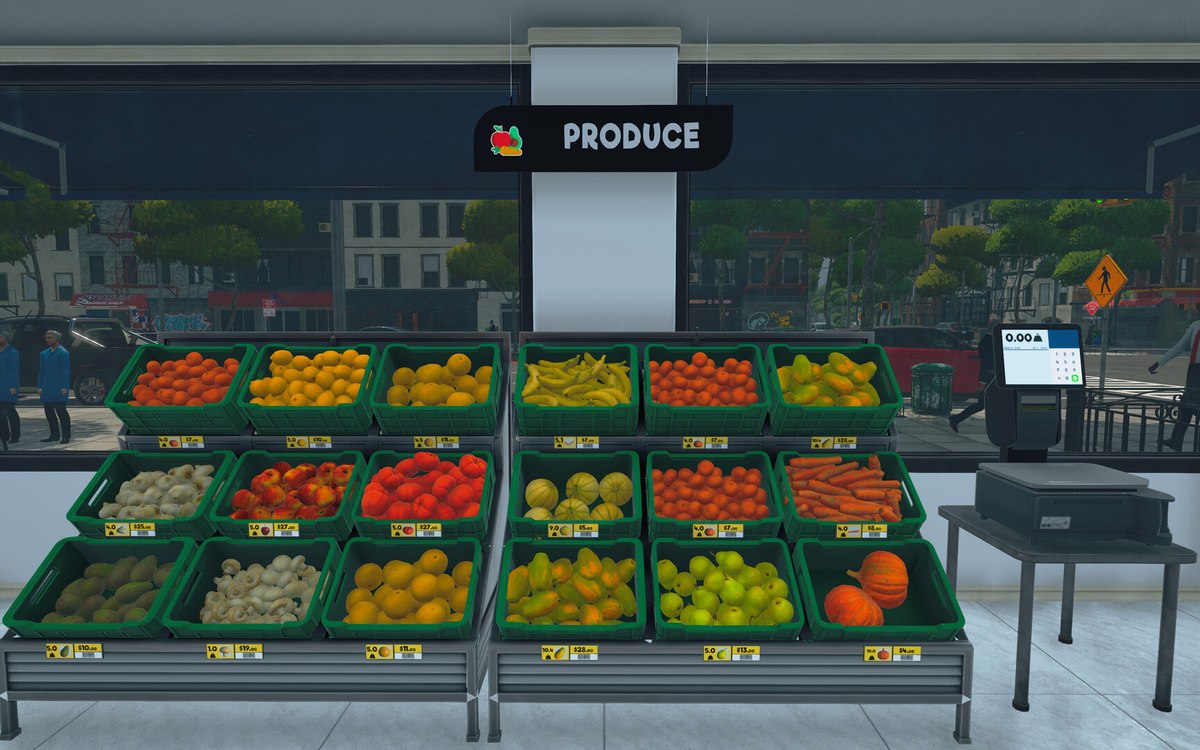
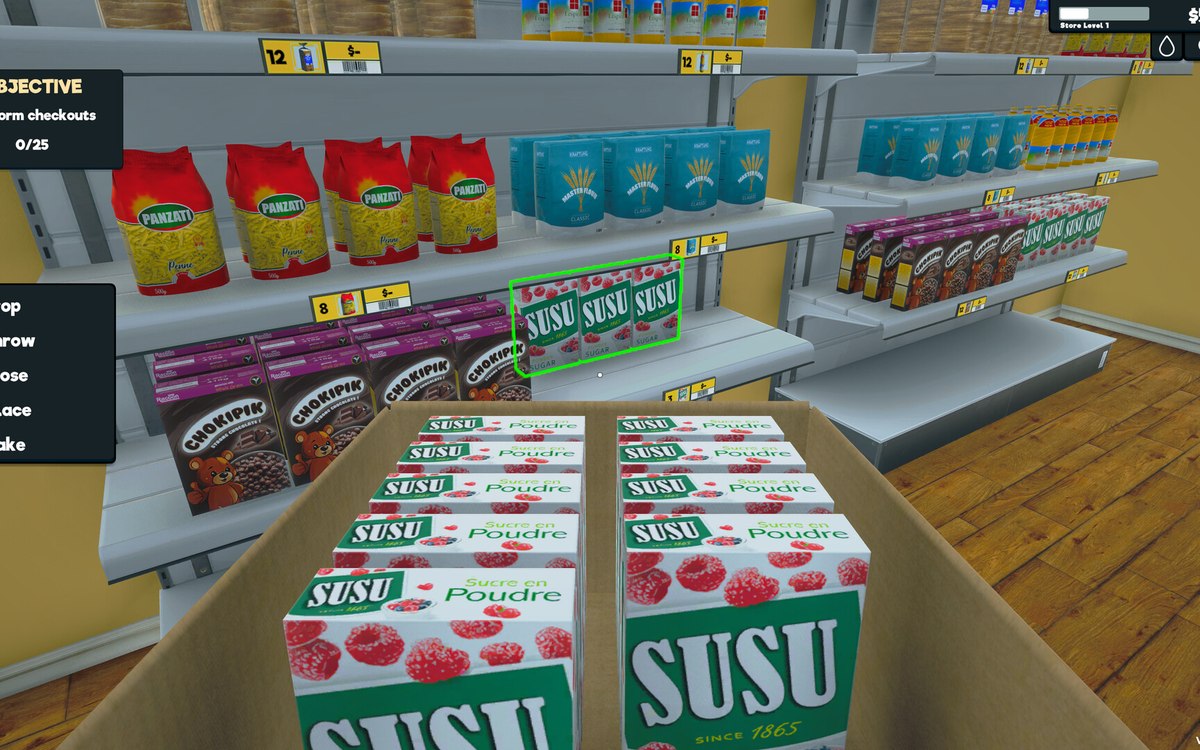
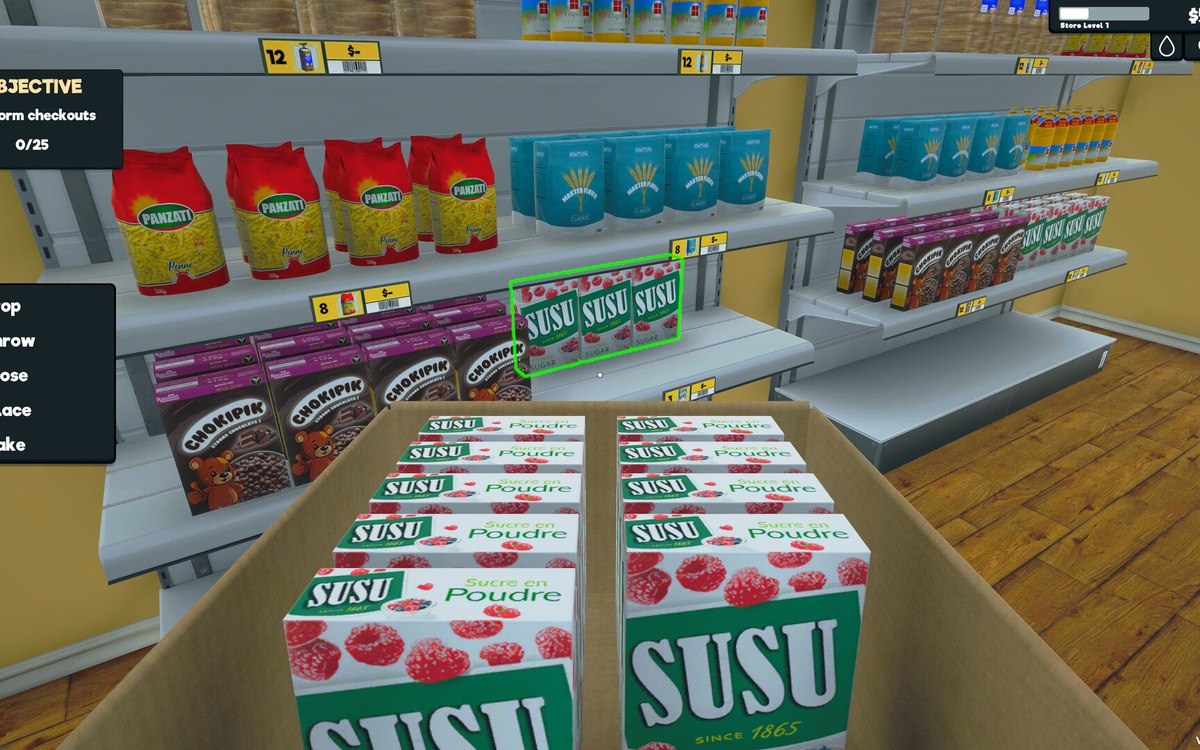
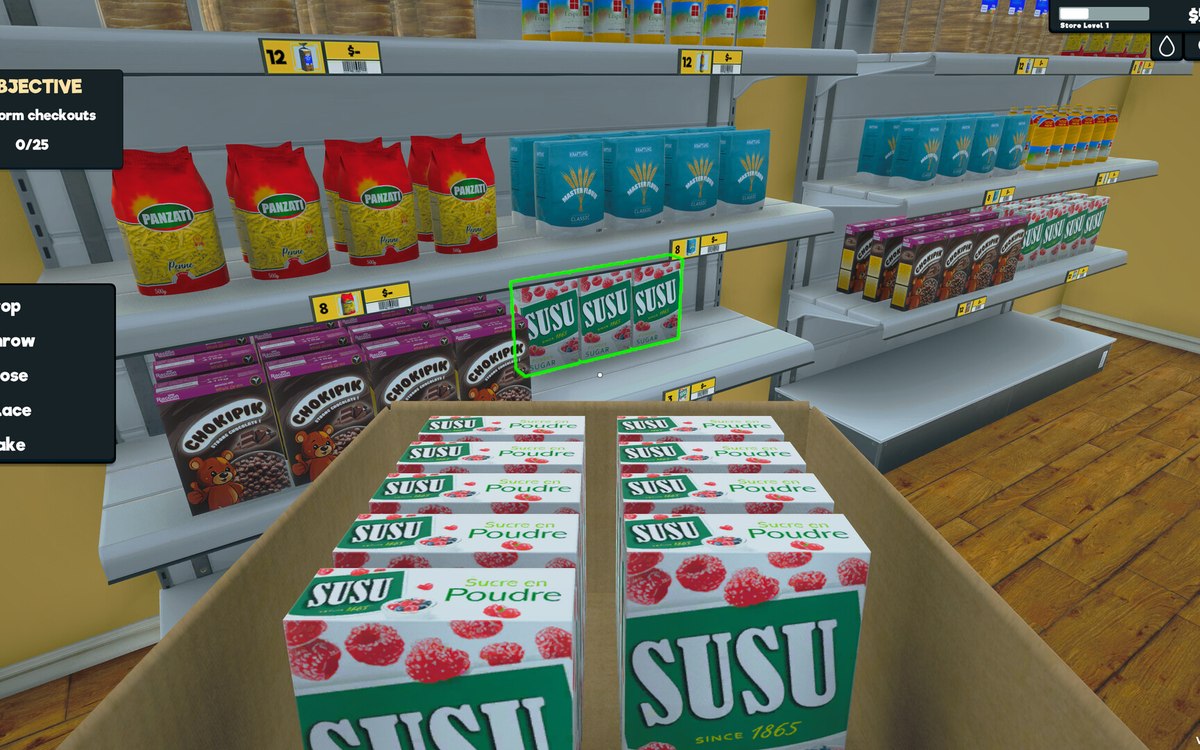
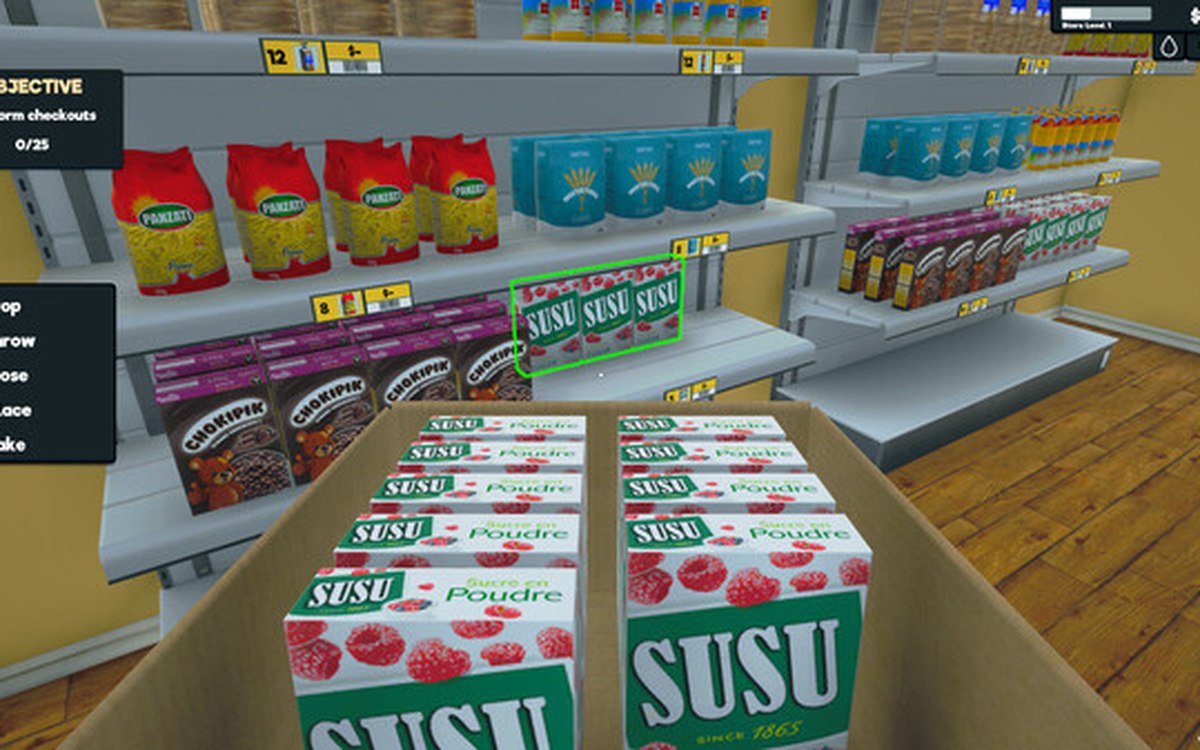
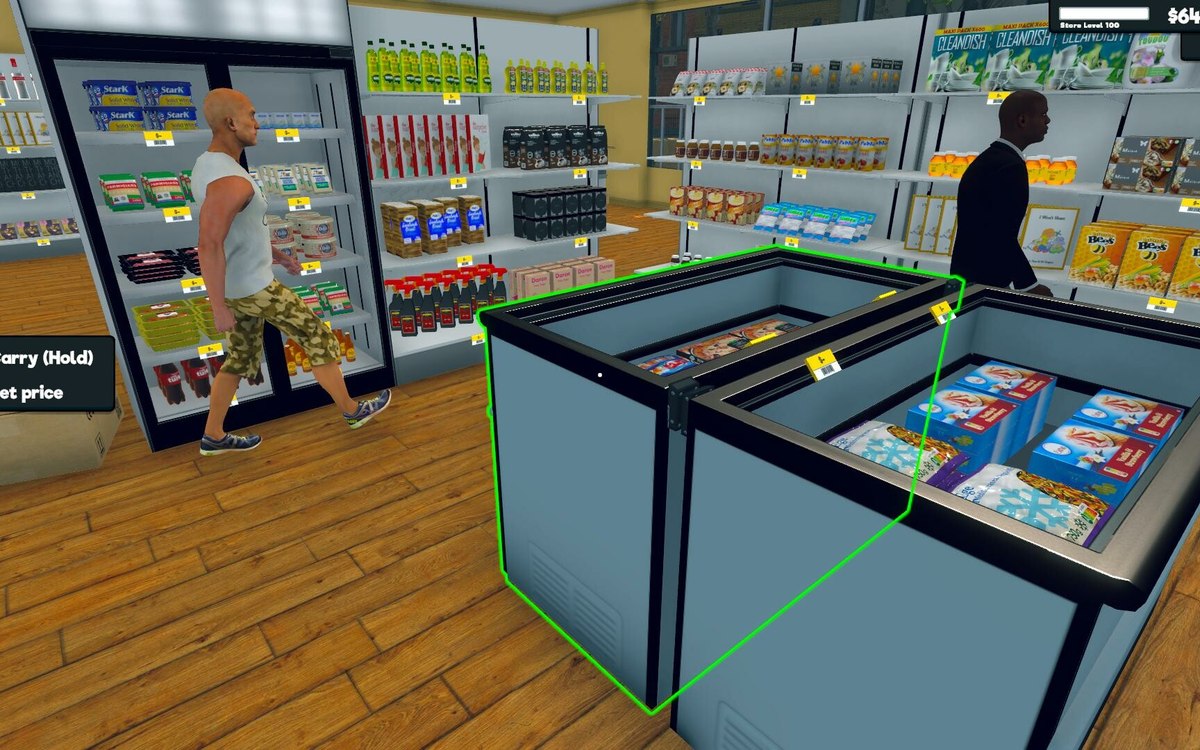
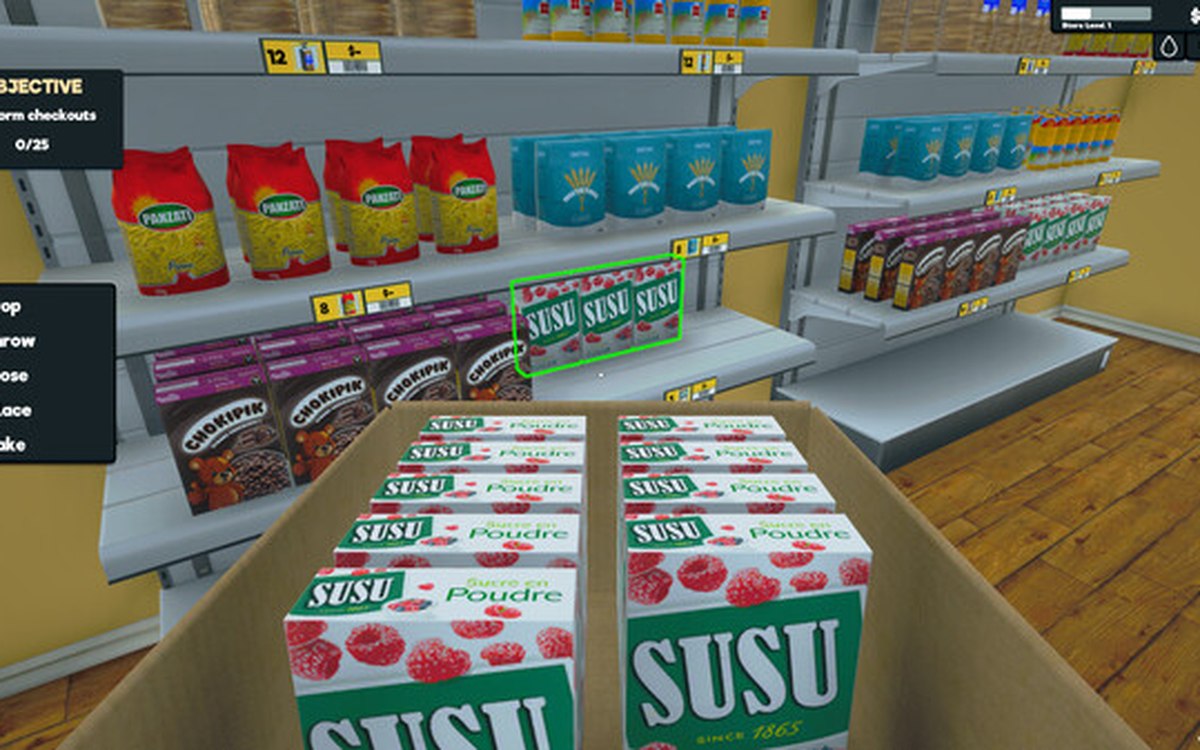
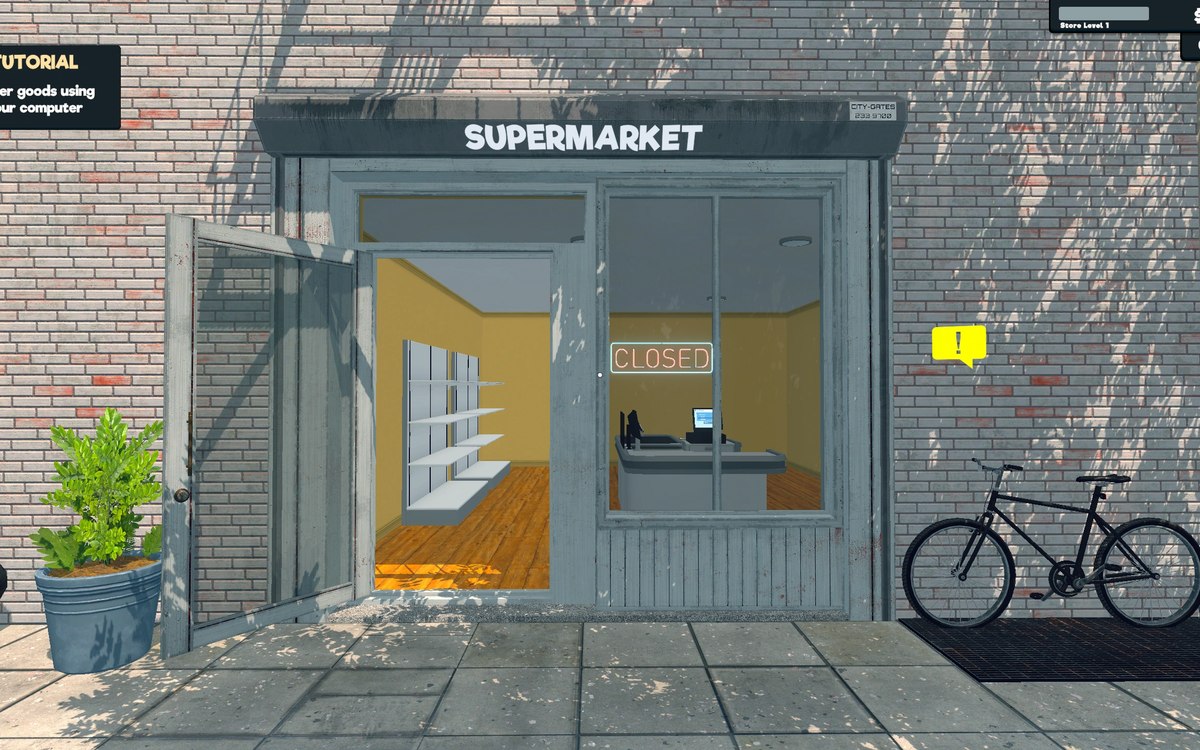
In-game picture of the storefront of the shop on the first day from Supermarket Simulator, used to illustrate Category signs and the categories behind them.Layout and decorationCategory signs and the categories behind themA category sign is its own object with data of its own.In-game picture from Supermarket Simulator showing the produce aisle of the shop, used to illustrate Floors and floor painting.Layout and decorationFloors and floor paintingThe shop floor is a surface the game lets you paint, not a fixed part of the building.In-game picture from Supermarket Simulator showing a shelf aisle seen from above the trolley, used to illustrate How customers find their way around.Layout and decorationHow customers find their way aroundCustomers follow a path laid out by the game.In-game picture from Supermarket Simulator showing a shelf aisle seen from above the trolley, used to illustrate Painting the walls.Layout and decorationPainting the wallsA wall is a paintable surface rather than fixed decoration.In-game picture from Supermarket Simulator showing a shelf aisle seen from above the trolley, used to illustrate Restock areas and vehicles.Layout and decorationRestock areas and vehiclesThere is a dedicated restock area for boxes.In-game picture from Supermarket Simulator showing a shelf aisle stocked with products, used to illustrate Signs, labels and organising the shop.Layout and decorationSigns, labels and organising the shopCategory signs carry an icon chosen from the game's own set.In-game picture from Supermarket Simulator showing a player picking stock up in the freezer aisle, used to illustrate The meat and dairy section.Layout and decorationThe meat and dairy sectionThe section is a fixture of its own, with a base, a collider, a left and a right door and a panel named for it.In-game picture from Supermarket Simulator showing a shelf aisle stocked with products, used to illustrate The mode you place things in.Layout and decorationThe mode you place things inPlacing is a mode of its own.In-game picture of the storefront of the shop on the first day from Supermarket Simulator, used to illustrate The plants and planters.Layout and decorationThe plants and plantersA planter is a piece of its own, with a colour sheet, an ambient-occlusion sheet, a metallic-smoothness sheet and a normal map.

Back to all entities