
Layout and decoration · Supermarket Simulator · read from a local copy
Painting the walls
A wall is a paintable surface rather than fixed decoration.
Walls in Supermarket Simulator can be painted as well as floors: the game keeps them as paintable surfaces, knows each wall by its own identifier, and colours them from paint buckets you carry.
What the game establishes
- A wall is a paintable surface rather than fixed decoration. (checked against the game's own files)
- Painting is done from a paint bucket with a placing mode of its own. (checked against the game's own files)
- The build names a general wall paint material along with paints for particular sections of the shop. (checked against the game's own files)
- Walls and buckets are both saved, so the paint survives. (checked against the game's own files)
- The colours and the painted result are kept as their own data. (checked against the game's own files)
- The game ships an icon atlas of its paint buckets. (checked against the game's own files)
- The buckets also come as a numbered set of icons of their own. (checked against the game's own files)
In play
Walls are paintable surfaces. The game treats a wall as something that can be painted rather than as fixed decoration, which is why the look of the shop can change without rebuilding the room.
Each wall knows which one it is. Walls carry an identifier of their own, so a colour is applied to a particular wall instead of being sprayed across the whole building at once.
The paint comes out of a bucket. Colours are chosen from paint buckets, and a bucket has its own placing mode, which is why painting is something you hold and carry rather than something hidden in a settings screen.
The colour itself is kept as data. The game stores the colours and the painted result as their own records, so the wall and whatever was put on it remain two separate pieces of information.
It survives leaving the shop. The bucket and the painted wall are both saved, which is why a shop you painted last week is still painted when you come back to it.
What this entry does not tell you: how many colours exist, what a bucket costs, or whether wall colours change how customers behave. We have not verified those numbers, so we do not print them.
Related
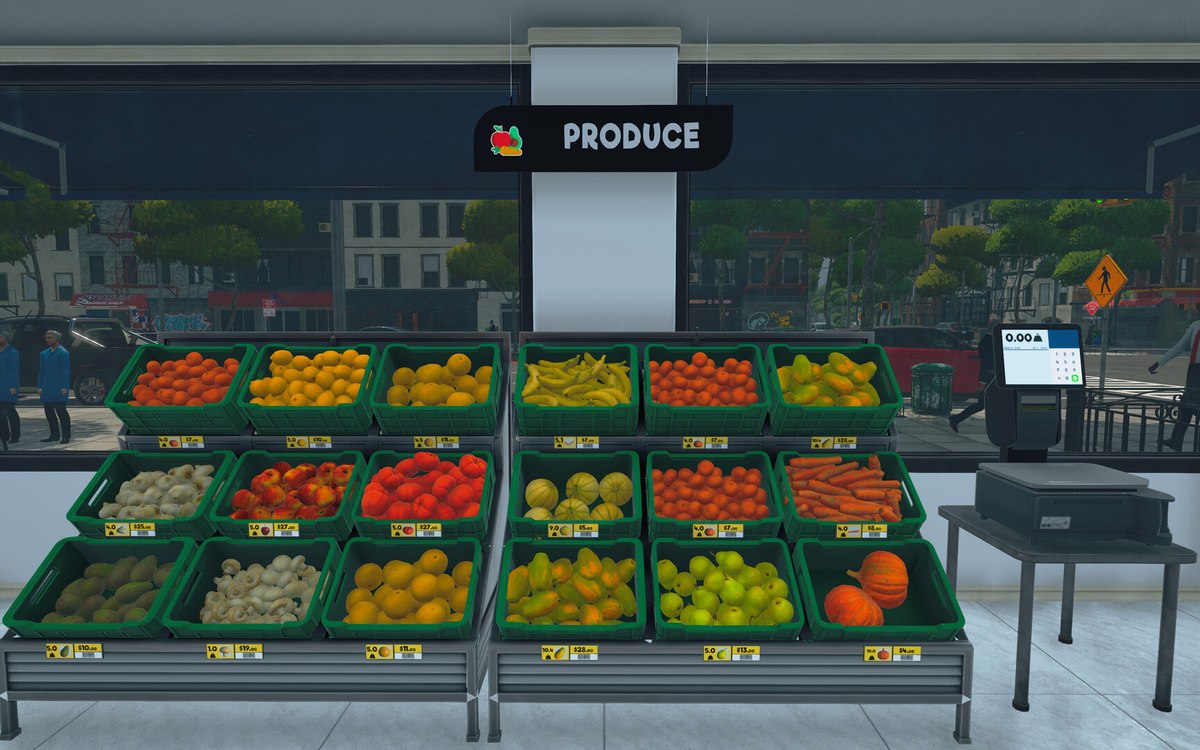 Layout and decorationFloors and floor paintingThe shop floor is a surface the game lets you paint, not a fixed part of the building.
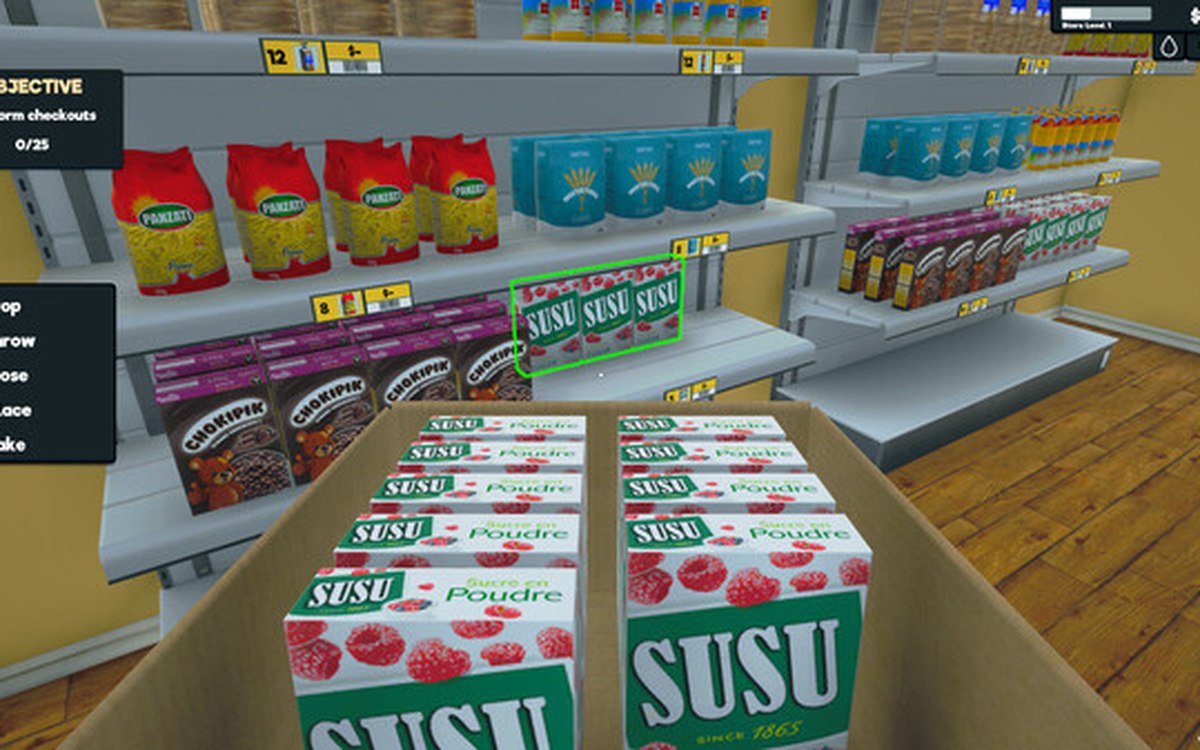 Layout and decorationSigns, labels and organising the shopCategory signs carry an icon chosen from the game's own set.
Version and sources
A local copy of the game, read only. Identifiers are listed on the technical reference pages; nothing here is estimated. Documented build: 1.6.0 (223).