
Layout and decoration · Supermarket Simulator · read from a local copy
The mode you place things in
Placing is a mode of its own.
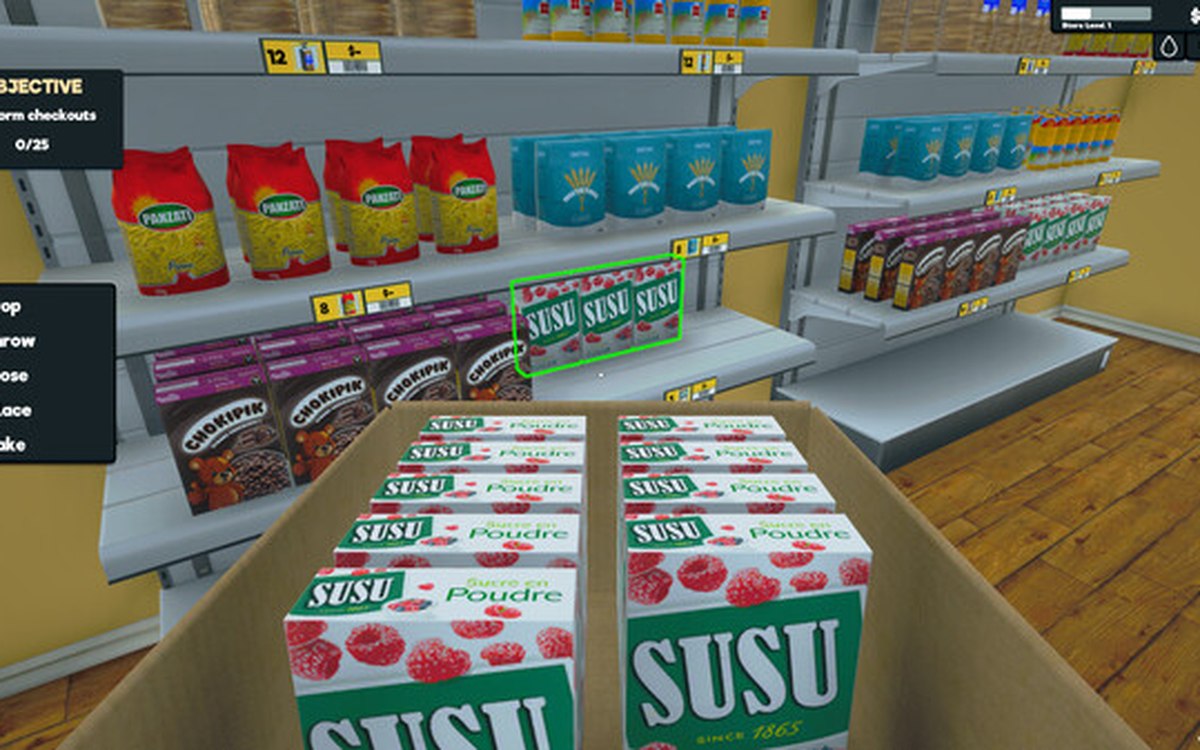
Putting something down in Supermarket Simulator is a mode of its own: the game keeps placing modes, a validator for a position, neighbours for a placement and a grid to line things up on.
What the game establishes
- Placing is a mode of its own. (checked against the game's own files)
- A position is checked by a validator of its own. (checked against the game's own files)
- A placement keeps the neighbouring places it relates to. (checked against the game's own files)
- Placements line up on a grid of their own. (checked against the game's own files)
- The placing modes are held together by a manager of their own. (checked against the game's own files)
- The grid has a layout configuration of its own, and layout preferences are kept as data. (checked against the game's own files)
- The grid the placing mode draws is a texture of the build's own. (checked against the game's own files)
In play
Placing is a mode rather than a drag. The game keeps placing modes of their own, which is why you enter something to put an object down rather than pulling it around the shop.
A position is checked before it is used. There is a validator for positions, so a place can be refused rather than accepted and corrected afterwards.
Places have neighbours. A placement keeps the neighbouring places it relates to, which is how the game knows what standing next to something means.
There is a grid to work to. A grid of its own is what a placement lines up on, which is why rows of fixtures come out straight instead of almost straight.
That grid is configured rather than fixed. The build carries a layout configuration for it and keeps layout preferences as data of their own, which is why the same placement rules can be set up without being rewritten.
The modes are managed rather than improvised. A manager of its own holds the placing modes, which is why entering and leaving one behaves the same way whatever you are putting down.
What this entry does not tell you: how far a placement may reach, what counts as blocked, or how the grid is sized. We have not verified those numbers, so we do not print them.
Related
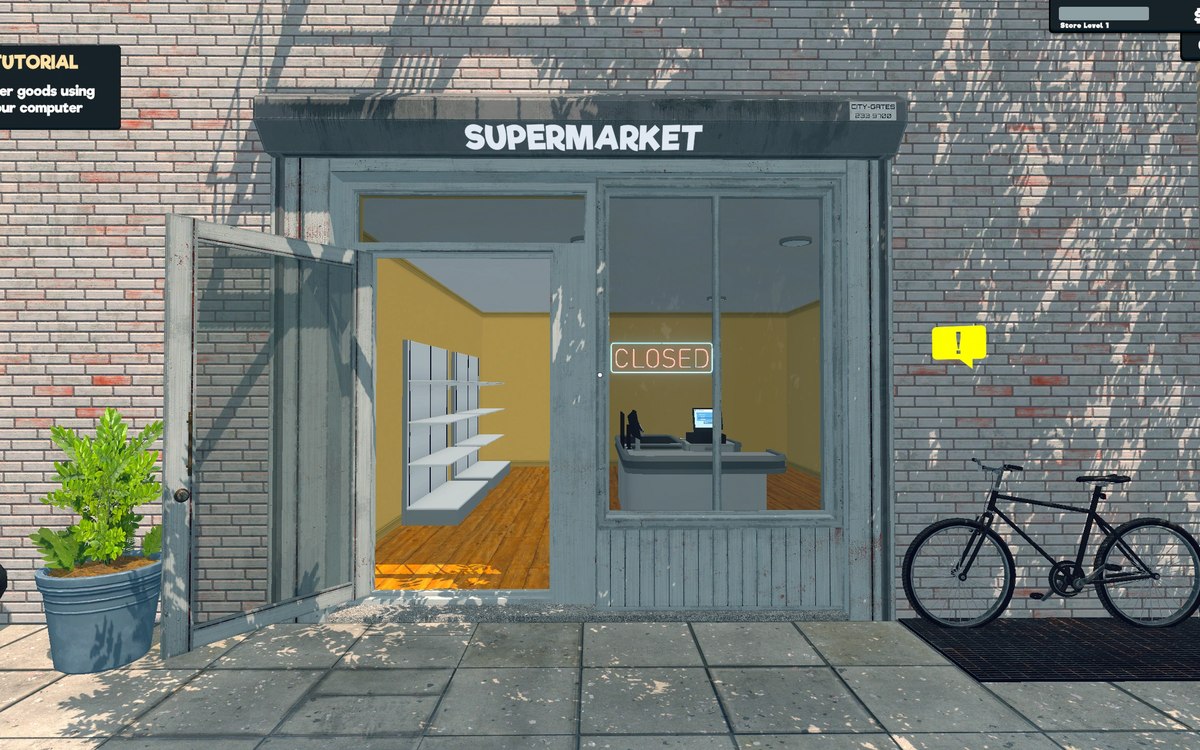 Running the shopFurniture and shop layoutFurniture arrives in a box that has to be handled before the piece can be used.
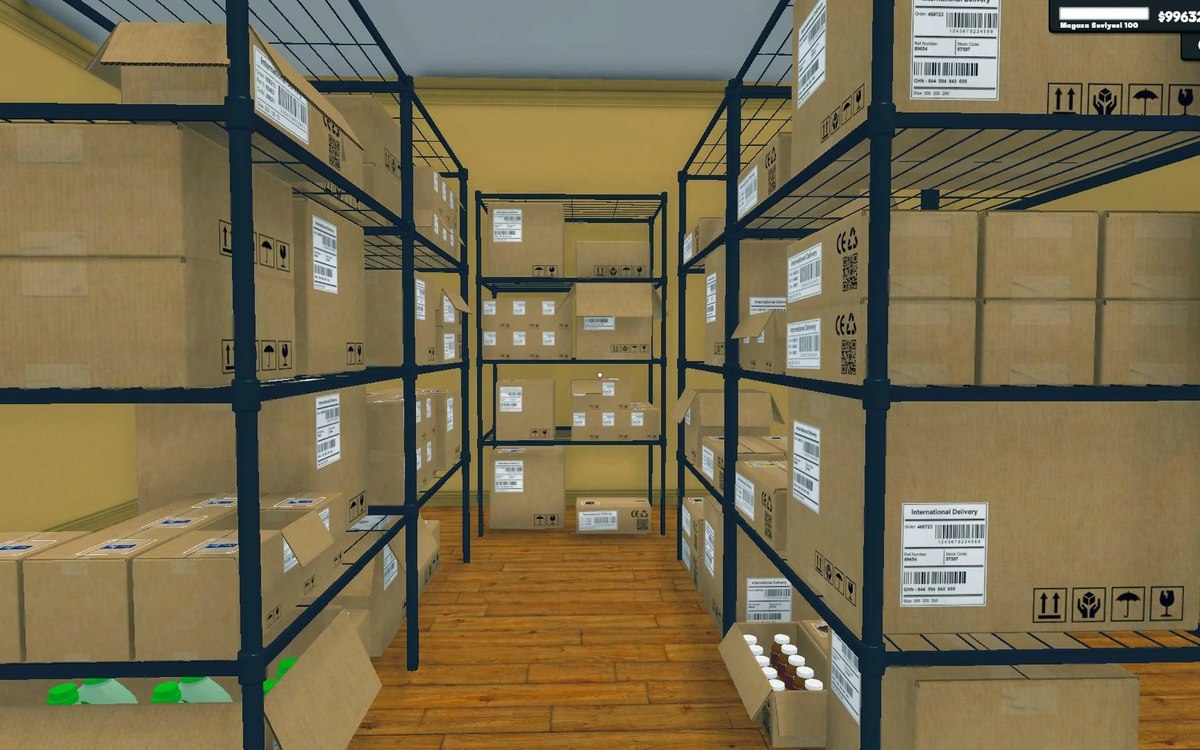 Shelves and stockShelf slots and display spaceA shelf is made of rack slots with records of their own.
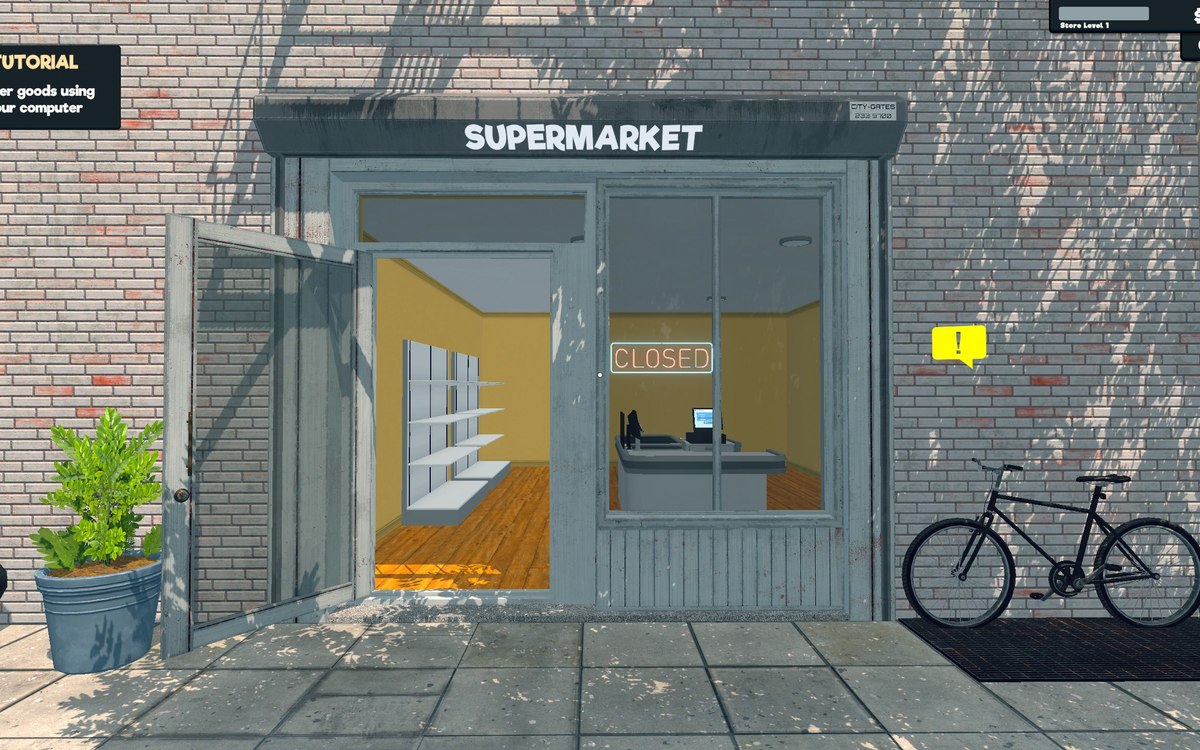 Layout and decorationCategory signs and the categories behind themA category sign is its own object with data of its own.
Version and sources
A local copy of the game, read only. Identifiers are listed on the technical reference pages; nothing here is estimated. Documented build: 1.6.0 (223).