
Layout and decoration · Supermarket Simulator · read from a local copy
Category signs and the categories behind them
A category sign is its own object with data of its own.
A category sign in Supermarket Simulator is an object of its own: the game keeps sign data and a manager for the signs, a networked form for a shared shop, an interaction for using one, and a product category behind each sign.
What the game establishes
- A category sign is its own object with data of its own. (checked against the game's own files)
- The signs are kept by a manager of their own. (checked against the game's own files)
- Products carry a category, and each category entry is a record of its own. (checked against the game's own files)
- There is a canvas for setting a category. (checked against the game's own files)
- A sign has an interaction of its own, and a networked version of that interaction. (checked against the game's own files)
- A shared shop has a networked sign and a networked sign manager. (checked against the game's own files)
- A sign's colour is chosen from a dropdown of its own. (checked against the game's own files)
- The build ships the colour materials its category signs are made in, black and dune among them. (checked against the game's own files)
- Further sign colours are shipped as their own materials, including a gulf-stream blue and a jungle-mist green. (checked against the game's own files)
In play
A category sign is a fixture rather than a painted board. The game keeps sign data of its own and a manager for the signs, which is why a sign can be placed, taken down and placed again instead of being drawn onto a wall.
Each sign is tied to a category. Products carry a category of their own and each entry in a category is its own record, so a sign names a group of goods rather than a single product.
The sign is set on a canvas of its own. There is a canvas for setting a category, which is how what the sign says is chosen in one place rather than in several different screens.
You use the sign itself. There is an interaction for a sign and a networked version of that interaction, so opening one behaves the same way whether you are on your own or sharing the shop.
In a shared shop the sign travels. There is a networked sign and a networked manager for signs, which is why two players see the same sign over the same aisle rather than each keeping their own.
The signs are managed rather than counted by hand. Because a manager keeps them, the game holds the shop's signs as a list of its own instead of leaving them as part of the scenery.
A sign can be coloured as well as named. There is an entry of its own for a colour choice in the sign's dropdown, which is why two signs over two aisles can be told apart at a glance.
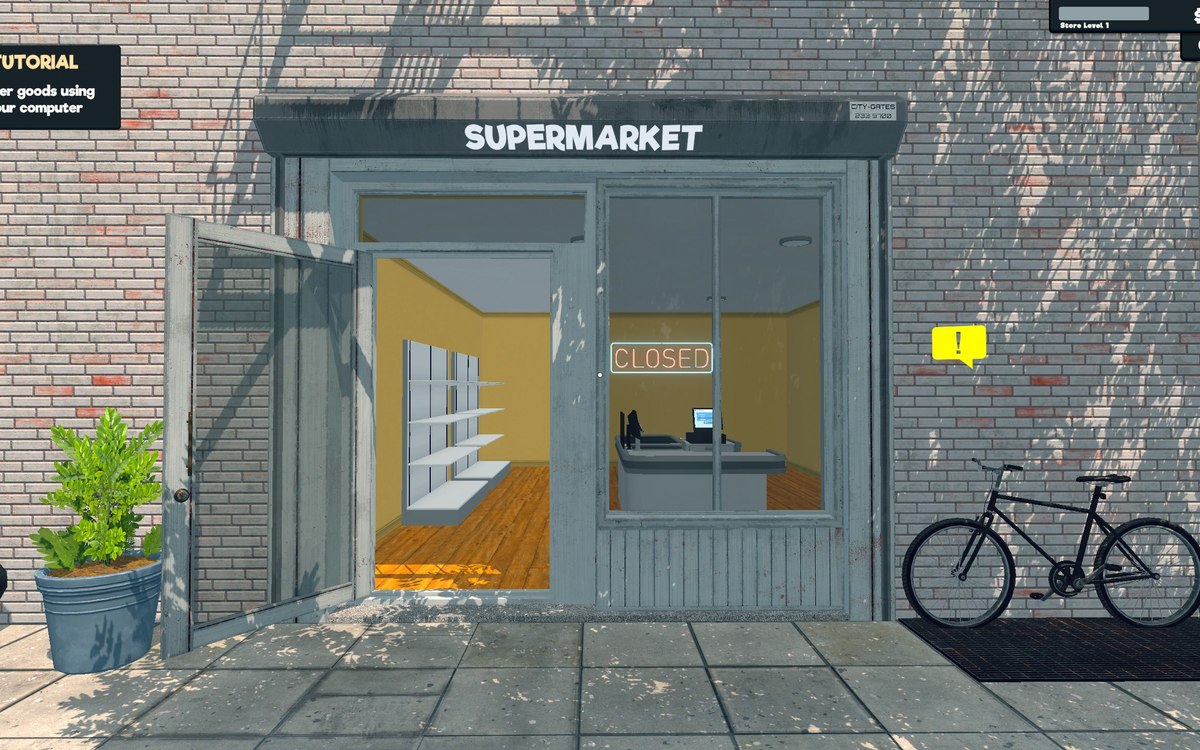
The image beside this entry is the game's own: one of the category signs it ships, showing the dairy category as a cheese wedge and a milk carton.
What this entry does not tell you: how many signs a shop may hold, what a sign costs, or how the game decides which category a product belongs to. We have not verified those numbers, so we do not print them.
Related
 Layout and decorationSigns, labels and organising the shopCategory signs carry an icon chosen from the game's own set.
 ProductsHow products are displayedProducts carry a display type of their own.
Version and sources
A local copy of the game, read only. Identifiers are listed on the technical reference pages; nothing here is estimated. Documented build: 1.6.0 (223).