
Interface
The screens, menus and readouts you work with.
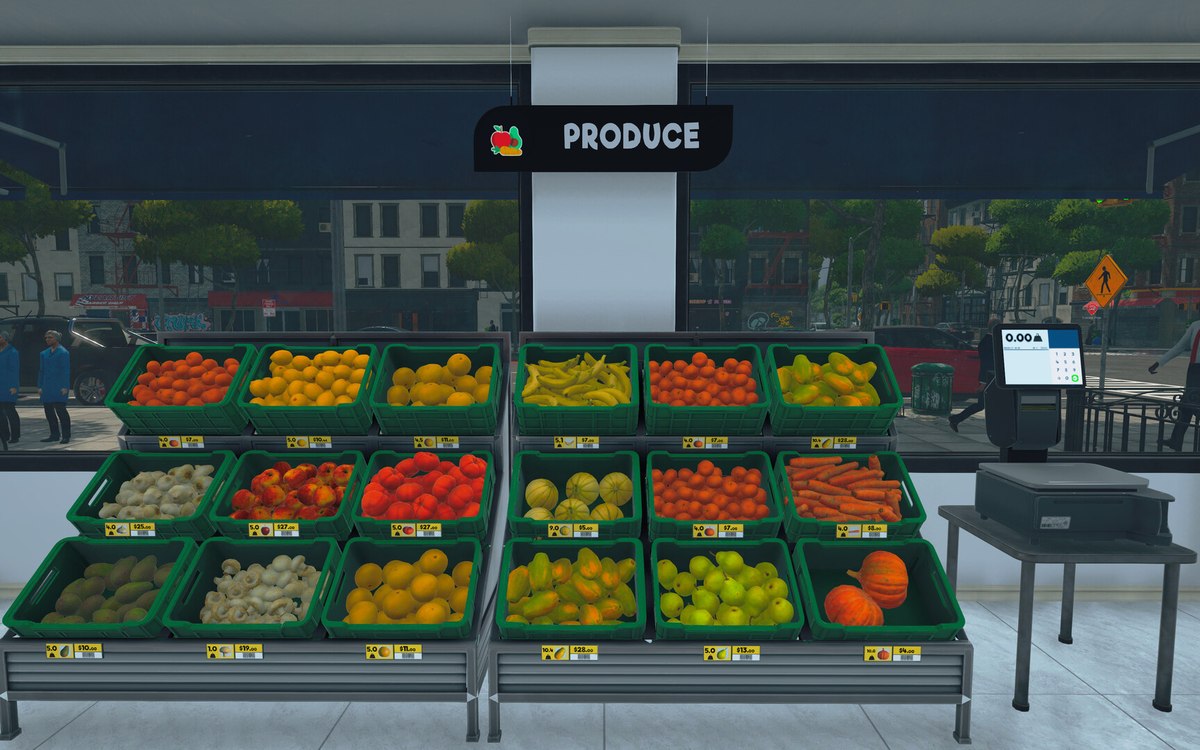 InterfaceHow the game decides to warn youWarnings are run by a system of their own, apart from the popups.
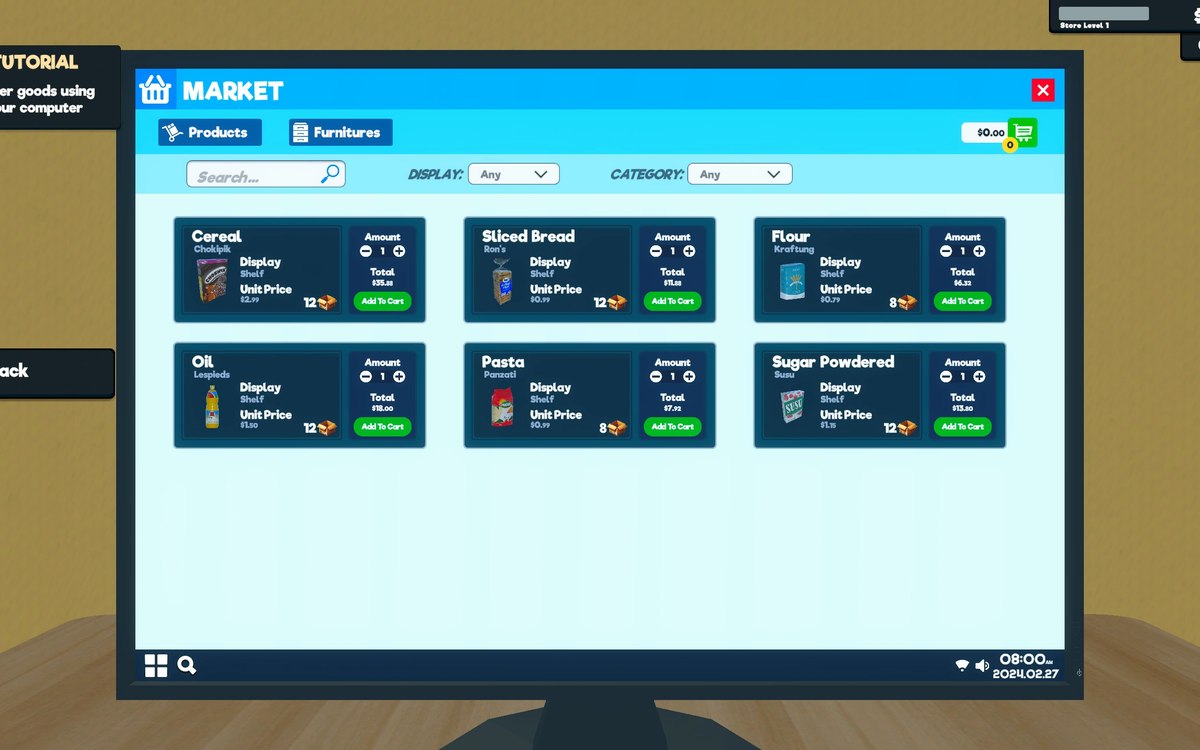 InterfaceHow the game shows what you can useThe game has a crosshair manager and a crosshair reference of its own.
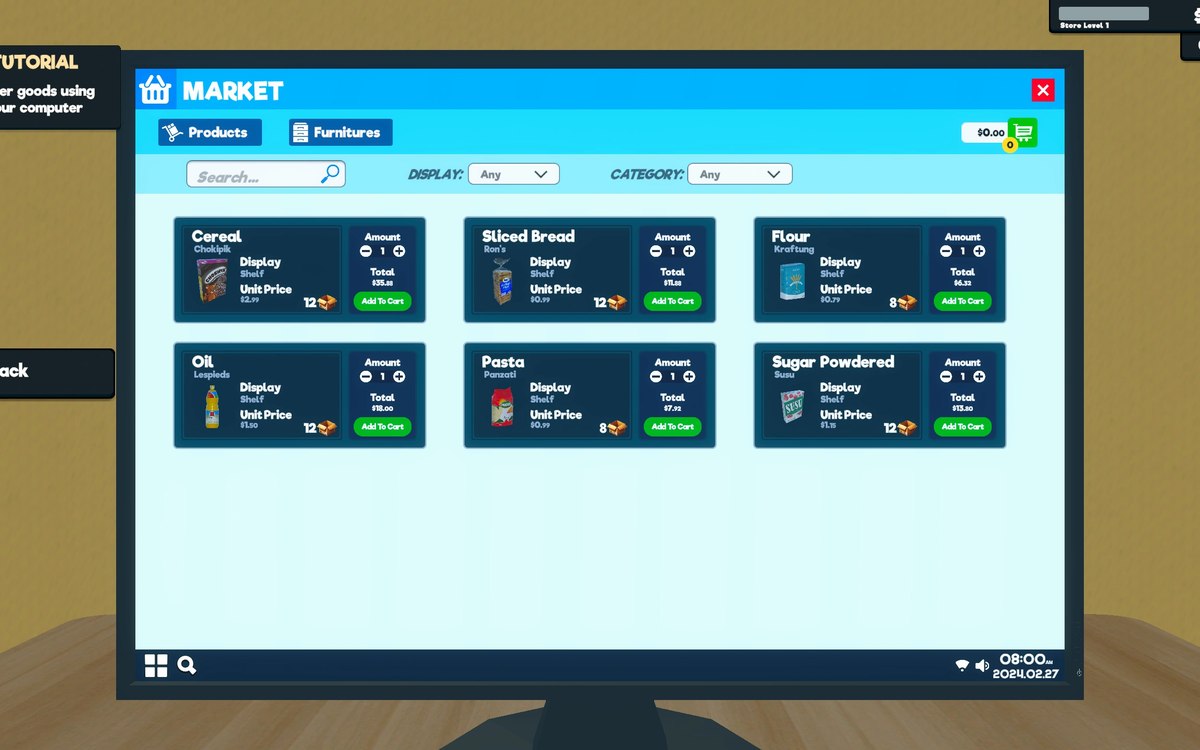 InterfaceHow your shop is savedThe game has a save file handler, a helper around it and a root record of its own.
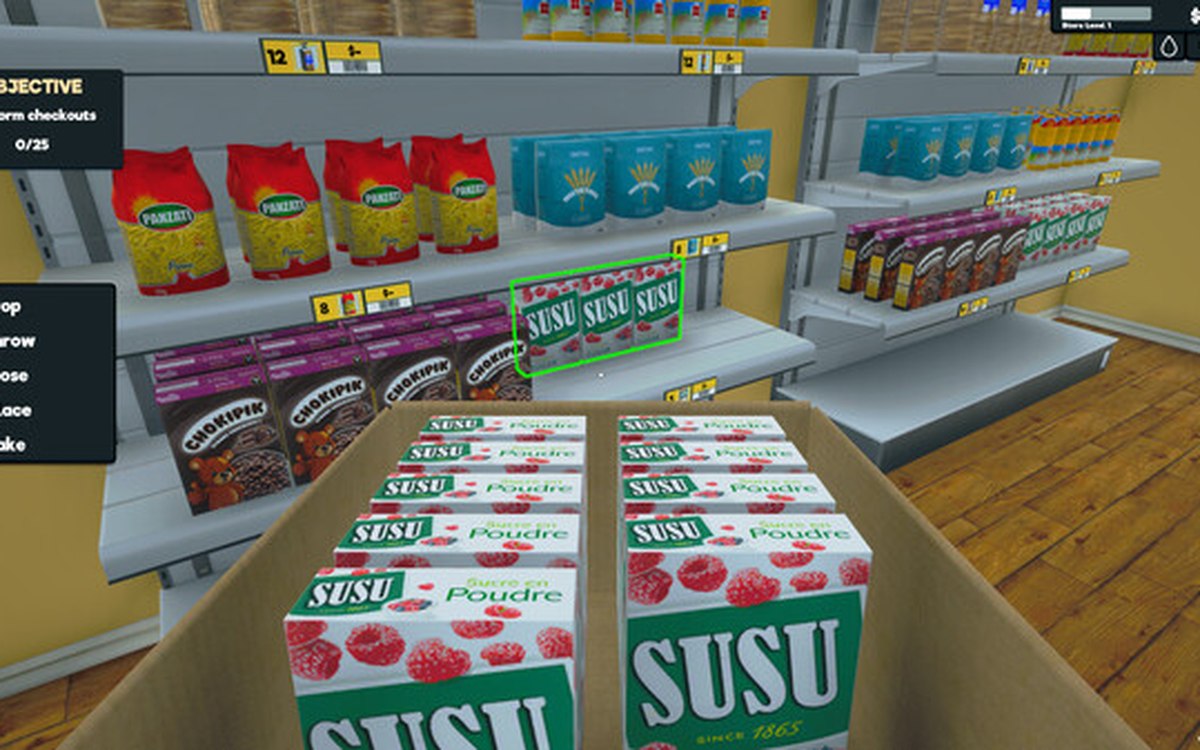 InterfacePlaying with a controllerThe game has a controller input manager and its own set of pad interface functions.
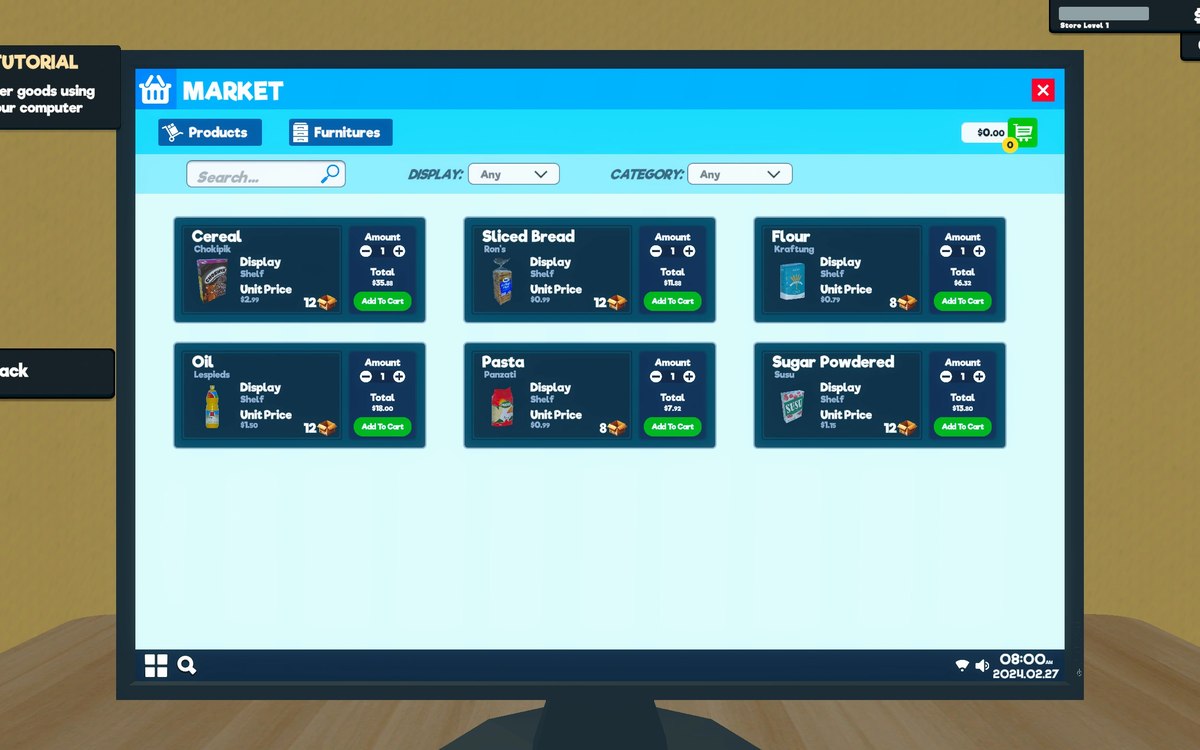 InterfaceSave slots and what each one holdsA shop is kept in a save slot, with a panel of slots of its own.
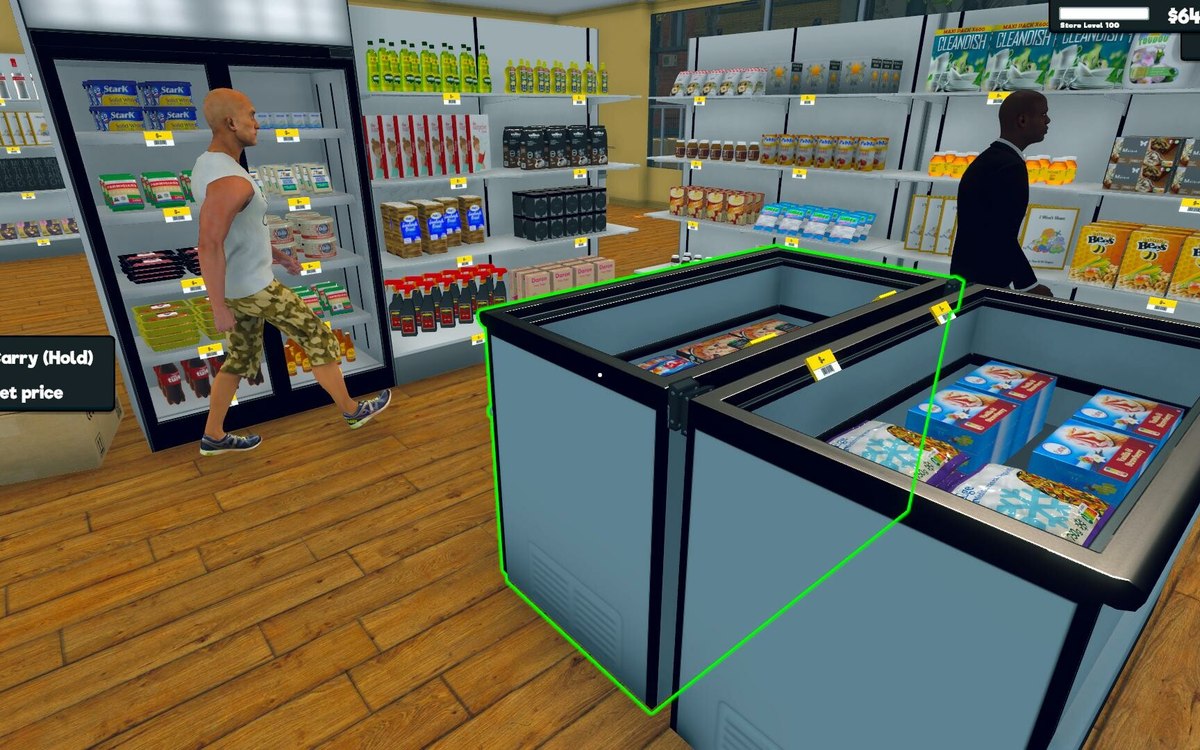 InterfaceThe aim and the settings around itAiming is its own system, tracked apart from the crosshair.
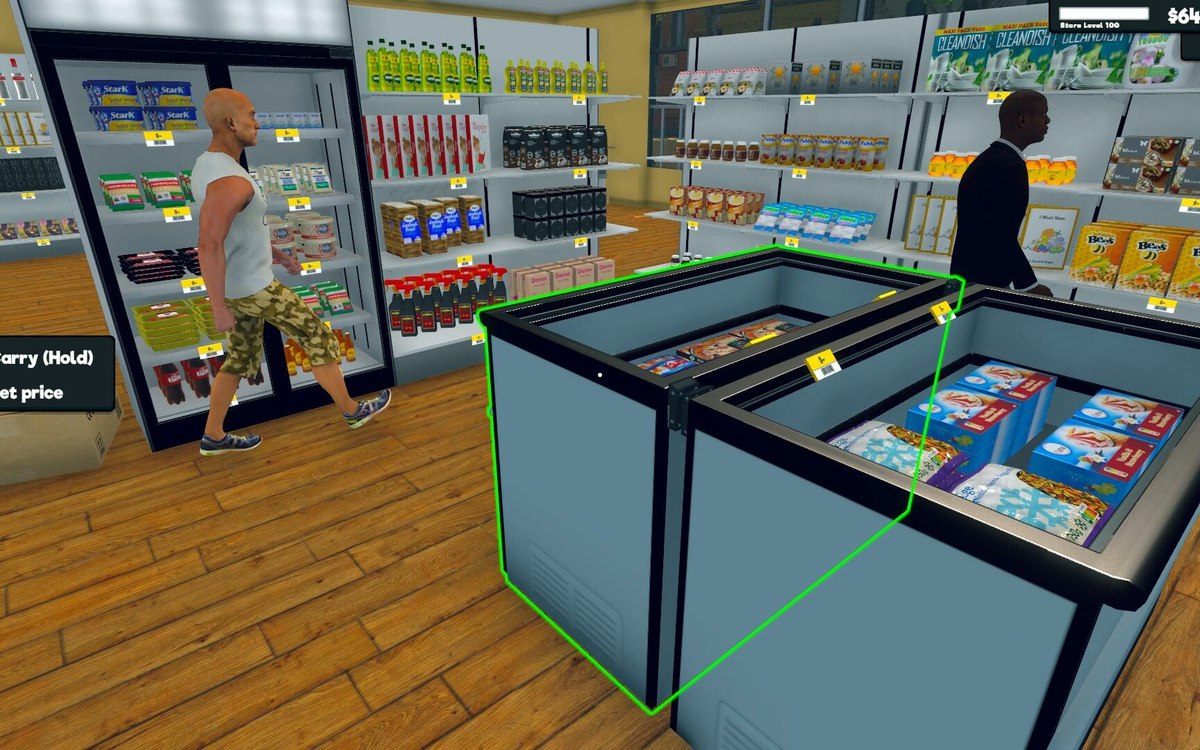 InterfaceThe body you do not seeThe game keeps a first-person controller of its own.
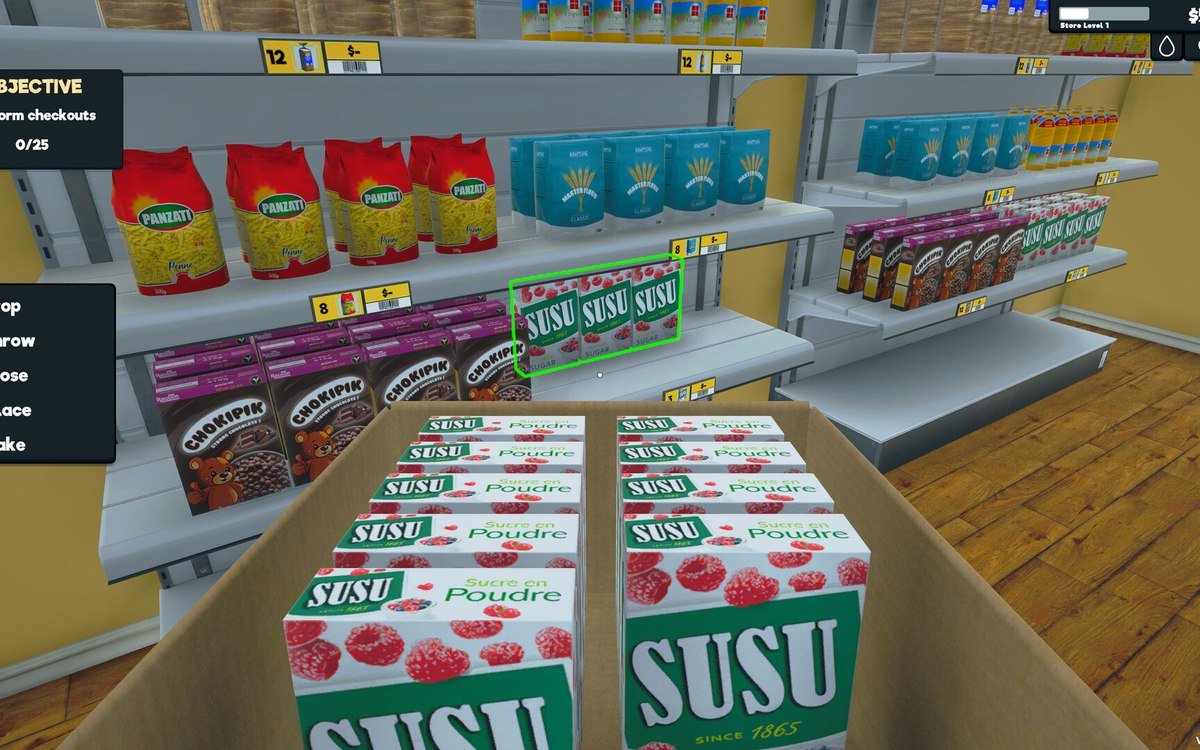 InterfaceThe controls the menus are built fromThe menus are built from the game's own controls, including a dropdown, a grid menu, a pad panel and a text-entry handler.
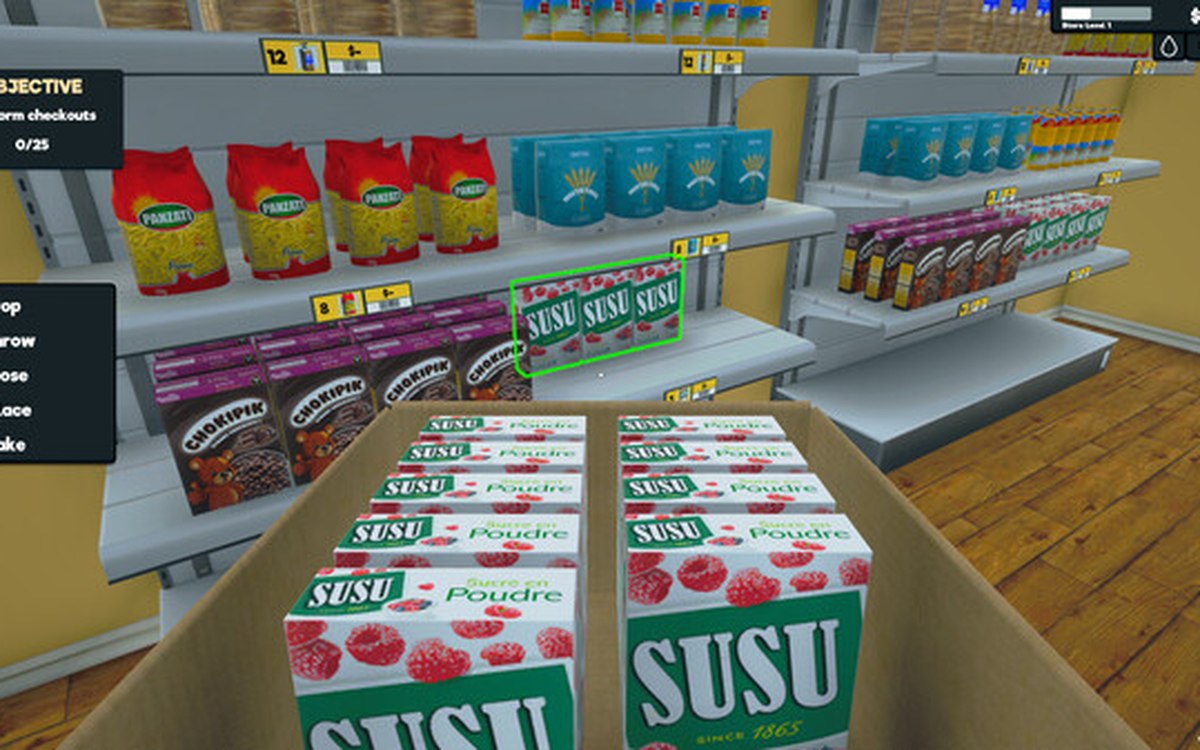 InterfaceThe devices the game can shakeThere is a base haptic device with an interface behind it.
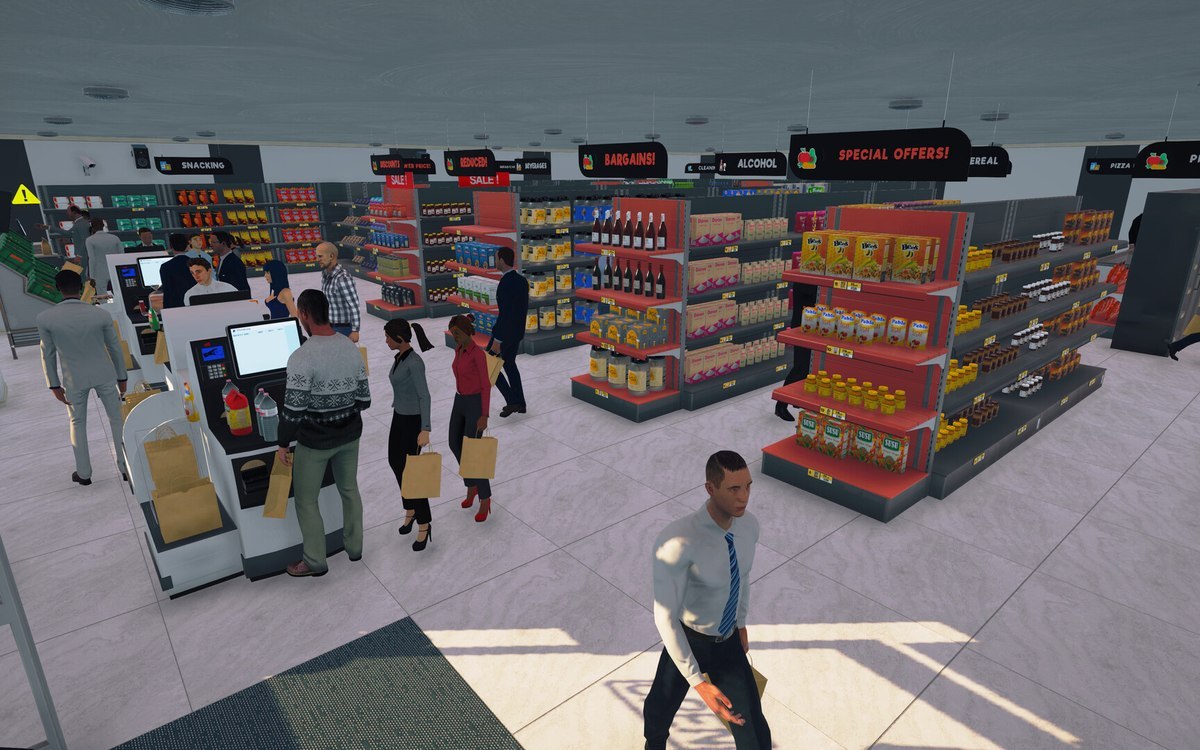 InterfaceThe hints and pings the game givesThe game runs a ping system of its own.
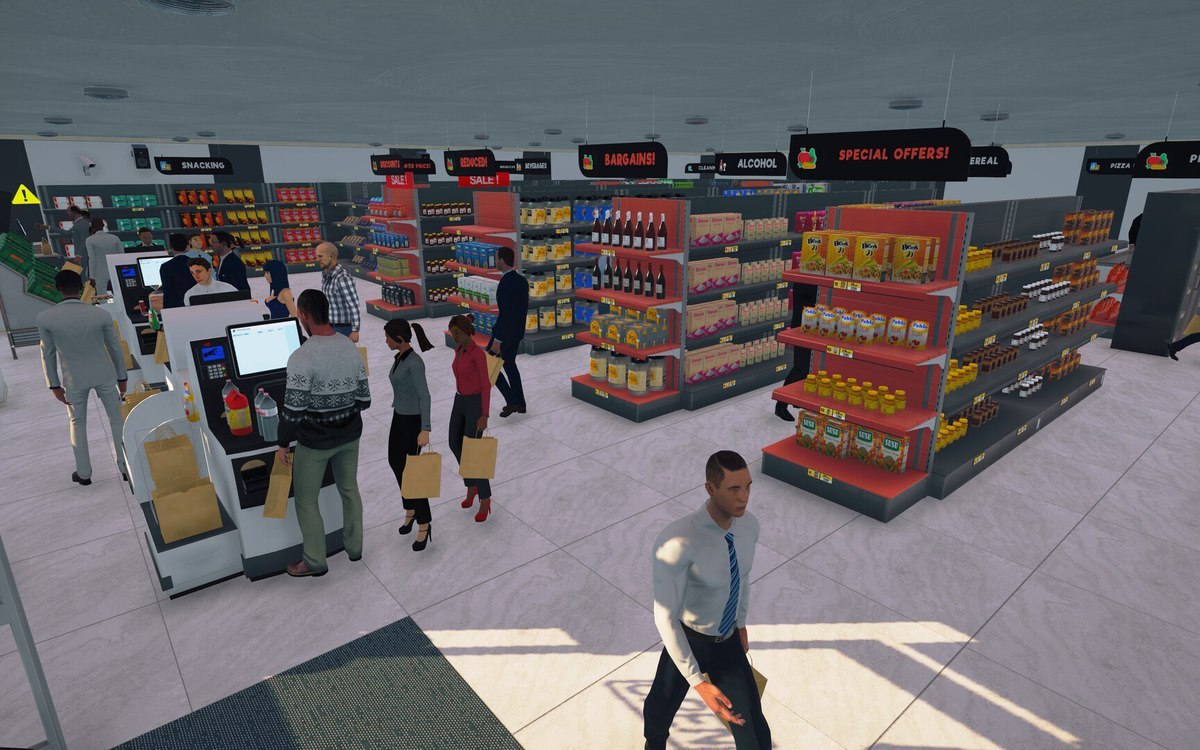 InterfaceThe line icons the game drawsThe build names line icons in families of its own: shopping, tool, weather, arrow, gesture, game and common sets among them.
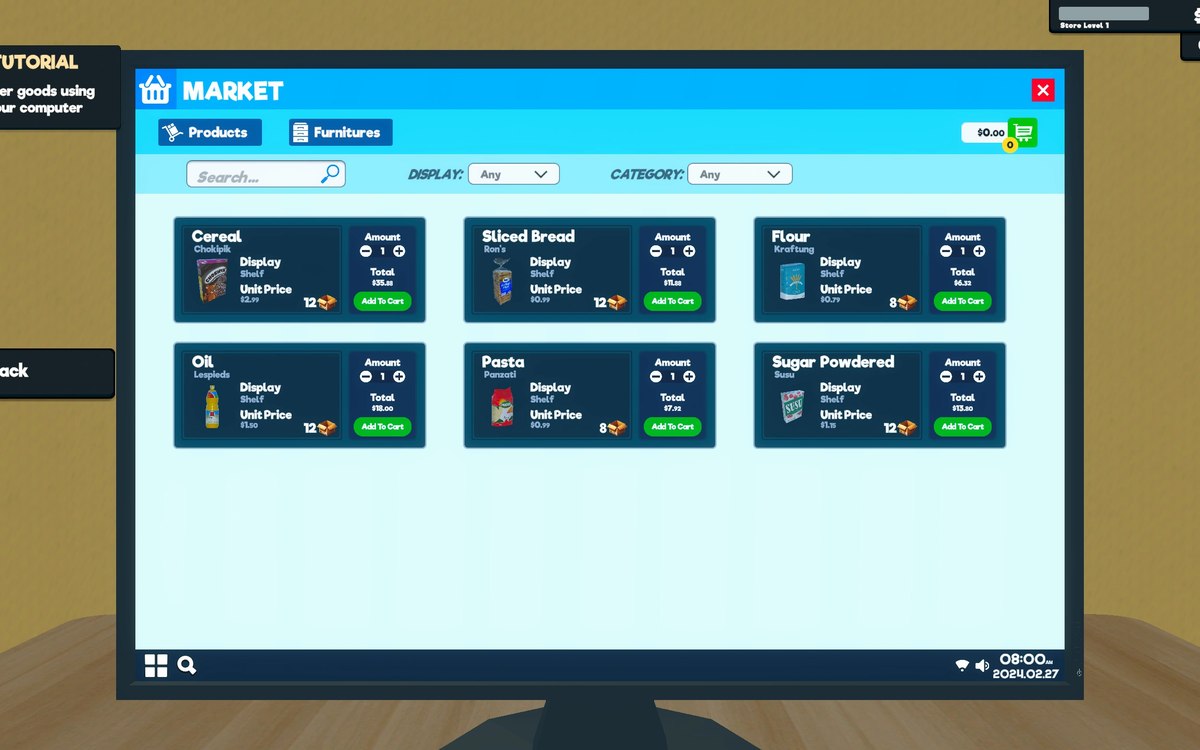 InterfaceThe list you buy fromWhat can be bought is kept as sales items with a kind of sale of its own.
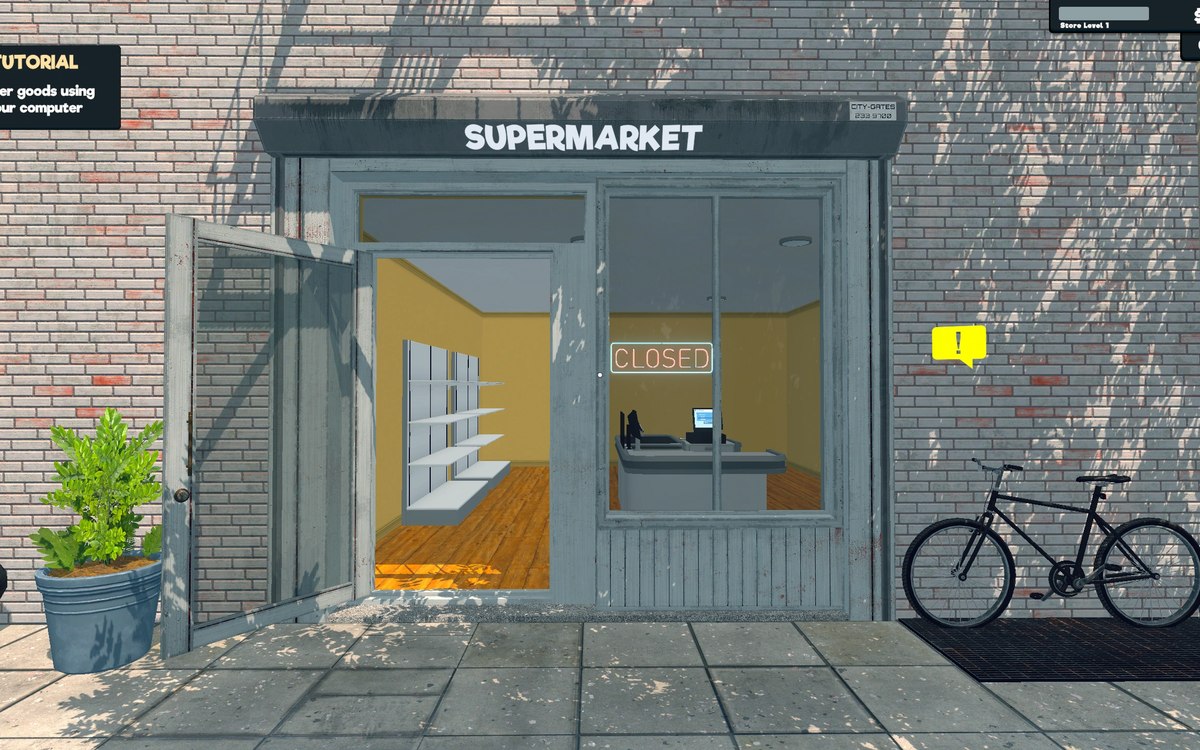 InterfaceThe map and its markersThe game keeps a minimap and a larger map as separate pieces.
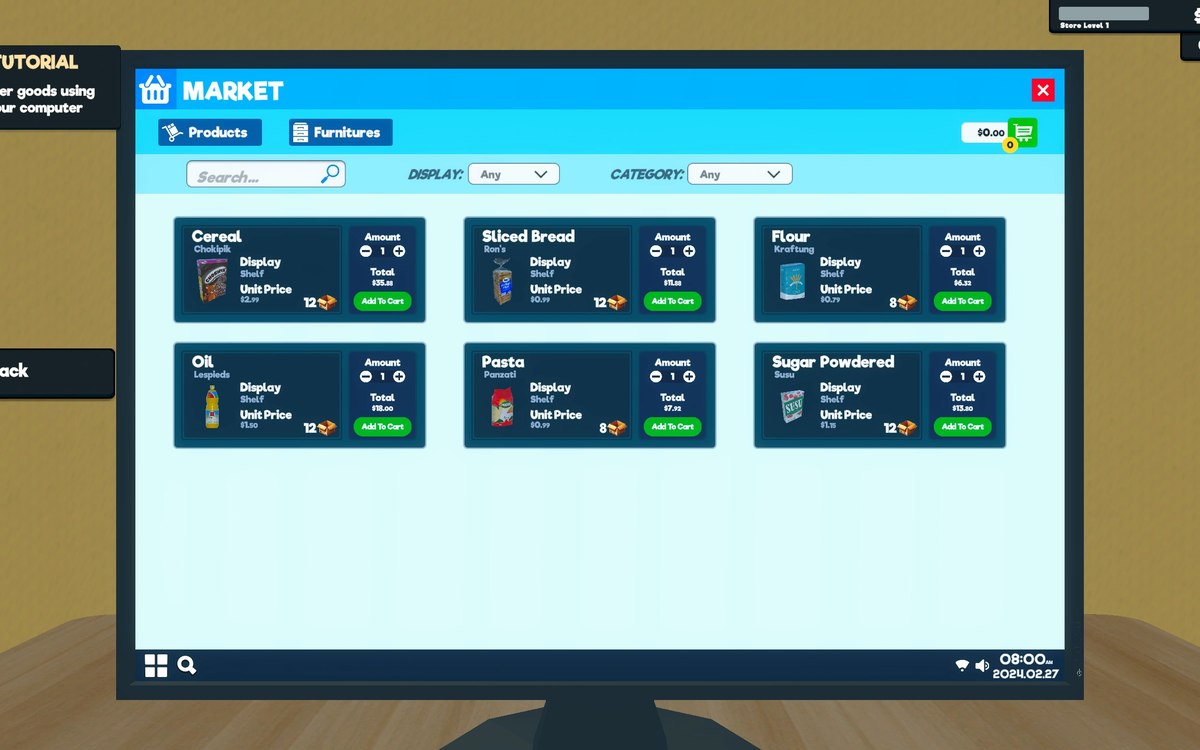 InterfaceThe menu the game opens onThe game has a main menu manager of its own.
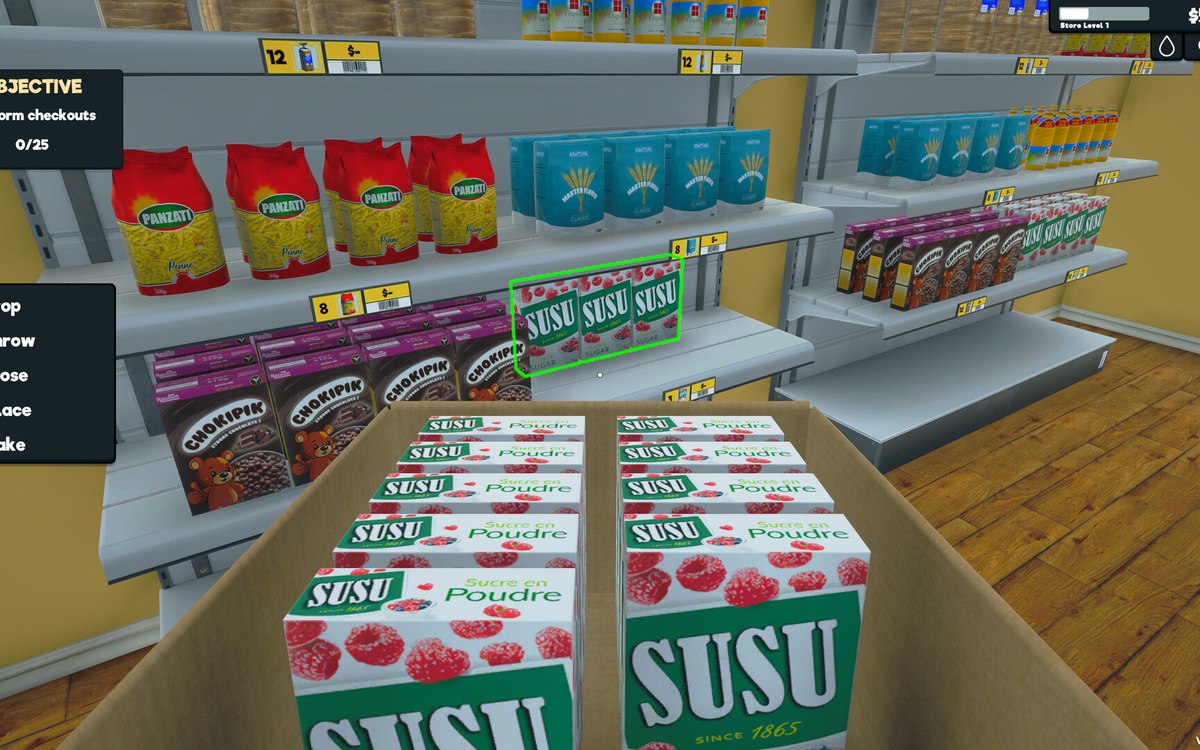 InterfaceThe menu you pause intoPausing opens an escape menu of its own.
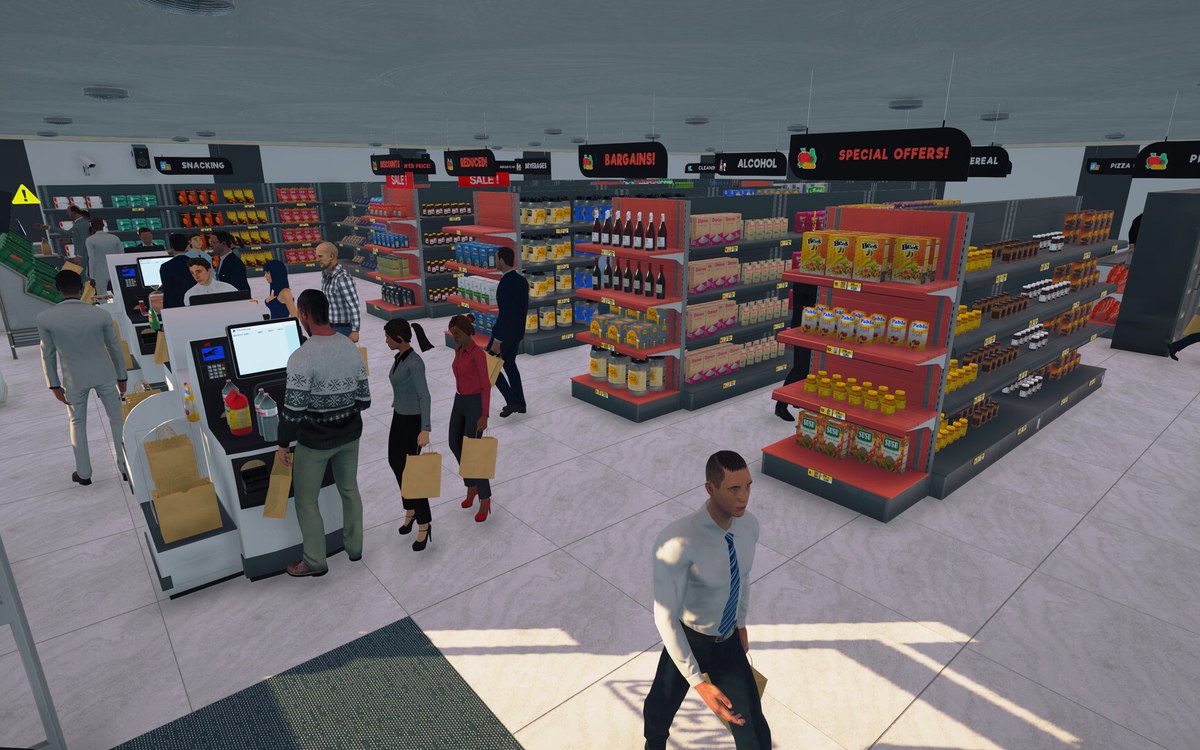 InterfaceThe popups that interrupt youPopups are run by a manager of their own.
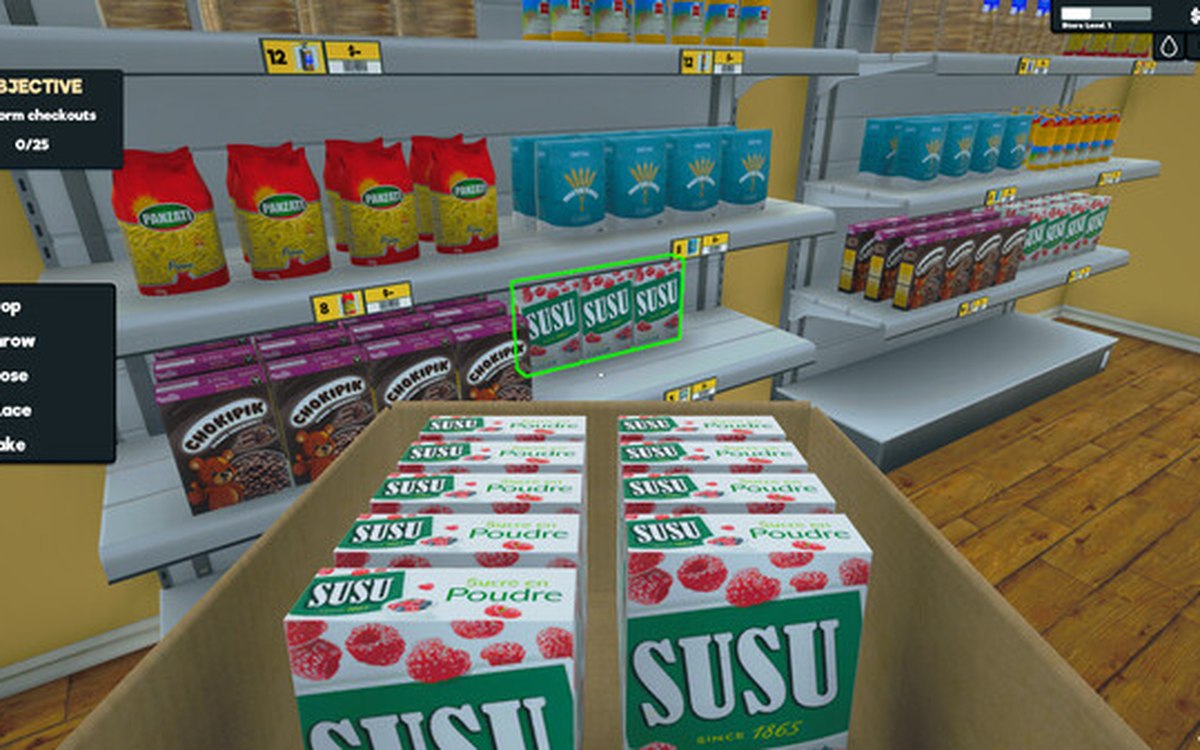 InterfaceThe settings and the keys you can changeThe game keeps a settings manager, a container for settings and the data behind them.
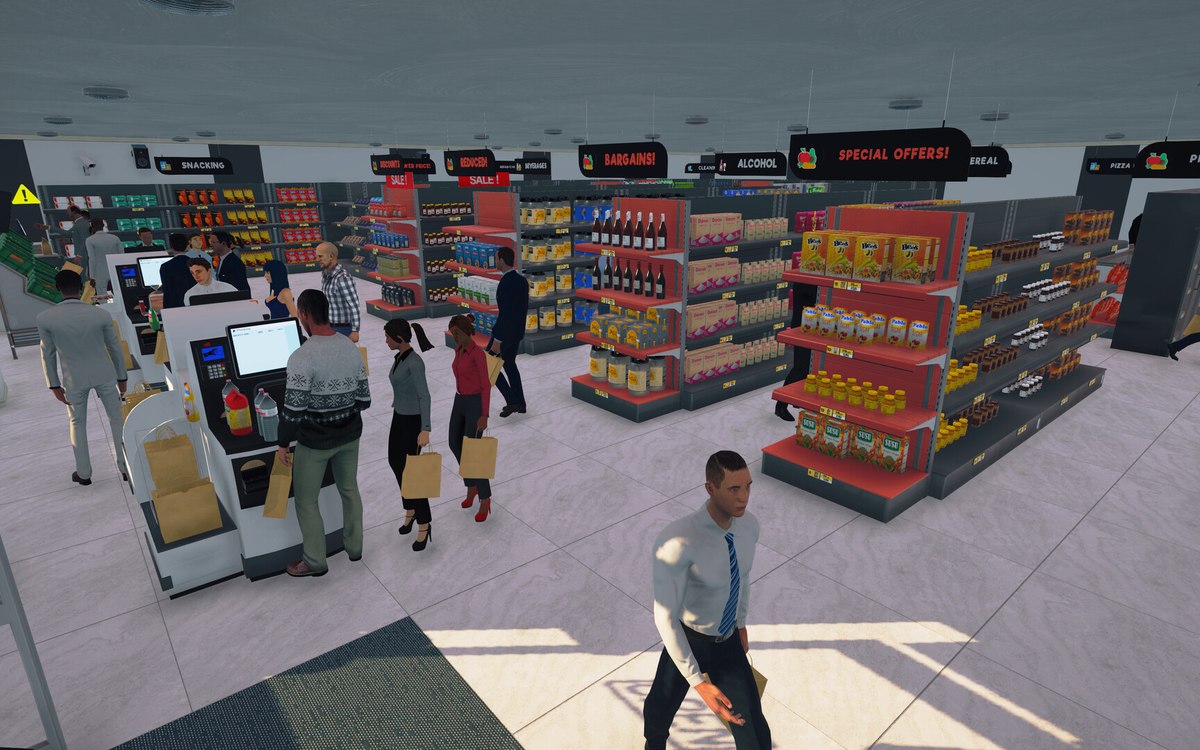 InterfaceThe warnings the game shows youThe game keeps separate warning routines with a delay for the bat, the crate, dirt, shoplifters, the tablet and the vegetables.
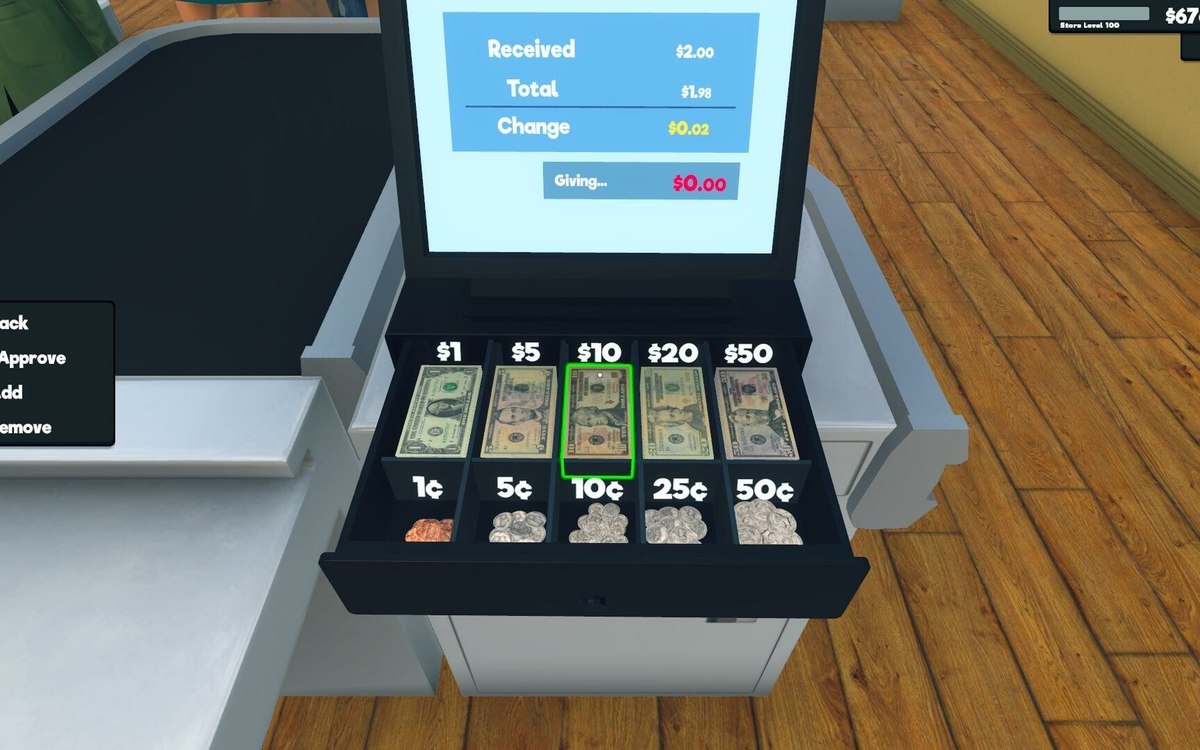 InterfaceThe window the money tabs live inThe money screens are built on a window of their own.
Notes without a confirmed picture
These subjects rest on the same verified facts, but no picture from the game has been confirmed for them yet, so they are notes rather than finished entries.
- How a shop full of things is drawn — note, no confirmed in-game picture yet
- The animations your body plays — note, no confirmed in-game picture yet
- The camera you play through — note, no confirmed in-game picture yet
- Writing a name that fits — note, no confirmed in-game picture yet