
Interface · Supermarket Simulator · read from a local copy
The controls the menus are built from
The menus are built from the game's own controls, including a dropdown, a grid menu, a pad panel and a text-entry handler.
The menus in Supermarket Simulator are assembled from controls the game made for itself: drop lists with their own controller and scroller, grid menus, tabs whose colours change with their state, windows on a desktop of their own, text entry, and a pad layer that names what each button does instead of numbering it.
What the game establishes
- The menus are built from the game's own controls, including a dropdown, a grid menu, a pad panel and a text-entry handler. (checked against the game's own files)
- A dropdown has a controller and a scroller of its own. (checked against the game's own files)
- Tab buttons carry a colour group and a colour state, so the tab's appearance follows its state. (checked against the game's own files)
- The computer's screens are windows on a desktop canvas of their own. (checked against the game's own files)
- The pad is driven by named roles: confirm, back, d-pad, menu, option, north, west, shoulder and trigger each have a handler. (checked against the game's own files)
- There are handlers for the left stick, for clicking either stick and for holding the right stick. (checked against the game's own files)
- A list item can be made selectable for a pad, including an entry for a bill. (checked against the game's own files)
- There is a handler for pricing controls of its own. (checked against the game's own files)
In play
The game does not hand its screens over to a generic menu system. It keeps controls of its own, so a list in the shop computer and a list in a settings screen are built the same way rather than each being a one-off.
Drop lists are one of them. A dropdown has a controller of its own and a scroller alongside it, which is why a long list of goods or settings can be scrolled through instead of being cut off.
Grid menus are another. There is a grid object of its own, which is how a wall of items or a set of fixtures can be laid out as a grid rather than as a column.
Tabs show their state in colour. There is a colour group and a colour state behind a tab button, so the tab you are on can be told apart from the ones you are not, and the change is part of the control rather than painted on separately.
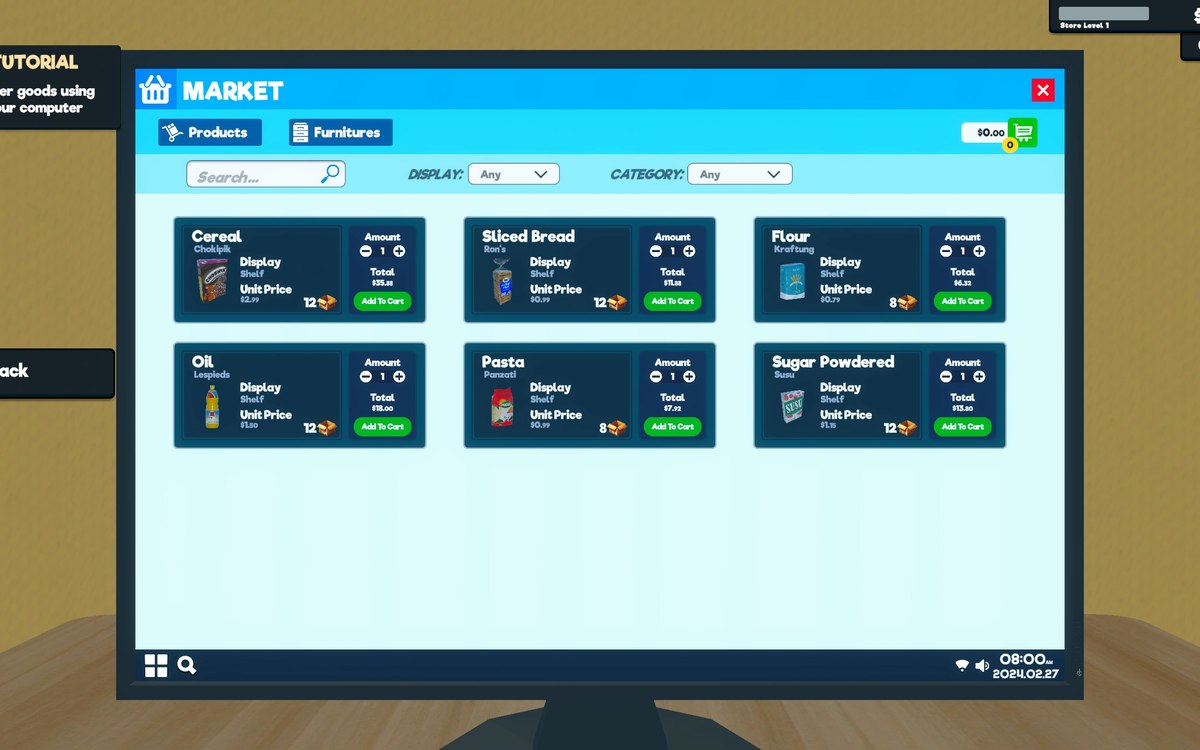
The computer runs windows on a desktop. There is a window object and a desktop canvas behind it, which is why the computer's screens behave like programs on a machine rather than like full-screen menus replacing one another.
Typing has its own handler. Text entry is a control in its own right, so a text box can take typed text without the whole screen being rebuilt around it.
The pad is wired into the same controls. The buttons are named by what they do rather than by a number: there are handlers for confirming, for going back, for the d-pad, for the menu and the option button, for the north and west faces, for the shoulder and the trigger, and for pressing and holding either stick.
A list item can be made selectable for a pad. That is how a selection moves down a list of goods or a list of bills without a pointer being dragged across it.
There is a panel for the pad's own interface as well, so a screen can hand part of itself over to pad handling rather than each control solving it separately.
What this entry does not tell you: how many screens the game has, which control each of them uses, or what every button is bound to by default. We have not verified those numbers, so we do not print them.
Related
 InterfacePlaying with a controllerThe game has a controller input manager and its own set of pad interface functions.
 Running the shopThe shop computerThe shop computer is an object of its own with its own desk.
Version and sources
A local copy of the game, read only. Identifiers are listed on the technical reference pages; nothing here is estimated. Documented build: 1.6.0 (223).