
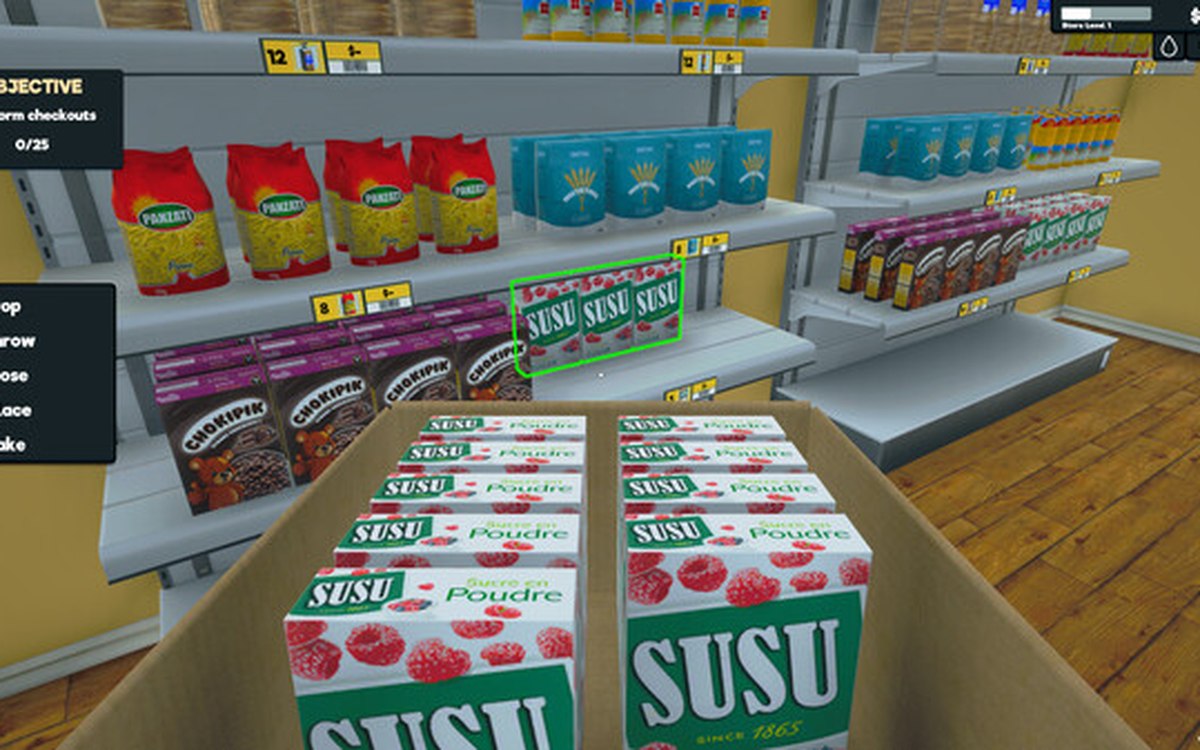
Interface · Supermarket Simulator · read from a local copy
Playing with a controller
The game has a controller input manager and its own set of pad interface functions.
Supermarket Simulator can be run with a controller rather than only with a keyboard and mouse: the game switches its prompts, makes its menus selectable for a pad, and drives vibration through a haptic layer of its own.
What the game establishes
- The game has a controller input manager and its own set of pad interface functions. (checked against the game's own files)
- Prompts switch between key and button pictures, with a switch, a deeper switch, an icon switcher and a layout dispatcher. (checked against the game's own files)
- Menu items are made selectable for a pad, with a focus check and selectable parents. (checked against the game's own files)
- Text entry can be handed to a virtual keyboard when a pad is in use. (checked against the game's own files)
- The vending machine and its slots have pad handlers of their own. (checked against the game's own files)
- The sale screens for furniture, paint, produce and loans adjust themselves for a pad. (checked against the game's own files)
- Vibration has a manager with patterns, durations and a preset configuration. (checked against the game's own files)
- The game ships its own controller button pictures for its prompts. (checked against the game's own files)
- The control pictures are also cut out one by one, numbered per glyph. (checked against the game's own files)
In play
The shop can be run with a controller rather than only with a keyboard and mouse, and the game has a layer of its own for it instead of treating a pad as a keyboard with different names.
There is an input manager for the controller and a set of functions for the pad's interface, which is why menus behave differently with a pad than they do with a pointer.
The prompts change to match what you are holding. The game has a switch for the pad, a second switch for individual screens, an icon switcher and a dispatcher for the layout, so one action can be shown as a key or as a button depending on what is in your hands.
Menu items are made selectable for a pad. There are selectable parents, a check for where the focus is and a helper around it, which is how a selection moves down a list rather than a pointer being dragged across the screen.
Typing is handled as well. A listener hands text entry to a virtual keyboard when a pad is in use, so naming the shop or searching for a product does not mean putting the controller down.
Whole screens have their own pad handling. The vending machine, its computer slot and its individual slots each have a handler, and the sale screens for furniture, paint, produce and loans adjust themselves for a pad too.
Vibration is part of the same work. There is a haptic manager with patterns, durations and a preset configuration behind it, so the pad is told what to do rather than shaking at random.
The pictures beside this entry are the game's own: two of the controller buttons it ships for its prompts.
What this entry does not tell you: which controllers are supported, what each button does by default, or which platforms get vibration. We have not verified those, so we do not print them.
Related
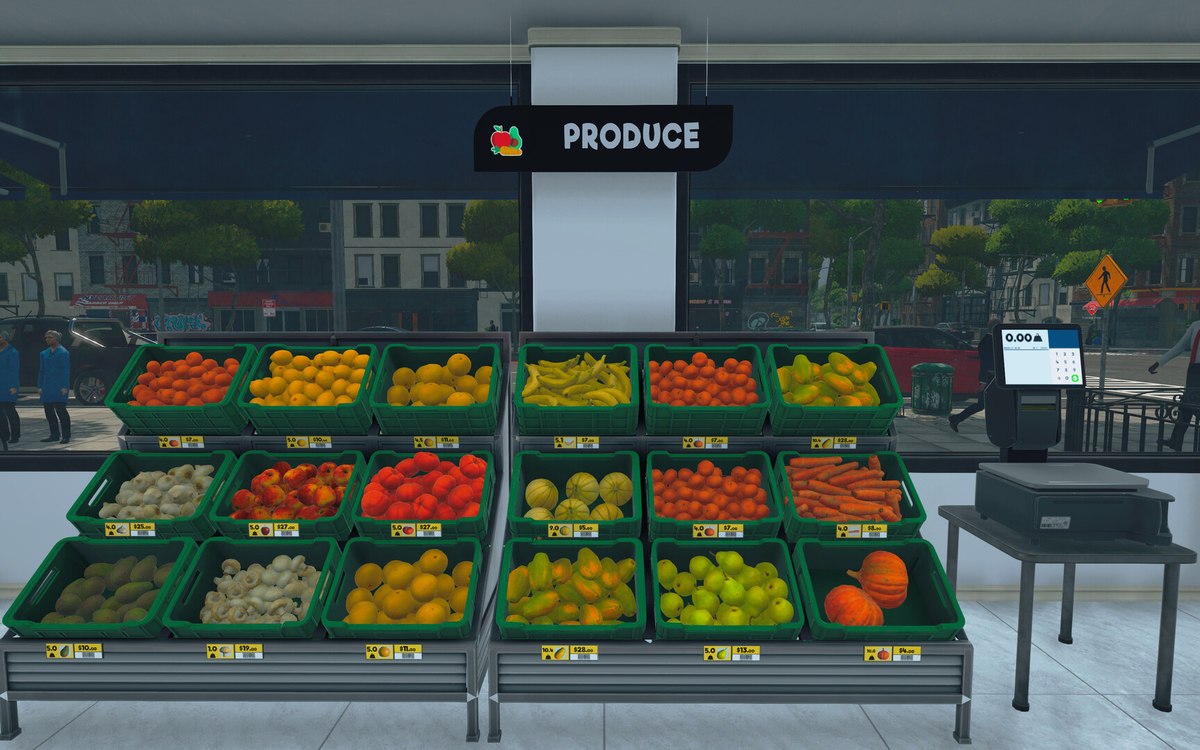 Running the shopThe management tabs on the computerThe computer keeps its functions in separate tabs.
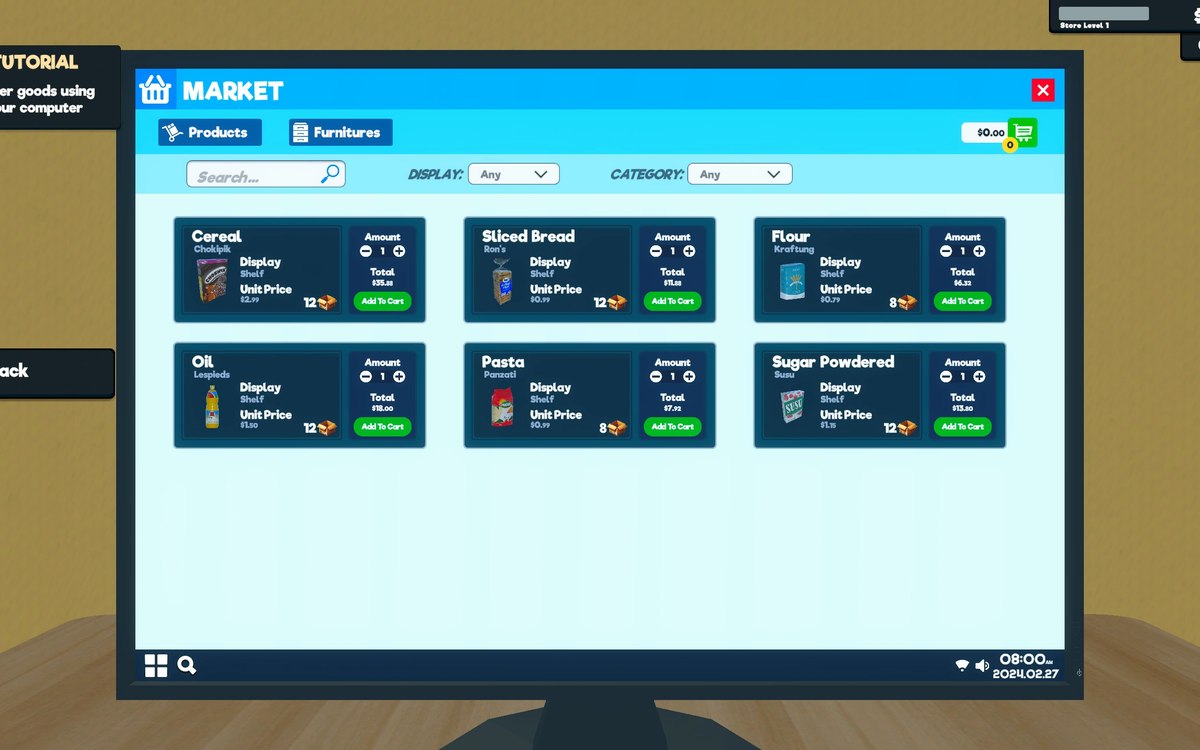 InterfaceHow the game shows what you can useThe game has a crosshair manager and a crosshair reference of its own.
Version and sources
A local copy of the game, read only. The grounding for each fact is listed on the technical reference pages; nothing here is estimated. Documented build: 1.6.0 (223).