
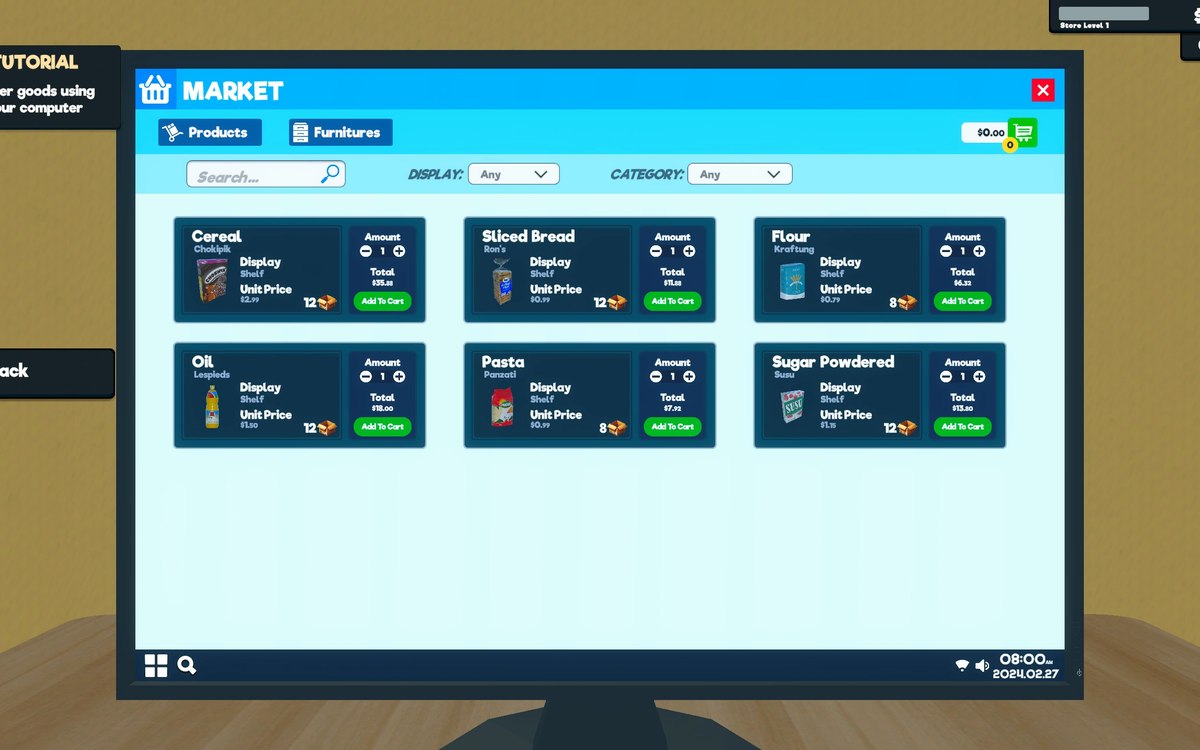
Interface · Supermarket Simulator · read from a local copy
How the game shows what you can use
The game has a crosshair manager and a crosshair reference of its own.
Supermarket Simulator tells you what you can act on rather than leaving you to guess: the game keeps a crosshair manager, a highlight system and a set of indicators for what you are holding.
What the game establishes
- The game has a crosshair manager and a crosshair reference of its own. (checked against the game's own files)
- Things you can act on are highlighted by a manager of their own. (checked against the game's own files)
- Highlights are generated rather than fitted to each object by hand. (checked against the game's own files)
- What the player is holding has its own indicator. (checked against the game's own files)
- The game shows messages in text as well as in colour. (checked against the game's own files)
- A full cart and a boost have their own indicators. (checked against the game's own files)
- The build keeps a mode for highlighting of its own. (checked against the game's own files)
- Interactable objects share a common behaviour. (checked against the game's own files)
- The wheel of tools is held by a controller of its own. (checked against the game's own files)
- The game keeps a result for the ray it sends out and a result for what it met. (checked against the game's own files)
- Icons for the tools a player can use are shipped, a mop among them. (checked against the game's own files)
In play
The game points things out. There is a crosshair manager and a crosshair reference of its own, so the middle of the screen carries information rather than only aiming.
Things you can act on light up. The game keeps a highlight manager with highlightable objects and settings of its own, which is why a shelf or a box draws attention when you look at it.
Highlights are generated rather than hand-wired. There is a generator behind them, which is why new objects can join the same behaviour instead of each one being fitted individually.
What you are holding is shown separately. There is an indicator for the thing in your hands, which is why carrying something and looking at something are two different pieces of information.
Messages appear in words. There is an in-game text indicator, which is how the game tells you something in text rather than only in colour.
Limits have their own warning. A cart that is full has its own indicator, which is why you find out a cart is maxed instead of wondering why nothing else fits.
Objects opt into it. Interactable things share a common behaviour, which is why the same crosshair works across shelves, tills and doors.
What you can reach is gathered in one place. The wheel of tools is held by a controller of its own, which is why picking a held item is a screen the game can open rather than a list of keys.
Looking is a test with an answer. The game keeps a result for the ray it sends out and a result for what that ray met, which is why the highlight lands on the thing under the middle of the screen.
What this entry does not tell you: how far a highlight reaches, what each state looks like, or which objects are interactable. We have not verified those numbers, so we do not print them.
Related
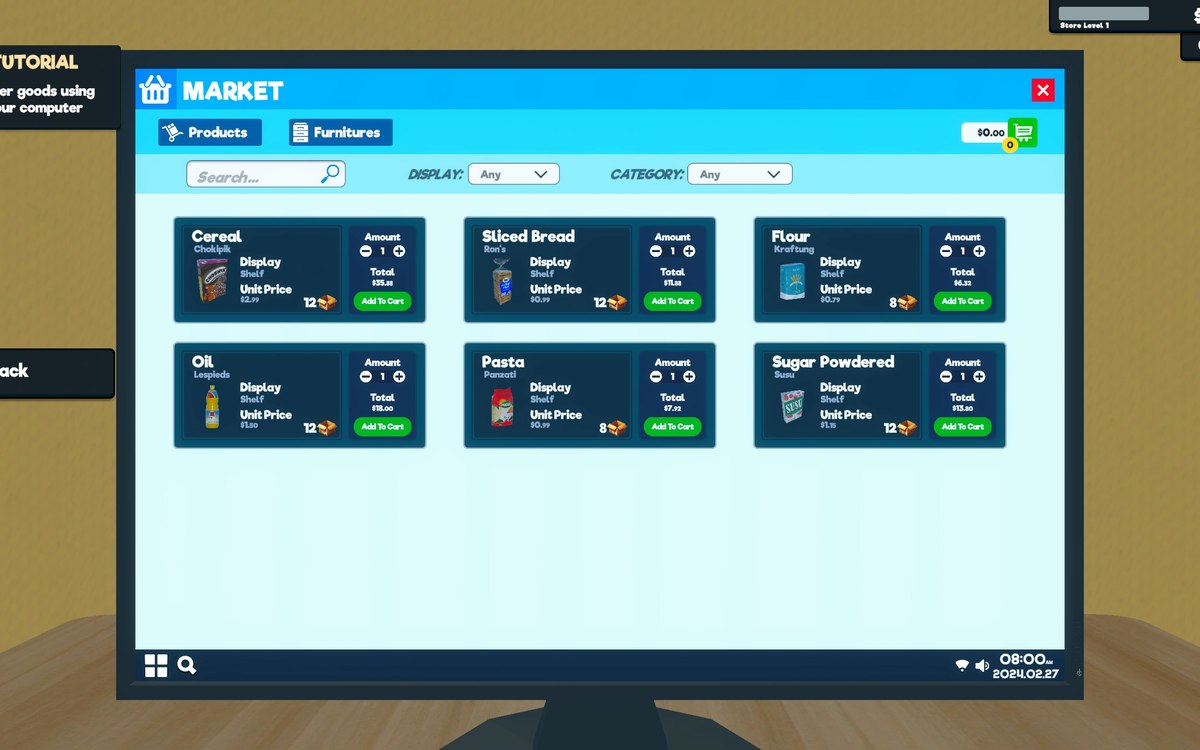 Running the shopThe shop computerThe shop computer is an object of its own with its own desk.
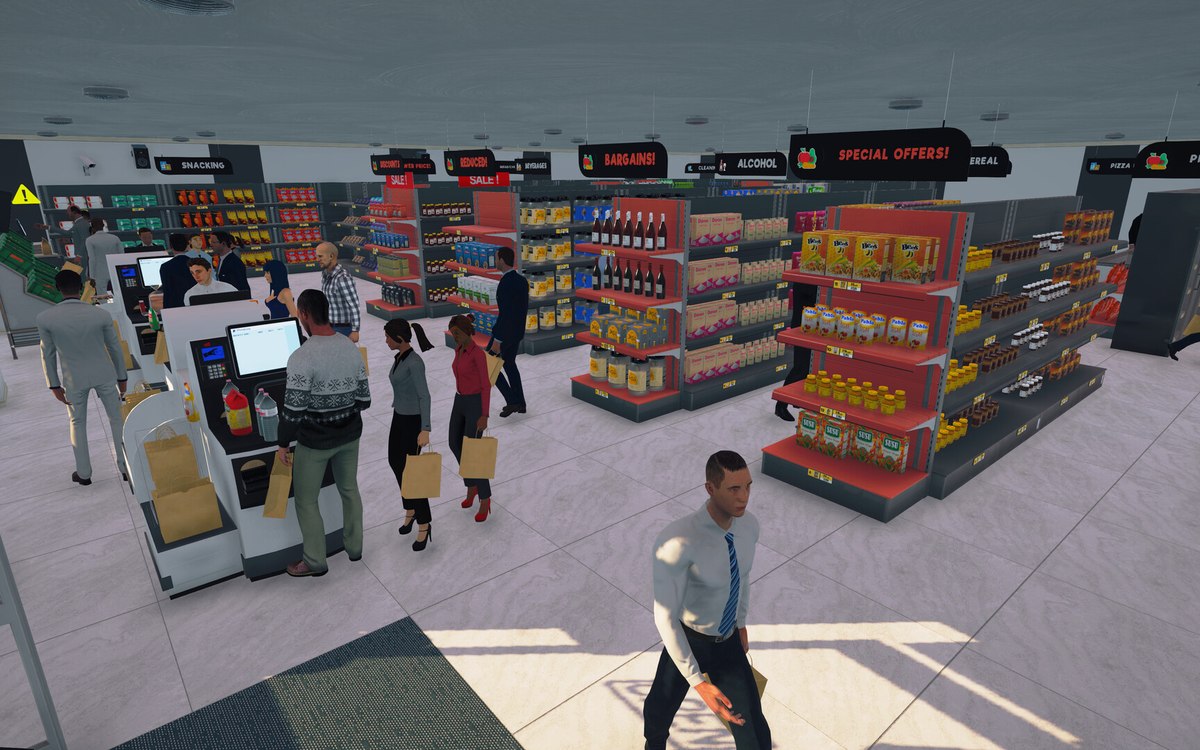 CheckoutCheckout and cashiersA checkout can be operated by a hired cashier.
Version and sources
A local copy of the game, read only. Identifiers are listed on the technical reference pages; nothing here is estimated. Documented build: 1.6.0 (223).