
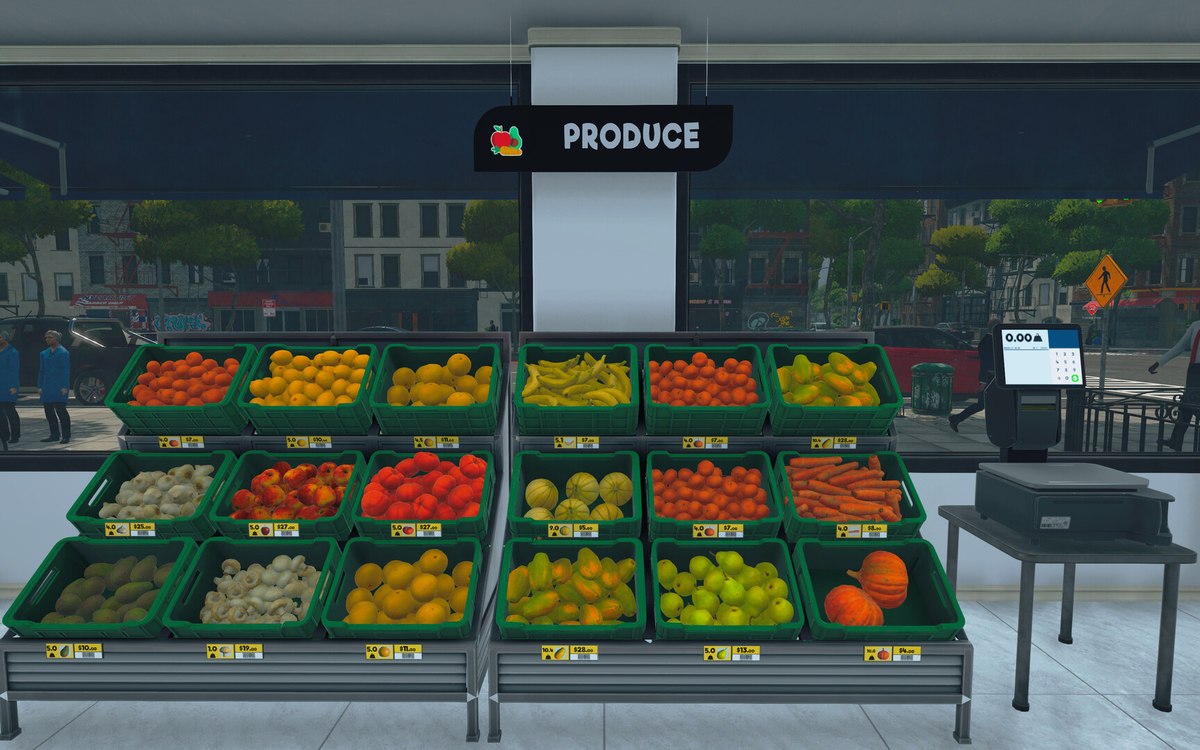
Running the shop · Supermarket Simulator · read from a local copy
The management tabs on the computer
The computer keeps its functions in separate tabs.
Supermarket Simulator keeps the running of the shop in tabs of its own: the computer has screens for hiring, for customising the shop including its name and doors, and for music.
What the game establishes
- The computer keeps its functions in separate tabs. (checked against the game's own files)
- Hiring has a screen of its own with its own entries. (checked against the game's own files)
- Customising the shop includes changing the name and placing doors. (checked against the game's own files)
- Doors have a camera of their own for switching. (checked against the game's own files)
- Restockers and bakers have management records. (checked against the game's own files)
- A tab view has a content container of its own, and a sub-tab has a toggle of its own. (checked against the game's own files)
- The management tabs use frames of their own, an item frame and a bar frame top. (checked against the game's own files)
In play
The computer is organised into tabs. The game keeps separate screens for the parts of running the shop rather than one list, which is why hiring, decorating and music do not get in each other's way.
Hiring has its own tab. There is a hiring screen of its own, which is why taking somebody on is a place you go rather than something that happens to you.
Customising the shop has one as well. The customisation tab covers more than colour: it includes changing the name and placing doors, so the shop's identity and its entrances are set in the same place.
Doors are their own kind of item. The customisation tab has a door entry and there is a door-switch camera, which is why entrances are configured rather than built.
Music is a third tab. The music player sits among them, which is why what plays in the shop is managed alongside the rest of the shop rather than in settings.
Orders are managed there too. The game keeps restocker and baker management records, so the staff who keep stock moving are configured from the same console.
The tabs are built from parts. There is a container for the content of a tab view and a toggle for a sub-tab, which is why a tab can hold sub-tabs of its own rather than being one flat screen.
What this entry does not tell you: what any of it costs, what order the tabs unlock in, or how many options each holds. We have not verified those numbers, so we do not print them.
Related
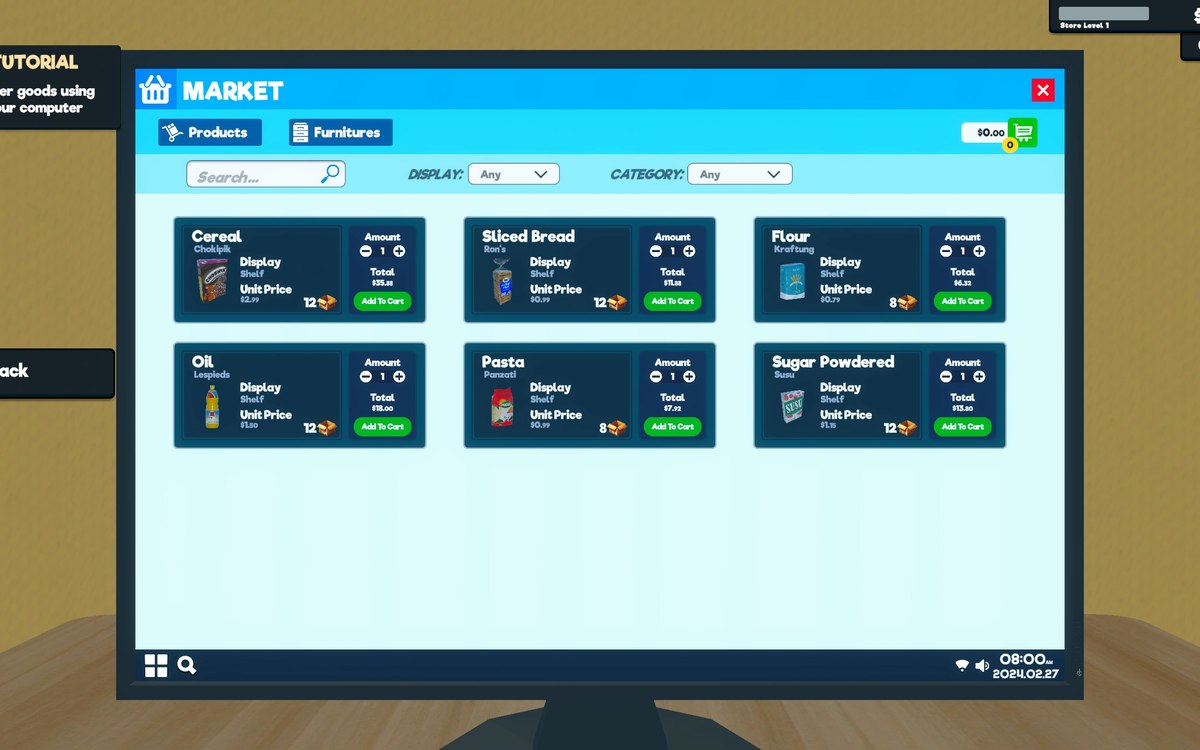 Running the shopThe shop computerThe shop computer is an object of its own with its own desk.
 Running the shopThe bakery counterThe bakery runs through a manager of its own.
Version and sources
A local copy of the game, read only. Identifiers are listed on the technical reference pages; nothing here is estimated. Documented build: 1.6.0 (223).