
Interface · Supermarket Simulator · read from a local copy
The popups that interrupt you
Popups are run by a manager of their own.
Supermarket Simulator talks to you through popups of its own: the game keeps a manager, a set of kinds, questions and apologies, and information panels with their own content.
What the game establishes
- Popups are run by a manager of their own. (checked against the game's own files)
- The game sorts popups into types. (checked against the game's own files)
- The build names its info button and info panel, and keeps a checkout warning of its own. (checked against the game's own files)
- There is a question popup and an apology popup. (checked against the game's own files)
- A popup can take focus over input. (checked against the game's own files)
- There are information popups assembled from their own elements and content. (checked against the game's own files)
- One popup covers grid system information. (checked against the game's own files)
- A second manager runs popups independently of the first, with pieces of its own. (checked against the game's own files)
- Information popups have a manager and kinds of their own. (checked against the game's own files)
- A popup can ask for a confirmation through a handler of its own. (checked against the game's own files)
- The game also keeps a stream of player notifications, placed by position. (checked against the game's own files)
- The game draws an information icon of its own for a popup. (checked against the game's own files)
In play
Popups are a system. The game runs them through a manager of its own rather than showing text wherever it happens to fit, which is why they behave consistently.
They come in kinds. The game sorts popups into types, so a question behaves differently from an apology rather than all messages looking the same.
Some of them wait. A popup can be raised after a delay rather than immediately, which is why the game can let a moment pass before it says anything.
They take focus. The game has a handler for popup focus, which is why a popup can take over input instead of being decoration you can ignore.
There are information panels. The game keeps information popups with their own elements and content records, so a longer explanation is assembled from parts rather than written out once.
One of them is about the grid. There is a canvas for grid system information, which is why the shop's layout can be explained in place rather than in a manual.
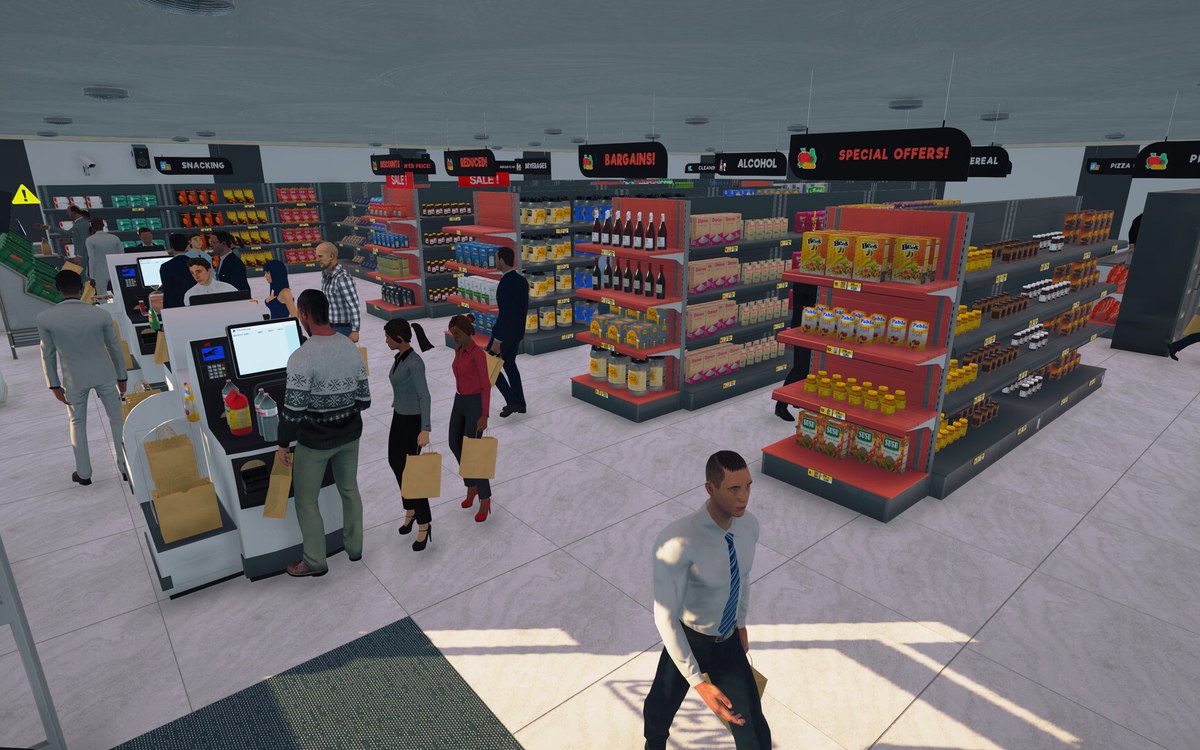
The image beside this entry is the game's own: the information icon it draws on a popup, a blue i in a pale circle.
What this entry does not tell you: how many popups there are, when each is triggered, or whether they can be turned off. We have not verified those, so we do not print them.
Related
 InterfaceHow the game shows what you can useThe game has a crosshair manager and a crosshair reference of its own.
 Running the shopThe management tabs on the computerThe computer keeps its functions in separate tabs.
Version and sources
A local copy of the game, read only. Identifiers are listed on the technical reference pages; nothing here is estimated. Documented build: 1.6.0 (223).