
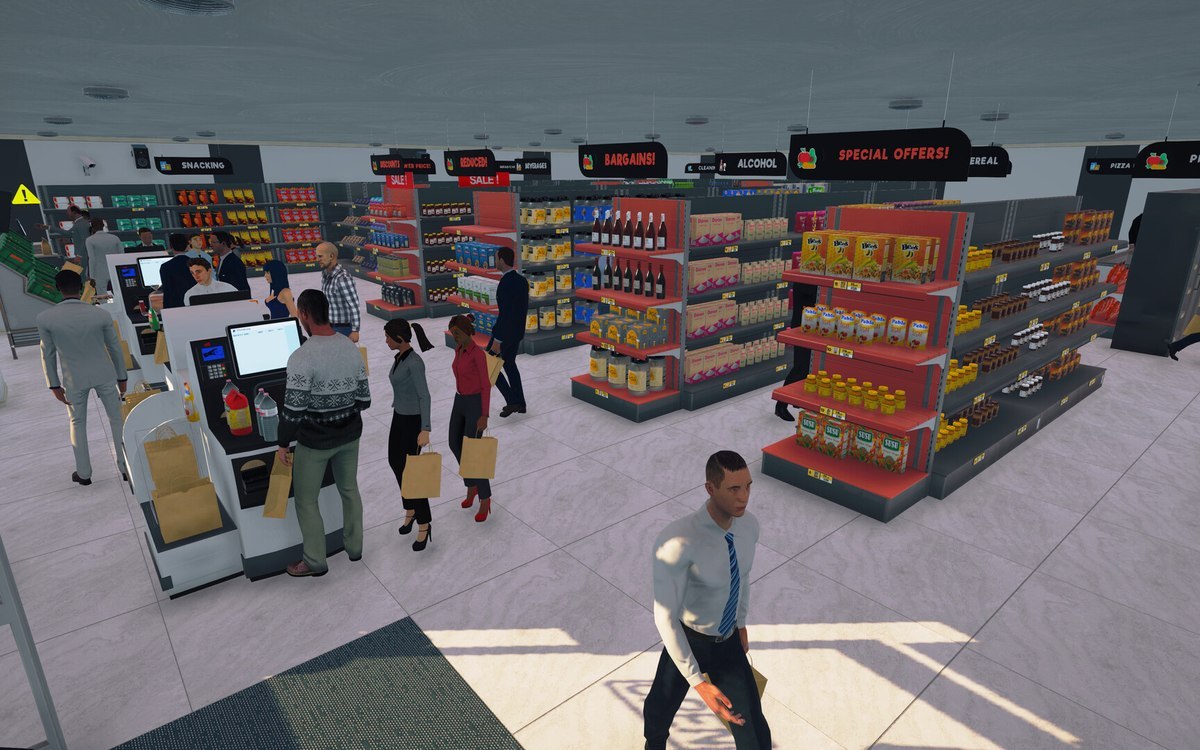
Interface · Supermarket Simulator · read from a local copy
The hints and pings the game gives
The game runs a ping system of its own.
Supermarket Simulator guides you while you play: the game runs a ping system, a manager for interaction hints, a handler for the tool wheel's input hint, key icons with kinds of their own, and types for interactions and the things you interact with.
What the game establishes
- The game runs a ping system of its own. (checked against the game's own files)
- Interaction hints are handled by a manager of their own. (checked against the game's own files)
- The tool wheel has a handler for its input hint. (checked against the game's own files)
- Key icons are managed, and a key display has kinds of its own. (checked against the game's own files)
- An interaction and the thing interacted with each carry a type. (checked against the game's own files)
- The game ships a picture of its own for a hint, showing the tablet's tool wheel and its screen. (checked against the game's own files)
In play
The game points things out rather than waiting to be asked. It runs a ping system of its own, which is how a sound or a marker can be put out for something you are supposed to notice.
Hints are managed as their own thing. There is a manager for interaction hints, so what the game tells you about an object is chosen in one place rather than written into every object.
The tool wheel has a hint of its own. There is a handler for the input hint that goes with the wheel, which is why the game can remind you how to open it without repeating the whole control list.
Keys are shown as icons. Key icons are managed by the game and come in kinds, which is why a prompt can show a key picture that matches the device you are on.
Interactions are typed. Both an interaction and the thing you interact with carry a type, so the game can decide what to offer without reading the object again.
Hints are drawn as well as triggered. The game ships a hint picture of its own, showing the tablet's tool wheel beside a restock list on its screen, which is why it can explain the tablet with one image rather than a paragraph.
What this entry does not tell you: how long a hint stays on screen, which pings exist, or how long a ping lasts. We have not verified those numbers, so we do not print them.
Related
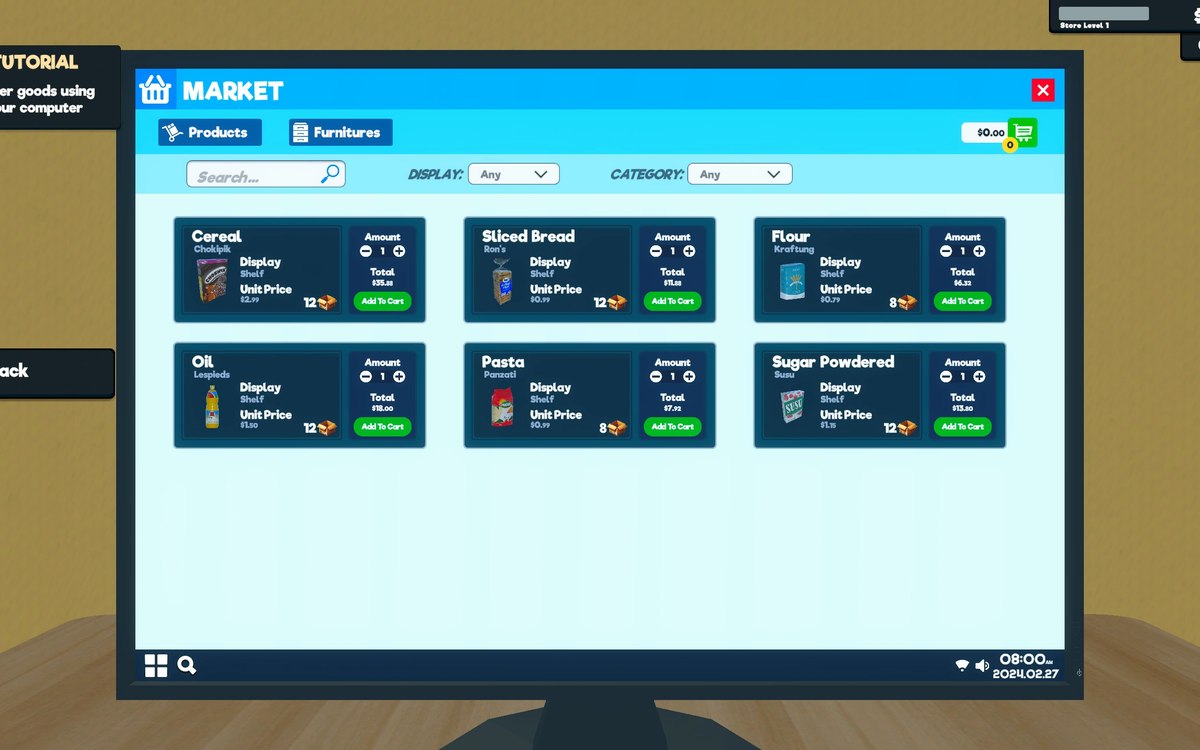 InterfaceHow the game shows what you can useThe game has a crosshair manager and a crosshair reference of its own.
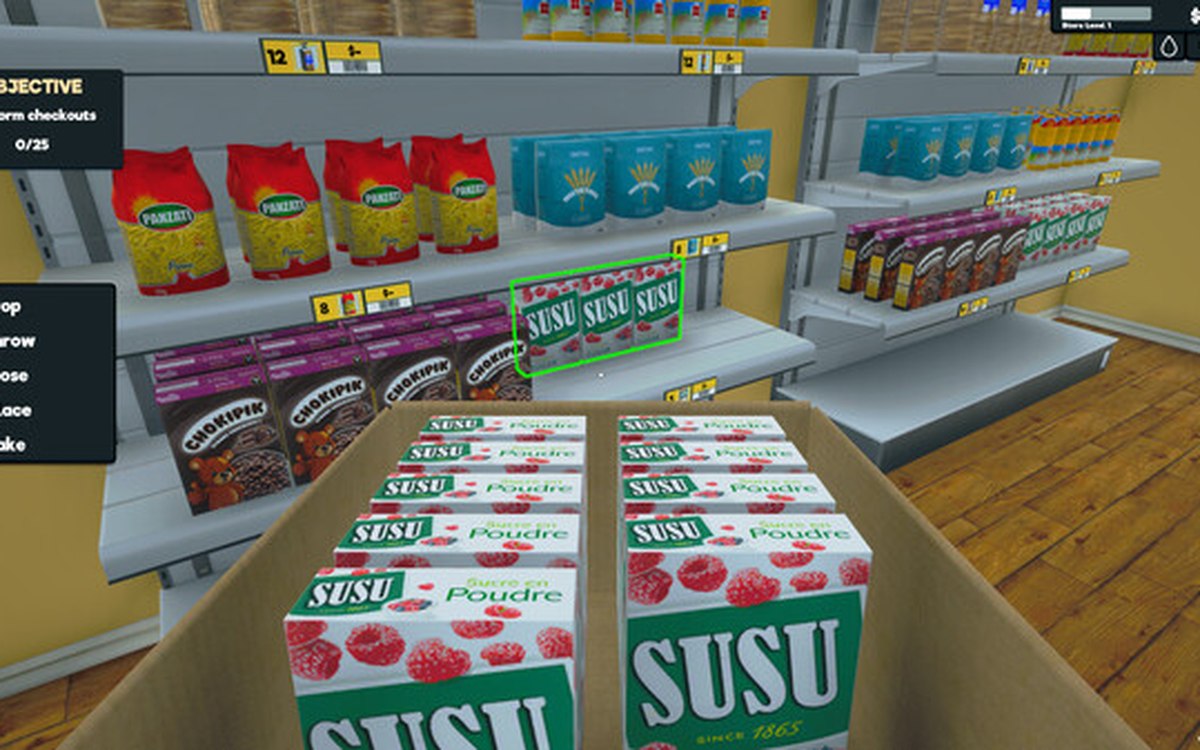 InterfacePlaying with a controllerThe game has a controller input manager and its own set of pad interface functions.
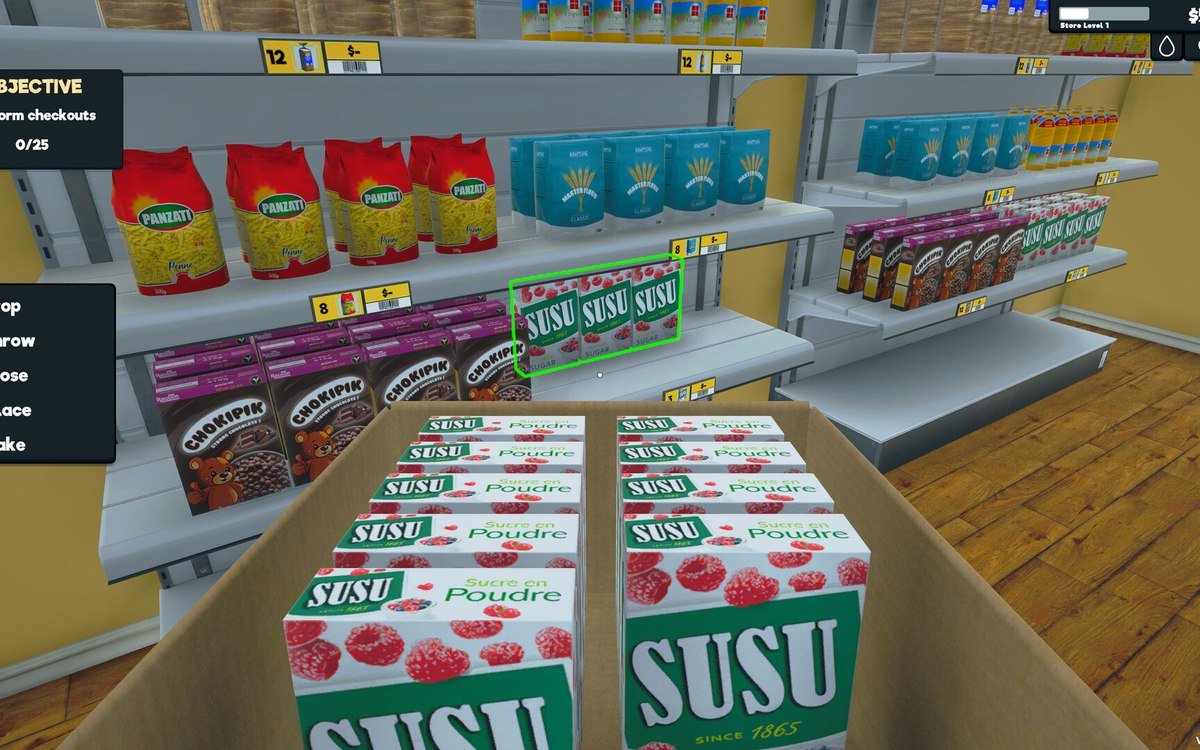 InterfaceThe controls the menus are built fromThe menus are built from the game's own controls, including a dropdown, a grid menu, a pad panel and a text-entry handler.
Version and sources
A local copy of the game, read only. Identifiers are listed on the technical reference pages; nothing here is estimated. Documented build: 1.6.0 (223).