
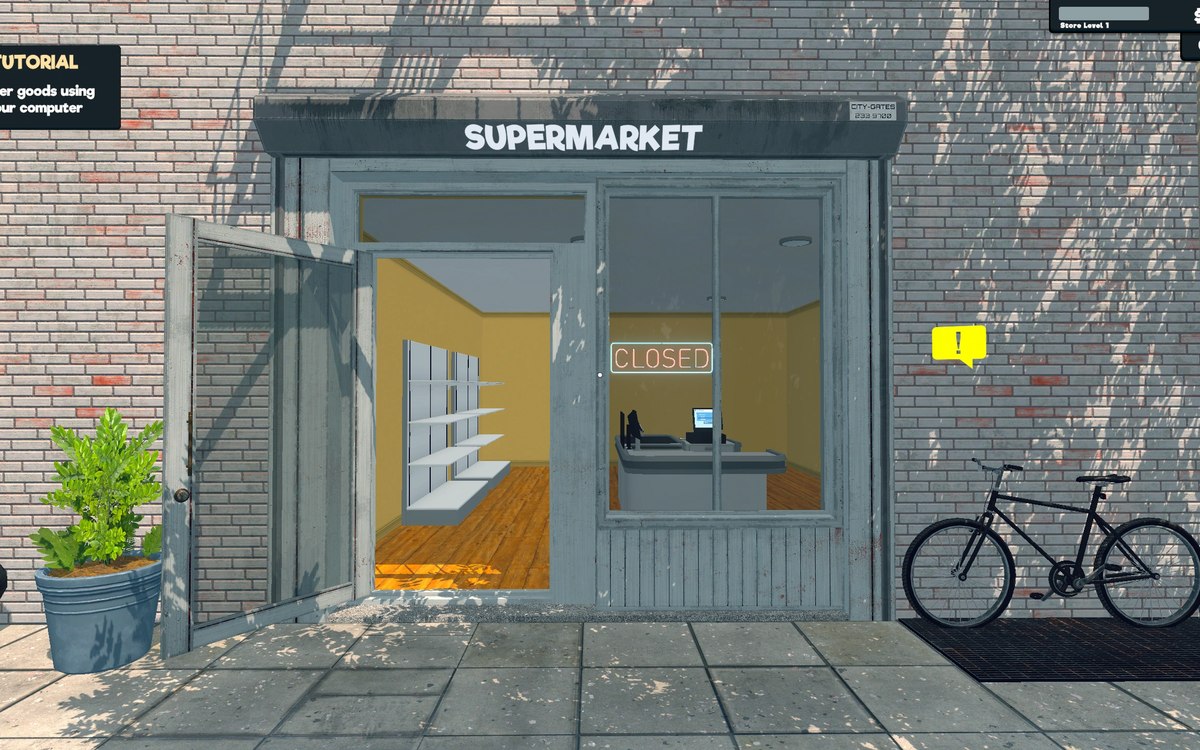
Interface · Supermarket Simulator · read from a local copy
The map and its markers
The game keeps a minimap and a larger map as separate pieces.
Supermarket Simulator has a map of its own: the game keeps a minimap, a larger map with its own cursor and markers, and a way to point things out to the other players.
What the game establishes
- The game keeps a minimap and a larger map as separate pieces. (checked against the game's own files)
- The larger map tracks a cursor of its own. (checked against the game's own files)
- Map markers are their own objects, including ones for particular fixtures in the shop. (checked against the game's own files)
- There is a ping marker for pointing something out to another player. (checked against the game's own files)
- The map has a tooltip of its own. (checked against the game's own files)
- The minimap is tracked on the network for a shared shop. (checked against the game's own files)
- Customers arriving through an online order have their own map target. (checked against the game's own files)
In play
There is a map, and there is a larger one. The game keeps a minimap and a bigger map as separate pieces, which is why opening the larger view is a different thing from glancing at the corner.
The larger map has a cursor. It tracks a cursor of its own rather than being a still picture, so you move around it instead of only looking at it.
Markers are objects of their own. The game keeps markers for the map, including ones for particular fixtures in the shop, which is why a map can show more than the shape of the building.
You can point at things. There is a ping marker, which is how one player draws another's attention to a spot instead of describing it.
The map explains itself. It has a tooltip of its own, so selecting something gives an explanation rather than leaving you to work out a symbol.
It works in a shared shop. The tracking behind the minimap is carried on the network, so the markers are shared rather than each player seeing their own.
What this entry does not tell you: how large the map is, how many markers exist, or whether it can be zoomed. We have not verified those numbers, so we do not print them.
Related
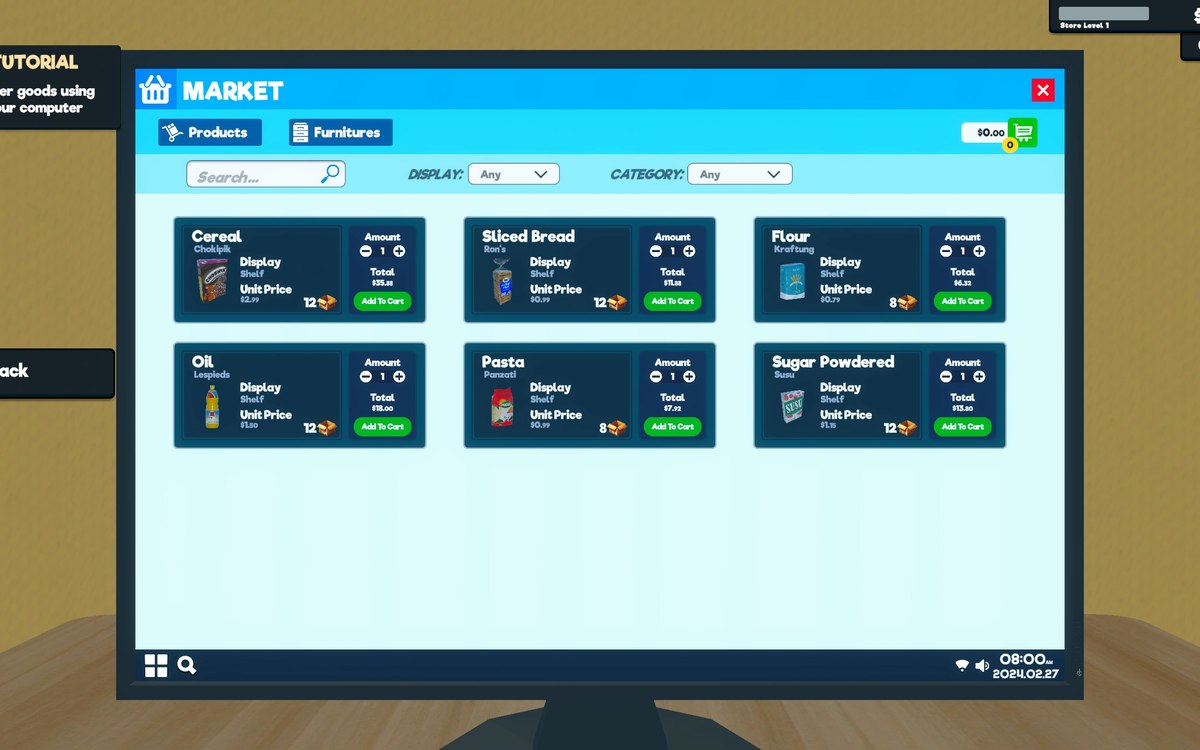 Running the shopThe shop computerThe shop computer is an object of its own with its own desk.
 CustomersCustomers and helpersCustomers are generated by the game.
Version and sources
A local copy of the game, read only. Identifiers are listed on the technical reference pages; nothing here is estimated. Documented build: 1.6.0 (223).