
The camera you play through
No confirmed picture from the game yet. This subject is kept as a note for now: the facts below are verified against the game's own files, but no image has been confirmed for it, so it is not published as a finished entry and is kept out of search engines.
What the game establishes
- The view is run by a camera controller of its own.
- Camera setups can be kept as presets.
- There is a free camera of its own, separate from the one the player carries.
- Camera settings are invoked and listened for rather than applied in one place.
- The picture is fitted to the screen by a fitter of its own.
- The camera has settings on the settings menu, with a listener that reacts to the field of view.
- The camera also keeps a state of its own.
In play
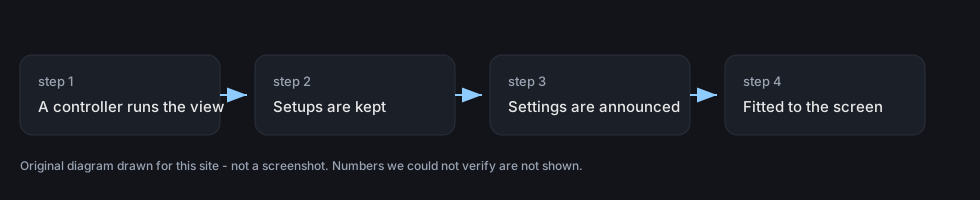
The view is managed rather than fixed. The game keeps a camera controller of its own, which is why what you are looking at can change without the shop changing with it.
Setups can be kept. There are camera presets, so a particular way of looking at something is a thing the game can hold rather than something rebuilt each time.
There is a camera that is free of a body. The game has a free camera of its own, which is how the view can be taken somewhere a player is not.
Settings are announced rather than applied silently. Camera settings are invoked and listened for, so a change to the view can be made in one place and reacted to in another.
The picture is fitted to the screen. There is a fitter for the aspect ratio, which is why the same view works on a wide screen and a narrow one rather than being cropped.
The camera also carries settings you can change: the entry on the settings menu keeps its own camera settings and a listener that reacts to how wide the view is.
The camera knows what it is doing. It keeps a state of its own, which is how the game can tell one way of viewing from another without rebuilding the controller.
What this entry does not tell you: what each preset frames, how fast a camera moves, or how the aspect fitter chooses its cropping. We have not verified those, so we do not print them.