
Interface · Supermarket Simulator · read from a local copy
The window the money tabs live in
The money screens are built on a window of their own.
Supermarket Simulator does not open loans, bills and growth as three separate pages: they are tabs inside a window of the game's own, with a tab for the payments a loan is made of and the same arrangement holding the licences and the storage.
What the game establishes
- The money screens are built on a window of their own. (checked against the game's own files)
- A window is made of tabs of its own. (checked against the game's own files)
- Loans, bills and growth each have a tab. (checked against the game's own files)
- A loan has a payments tab of its own beside it. (checked against the game's own files)
- Licences and storage sit in the same arrangement. (checked against the game's own files)
- The window is scaled by a canvas scaler with a multiplier of its own. (checked against the game's own files)
- The money window is drawn on a canvas of its own, with a screen background and a value text beside it. (checked against the game's own files)
In play
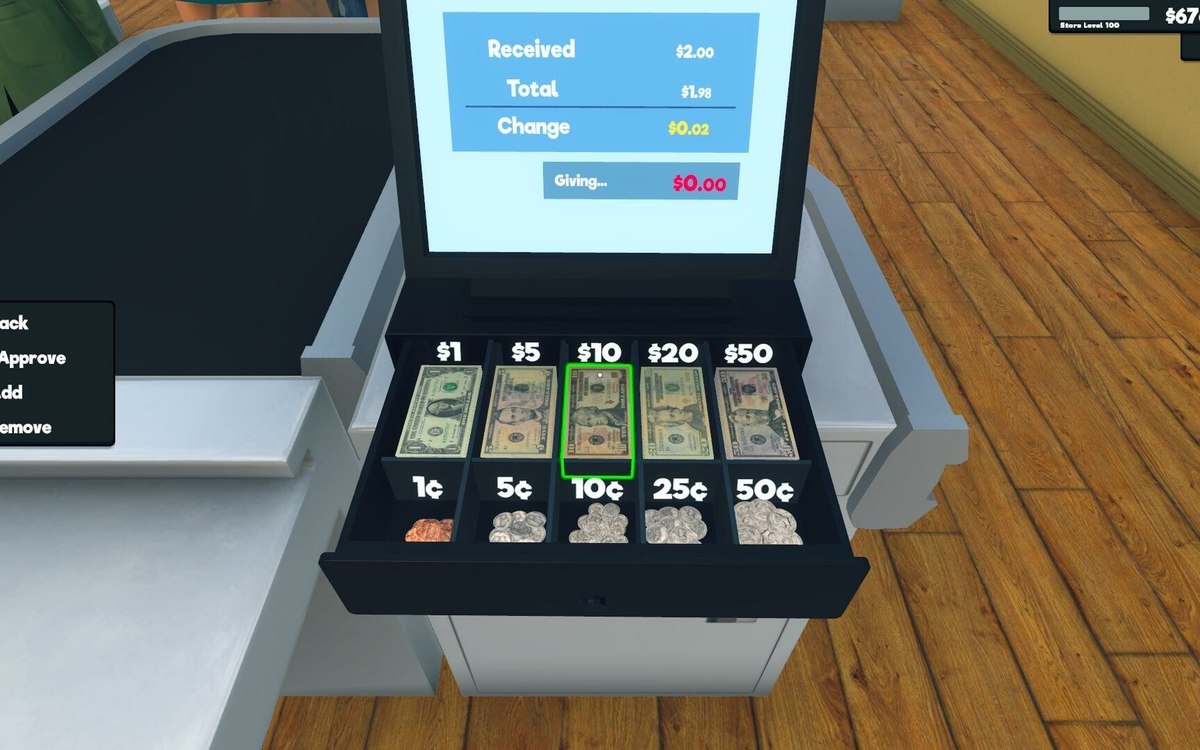
The money screens are windows rather than pages. The game builds them on a window of its own, so the bills, the loans and the growth figures are opened in the same kind of frame instead of each being a screen of its own.
A window is made of tabs. There is a tab of its own for a window, which is how one frame can hold more than one screen at a time.
Loans have a tab, bills have a tab and growth has a tab. They are separate stops inside one window rather than three different places in the game.
A loan is not one tab. The payments a loan is made of have a tab beside the loan itself, which is why the amount and the schedule can be looked at separately.
Licences and storage sit in the same arrangement, so the window is where the shop's paperwork lives and not only its money.
The frame is scaled to whatever it is drawn on. A canvas scaler with a multiplier of its own sits behind it, which is how the same window keeps its proportions across different screen sizes rather than being redrawn for each.
Because the frame and its tabs are separate from the figures they show, a screen can be added to the window without the shop's money moving anywhere else.
What this entry does not tell you: how many tabs the window holds, what each screen shows, or how a repayment is worked out. We have not verified those points, so we do not print them.
Related
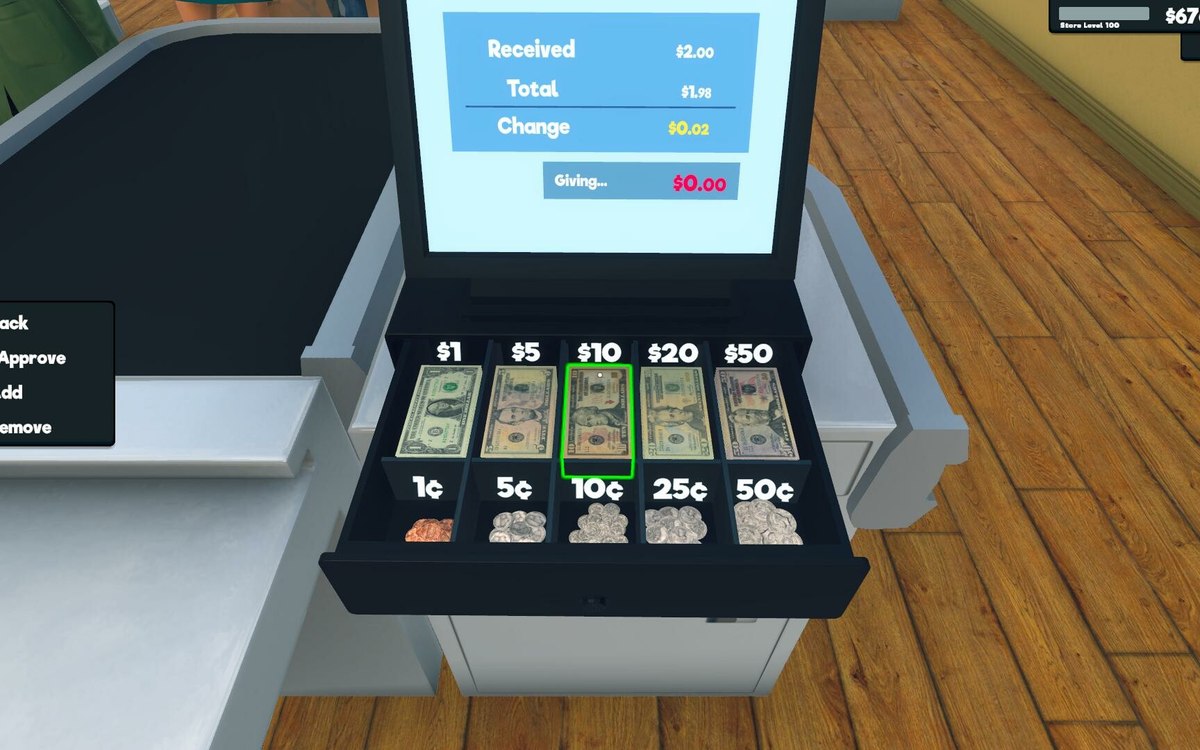 Money, bills and loansBills, loans and growth screensBills are organised as their own part of the interface.
 Running the shopThe management tabs on the computerThe computer keeps its functions in separate tabs.
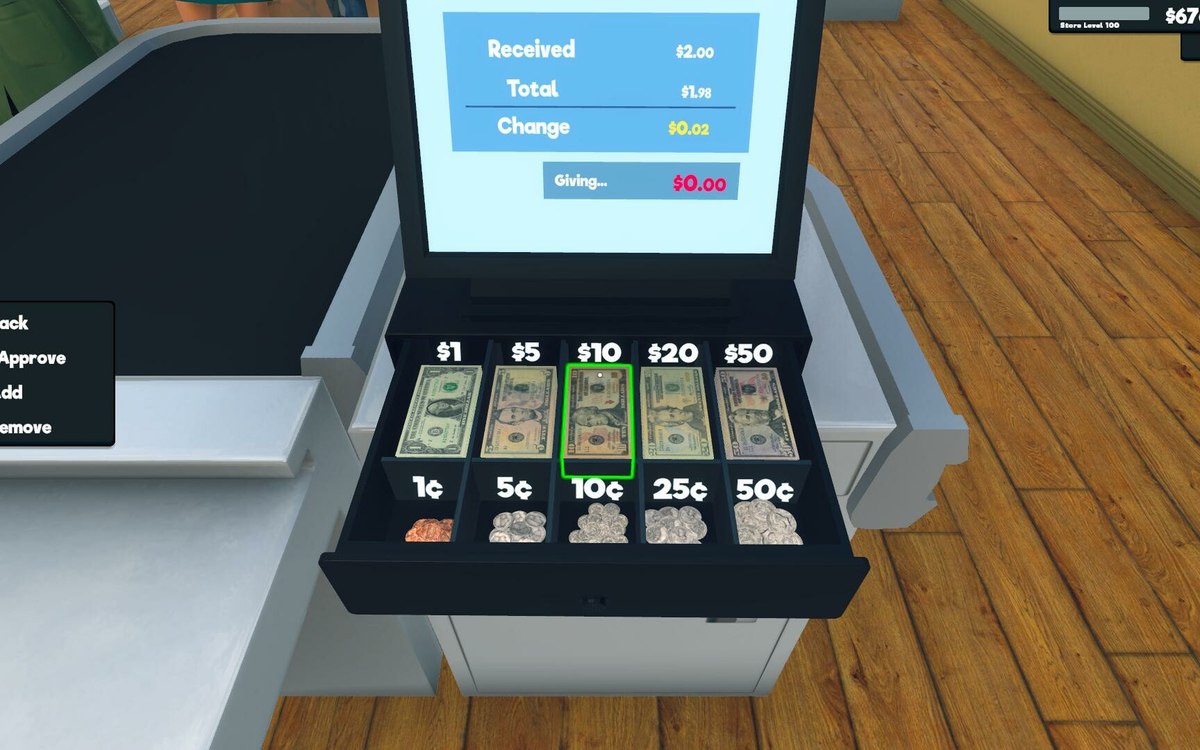 Money, bills and loansLoans and paying them backBorrowing is a defined object in the game.
Version and sources
A local copy of the game, read only. The grounding for each fact is listed on the technical reference pages; nothing here is estimated. Documented build: 1.6.0 (223).