
Money, bills and loans · Supermarket Simulator · read from a local copy
Bills, loans and growth screens
Bills are organised as their own part of the interface.
Money in Supermarket Simulator is not one number on one screen: the game organises bills, repayments, loans, initial licences and growth into their own places.
What the game establishes
- Bills are organised as their own part of the interface. (checked against the game's own files)
- Repayments have a separate place from the loan itself. (checked against the game's own files)
- Growth has its own part of the interface. (checked against the game's own files)
- The build names a bill amount label, a bill date label and a bills item of its own. (checked against the game's own files)
- Licences have their own part of the interface. (checked against the game's own files)
- The shop's lease is handled by a manager of its own. (checked against the game's own files)
- The game keeps loan data as a record of its own. (checked against the game's own files)
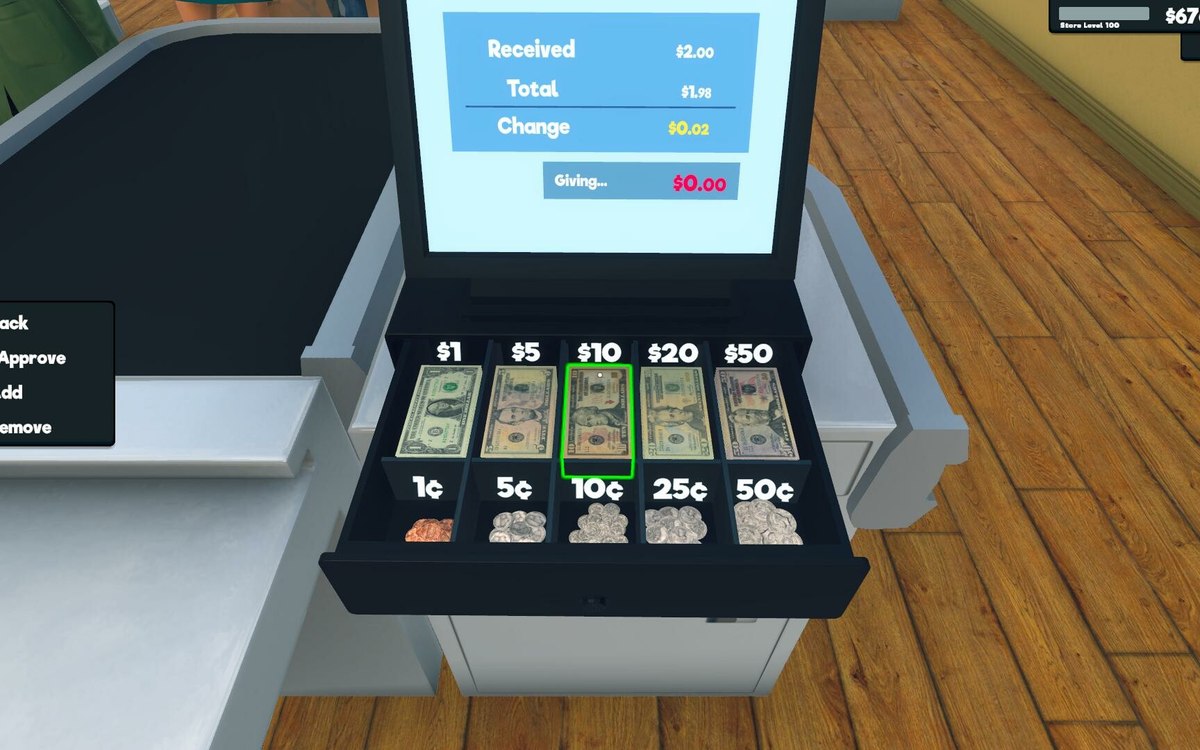
- The game ships its own banknote artwork, the money the bills are about. (checked against the game's own files)
- The bank is a building of its own in the build, shipped as a model with a lower-detail copy and a collider, and its sign material names the grocery and the bank together. (checked against the game's own files)
- The bills screen is built from named pieces: a bill date, a bill amount text, a bill info panel and a bills item, with a loan button, a loan item, a term-length slider and its own texts. (checked against the game's own files)
In play
Recurring costs are grouped as bills rather than arriving as a single notice, which is why the game gives them a place of their own.
Repayments are separated from the loan itself, so taking credit and servicing it are two different tasks with two different screens.
A loan is a record of its own. The game keeps loan data apart from the screen that services it, which is why what you owe and where you pay it are kept separately.
The lease is its own concern. A manager of its own handles the shop's lease, which is why what you pay for the building is tracked apart from the loans you take out and the licences you buy.
Growth is organised the same way, with its own place alongside licences, which is why spending decisions live in more than one spot.
The image beside this entry is the game's own: the banknote it ships, the money the bills are counted in.
What this entry does not tell you: bill amounts, interest or what each growth step costs. We have not verified those numbers, so we do not print them.
Related
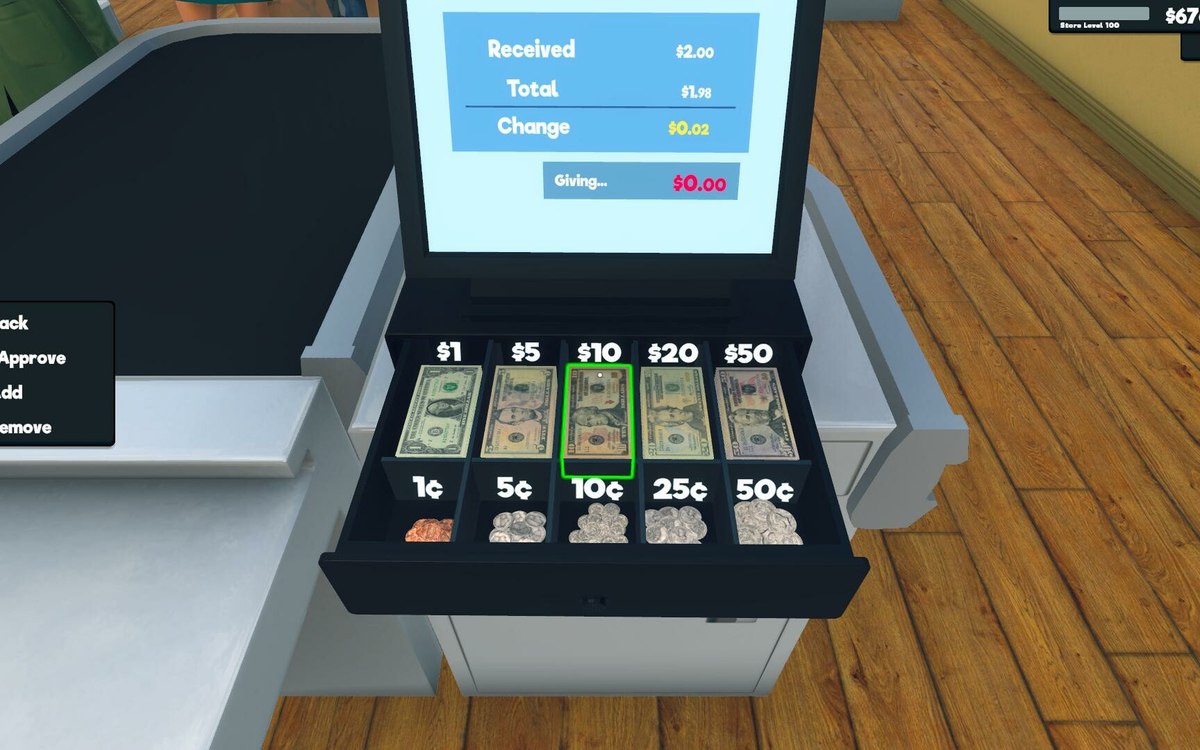 Money, bills and loansLoans and paying them backBorrowing is a defined object in the game.
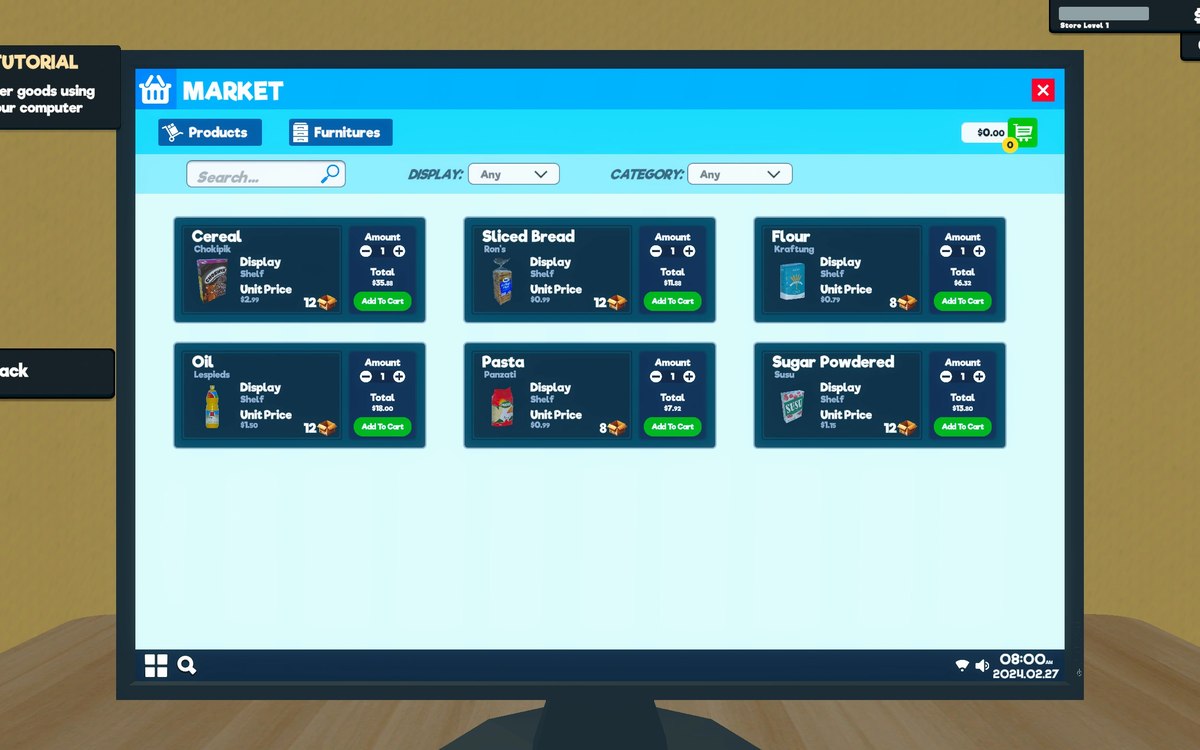 Upgrades and licencesStore upgrades and licencesLicences are separate objects in the game.
Version and sources
A local copy of the game, read only. The grounding for each fact is listed on the technical reference pages; nothing here is estimated. Documented build: 1.6.0 (223).