
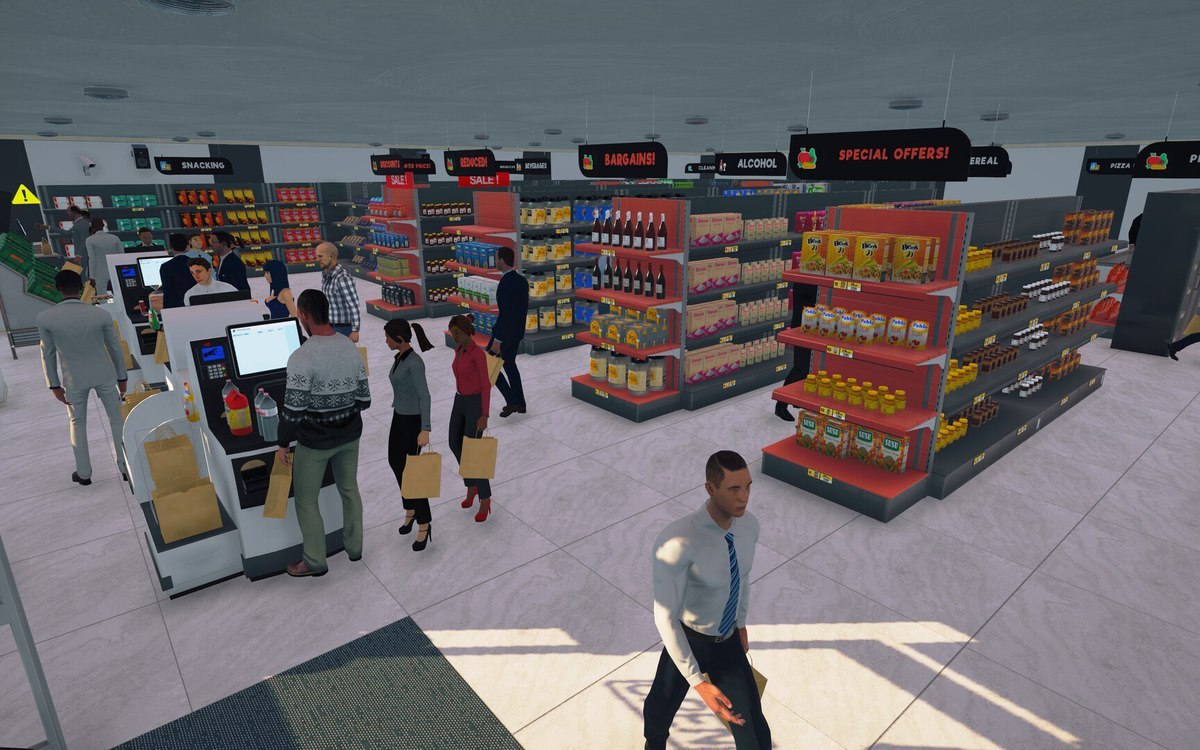
Interface · Supermarket Simulator · read from a local copy
The line icons the game draws
The build names line icons in families of its own: shopping, tool, weather, arrow, gesture, game and common sets among them.
Supermarket Simulator draws an icon set of its own: line icons sorted into shopping, tool, weather, arrow, gesture, game and common families, numbered per family, with app icons beside them.
What the game establishes
- The build names line icons in families of its own: shopping, tool, weather, arrow, gesture, game and common sets among them. (checked against the game's own files)
- Some of the line icons show a plain object: a trolley for shopping, a bin for tools and a water drop for weather. (checked against the game's own files)
- The icons are numbered per family rather than named by subject. (checked against the game's own files)
- App icons are drawn in the same style beside the line set. (checked against the game's own files)
- Beyond the line set the build names arrow, shopping, tool, common, device, feeling, food, media, social-media, traffic and simple-shape icons, with named marks like a check, a close and a settings icon among them. (checked against the game's own files)
In play
Supermarket Simulator draws an icon set of its own rather than borrowing one. The build names line icons in families, a shopping set, a tool set, a weather set, an arrow set, a gesture set, a game set and a common set among them, so a screen can say something without writing it out.
The icons are drawn as line art. Each one is an outline on a transparent ground rather than a filled picture, which is why the set reads the same on a dark panel as on a light one and why the same drawing can stand in for a label at very small sizes.
Some of them show a plain object. One shopping icon is a trolley, one tool icon is a bin and one weather icon is a water drop, so a player who has seen the screen once can recognise the mark without reading it.
The icons are numbered rather than named by subject. An arrow family runs through its own numbers and a common family through its own, which is why the set is bigger than the handful of marks a player notices.
App icons are drawn beside the line set. A screen that needs to say which part of the shop a player is looking at can use one of them, so the interface does not have to spell the name out.
That is why the icons are worth knowing about even for a player who never reads a menu: they are the same drawings the game reuses, so a mark learned in one screen shows up again in another without being explained twice.
The set is part of the interface rather than of the shop. Nothing about it changes what a shelf holds or what a customer costs, which is why this entry is filed with the screens rather than with the stock.
What this entry does not tell you: how many icons the set holds in total, which screen each one appears on, or whether every one of them is reachable in play. We have not verified those, so we do not print them.
Related
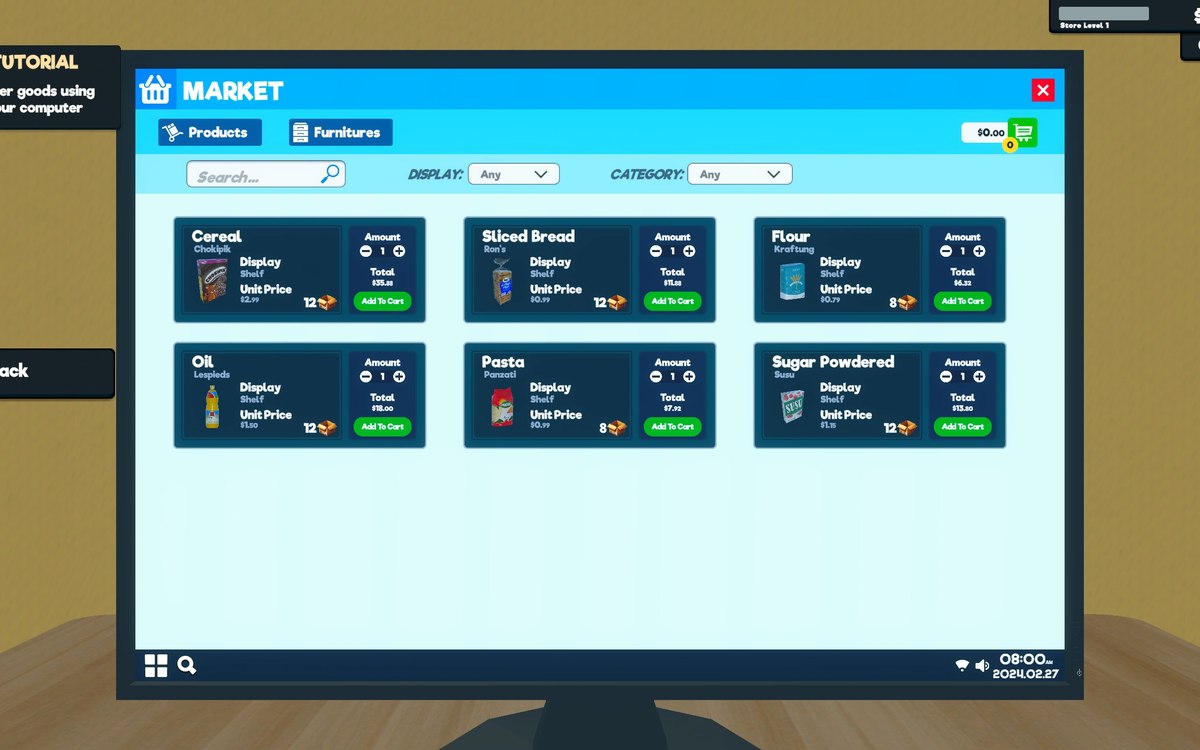 Running the shopThe computer and the tabletThe computer is an object with an interaction of its own.
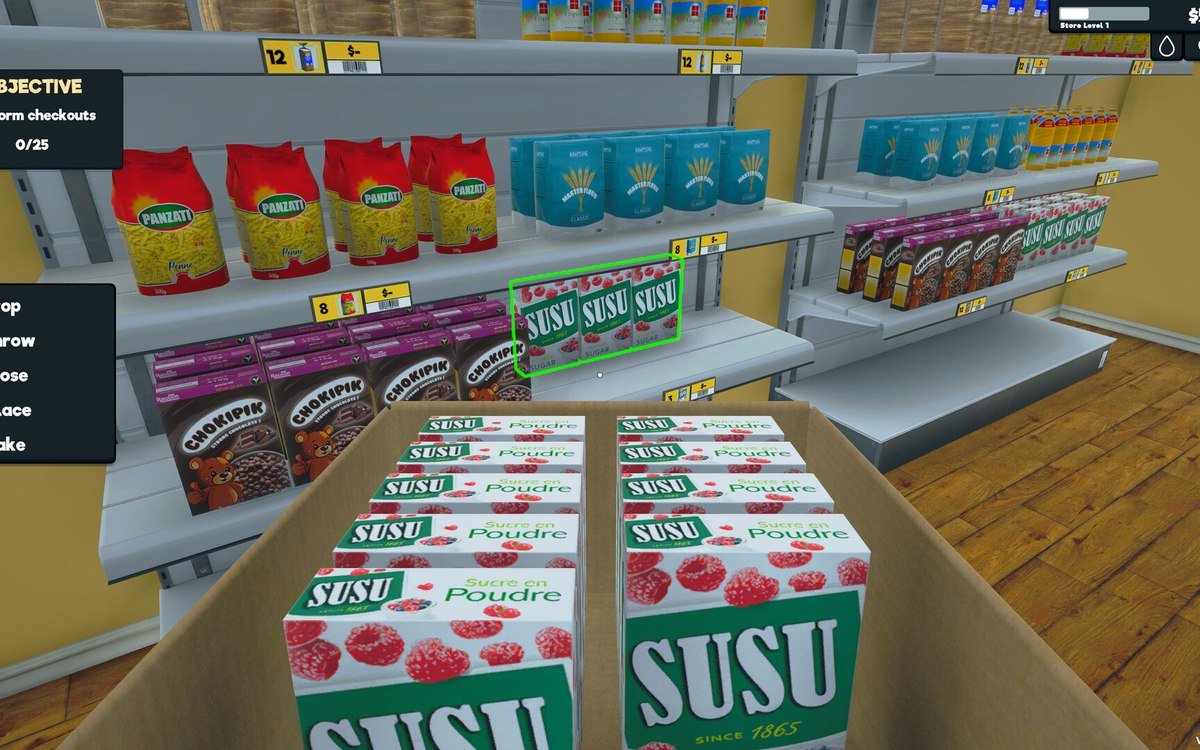 InterfaceThe controls the menus are built fromThe menus are built from the game's own controls, including a dropdown, a grid menu, a pad panel and a text-entry handler.
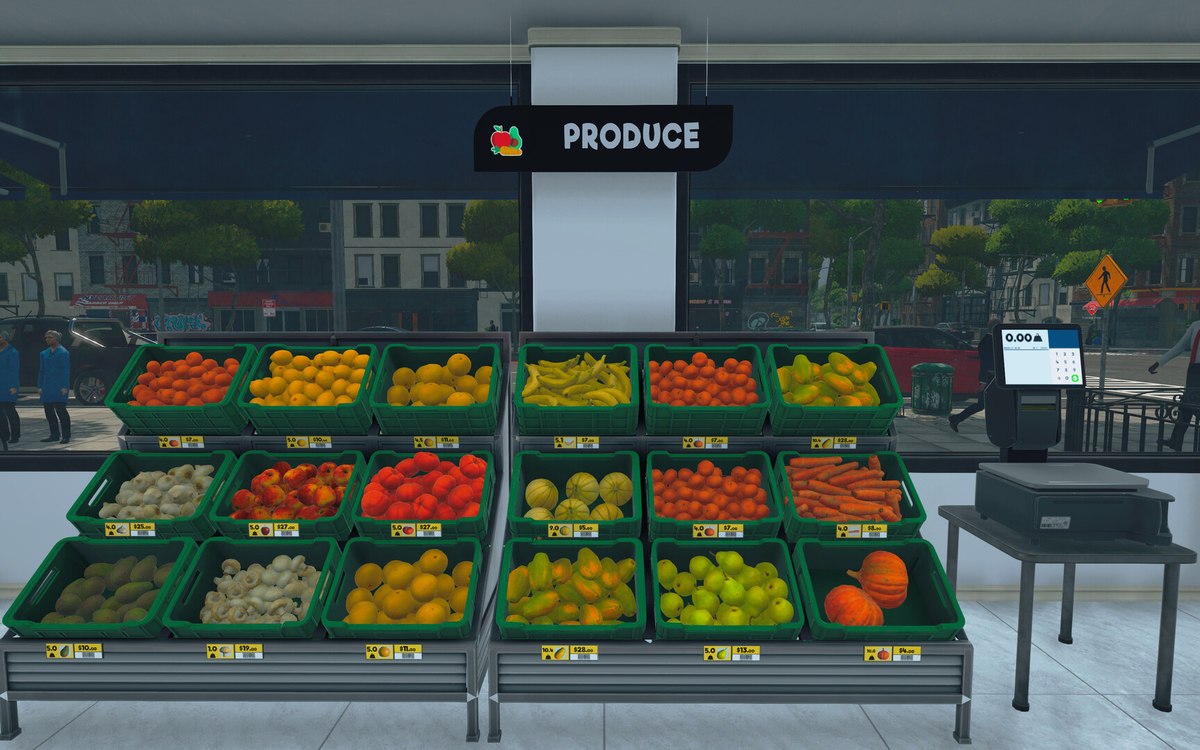 Running the shopThe management tabs on the computerThe computer keeps its functions in separate tabs.
Version and sources
A local copy of the game, read only. The grounding for each fact is listed on the technical reference pages; nothing here is estimated. Documented build: 1.6.0 (223).