
Running the shop · Supermarket Simulator · read from a local copy
The computer and the tablet
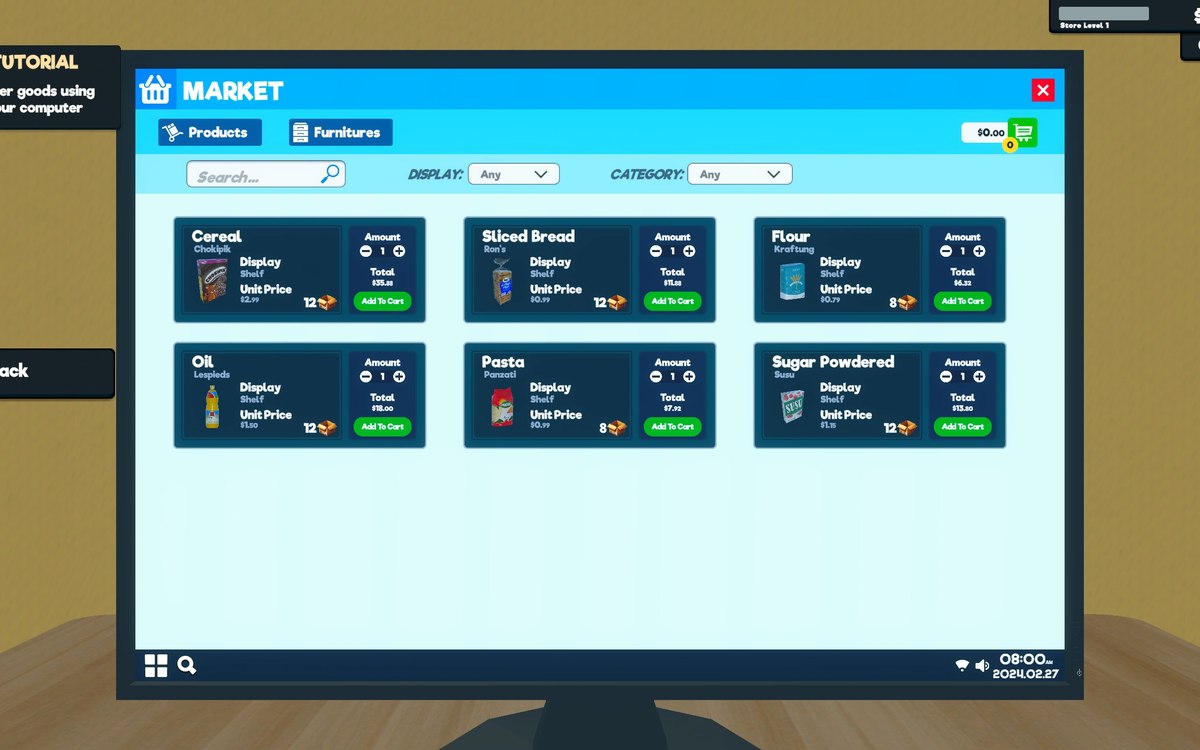
The computer is an object with an interaction of its own.
The machines the shop runs on in Supermarket Simulator are hardware as well as screens: the game keeps a computer object with its own interaction and a system with a desktop behind it, and it ships a tablet device with a scanner icon.
What the game establishes
- The computer is an object with an interaction of its own. (checked against the game's own files)
- It runs a system of its own, with a desktop. (checked against the game's own files)
- The game has a tablet device of its own. (checked against the game's own files)
- The tablet carries a cart item. (checked against the game's own files)
- Orders bring customers that are generated, shown on the map and kept in a networked form. (checked against the game's own files)
- The game ships a texture for the tablet and a scanner icon for it. (checked against the game's own files)
- The build keeps a swipe controller of its own. (checked against the game's own files)
- The build ships materials for the shop computer and for a low-resolution checkout screen. (checked against the game's own files)
- The device screens name a background of their own and an input-field background. (checked against the game's own files)
- The tablet itself has a colour sheet, a normal map and a metallic-smoothness sheet. (checked against the game's own files)
- The build ships numbered icons for its own apps and activities. (checked against the game's own files)
In play
The shop's computer is a thing in the room before it is a menu. There is a computer object and an interaction belonging to it, which is how the game can let you walk up to it and use it rather than only opening a screen.
Behind the screens there is a system. The game keeps an operating system of its own and a generic desktop, so what you see on the computer is drawn by something with a desktop rather than being a set of unrelated panels.
The game also ships a tablet: there is a tablet device in its own right, and the tablet carries a cart item, so a handheld machine is modelled rather than being the same object as the desk computer.
The screens can be moved through. There is a swipe controller in the build, so stepping between panels on a touch screen is a gesture the game handles rather than something each panel does for itself.
Orders reach the shop through customers of their own. There is a generator for them, a map item for showing one, and a networked form, which is why an online order can be tracked as a customer walking in rather than only as a line in a list.
The machines have their own look. The game ships a texture for the tablet and a scanner icon for it, which is what the handheld's screen and its scanning side are drawn from.
The two pictures beside this entry are the game's own: the tablet's texture and the icon it uses for scanning.
What this entry does not tell you: how many screens the computer has, what the tablet is for, or what any of it costs. We have not verified those, so we do not print them.
Related
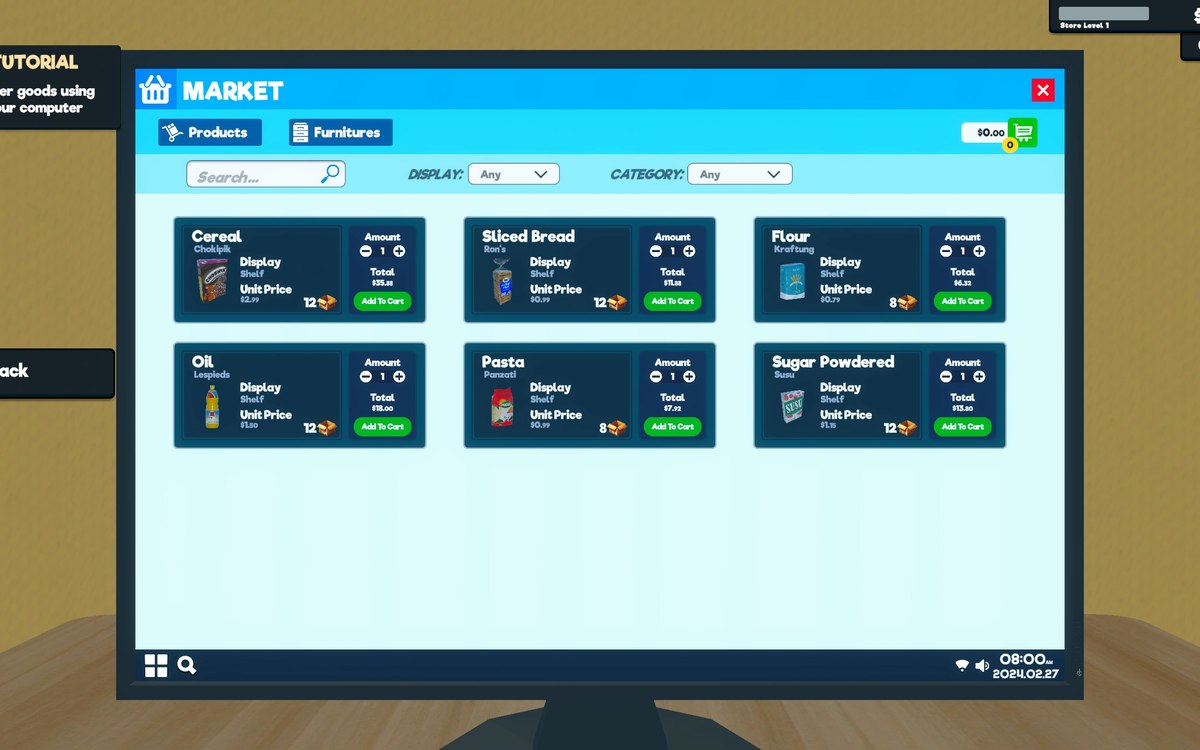 Running the shopThe shop computerThe shop computer is an object of its own with its own desk.
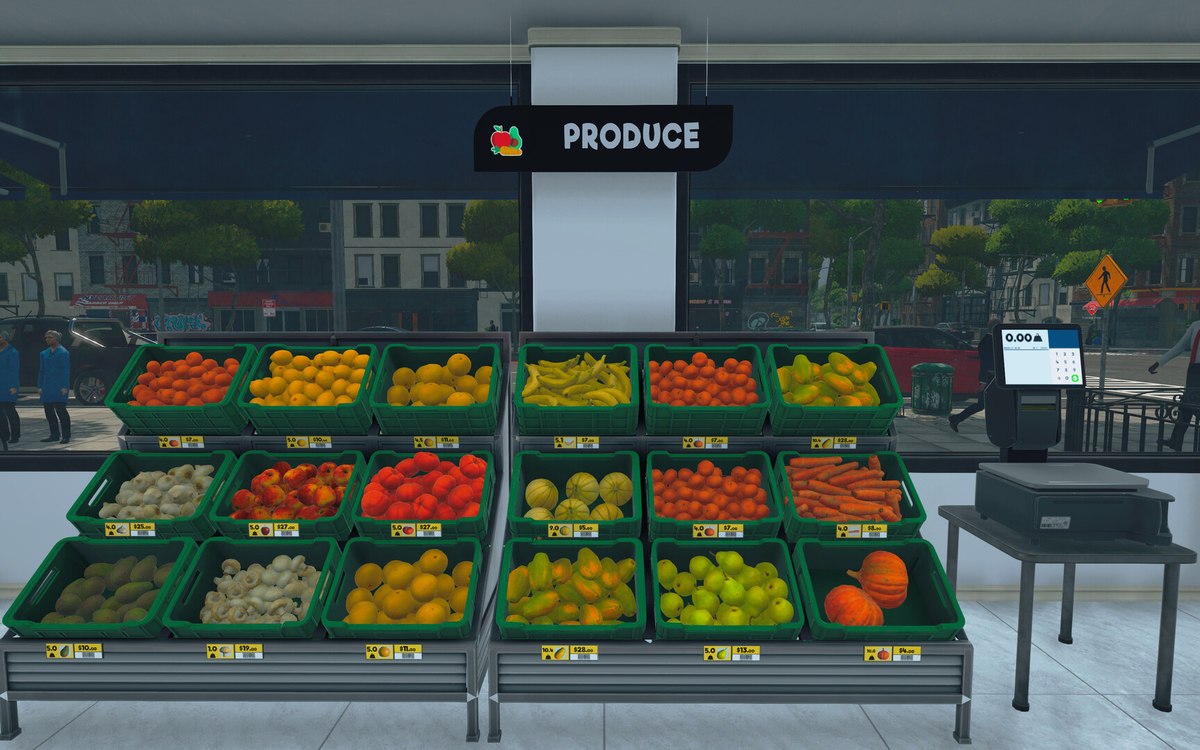 Running the shopThe management tabs on the computerThe computer keeps its functions in separate tabs.
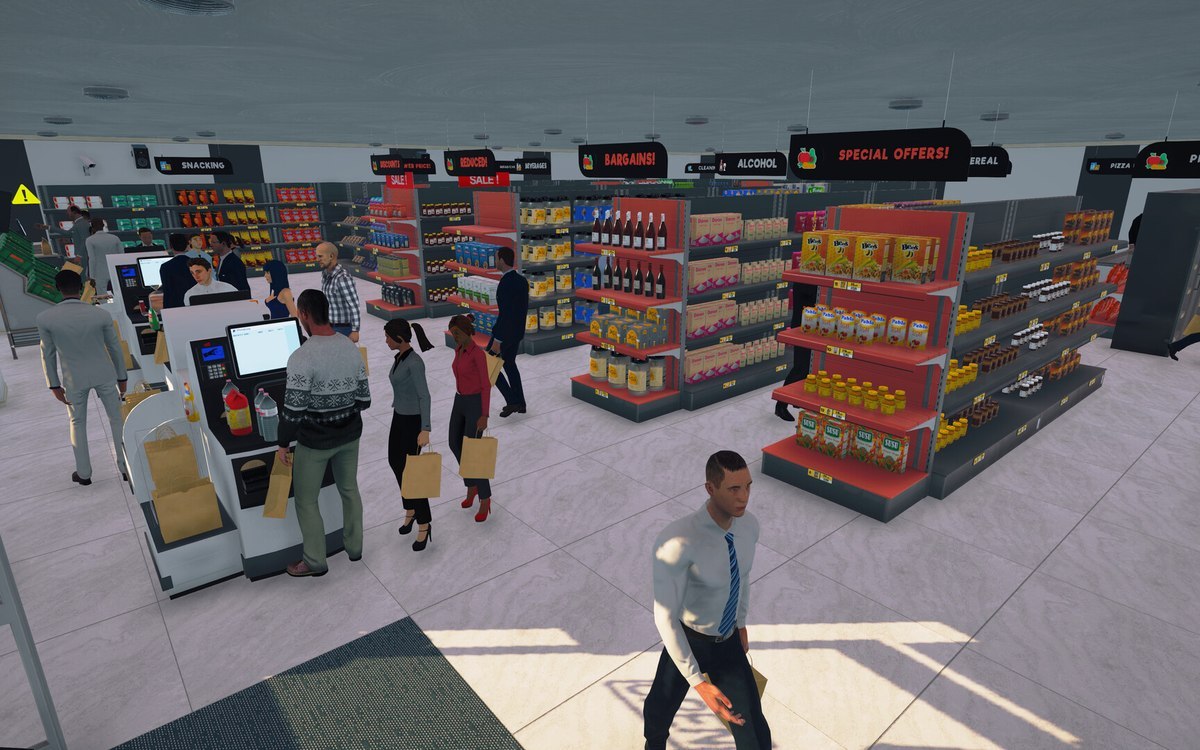 ProductsOnline orders and how they are trackedOnline orders are held together in a container of their own.
Version and sources
A local copy of the game, read only. The grounding for each fact is listed on the technical reference pages; nothing here is estimated. Documented build: 1.6.0 (223).