
Products · Supermarket Simulator · read from a local copy
Online orders and how they are tracked
Online orders are held together in a container of their own.
An online order in Supermarket Simulator is tracked rather than dropped: the game keeps a container and a manager for orders, a list with its own data and a networked copy of it, a customer attached to the order, a task on the map and an interaction with a shared version.
What the game establishes
- Online orders are held together in a container of their own. (checked against the game's own files)
- There is a manager over orders as well as the container. (checked against the game's own files)
- The order list has data of its own and a networked form. (checked against the game's own files)
- An online order has a customer of its own. (checked against the game's own files)
- An online order can put a task on the map. (checked against the game's own files)
- There is an interaction for an online order, with a networked version. (checked against the game's own files)
- The order notebook keeps an entry for a product. (checked against the game's own files)
In play
An online order is held, not just shown. The game keeps online orders together in a container of their own, which is why an order is something the shop owns rather than only something a screen displays.
There is a manager over orders as well as the container, so the list is not the only record of what has been placed.
The order list has data of its own, and it has a networked form too. That is how a list can be shared between players rather than living on one machine.
An online order has a customer attached to it rather than being an anonymous entry, which is what lets the shop know who is waiting for what.
An order can put a task on the map. That is how a delivery becomes somewhere to go rather than only a line in a book.
There is an interaction of its own for an online order, and a networked version of it, so the same order can be handled by whichever player gets to it.
The order notebook keeps an entry for a product, which is how a product can be put into an order rather than only browsed in a catalogue.
The order interface is its own as well, with a document button of its own, so what you read and what you press are part of the order rather than the shop computer in general.
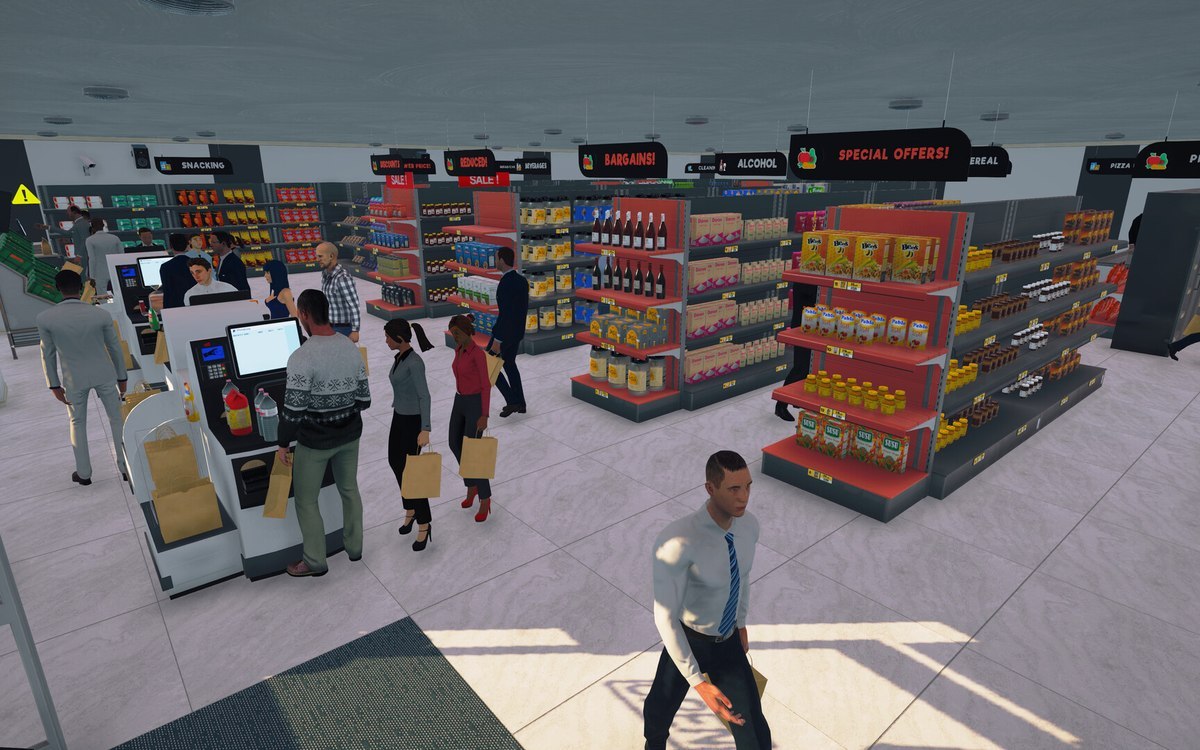
The picture beside this entry is the game's own: the indicator it uses for an online order.
What this entry does not tell you: how many online orders can be open at once, how long a customer waits, or what an order pays. We have not verified those numbers, so we do not print them.
Related
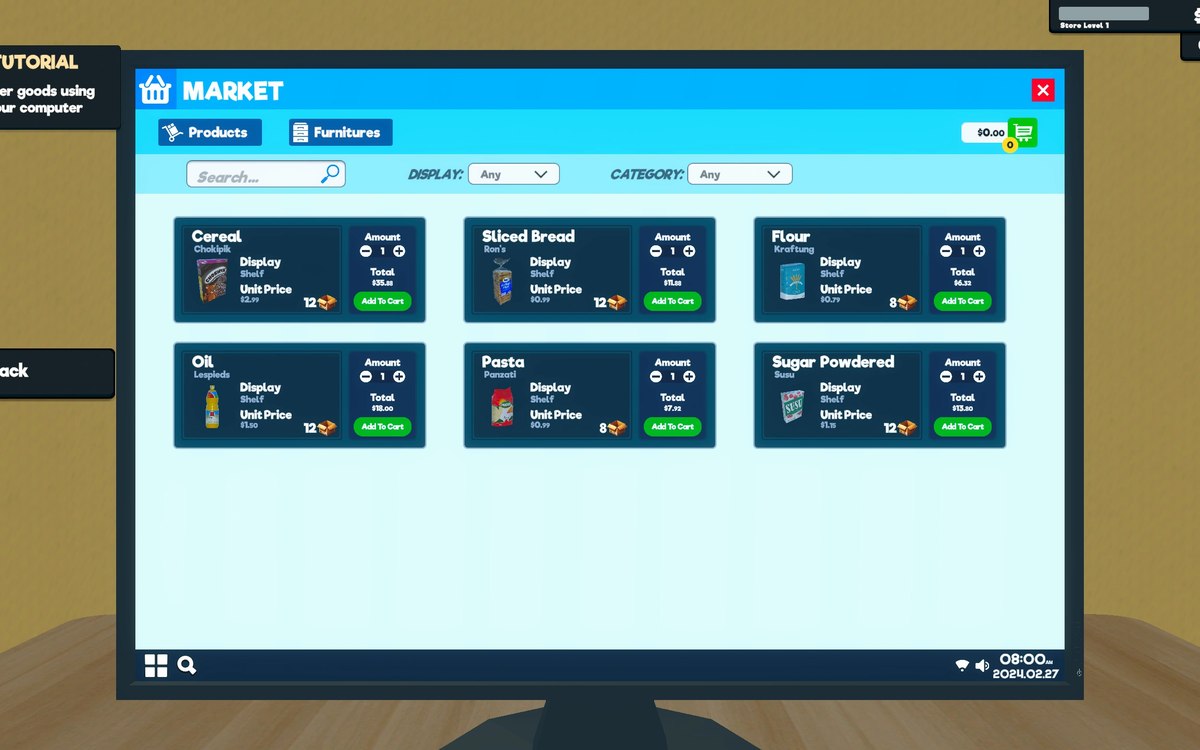 ProductsOrders and what you can orderOrders and their data are modelled by the game.
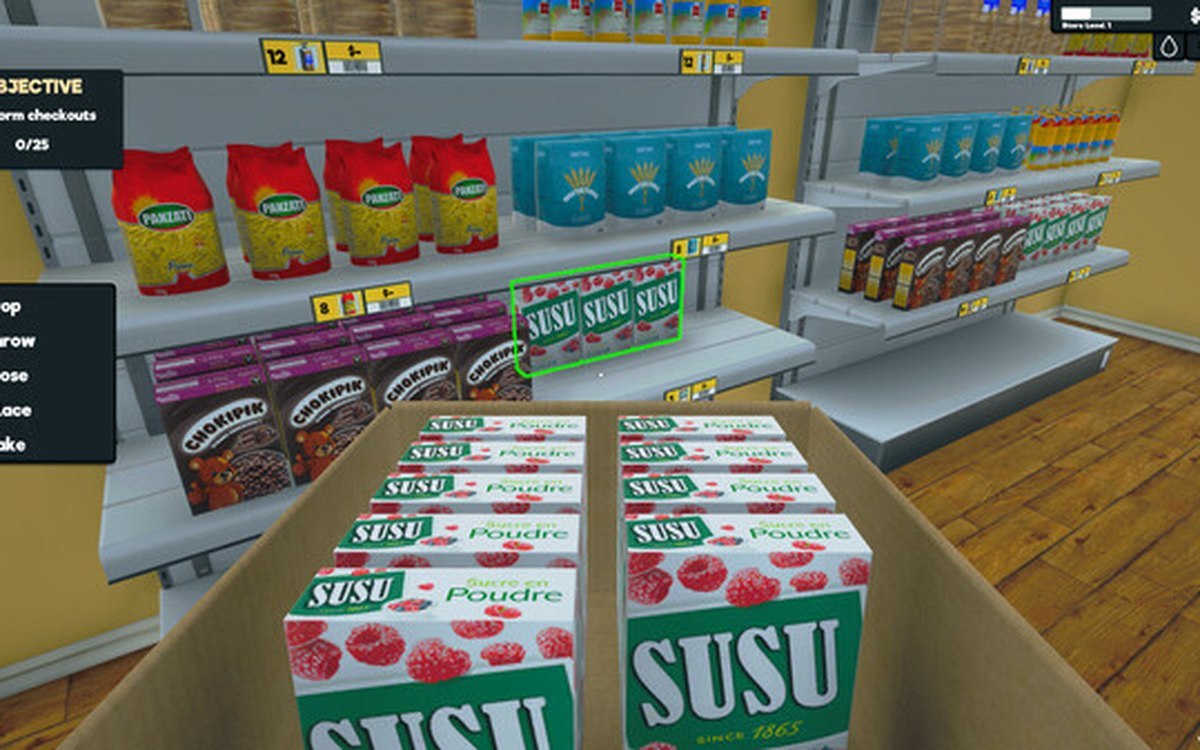 ProductsProducts and what arrives in a deliveryEvery product is identified by its own product id.
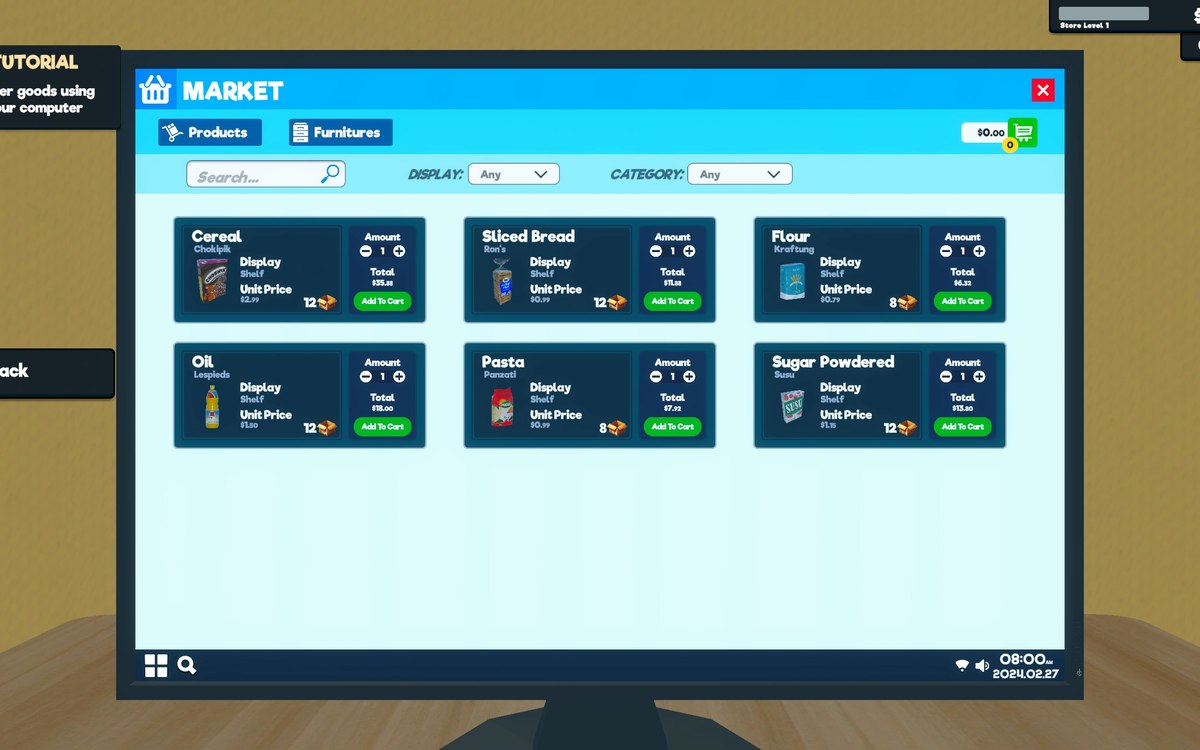 Running the shopThe shop computerThe shop computer is an object of its own with its own desk.
Version and sources
A local copy of the game, read only. The grounding for each fact is listed on the technical reference pages; nothing here is estimated. Documented build: 1.6.0 (223).