
Interface · Supermarket Simulator · read from a local copy
The menu the game opens on
The game has a main menu manager of its own.
Supermarket Simulator starts on screens of its own: a main menu manager, a loading scene behind it, and background art the game ships rather than a plain panel with buttons on it.
What the game establishes
- The game has a main menu manager of its own. (checked against the game's own files)
- Loading is a scene of its own. (checked against the game's own files)
- The main menu is drawn on a background picture the game ships, with a second one beside it. (checked against the game's own files)
- The loading screen has a background and a rotating piece of its own. (checked against the game's own files)
- The build keeps a splash screen with a manager and a trigger of its own. (checked against the game's own files)
- The game ships its own name art for its screens. (checked against the game's own files)
In play
The game does not open straight into a shop. It has a main menu of its own, run by a manager, which is why the first thing shown is a screen with its own behaviour rather than a bare list of buttons.
Something is shown before even that. The build keeps a splash screen with a manager and a trigger of its own, which is why the very first thing on screen is its own step rather than part of the menu.
Loading is a place as well as a wait. There is a loading scene of its own, so what happens between choosing and playing is a scene the game has arranged rather than an empty screen.
The menu is drawn on art. The game ships a background picture for the main menu, and a second one beside it, which is why the same menu can look different from one build to the next without the menu itself changing.
The loading screen has art too. There is a loading background and a rotating piece drawn on it, so a wait is shown with something moving rather than a frozen frame.
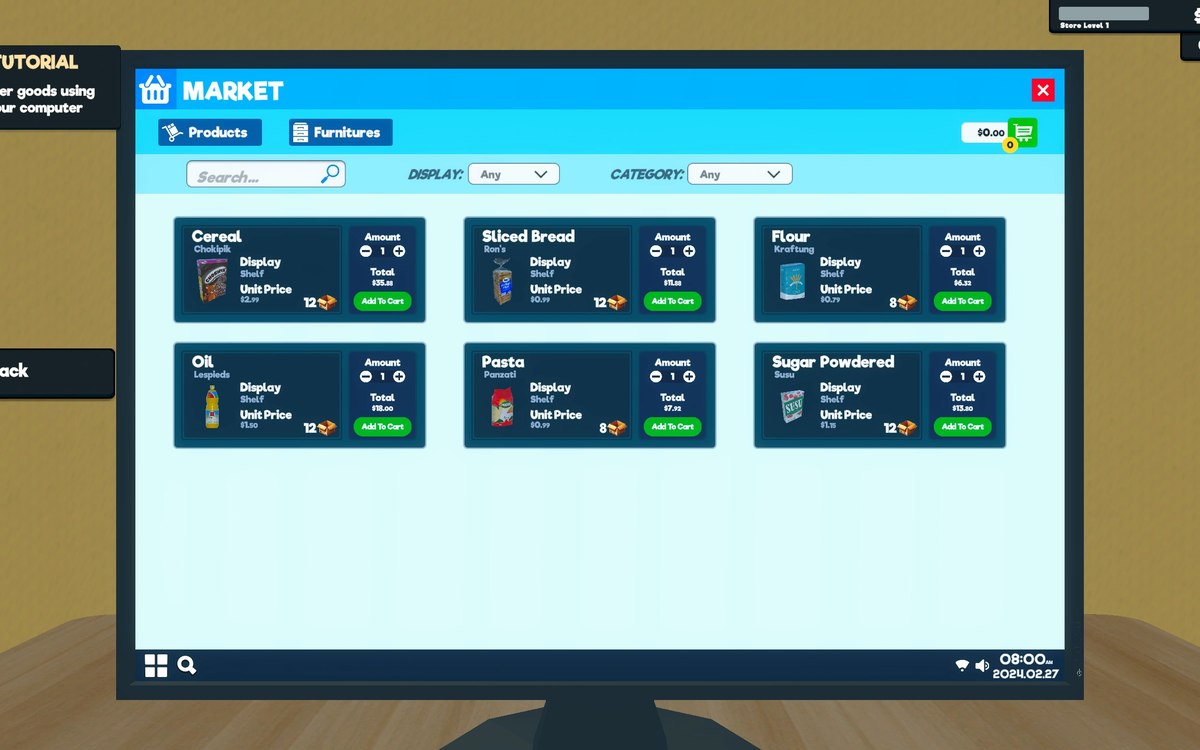
The picture is made of the shop's own goods. The first background is a pale collage of the products the game sells, which is how the menu reads as this game rather than as a generic shop.
What this entry does not tell you: how long a load takes, what the menu offers in each case, or which background a given build uses. We have not verified those, so we do not print them.
Related
 InterfaceThe settings and the keys you can changeThe game keeps a settings manager, a container for settings and the data behind them.
 InterfaceHow the game shows what you can useThe game has a crosshair manager and a crosshair reference of its own.
 InterfacePlaying with a controllerThe game has a controller input manager and its own set of pad interface functions.
Version and sources
A local copy of the game, read only. Identifiers are listed on the technical reference pages; nothing here is estimated. Documented build: 1.6.0 (223).