
Interface · Supermarket Simulator · read from a local copy
The aim and the settings around it
Aiming is its own system, tracked apart from the crosshair.
Aiming in Supermarket Simulator is a system of its own: the game keeps hints that appear while you aim, an aim canvas, a colour preview and a settings menu for it.
What the game establishes
- Aiming is its own system, tracked apart from the crosshair. (checked against the game's own files)
- The game shows hints while aiming, with a controller and a display of their own. (checked against the game's own files)
- Aim hints share a common behaviour. (checked against the game's own files)
- Aim has a settings menu and its own settings. (checked against the game's own files)
- The aim can be coloured, with a preview of the colour. (checked against the game's own files)
- Aim is also tracked by slot. (checked against the game's own files)
- The build runs the aim through a system of its own, with a follow eye and a crosshair panel. (checked against the game's own files)
In play
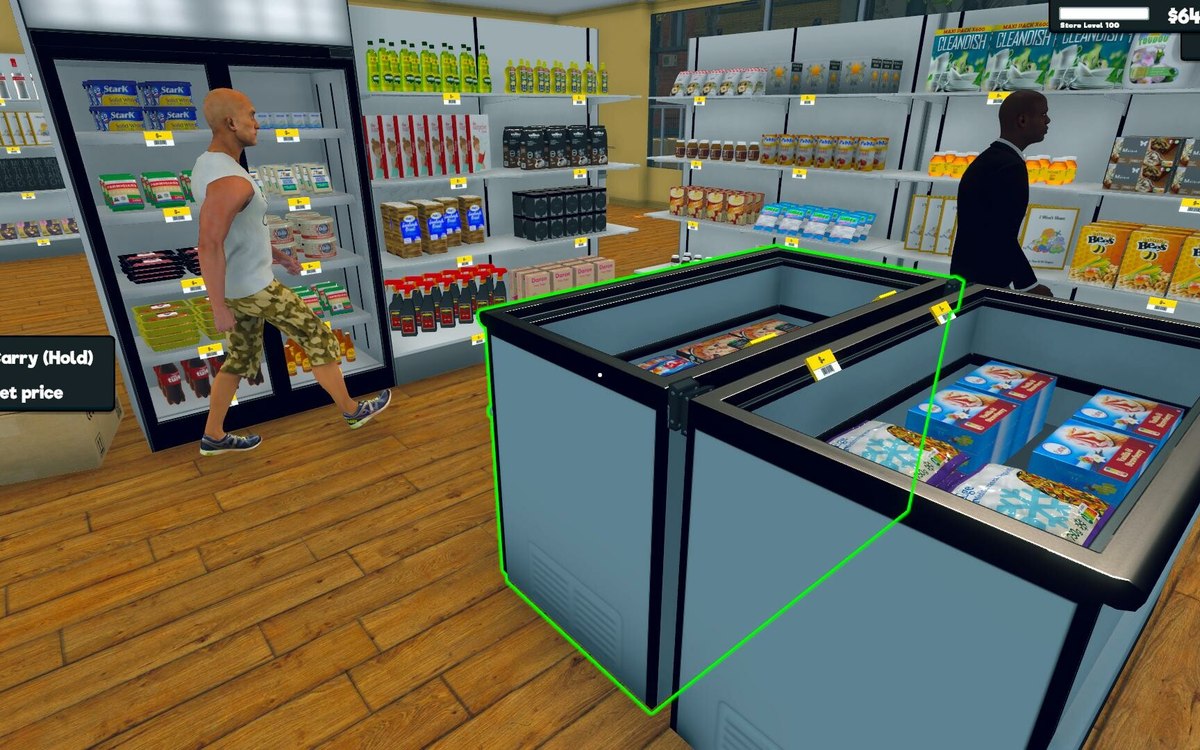
Aiming is its own system. The game keeps an aim of its own apart from the crosshair, which is why what you are pointing at is tracked separately from how you are holding it.
It shows hints. The game has a controller and a display for aim hints, so what you can do at a target is offered rather than left to memory.
The hints are a defined kind. Hints share a common behaviour of their own, which is why new targets can offer hints without each one being wired in by hand.
It has a canvas. The aim is drawn on a canvas of its own, so what you see while aiming is a piece of interface rather than part of the world.
You can set it up. There is a settings menu and a set of aim settings of its own, which is why how aiming behaves is something you can change.
It can be coloured. The game keeps a colour preview for the aim, which is why what you see can be adjusted rather than only switched on.
It also has slots. The game keeps aim slots, which is why the aim can be tied to particular things rather than being one universal marker.
What this entry does not tell you: what each setting does, what the defaults are, or whether aim settings affect anything else. We have not verified those, so we do not print them.
Related
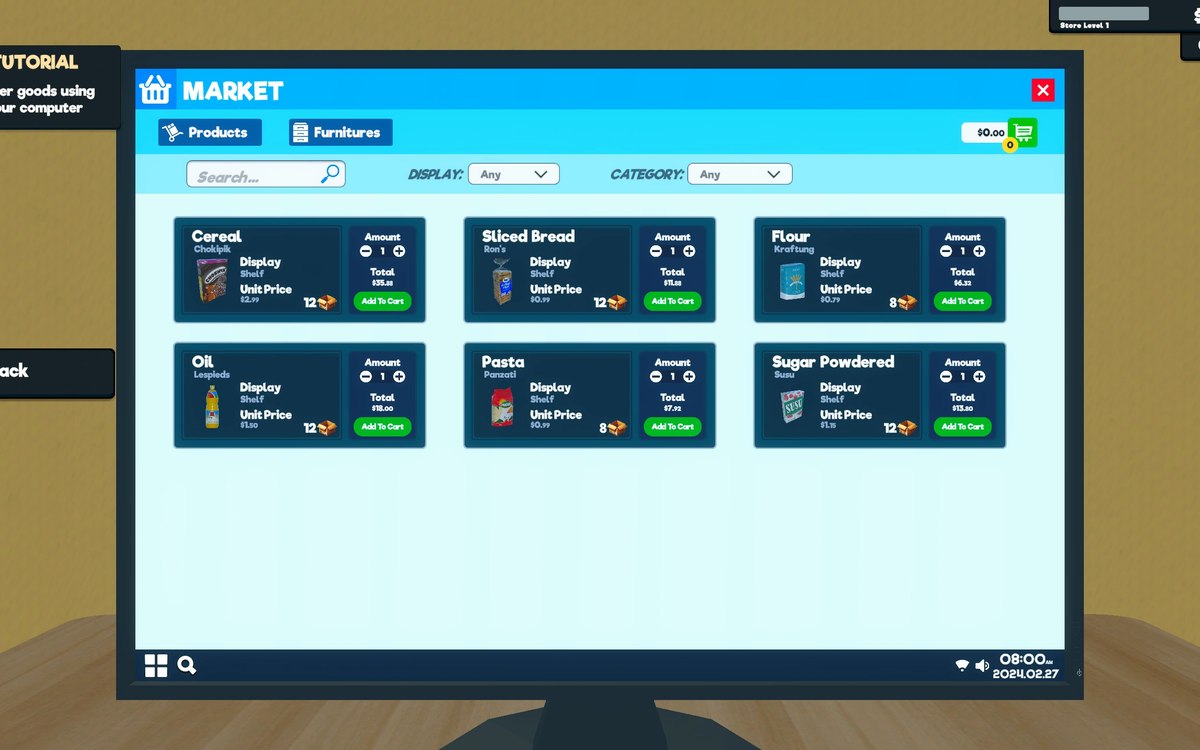 InterfaceHow the game shows what you can useThe game has a crosshair manager and a crosshair reference of its own.
 InterfaceThe popups that interrupt youPopups are run by a manager of their own.
Version and sources
A local copy of the game, read only. Identifiers are listed on the technical reference pages; nothing here is estimated. Documented build: 1.6.0 (223).