
Interface · Supermarket Simulator · read from a local copy
How your shop is saved
The game has a save file handler, a helper around it and a root record of its own.
A Supermarket Simulator shop survives between sessions through a save system of its own: the game keeps a handler, a helper and a root for the file, writes it in chunks, and saves the mess as well as the money.
What the game establishes
- The game has a save file handler, a helper around it and a root record of its own. (checked against the game's own files)
- The save is written in chunks rather than as one block. (checked against the game's own files)
- Dirt, dust and rubbish each have save records of their own. (checked against the game's own files)
- The game keeps a changelog updater, so a save can be brought forward when the build changes. (checked against the game's own files)
- There is a hub for resetting the services the game shares, which is how a saved shop can be loaded without restarting. (checked against the game's own files)
- Money, the stock and the licences are kept by managers of their own that a save has to restore. (checked against the game's own files)
- The game ships its own texture for the flash drive a shop is written to. (checked against the game's own files)
- The build keeps a canvas of its own for saving. (checked against the game's own files)
In play
A shop is kept between sessions by a save system of the game's own rather than by the platform holding a snapshot. The game has a handler for the file, a helper around it and a root record, so what is written is structured rather than one undivided block.
The save is written in chunks. The game keeps a record for a chunk of the file, which is how a save can grow with the shop instead of having one fixed size.
Money and stock are not the only things written down. There are separate records for dirt, for dust and for rubbish, so the state of the floor is part of the saved shop rather than being tidied away when you close the game.
A save carries the version it belongs to. The game keeps an updater for its changelog, which is how a file written by an older build can be brought forward when the game changes.
Loading is handled rather than restarted. The game has a hub for resetting the services it shares, which is what lets a saved shop be opened without the whole application being started again.
The file has to restore systems that each keep their own state. Money, the stock and the licences are kept by managers of their own, so a save is a set of parts rather than a single total.
Saving has a picture of its own. The build keeps a canvas for it, which is why writing a shop to disk is something you see rather than only something that happens behind the screen.
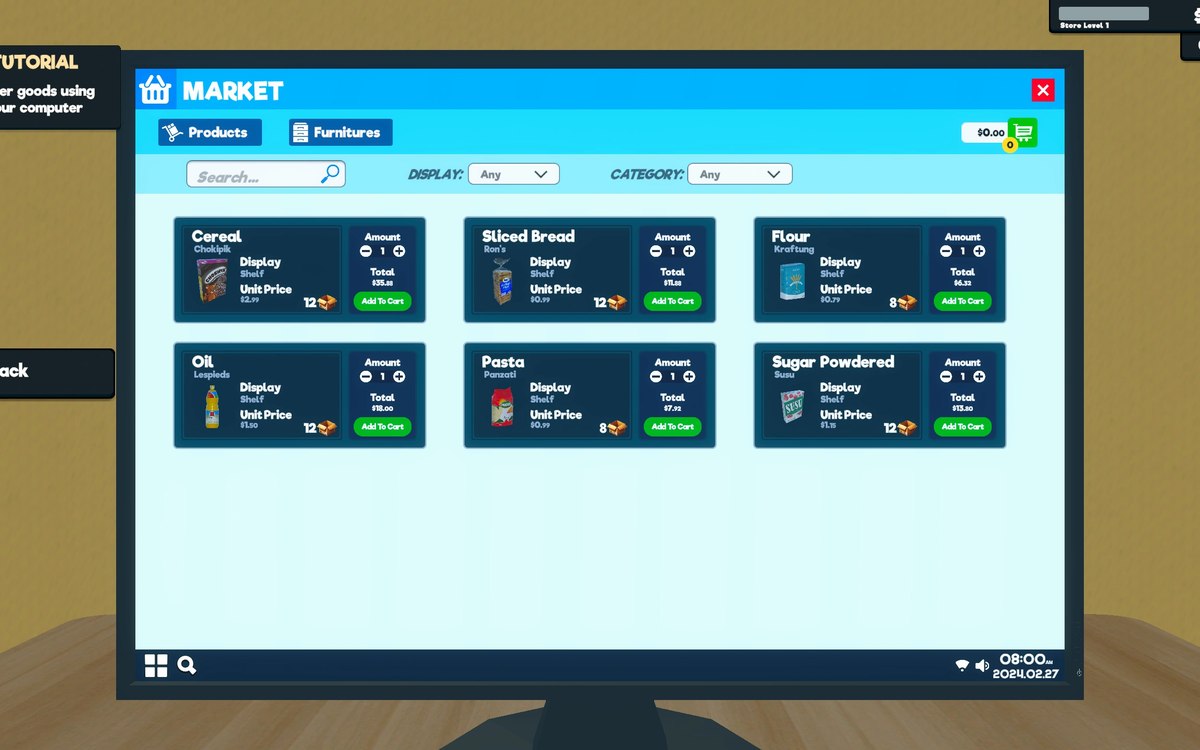
The image beside this entry is the game's own: the flash drive it ships as its save media, the same asset the save-slot entry shows, which the manifest records for both.
What this entry does not tell you: how many shops can be saved at once, how large a save file is, or when the game decides to write one. We have not verified those numbers, so we do not print them.
Related
 Basics and answersWhich version of the game this site documentsThis site documents the build whose version the game itself reports: 1.6.0 (223).
 Money, bills and loansBills, loans and growth screensBills are organised as their own part of the interface.
Version and sources
A local copy of the game, read only. The grounding for each fact is listed on the technical reference pages; nothing here is estimated. Documented build: 1.6.0 (223).