
Guide
What a day's profit is actually made of
Where profit in Supermarket Simulator comes from: market cost, the price you display, the margin behind it, discounts, offers, expenses and the day's record.
Applies to
1.6.0 (223), read from the copy of the game this site was built from (see the sources page)
Before you start
- A shop with at least one product stocked and priced
- The pricing side of the shop reachable
- A finished day, or the day's results screen open
Steps
- Start from the cost the market tracks, not from the number on the shelf.
the market keeps a product cost and a displayed price as separate values, so the two can move apart without you changing a tag - Treat the displayed price as a decision of its own, made on the pricing screen rather than copied from the cost.
prices are set on a canvas of their own through a price manager and evaluated by a manager of their own before a change is announced - Use the margin the pricing screen computes instead of working it out from memory.
the screen computes the margins it needs through a delegate of its own - Count a discount against what you receive, not as a different shelf price.
discounts are a separate system with their own panel, current discount and rate - Count a wholesale offer against what you pay for stock, not as extra profit.
offers run through their own manager, carry a kind and a time limit, and are accepted rather than applied automatically - Check whether buying in bulk actually lowered the unit cost before you count the saving.
bulk buying carries a discount ratio of its own rather than being free of cost - Expect some goods to reprice themselves, and read the new price before you judge the margin.
there is a kind of product whose price is dynamic rather than fixed - Read the day's profit from the day's own record, not from the amount of money in the till.
the game tracks a daily profit and keeps a daily record, a manager and a screen of its own for it - Take the shop's running costs and any automatically paid bills off the day before you call the rest profit.
recurring costs are a system of their own with types and records, and bills can be settled automatically through their own manager and canvas - Keep borrowed money out of the profit figure and plan for the repayment that follows it.
a loan carries a status and its own payments tab, a repayment keeps a remaining payment count, and automatic payments record how they were made
Common mistakes
- Reading the till total as profit instead of reading the day's own record.
- Counting a discount as if it changed the cost of the stock.
- Treating a wholesale offer as earnings rather than as a cheaper purchase.
- Calling the day's takings profit before the running costs and bills come out.
- Counting borrowed money as a good day's trading.
Related entries
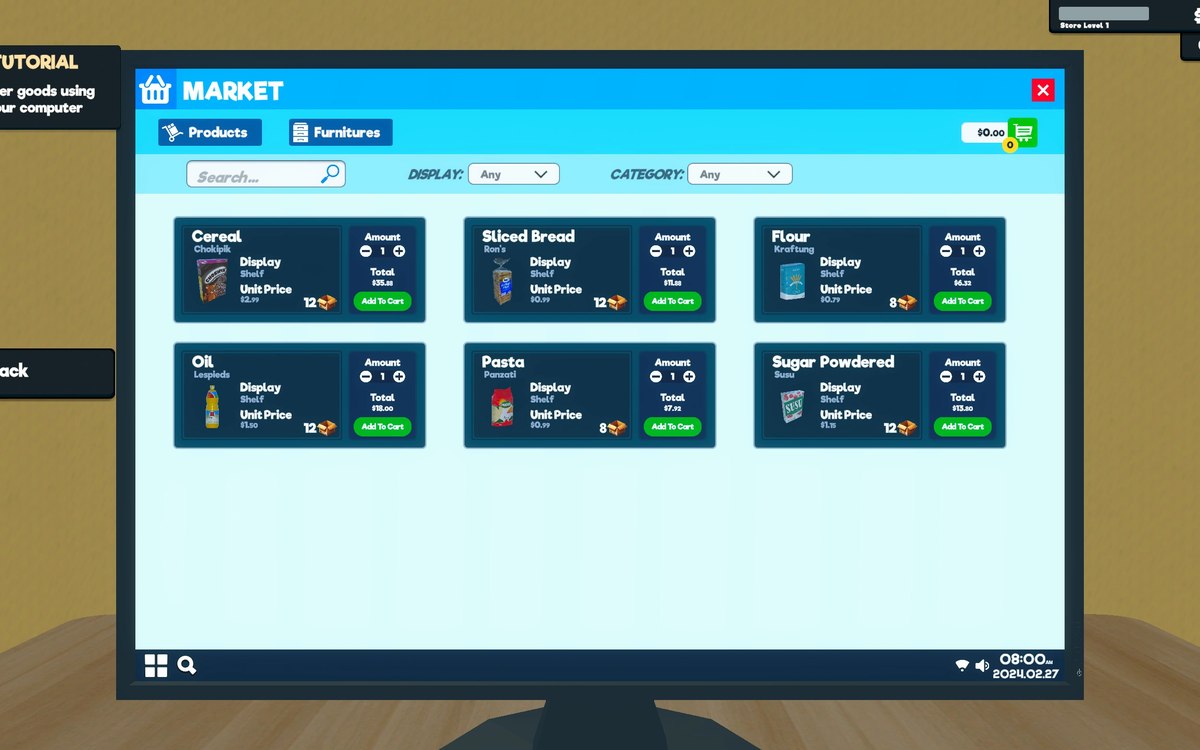
 ProductsThe local market and product costsThe game keeps a local market with its own product database.
 ProductsThe pricing screen and how a price is chosenPrices are set on a canvas of their own, opened by its own interaction, on the pricing side of the game.
 ProductsWholesale offers and discountsWholesale offers run through a manager and settings of their own.
 Money, bills and loansWhat your shop spendsThe game keeps recurring expenses as a system of their own.
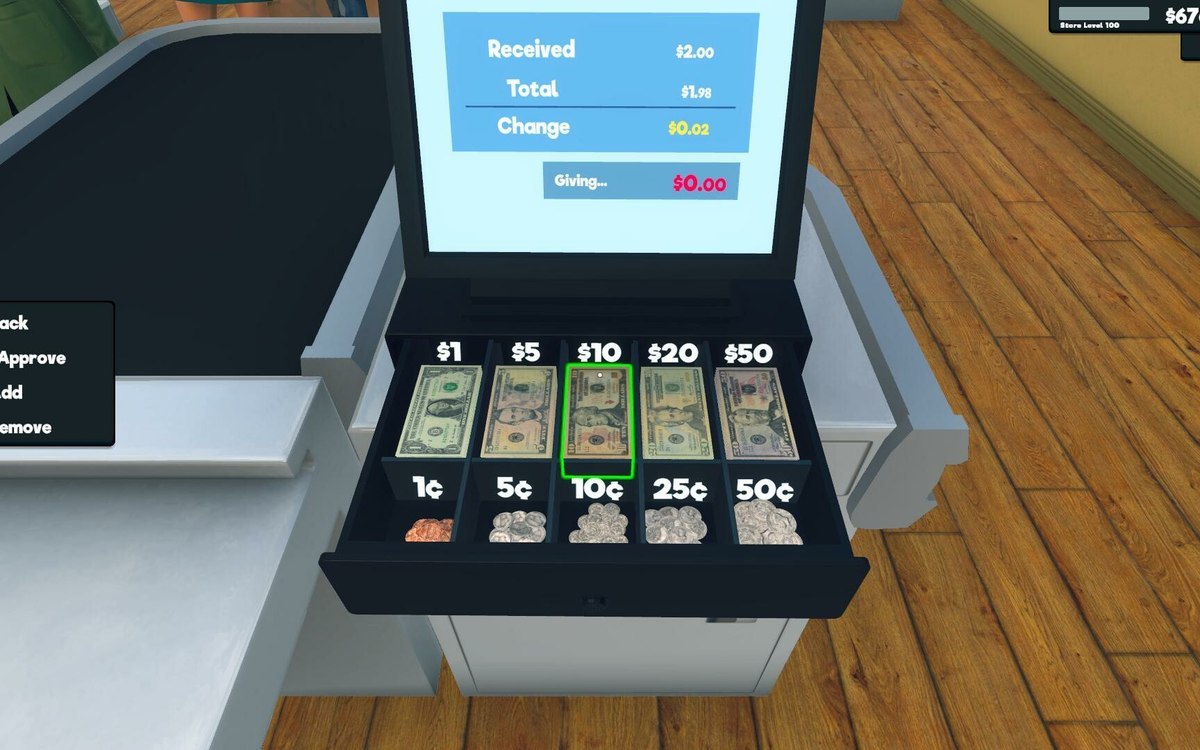 Money, bills and loansThe day's results and the screen that shows themThe game keeps a daily record of its own.
Related guides
- Repricing the shop in one pass
How to reprice what you sell in Supermarket Simulator in one deliberate pass instead of shelf by shelf: the bulk panel, the pricing screen's sorting and quick picks, dynamic goods, offers and discounts. - Turning a day's results into the next day's plan
How to read a finished day in Supermarket Simulator and turn it into tomorrow's plan: the record the game keeps, the costs behind it, the standing it feeds, and the decisions that belong before the next day starts. - A trading day that pays for itself
How to run a single trading day so that it funds the next one, using only shop behaviour the game itself defines. - Pricing a new product before the first sale
How to set a new product's first price in Supermarket Simulator before it sells: market cost, pricing screen margin, quick picks, dynamic goods and offers.
Sources
A local copy of the game, read only. Grounding for each step is on the technical reference pages; no number is estimated.