
Guide
Repricing the shop in one pass
How to reprice what you sell in Supermarket Simulator in one deliberate pass instead of shelf by shelf: the bulk panel, the pricing screen's sorting and quick picks, dynamic goods, offers and discounts.
Applies to
1.6.0 (223), read from the copy of the game this site was built from (see the sources page)
Before you start
- A shop with stock on the shelves
- The pricing side of the shop reachable
- A rough idea of the margin you want
Steps
- Reprice in bulk rather than shelf by shelf, because prices can be set in bulk through a panel of its own.
prices can be set in bulk through a dedicated manager and panel - Know which section of the bulk panel you are working in, because the panel is built from typed sections.
the bulk pricing panel is built from typed sections - Sort the list before you start changing anything, because the screen has its own sorting button, kinds and state.
the list can be sorted with its own button, kinds and state - Use the quick picks for prices you set again and again, because there are quick-pick buttons with a group, a mode and their own data.
a price can be picked quickly through quick-pick buttons and their data - Open the pricing canvas from the pricing side of the shop rather than hunting a menu, because that is how the game reaches it.
prices are set on a canvas of their own, opened by its own interaction, on the pricing side of the shop - Expect some goods to price themselves, because there is a kind of product whose price is dynamic.
there is a kind of product whose price is dynamic - Let the game evaluate the prices rather than trusting what you typed, because evaluation is its own step and a change raises a notification.
prices are evaluated by a manager of their own and a change raises a notification - Check the margin rather than only the number, because margins are worked out through their own calculation.
margins are computed through a calculation of their own - Treat a wholesale offer as a separate decision from a price, because offers have a manager, a kind, a time limit and a canvas.
wholesale offers run through a manager and settings of their own, with a kind, a time limit and a canvas - Keep discounts apart from prices, because they are a system of their own with their own panel and rate.
discounts are a separate system with a panel and a rate of their own
Common mistakes
- Walking the aisles changing tags one at a time when the bulk panel exists for exactly that.
- Repricing before sorting and losing track of which goods have already been changed.
- Setting a number that looks right on a tag without looking at the margin.
- Treating a wholesale offer or a discount as if it were a price change.
Related entries
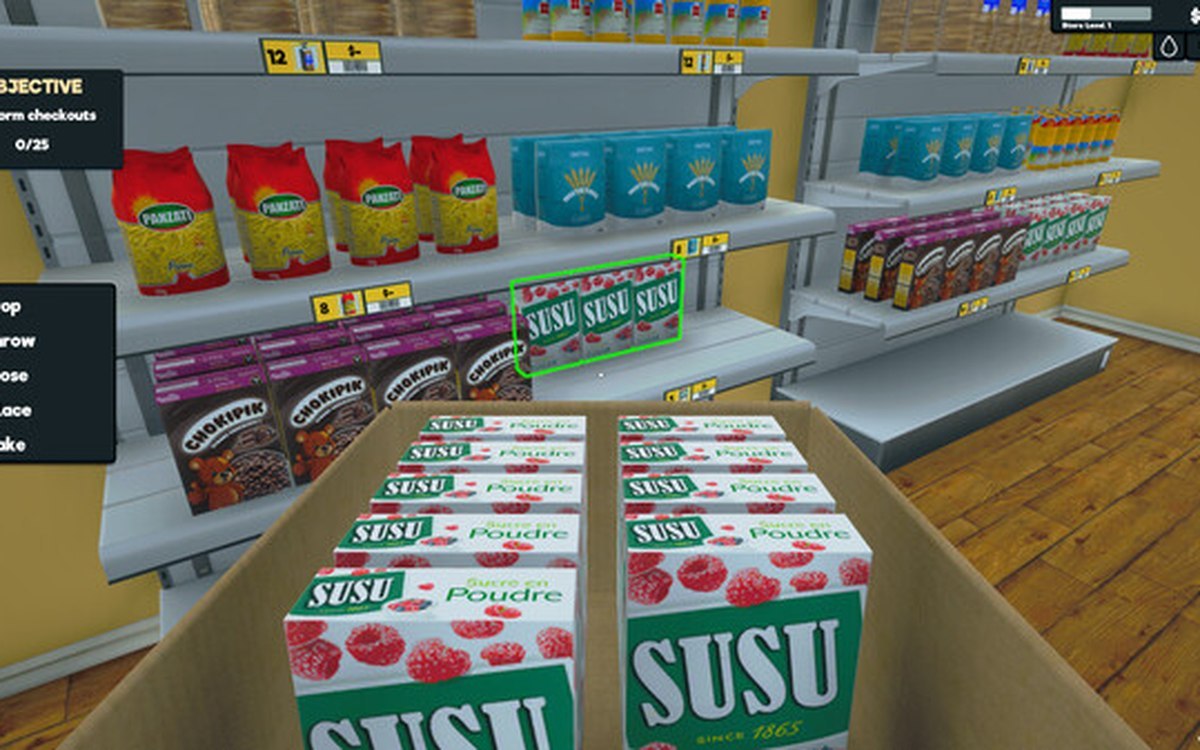 ProductsSetting prices in bulkPrices can be set in bulk through a dedicated manager and panel.
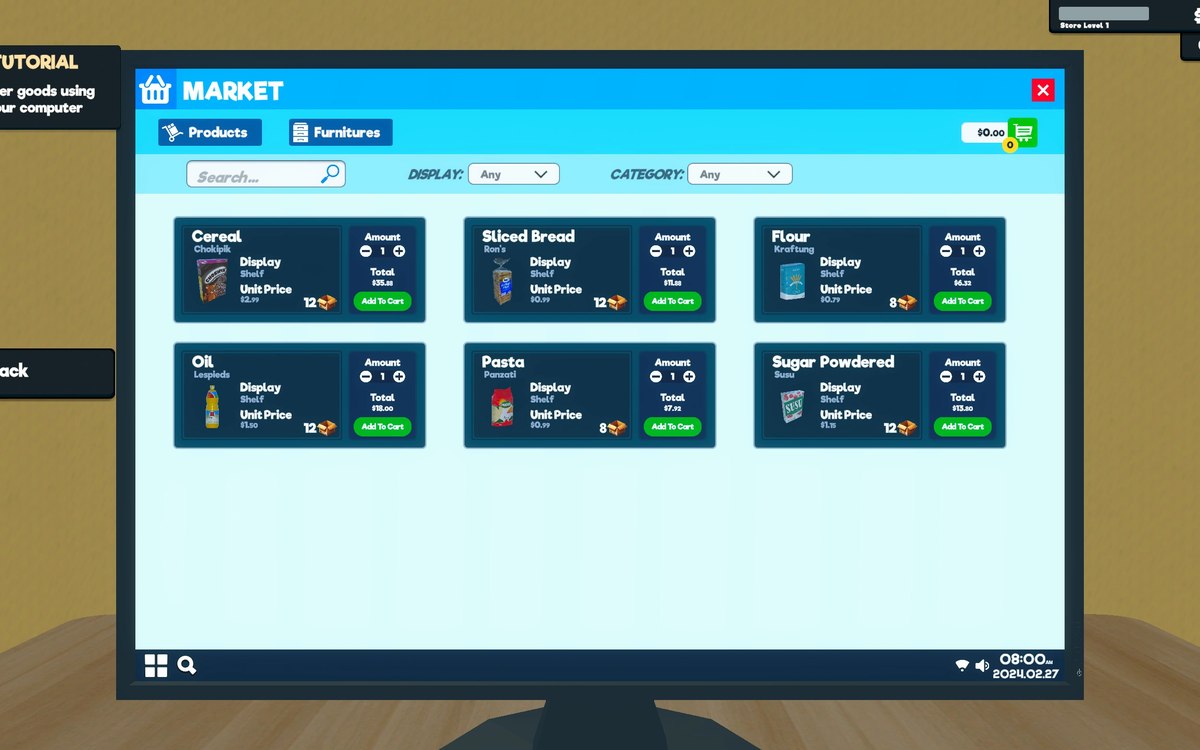 ProductsThe pricing screen and how a price is chosenPrices are set on a canvas of their own, opened by its own interaction, on the pricing side of the game.
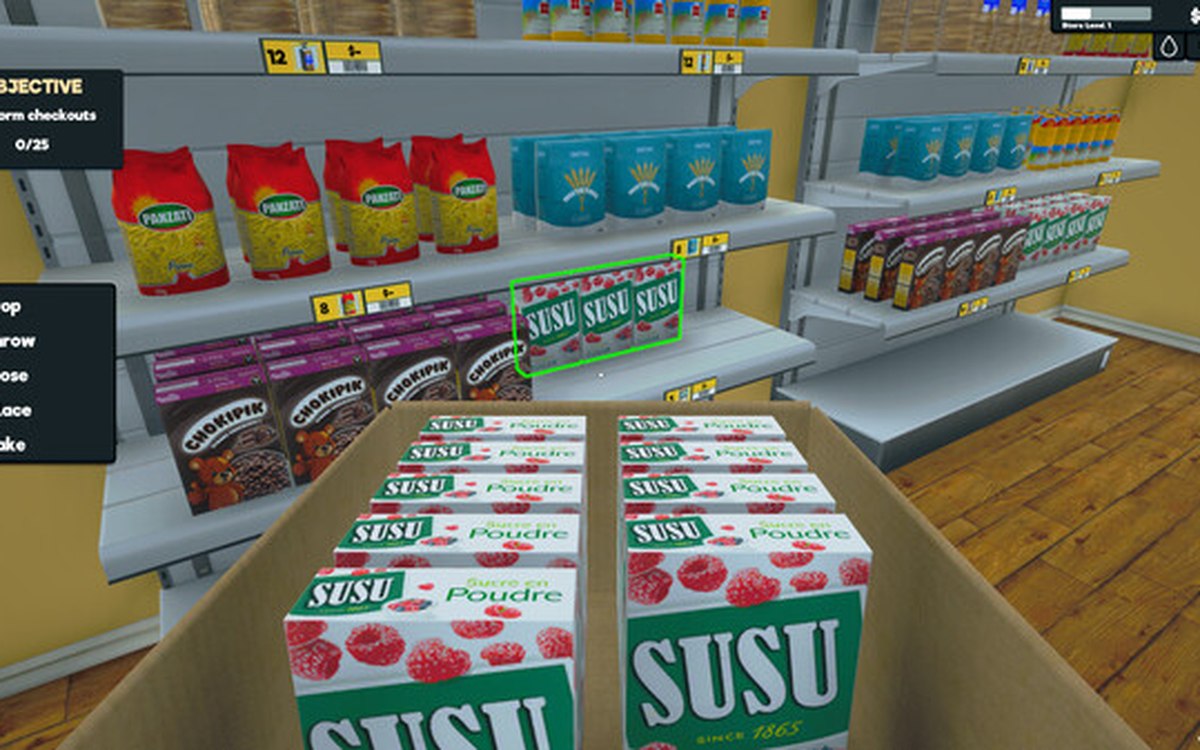 ProductsWholesale offers and discountsWholesale offers run through a manager and settings of their own.
Related guides
- What a day's profit is actually made of
Where profit in Supermarket Simulator comes from: market cost, the price you display, the margin behind it, discounts, offers, expenses and the day's record.
Sources
A local copy of the game, read only. Grounding for each step is on the technical reference pages; no number is estimated.