
Basics and answers · Supermarket Simulator · read from a local copy
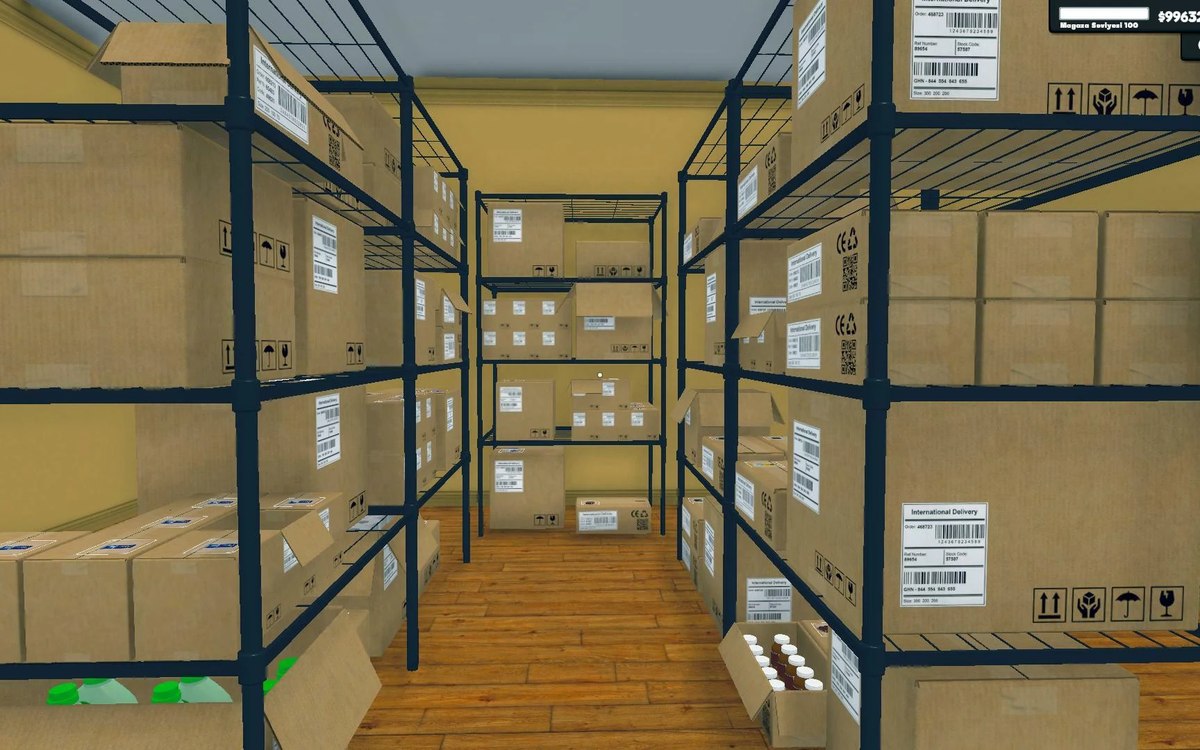
The boxes in the back room
Boxes are sortable objects kept by a manager of their own.
Boxes in Supermarket Simulator are objects the game sorts, stacks and merges: a box has cells and a grid layout of its own, a merge control, a target for carrying it, and a result when something is taken out.
What the game establishes
- Boxes are sortable objects kept by a manager of their own. (checked against the game's own files)
- A box has cells, laid out on a grid of its own. (checked against the game's own files)
- There is a control for merging boxes. (checked against the game's own files)
- A box has a definition of its own. (checked against the game's own files)
- Carrying a box uses a target, with an interface for things that can be a box's target. (checked against the game's own files)
- Taking from a box has an action of its own and returns a result. (checked against the game's own files)
- The game can generate dummy boxes to dress a shop. (checked against the game's own files)
- Ice cream has a box kind of its own. (checked against the game's own files)
- A box has a size of its own and can be rendered as a static object. (checked against the game's own files)
- There are placement areas for boxes, including one for boxes that have been sorted and one for boxes that are stacked. (checked against the game's own files)
In play
A box is not scenery. The game keeps boxes as sortable objects with a manager of their own, which is why the back room can hold a pile of deliveries without each box being placed by hand.
A box is divided up. It has cells of its own, and the game lays those cells out on a grid rather than in a line, which is why what is inside a box is arranged rather than piled.
Boxes can be merged. There is a control for merging boxes, so two part-used boxes can become one instead of taking up space side by side.
Boxes know what they are. There is a definition of a box of its own, which is how the game can tell a greengrocer's box from a freezer box without reading the label on its face.
Carrying one is a job of its own. There is a target for a box being carried and an interface for things that can be the target of a box, which is why putting one down is an action rather than a throw.
Taking something out is answered. There is an action for taking from a box and a result for it, so the game answers whether anything came out rather than assuming it did.
Some boxes are placed for you. There is a generator for dummy boxes, which is how a shop can be dressed with stock on display before any real delivery arrives.
A box has a size, and it can be drawn as a static object rather than as something the game keeps simulating, which is why a full back room does not have to cost like a busy one.
Where boxes go is its own set of places. There are areas for boxes to be placed, one for boxes that have been sorted and one for boxes that are stacked, so a delivery can be put down into a pile rather than onto a single spot.
Even treats have a box. Ice cream has a box of its own, which is why that counter is stocked like the rest of the shop rather than through a special case.
What this entry does not tell you: how many items a box holds, how many boxes a back room can take, or what a delivery costs. We have not verified those numbers, so we do not print them.
Related
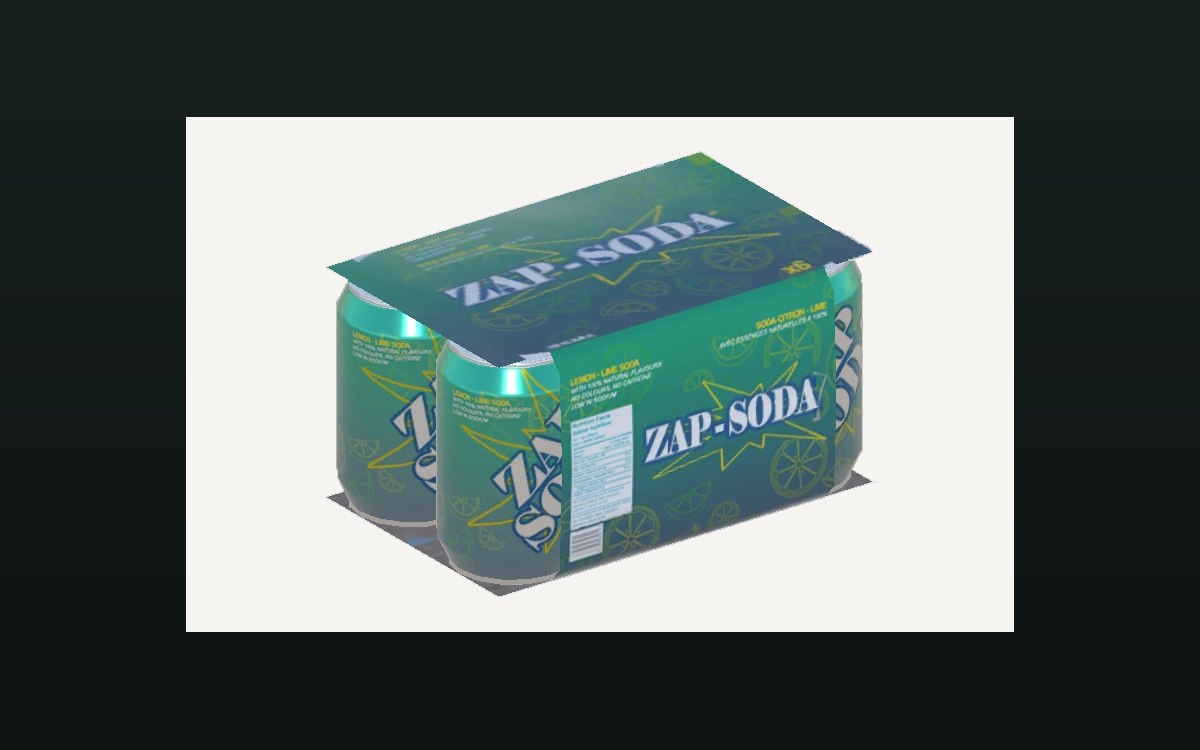 ProductsThe crates you can buyA crate is an object of its own in the game.
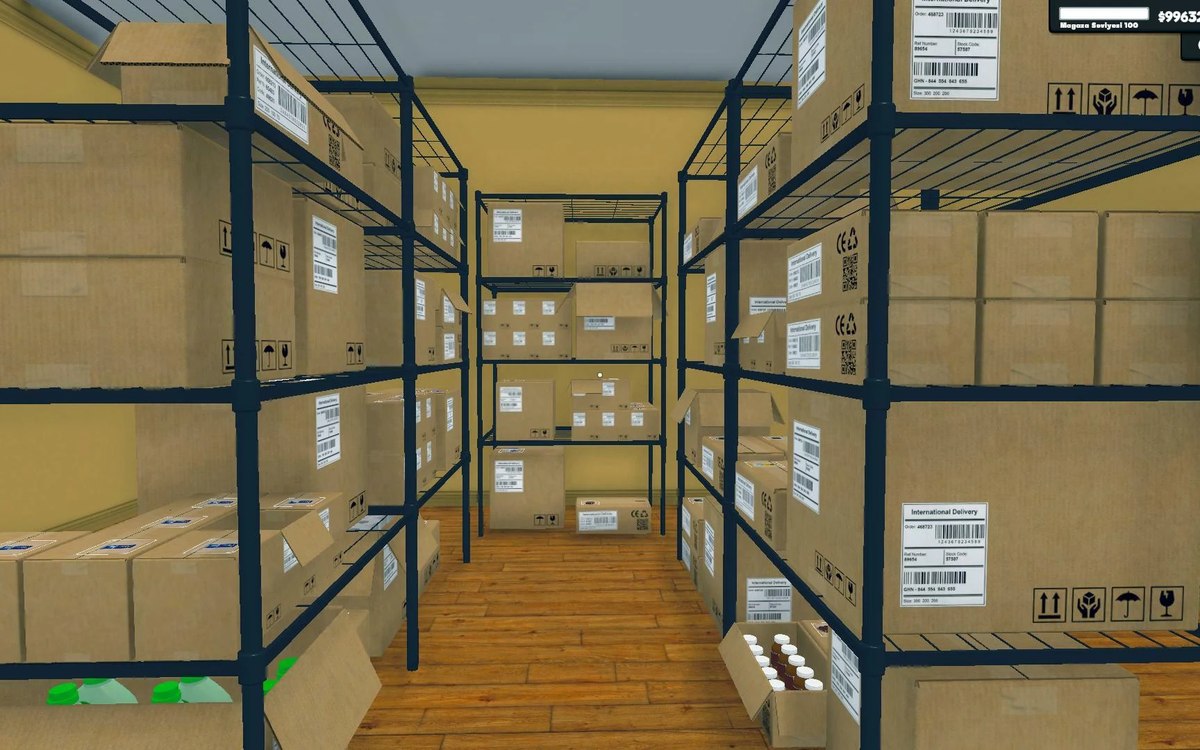 Shelves and stockStorage, crates and the storage tabStorage is laid out in sections with a defined arrangement.
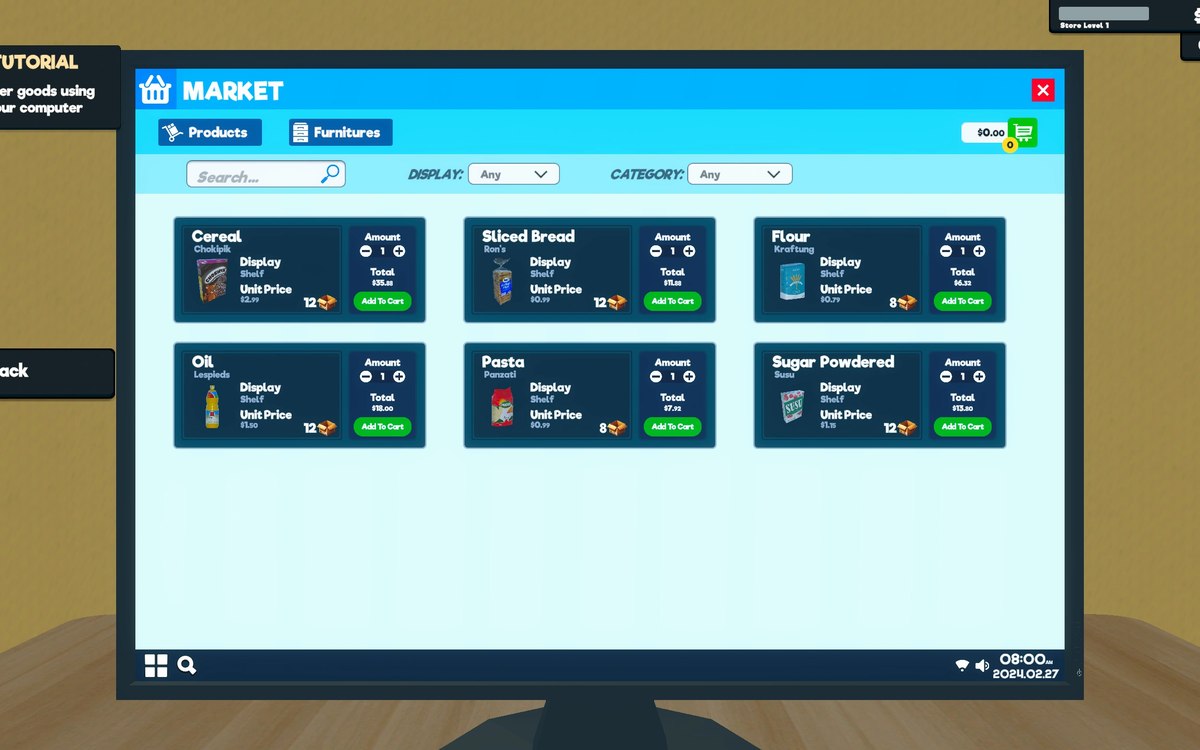 ProductsOrders and what you can orderOrders and their data are modelled by the game.
Version and sources
A local copy of the game, read only. Identifiers are listed on the technical reference pages; nothing here is estimated. Documented build: 1.6.0 (223).