
Guide
Buying on offer without filling the back room
How to use the wholesale offers and the discounts in Supermarket Simulator deliberately: what an offer actually is, where it is announced, how it differs from a discount, and when buying in bulk is worth the space it takes.
Applies to
1.6.0 (223), read from the copy of the game this site was built from (see the sources page)
Before you start
- A shop with stock space to spare
- Access to ordering
- A rough idea of what sells
Steps
- Look at the offer before you place the order rather than after it arrives, because wholesale runs through a manager and settings of its own.
wholesale offers run through a manager and settings of their own - Check that wholesale is turned on at all before you wait for an offer.
the system keeps a switch for wholesale and for wholesale orders - Read the kind of offer as well as the price, because an offer carries a kind and may be a buying offer rather than a selling one.
offers carry a kind and can be buying offers - Watch the clock: an offer has a time limit of its own rather than lasting until you take it.
offers carry a time limit - Accept deliberately, because accepting is a step of its own rather than something the order does for you.
there is a check for whether an offer can be accepted - Look for the offer where it is announced instead of hunting through the menus.
an offer is announced with an indicator and a canvas of its own - Expect online orders to carry their own offer indicator as well.
online orders have their own offer indicator - Keep discounts apart from offers, because they are a separate system with their own panel and rate.
discounts have their own manager, panel, current value and rate - Use the bulk discount rather than assuming it, because buying in bulk carries a ratio of its own.
bulk buying carries a discount ratio of its own - In a shared shop, agree who is taking the offer, because the offer screen is shared too.
the wholesale manager and its offer canvas have networked forms
Common mistakes
- Ordering first and reading the offer afterwards.
- Treating a discount and an offer as the same thing and doubling up by accident.
- Missing the time limit and finding the offer gone when the order is placed.
- Buying a bulk lot that is cheap per unit and expensive in shelf space.
Related entries
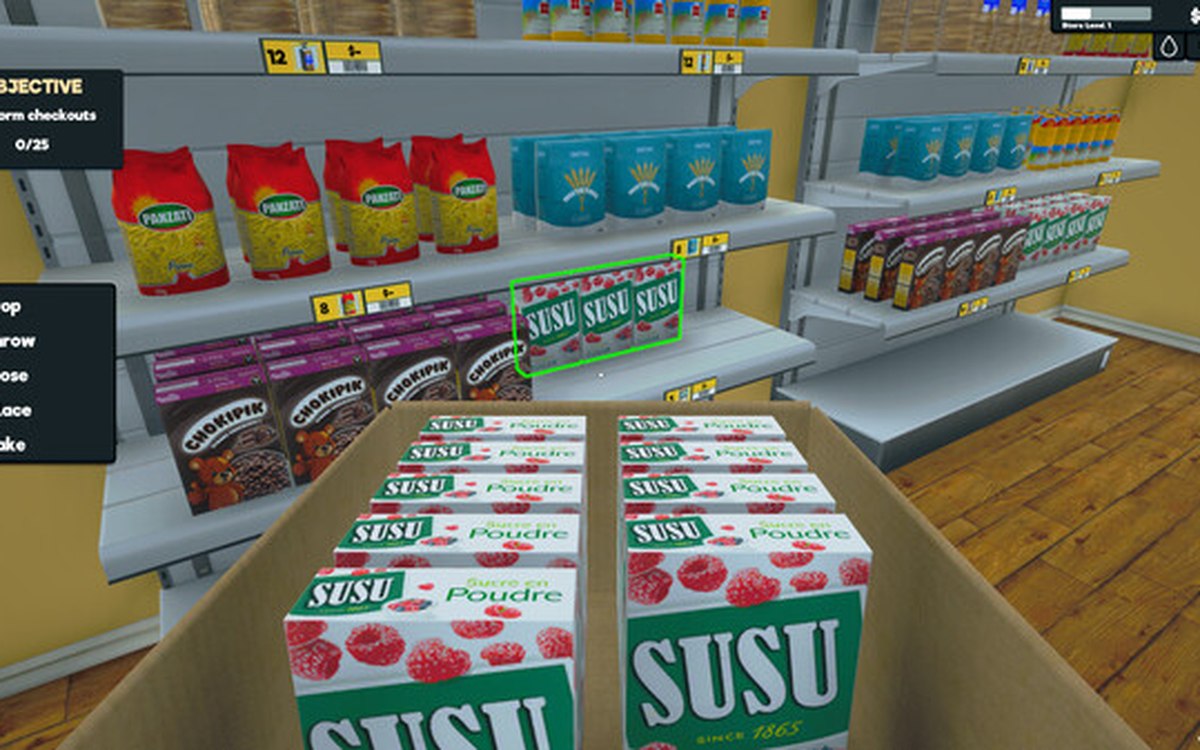 ProductsWholesale offers and discountsWholesale offers run through a manager and settings of their own.
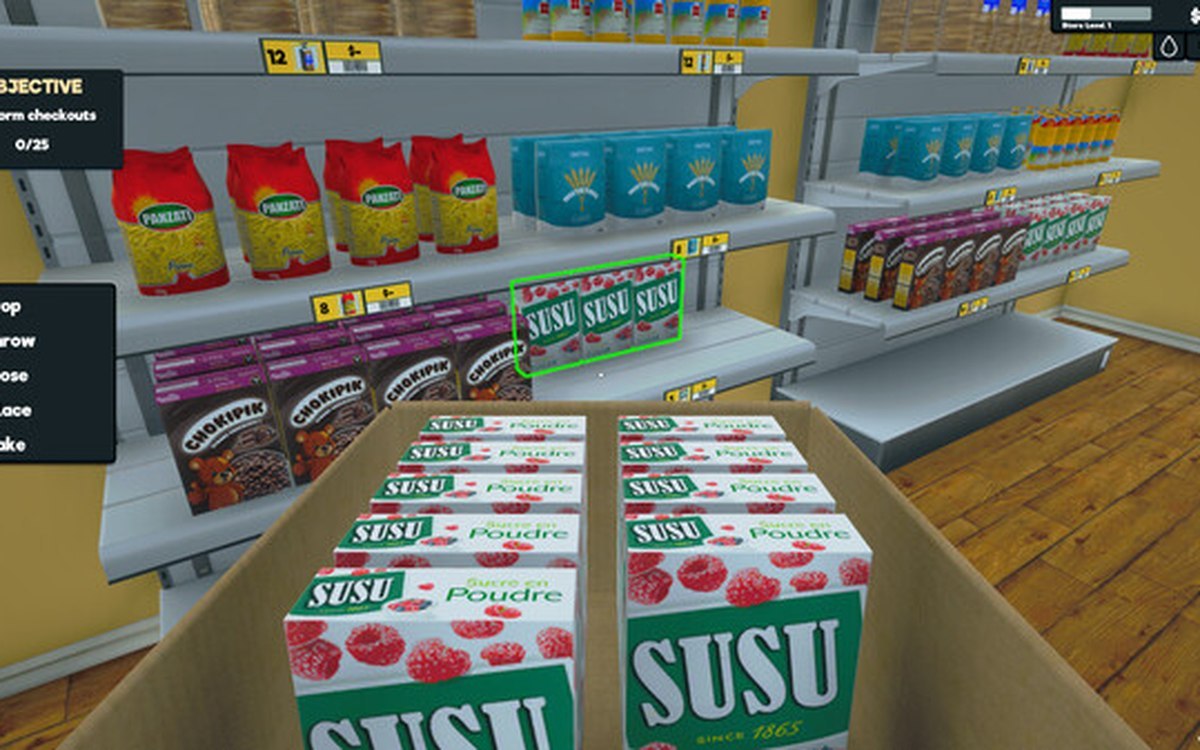 ProductsThe local market and product costsThe game keeps a local market with its own product database.
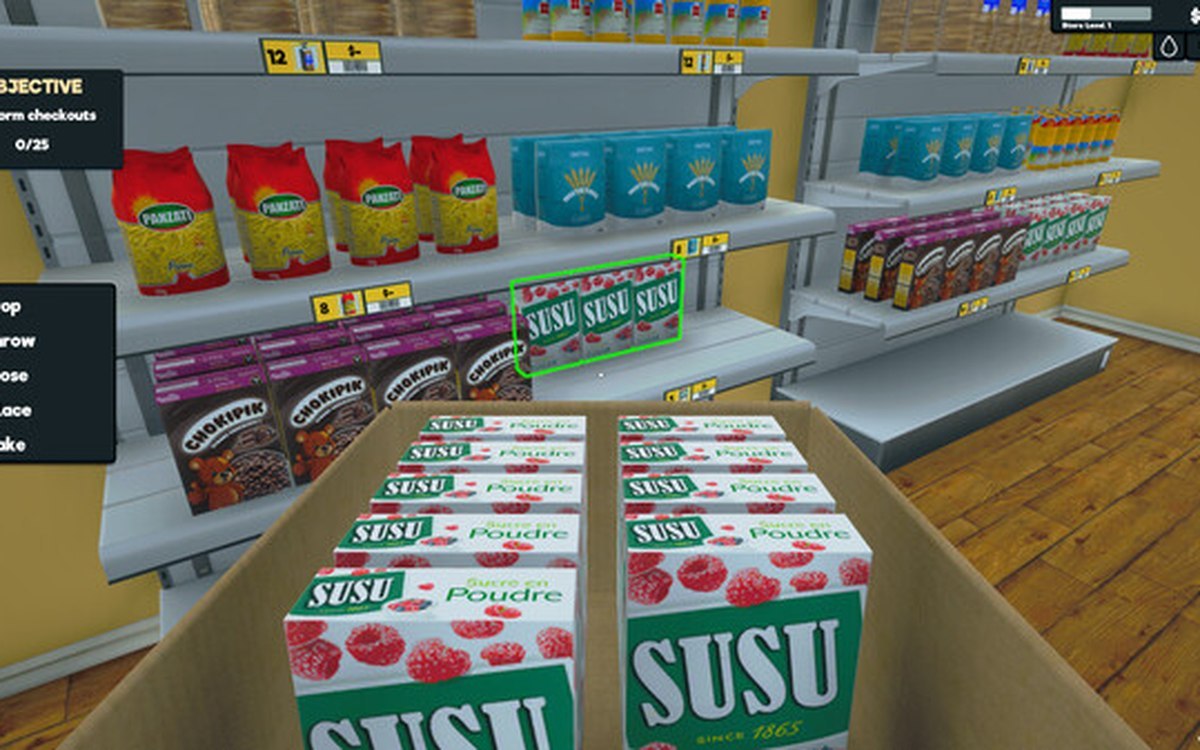 ProductsSetting prices in bulkPrices can be set in bulk through a dedicated manager and panel.
Sources
A local copy of the game, read only. Grounding for each step is on the technical reference pages; no number is estimated.