
Guide
Dressing a corner with plants
How to use the plants and planters a Supermarket Simulator shop can buy, given that the pot and the plant are separate pieces with sheets of their own.
Applies to
1.6.0 (223) (see the sources page)
Before you start
- A corner that looks bare
- Money for the delivery
- A shop level that stocks them
Steps
- Treat the planter and the plant as two purchases rather than one.
a planter is a piece of its own with its own sheets, and the plants are named apart from the pots - Pick a numbered planter to fit the space.
planters are numbered into kinds, each with levels of detail of its own - Look at the planter's surfaces before you buy a row of them.
a planter carries a colour, an ambient-occlusion, a metallic-smoothness and a normal sheet - Match the plant to the pot rather than the pot to the plant.
the flowers carry a colour sheet and a normal map of their own - Use shop trees inside and ground trees outside.
trees are named for the ground as well as for the shop, ground trees numbered into a set and a pair of shop trees beside them - Put plants where they dress a room instead of where a shelf should be.
they are layout pieces of the game rather than stock, named beside its other furnishings
Common mistakes
- Buying a plant with no planter and leaving it on the floor.
- Filling the aisle with planters so customers have to walk around them.
- Using ground trees inside because they were cheaper.
- Expecting a plant to change what the shop can sell.
Related entries
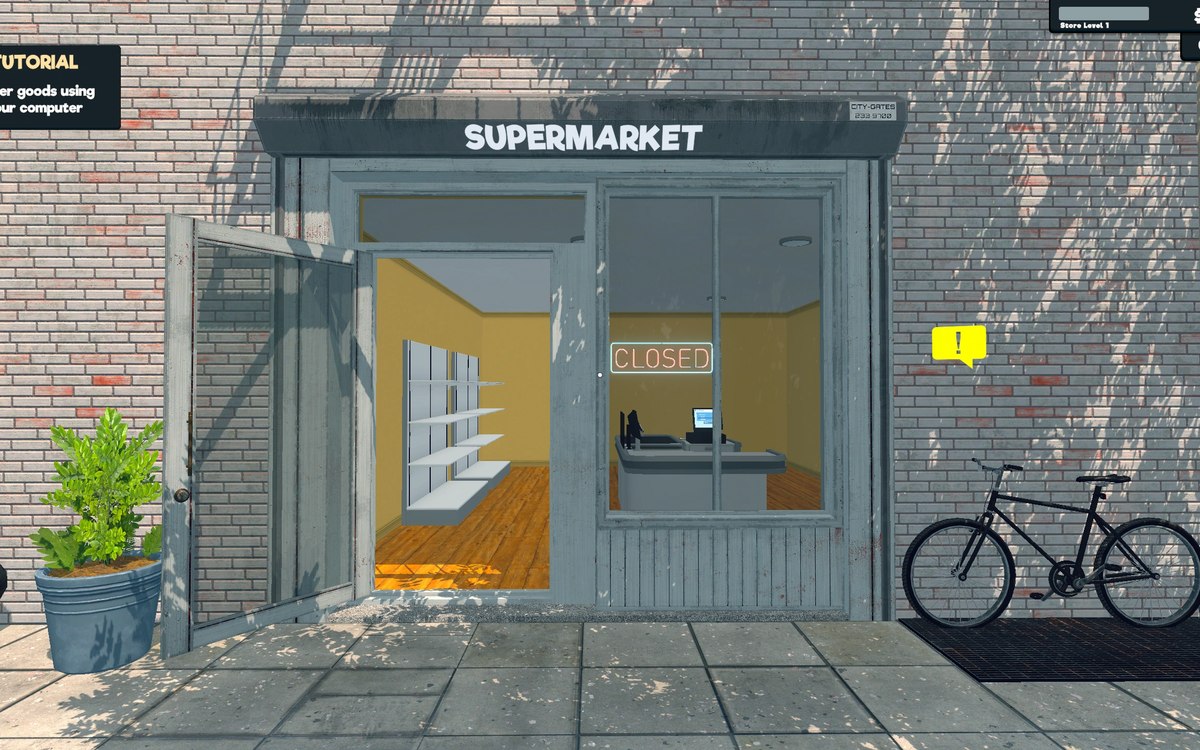 Layout and decorationThe plants and plantersA planter is a piece of its own, with a colour sheet, an ambient-occlusion sheet, a metallic-smoothness sheet and a normal map.
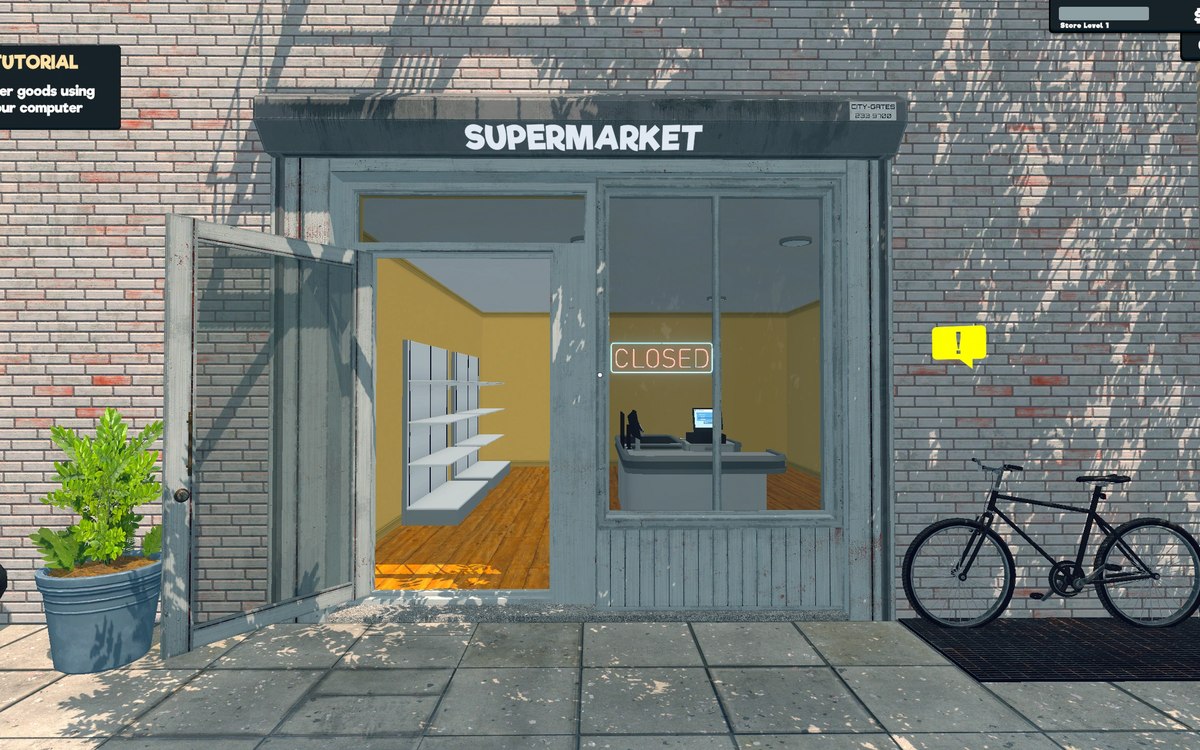 Running the shopFurniture and shop layoutFurniture arrives in a box that has to be handled before the piece can be used.
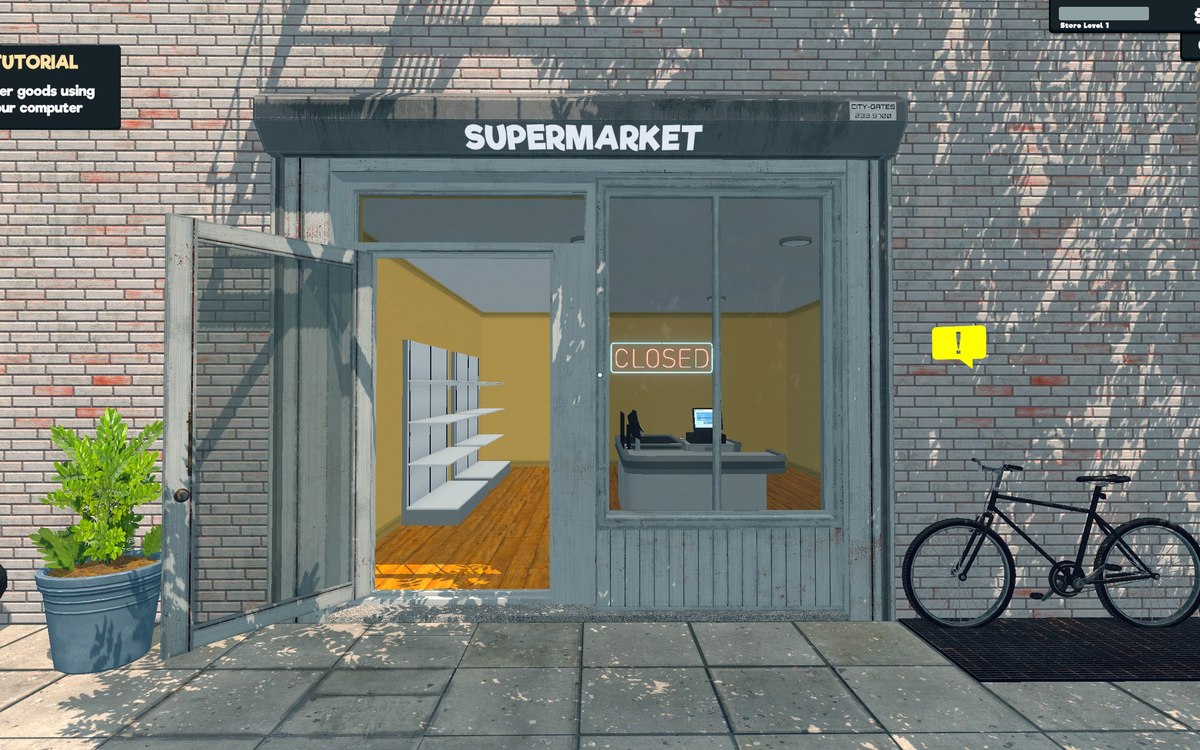 Running the shopThe shop entranceThe shop entrance is a system with a manager of its own.
Sources
A local copy of the game, read only. Grounding for each step is on the technical reference pages; nothing here is estimated.