
Guide
Borrowing without drowning in repayments
How to take a loan in Supermarket Simulator and live with it, given that the game sets a term length, a daily payment and a daily interest, and keeps a bankruptcy path if it goes wrong.
Applies to
1.6.0 (223), read from the copy of the game this site was built from (see the sources page)
Before you start
- A shop that is already trading
- A reason for the money that pays for itself
- An idea of what a day currently earns
Steps
- Decide what the money is for before opening the loan screen.
the loan screen ships its own amount and daily-interest labels rather than a single figure - Set the term length deliberately rather than accepting the first value.
a loan has a term length of its own, with a slider and a text field for it - Read the daily payment as a cost per day, not as a total.
the screen names a daily payment object of its own, with a label beside it - Check the repayment tab before the end of the day rather than after it.
repayments have their own interface tab - Know where the bankruptcy path is before you need it.
the game has a bankruptcy path and its own screen for it
Common mistakes
- Borrowing for stock that will not sell before the payments land.
- Taking the longest term without checking what the daily interest does to a day's profit.
- Waiting for the repayment tab to warn you instead of reading it yourself.
Related entries
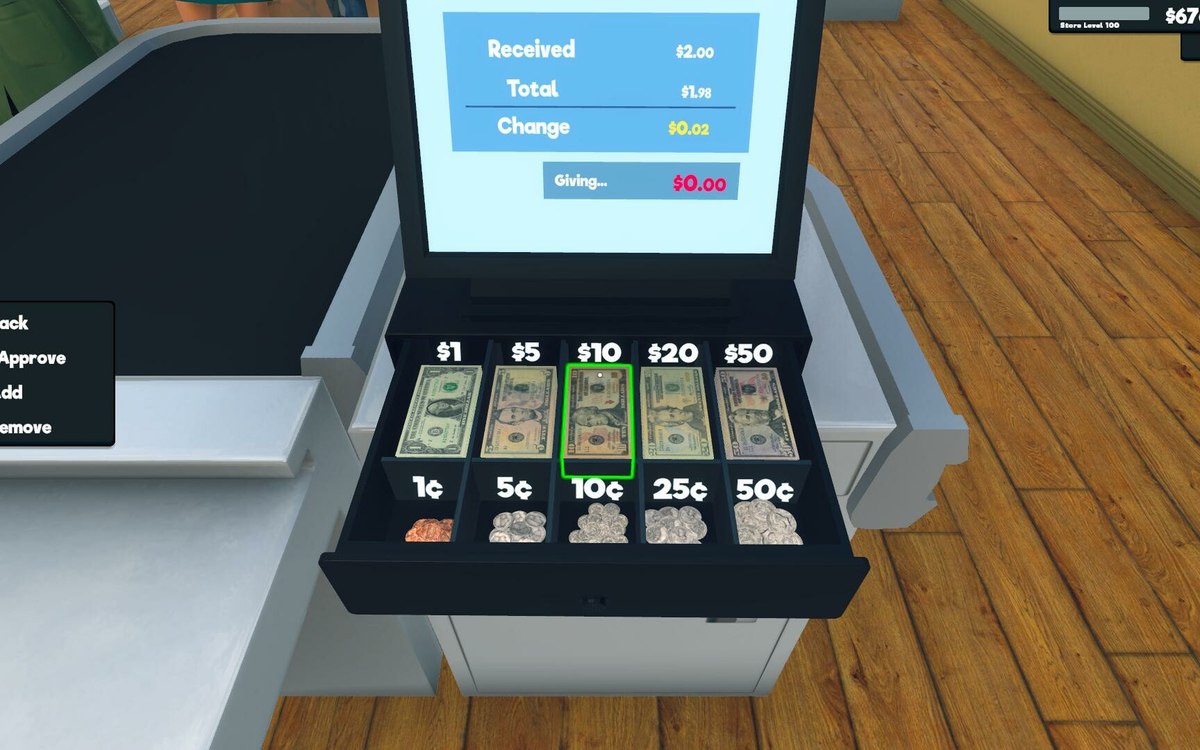 Money, bills and loansLoans and paying them backBorrowing is a defined object in the game.
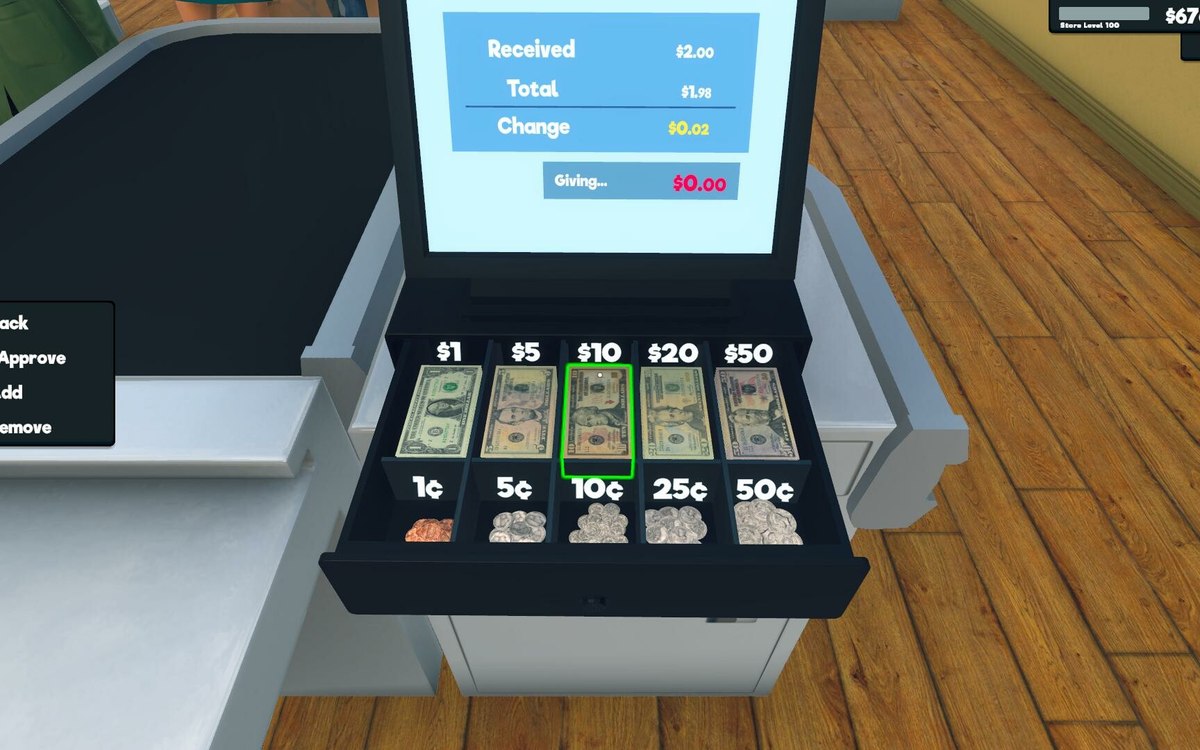 Money, bills and loansBills, loans and growth screensBills are organised as their own part of the interface.
Sources
A local copy of the game, read only. Grounding for each step is on the technical reference pages; no number is estimated.