
Guide
A computer routine that keeps the shelves full
How to use the shop computer in Supermarket Simulator as a routine, so ordering, licences and fittings stop being a last-minute scramble.
Applies to
1.6.0 (223), read from the copy of the game this site was built from (see the sources page)
Before you start
- A computer placed in the shop
- Money put aside for the next order
- A shelf that is actually selling
Steps
- Look over what you already own before you buy anything new.
the computer keeps a viewer for the shop floor as well as one for furniture - Order stock in the same pass you use to check the shop over.
floor items are listed in the computer as entries of their own - Buy furniture from its own part rather than mixing it in with stock.
furniture has a separate viewer with its own entries - Use the vending tab when you are filling machines, not the ordinary stock list.
vending machines have a tab of their own on the computer - Finish at the computer before the shop gets busy.
the computer is a placed object you have to walk to
Common mistakes
- Ordering stock without checking what is already on the shelves.
- Looking for furniture in the stock list and assuming it never arrived.
- Leaving the computer until the shelves are already empty.
Related entries
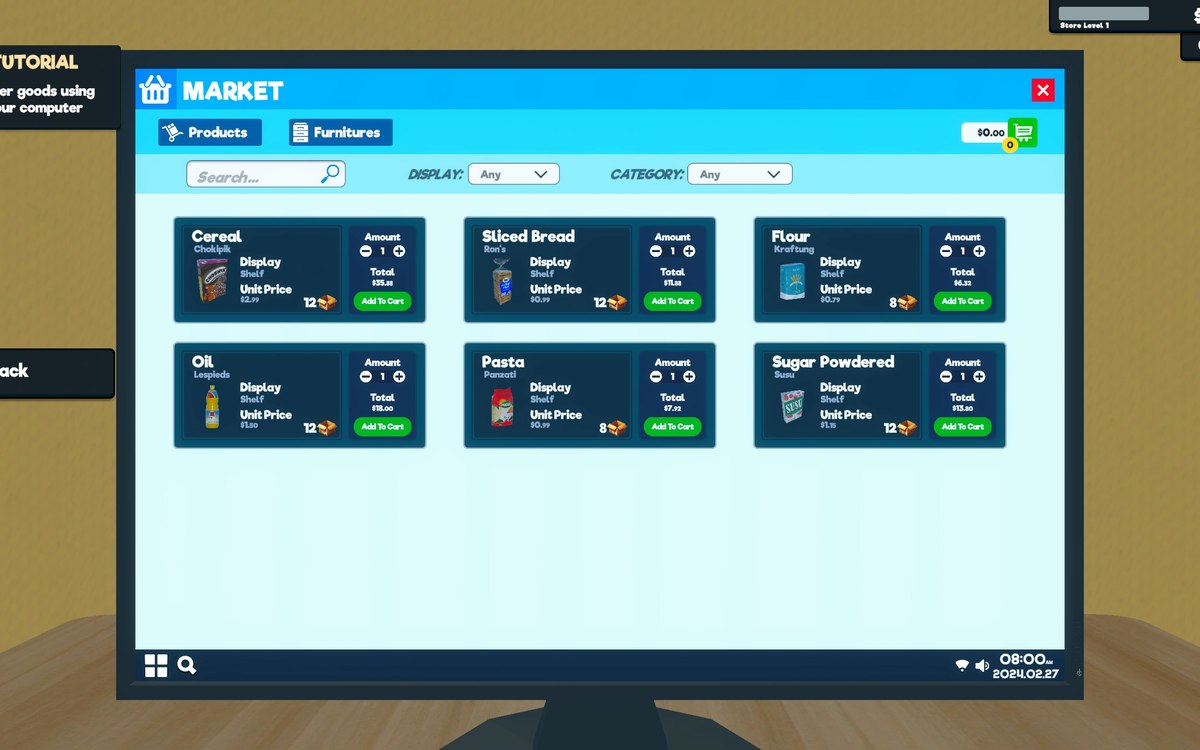 Running the shopThe shop computerThe shop computer is an object of its own with its own desk.
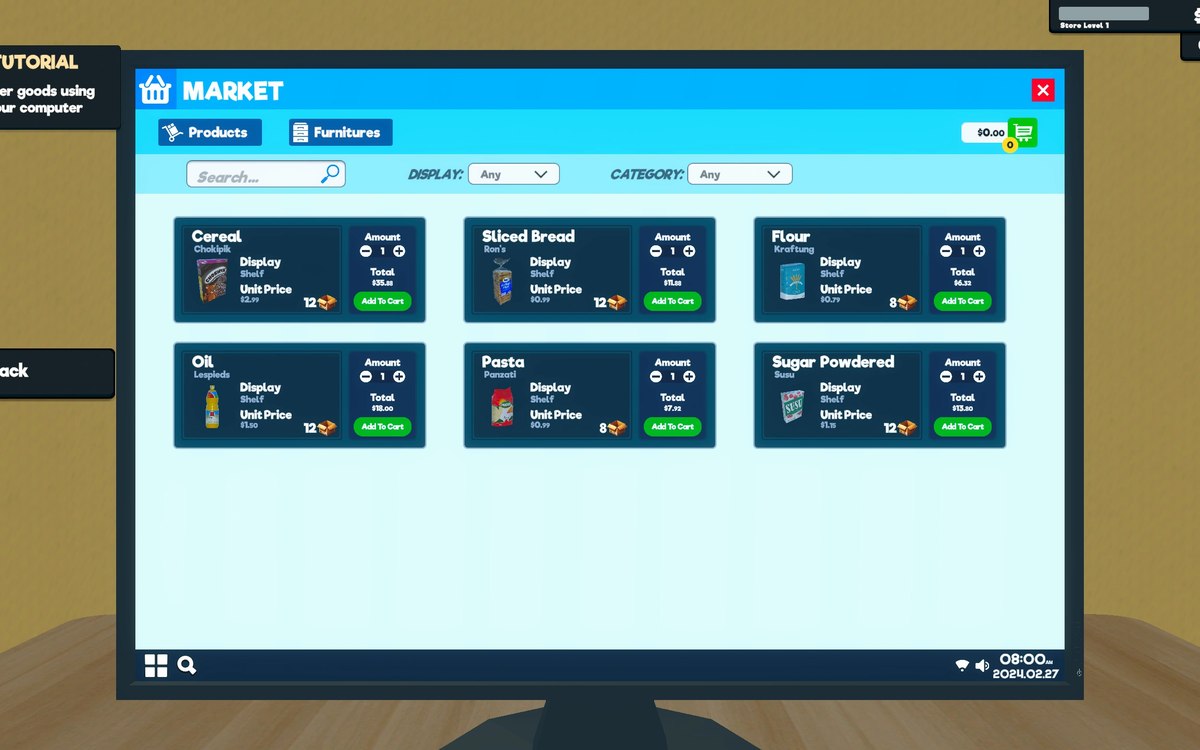 ProductsOrders and what you can orderOrders and their data are modelled by the game.
Sources
A local copy of the game, read only. Grounding for each step is on the technical reference pages; no number is estimated.