
Guide
Keeping the route from the door to the till clear
A layout guide for Supermarket Simulator that follows the route a customer takes: the entrance, the walkable ground the game prepares, the fittings that stand in the way, the shelf approach and the queue at the till.
Applies to
1.6.0 (223), read from the copy of the game this site was built from (see the sources page)
Before you start
- A shop with at least one stocked shelf and a checkout
- The fittings you want to place already bought
- A few minutes with the shop empty enough to walk the route
Steps
- Walk the route from the door to the till before you move anything.
the entrance is managed and can be changed, and the shop has its own prepared ground for people to walk on - Treat the walkable ground as one connected route, not as a set of gaps between fittings.
the game builds a walkable ground for the shop, and a path that leaves it uses a link of its own - Place a fitting only where there is still a way past it.
obstacles that people walk around are kept by a manager of their own, and a placement is checked before it is taken - Line the route with the shelves you actually want reached, and keep their slots stocked.
a shelf is a set of slots, and stock is placed into an empty slot rather than onto a general surface - Put the tills where the queue can stand without cutting the route in two.
customers wait in a queue, the queue has positions of its own, and a checkout position can be moved - Make the way in and the categories legible, then keep them consistent.
the entrance has variants and a name sign, and a category sign is a placed object tied to a product category - Keep delivery boxes out of the customer route while you unpack.
a box on a shelf is tracked against a slot, and the game defines separate restock areas for boxes and vehicles - Walk the route again after every rearrangement.
the entrance can be changed, and the walkable ground is built again for the new layout
Common mistakes
- Placing a row of shelves and only then noticing there is no way past the end of it.
- Leaving a delivery of boxes in the aisle while you stock the far end.
- Moving a till without checking where the queue will stand.
- Signing a category that is stocked somewhere else, so the sign and the shelf disagree.
- Rearranging the shop while it is full and expecting the route to sort itself out.
Related entries
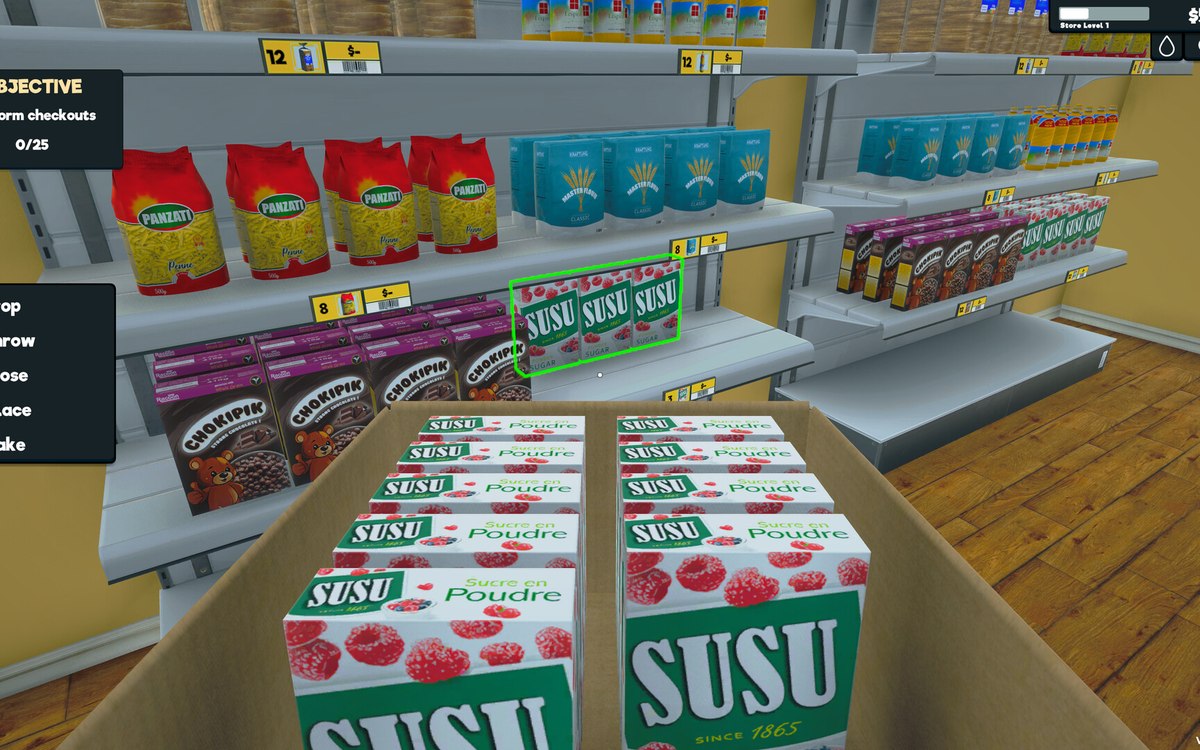 Layout and decorationHow customers find their way aroundCustomers follow a path laid out by the game.
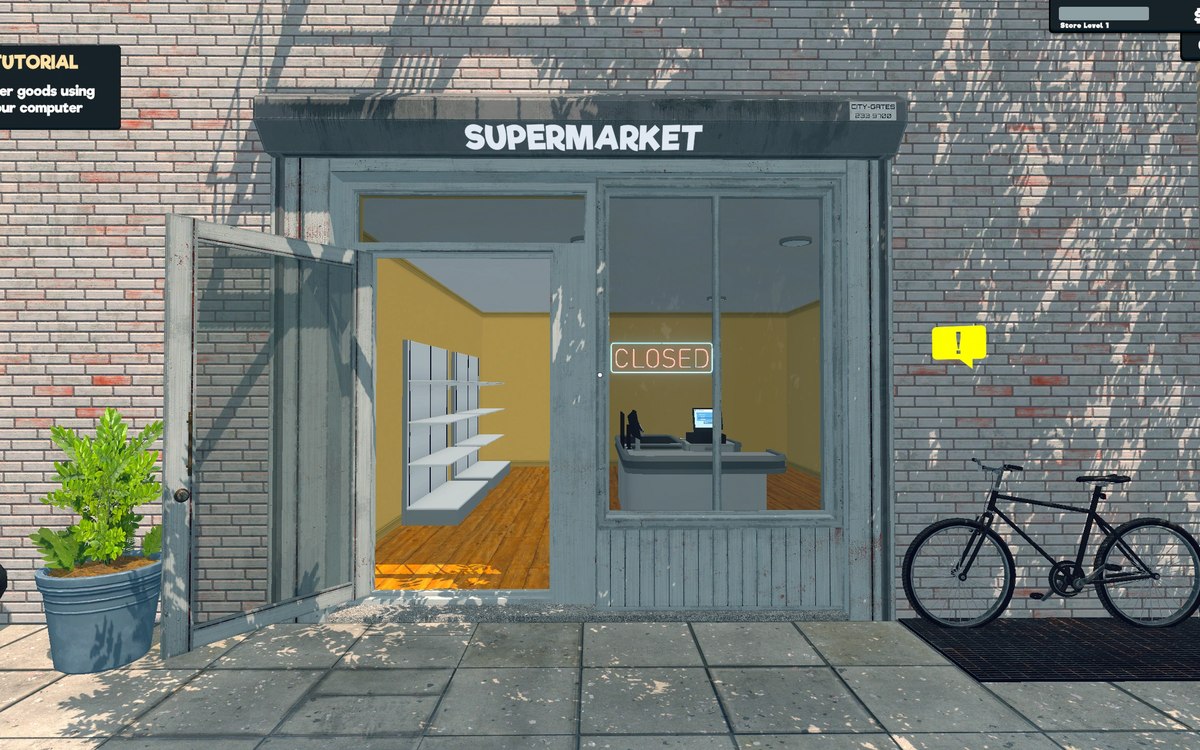 Running the shopFurniture and shop layoutFurniture arrives in a box that has to be handled before the piece can be used.
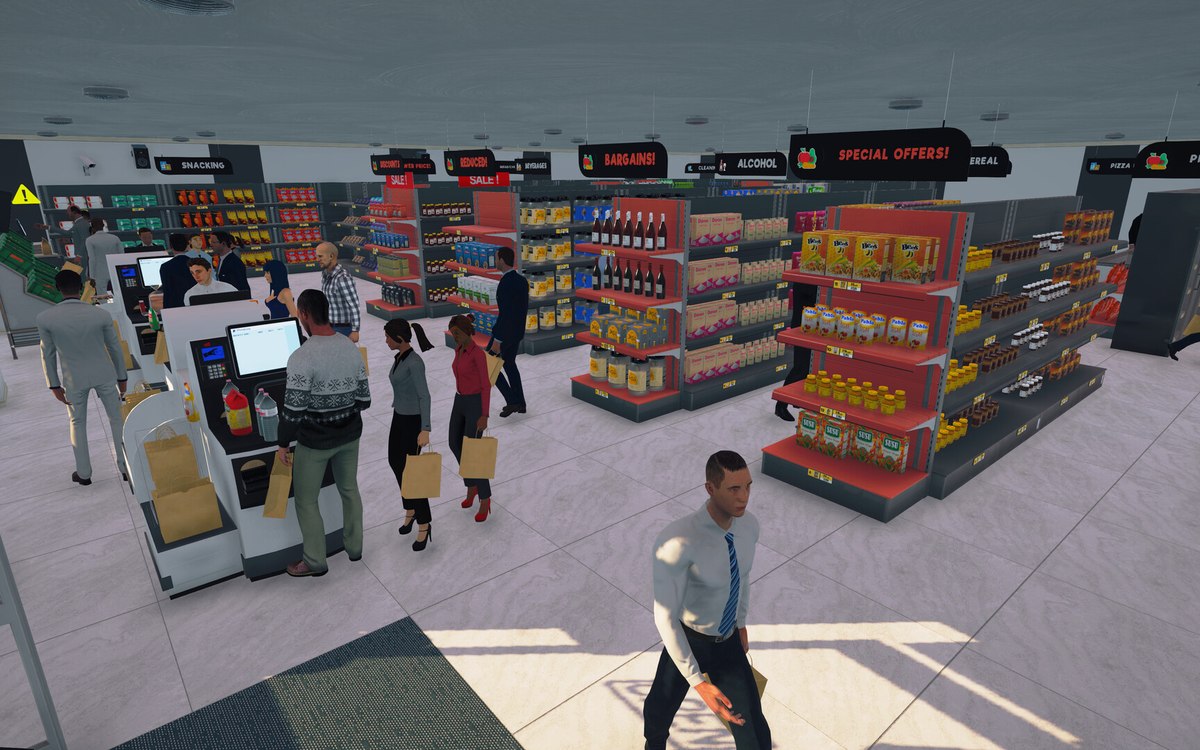 CheckoutCheckout and cashiersA checkout can be operated by a hired cashier.
Related guides
- Laying out a shop you can work in
How to place furniture in Supermarket Simulator: pieces arrive boxed, they are placed in a mode of their own, the game checks the position and shows the snap points that decide where a piece may sit. - Signing the shop so customers find things
How signage works in Supermarket Simulator: the category sign as a placed object with its own data and manager, the icon and colour you choose for it, the canvas you set the category on, the categories your products actually carry, and the signs for the entrance and the shop's own status.
Sources
A local copy of the game, read only. Grounding for each step is on the technical reference pages; no number is estimated.