
Guide
Laying out a shop you can work in
How to place furniture in Supermarket Simulator: pieces arrive boxed, they are placed in a mode of their own, the game checks the position and shows the snap points that decide where a piece may sit.
Applies to
1.6.0 (223), read from this build (see the sources page for how the version line was read)
Before you start
- Furniture bought and delivered
- Room in the shop or the back room
- A moment to plan the aisles
Steps
- Open the box before you plan the room, because a piece arrives as a box that has to be handled first.
furniture arrives in a box with its own data before it can be used - Enter the game's placing mode rather than dragging the piece, because placing is a mode of its own.
placing a piece is a mode of its own, separate from carrying its box - Watch where the game allows the piece to stand, because the position is validated before it is taken.
a position is checked by a validator of its own - Use the snap points rather than eyeballing the gap, because the game defines where a piece may connect and in which direction.
the game defines snap points and a snap direction - Place the shop's pieces in the shop and the back room's in the back room, because the rules are different for each.
an object can be marked as belonging in the shop or in the warehouse - Keep the aisles walkable as you go, because the game shows the area a piece may legally be moved through.
the game shows where an object may legally be moved - Leave the neighbours in mind, because a placement records the places next to it.
a placement keeps the neighbouring places it relates to - Line rows up rather than nudging them, because placements work to a grid of their own.
placements line up on a grid of their own - Take the options from one place rather than hunting for furniture, because the shop's furniture comes from a layout setting.
the furniture options come from one layout setting
Common mistakes
- Dragging a boxed piece into position instead of opening it and placing the piece.
- Ignoring the snap points and leaving a row visibly out of line.
- Packing the aisles so tightly that a loaded cart cannot pass.
- Placing a back-room piece on the shop floor, where the game will not allow it.
- Rearranging furniture while the shop is full of customers.
Related entries
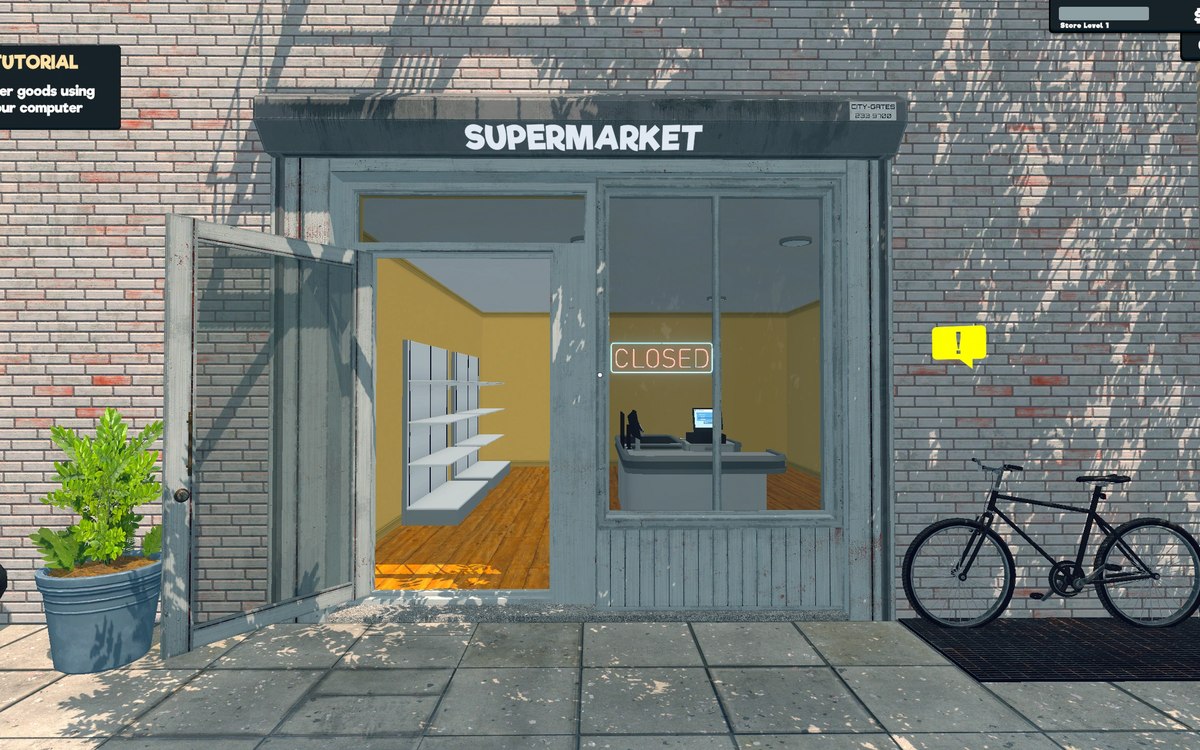 Running the shopFurniture and shop layoutFurniture arrives in a box that has to be handled before the piece can be used.
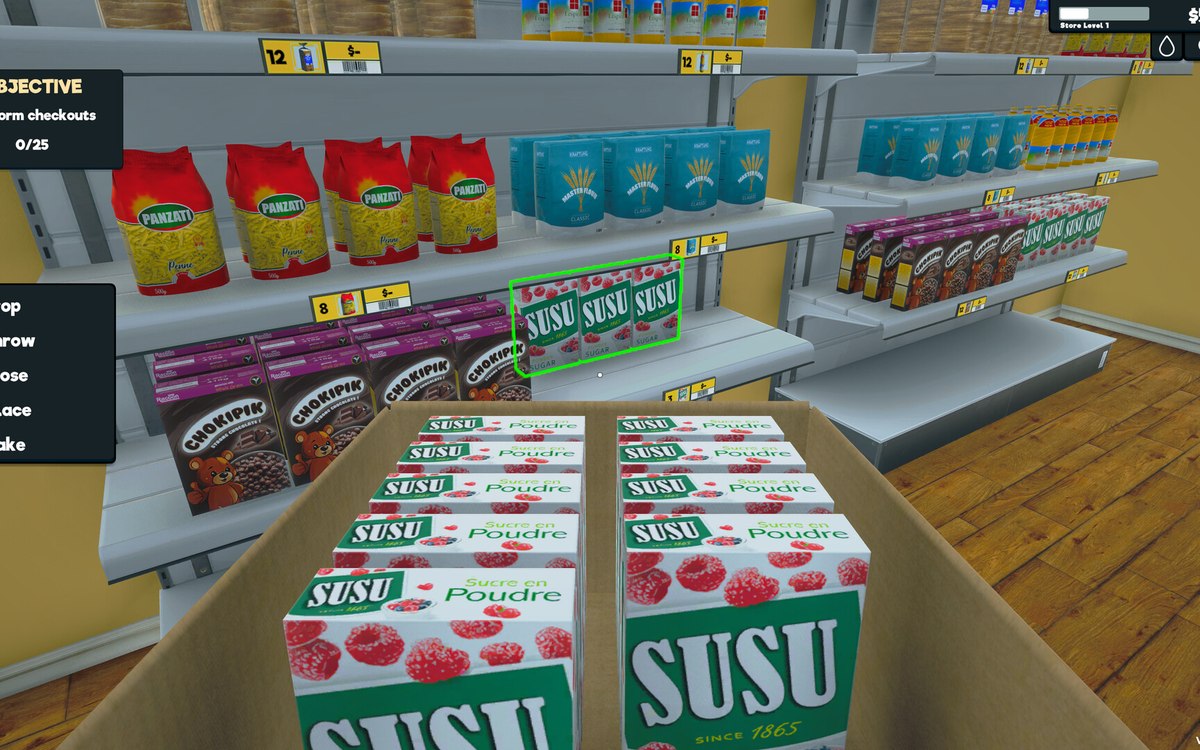 Layout and decorationHow customers find their way aroundCustomers follow a path laid out by the game.
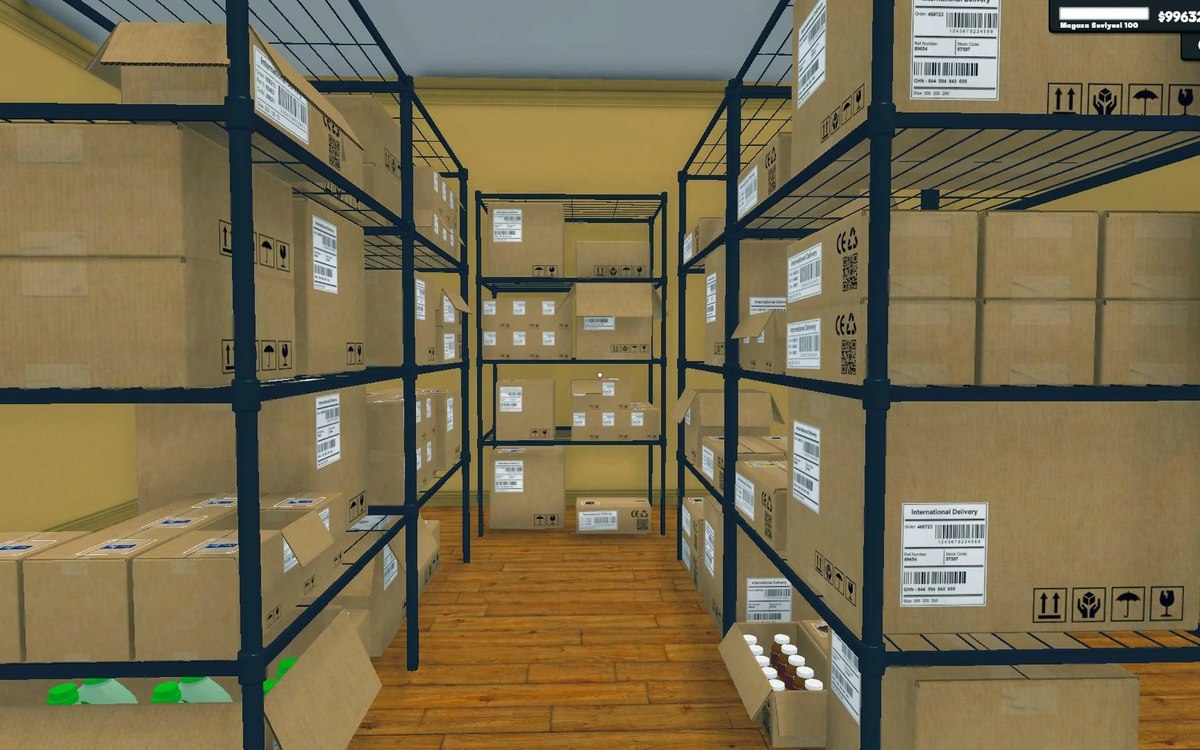 Shelves and stockShelf slots and display spaceA shelf is made of rack slots with records of their own.
Related guides
- Keeping the route from the door to the till clear
A layout guide for Supermarket Simulator that follows the route a customer takes: the entrance, the walkable ground the game prepares, the fittings that stand in the way, the shelf approach and the queue at the till.
Sources
A local copy of the game, read only. Identifiers are listed on the technical reference pages; nothing here is estimated.