
Guide
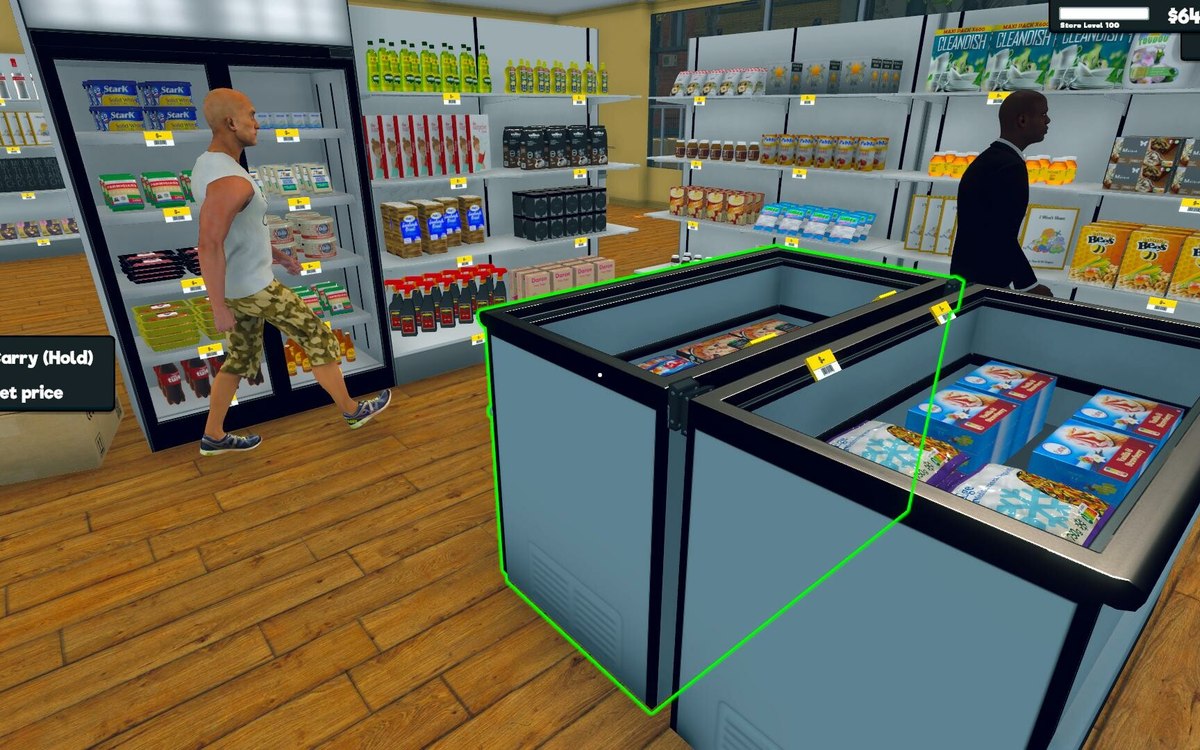
Aiming deliberately in a busy shop
How to use the aim hints and aim settings in Supermarket Simulator so you act on the right thing when the shop is full.
Applies to
1.6.0 (223), read from the copy of the game this site was built from (see the sources page)
Before you start
- A shop with customers in it
- Something you intend to pick up or use
- A moment to look before you press
Steps
- Wait for the hint before acting, rather than assuming what a thing does.
the game shows aim hints through their own controller and display - Aim at the object itself rather than near it.
aim is tracked by slot rather than as one universal marker - Change how the aim looks if you keep losing it against the shop.
the aim has a colour preview you can set - Look at the aim settings once rather than fighting them every day.
there is a settings menu and a set of aim settings of its own - Do not confuse the crosshair with the aim itself.
the game tracks them separately
Common mistakes
- Acting before the hint appears.
- Aiming near an object instead of at it.
- Never looking at the aim settings.
Related entries
 InterfaceThe aim and the settings around itAiming is its own system, tracked apart from the crosshair.
 InterfaceHow the game shows what you can useThe game has a crosshair manager and a crosshair reference of its own.
Sources
A local copy of the game, read only. Grounding for each step is on the technical reference pages; no number is estimated.