
Guide
Bagging a purchase without losing track of it
How paper bags and the packing step work in Supermarket Simulator, including the part the counter plays in it.
Applies to
1.6.0 (223), read from the copy of the game this site was built from (see the sources page)
Before you start
- A counter with some room
- Something to pack
- Bags available
Steps
- Expect a bag to be made by the game rather than a prop you place.
a paper bag is built by the game rather than placed in the shop as decoration - Use the bag-placing mode instead of dropping things into a pile.
there is a mode of its own for placing a bag - Know that once something is bagged it is a different object.
a product that is in a bag is its own object and there is a bag form of a product - Treat a bag as part of an order rather than as loose packaging.
a bag belongs to an order, with its own data and a container of them - Expect a packed bag to have a shared form and an online form.
the packed order bag has a shared form and one for online orders - Leave the packing to play out rather than interrupting it.
packing a bag has an animation of its own - Plan the packing around the counter you actually have.
the counter is modelled as a belt with a grid, a drawer and a manager for change
Common mistakes
- Stacking purchases beside a bag instead of bagging them.
- Treating a bagged product as the same object as the one on the shelf.
- Forgetting that an online order is packed into a bag form of its own.
- Packing on a counter that has no room left on its belt.
Related entries
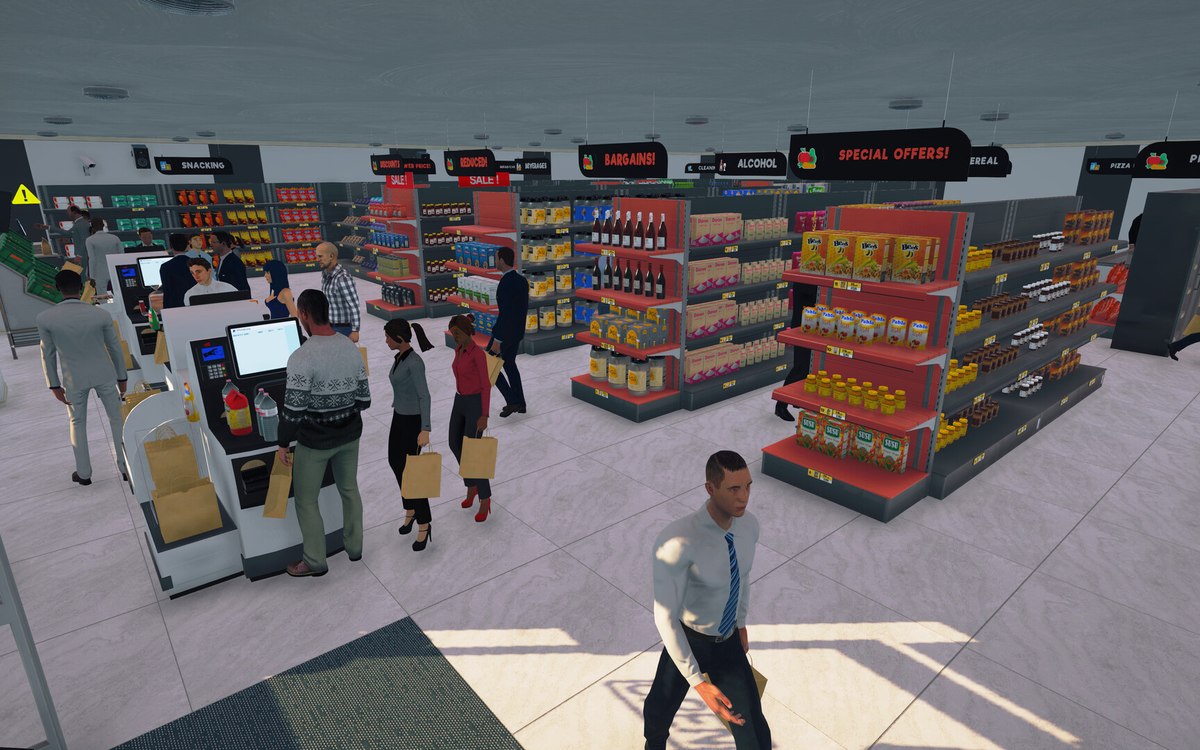 CheckoutPaper bags and packing a purchaseA paper bag is built by the game rather than placed in the shop as decoration.
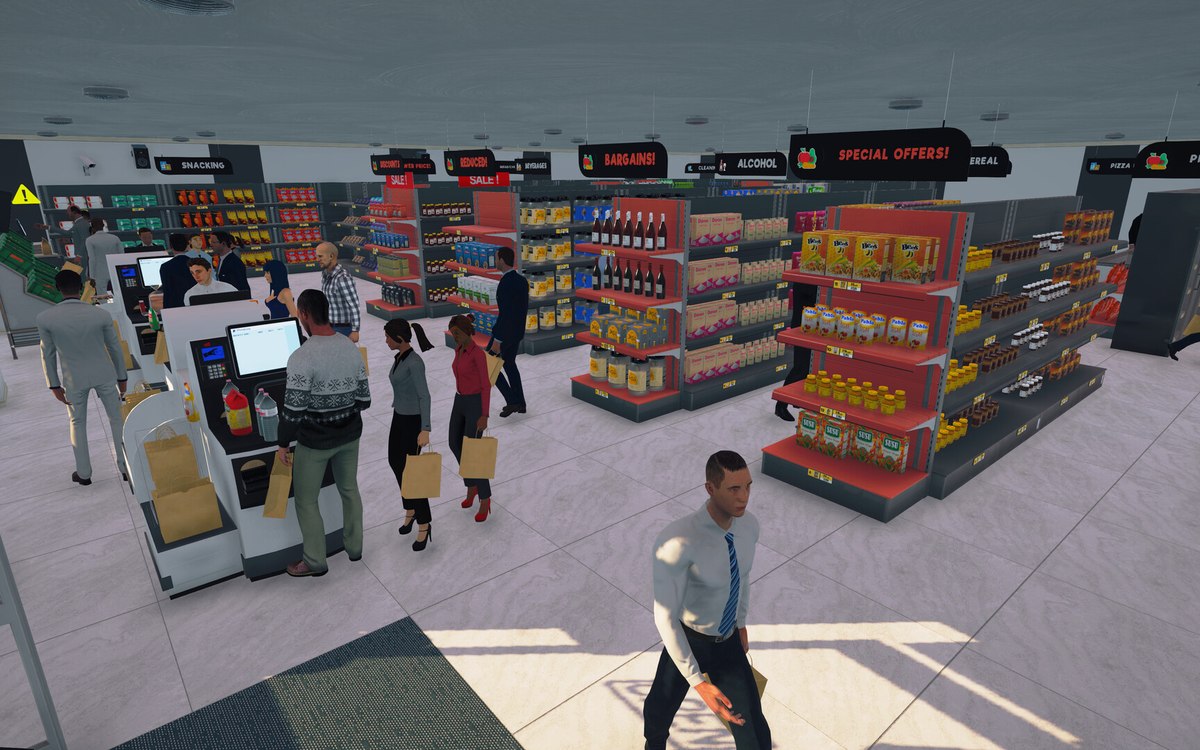 CheckoutCheckout and cashiersA checkout can be operated by a hired cashier.
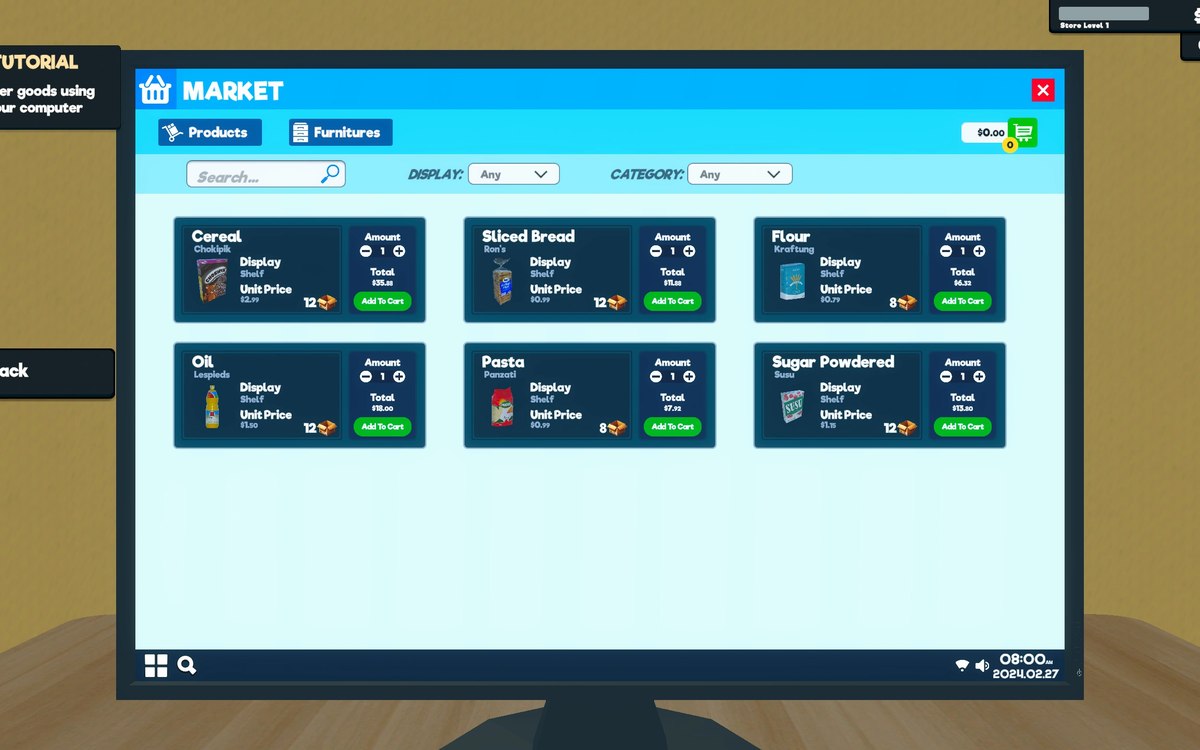 ProductsOrders and what you can orderOrders and their data are modelled by the game.
Sources
A local copy of the game, read only. Grounding for each step is on the technical reference pages; no number is estimated.