
Running the shop · Supermarket Simulator · read from a local copy
The shop's status, its doors and the ground customers walk on
The shop has a status of its own, with an interaction built around it.
A Supermarket Simulator shop is a place with a state of its own: the game holds a status and an interaction for it, prepares the ground customers walk on, keeps the store door and the market door apart, and gives the market its own controller, lights and cart.
What the game establishes
- The shop has a status of its own, with an interaction built around it. (checked against the game's own files)
- There is a navigation mesh for the shop, so the walkable ground is prepared. (checked against the game's own files)
- There is a door into the store and a door of the market's own. (checked against the game's own files)
- A door switch has an overlay of its own. (checked against the game's own files)
- The market's store is held by a controller with a networked version. (checked against the game's own files)
- The market's lights have a controller of their own. (checked against the game's own files)
- The market's shopping cart has a networked form. (checked against the game's own files)
- A door has a controller of its own. (checked against the game's own files)
- The market's shopping cart is held by a manager of its own. (checked against the game's own files)
In play
The shop has a status of its own, and an interaction built around it, so whether the shop is open is a state the game holds rather than only something you can see.
The ground customers walk on is prepared for them. The shop has a navigation mesh of its own, which is why a route through the shop is something the game can work out rather than guess at.
The doors are separate things. There is a door into the store and a door belonging to the market, which is why the two can be used independently, and a door has a controller of its own rather than being a handle with a script on it.
A door switch has an overlay of its own, so the thing you press to open a door carries its own interface rather than being a plain handle.
The market is held by a controller for its store, and that controller has a networked version, which is how a shared shop's market stays in step between players.
The market's lights have a controller of their own, separate from the shop's own lighting, so the two sides of the street are lit by their own arrangements.
The shopping cart used in the market has a networked form, so a cart in a shared shop is shared as well rather than belonging to one player's machine, and the carts are held by a manager of their own rather than each being a loose object.
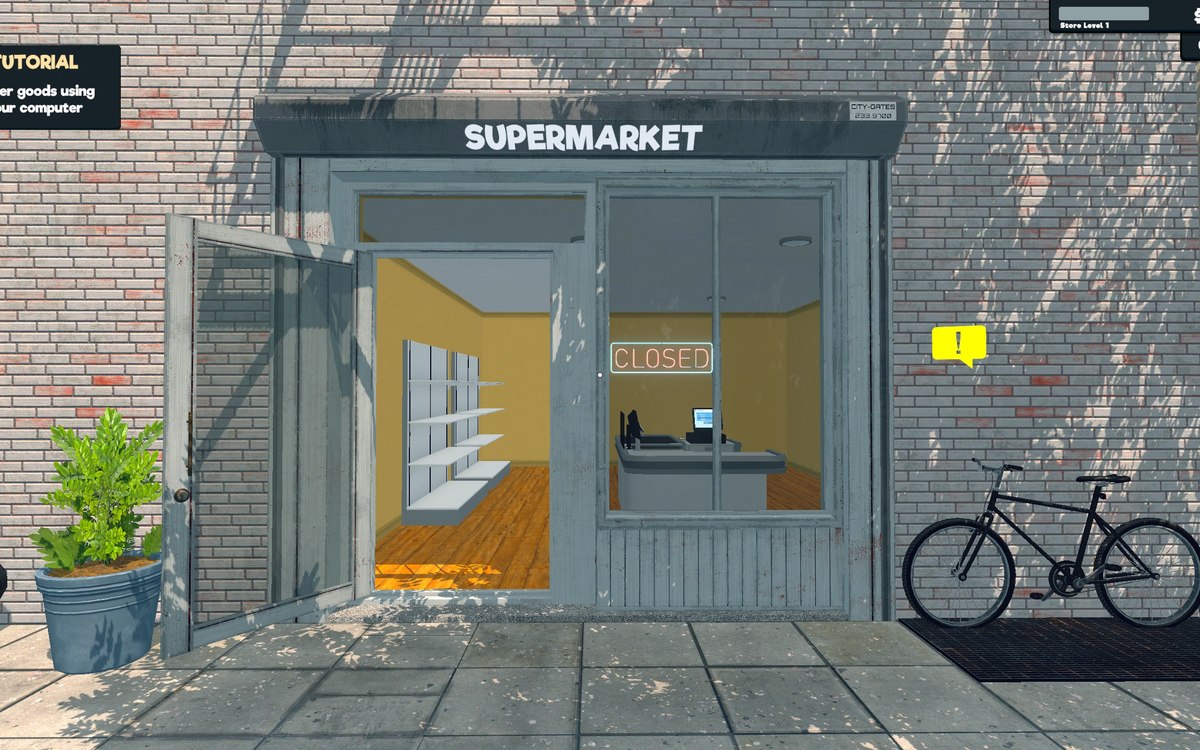
The picture beside this entry is the game's own: the sheet of door variants and the panel that goes with them.
What this entry does not tell you: how long a door takes to open, how large the walkable area is, or what the market's lights cost to run. We have not verified those numbers, so we do not print them.
Related
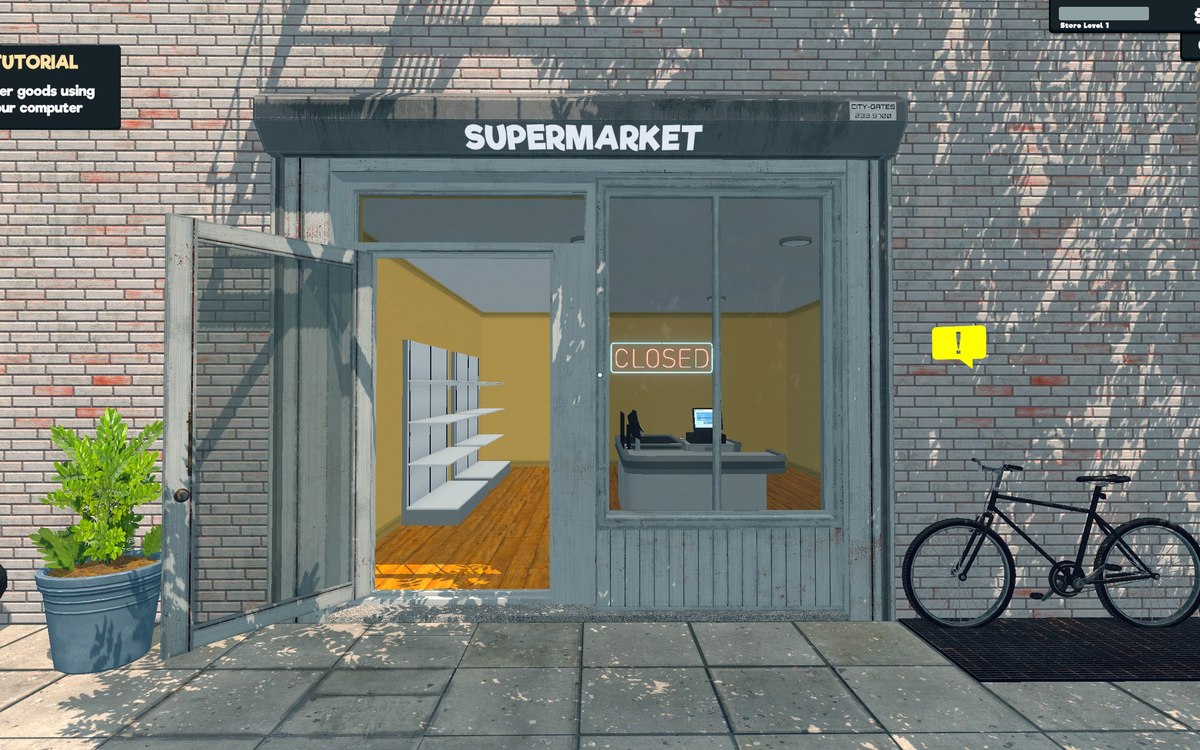 Running the shopThe shop entranceThe shop entrance is a system with a manager of its own.
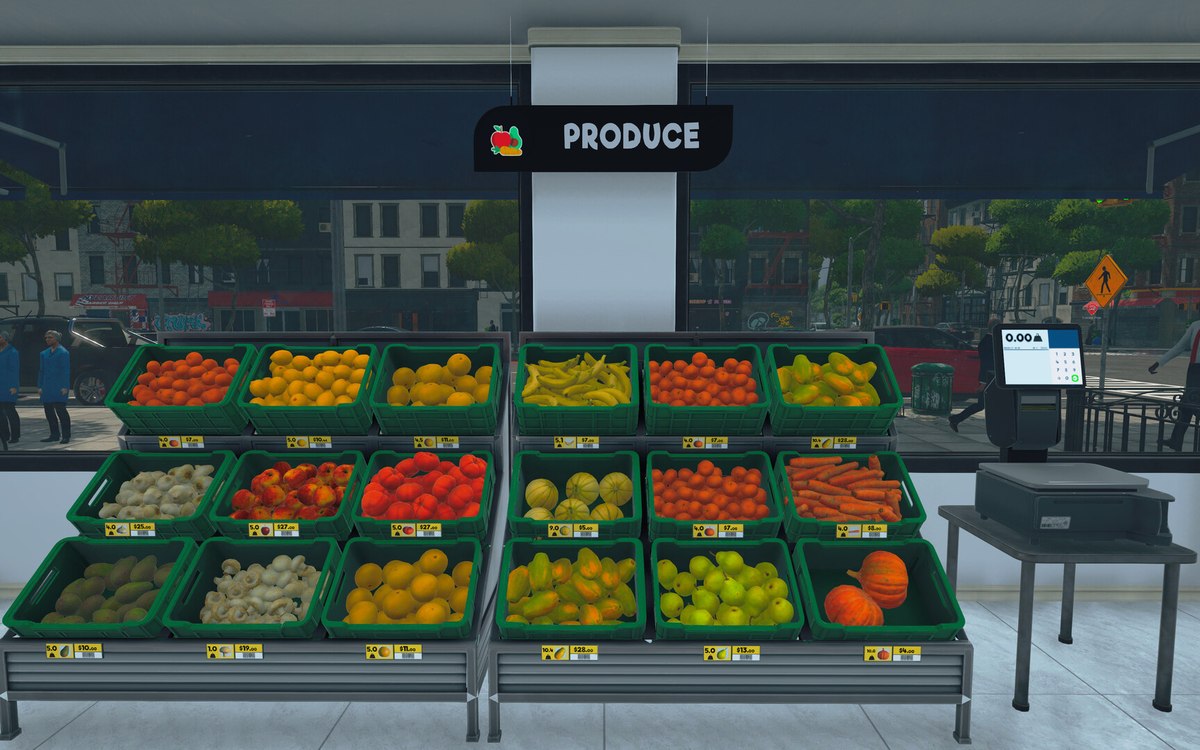 Running the shopThe lights and the switches in your shopThere is a light object, and the lights are grouped behind managers.
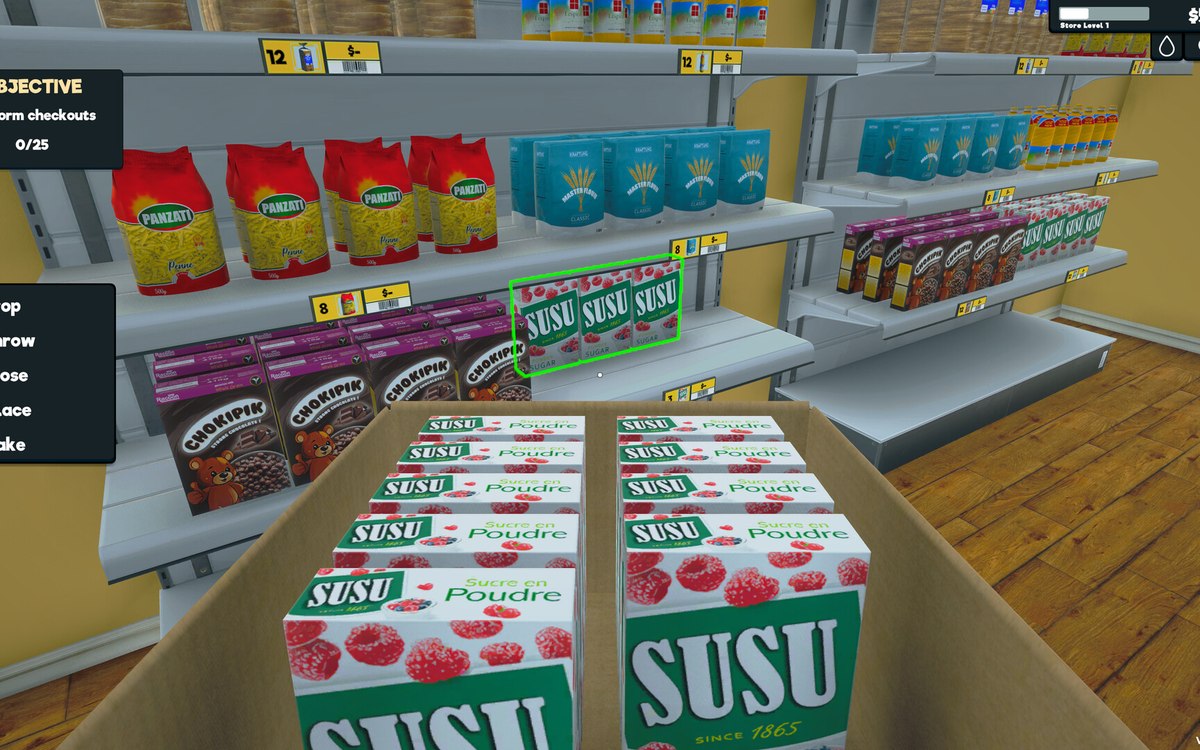 Layout and decorationHow customers find their way aroundCustomers follow a path laid out by the game.
Version and sources
A local copy of the game, read only. The grounding for each fact is listed on the technical reference pages; nothing here is estimated. Documented build: 1.6.0 (223).