
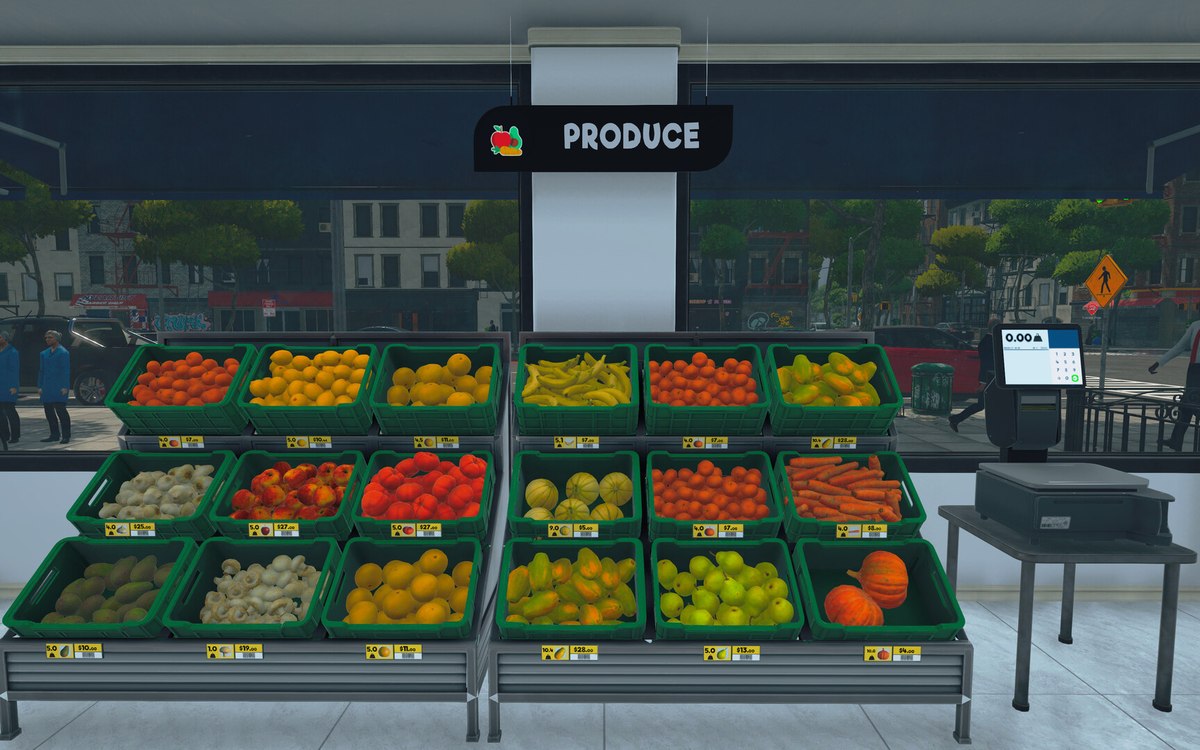
Running the shop · Supermarket Simulator · read from a local copy
The lights and the switches in your shop
There is a light object, and the lights are grouped behind managers.
Lights in Supermarket Simulator are objects rather than settings: the game gives the shop and the back room their own light managers, and every one of them is reached through a switch you can press.
What the game establishes
- There is a light object, and the lights are grouped behind managers. (checked against the game's own files)
- The shop has its own light and interaction for it. (checked against the game's own files)
- Storage has its own lights and interaction, kept apart from the shop. (checked against the game's own files)
- A light is reached through a switch: there is a switch, an interaction for it and a toggle switch object. (checked against the game's own files)
- There are spot lights for inside and for outside. (checked against the game's own files)
- The electrical side of the shop is a kind of object of its own. (checked against the game's own files)
- Lighting has presets of its own. (checked against the game's own files)
- The game ships its own picture for a switch handle and for the frame around it. (checked against the game's own files)
- The electrical side of the shop is held together by a manager of its own. (checked against the game's own files)
- Lights have a generator, a type for a light that is attached to something, and animation data for a light that sweeps. (checked against the game's own files)
- The build keeps a disabled state and a visual state of its own. (checked against the game's own files)
- The game draws its own picture for an interior spot light. (checked against the game's own files)
In play
The lights in this shop are things rather than a setting. There is a light object and a manager behind each group of them, which is why a light can be placed, seen and switched rather than only turned up in a menu.
The shop has its own set. A manager, a light object and an interaction belong to the shop floor, so switching the lights over the aisles does not have to be the same action as switching anything else.
The back room has a separate set. Storage has its own manager, its own lights and its own interaction, which is why the lights over the shelves in the warehouse can be dealt with while the shop stays lit.
Every light is reached through a switch. There is a switch object, an interaction for pressing it and a toggle switch behind it, so the game treats switching on the lights as something you do to a fixture rather than to the whole shop at once.
There are spot lights for inside and for outside, and the electrical side of the shop is its own kind of object. That is how the game can keep one list of things that draw power rather than letting each fixture decide for itself, and a manager of its own holds that list together.
Lights are built as well as bought. There is a generator for them, a type for a light that is attached to something, and animation data for one that sweeps, which is how a fitting can be made to move rather than merely switch on.
Lighting has presets as well. Keeping a set of presets means the look of the shop can be decided in one place and applied to a group of lights rather than to each light separately.
A fitting can be out of action. The build keeps a disabled state and a visual state of its own, which is why a light that cannot be used is something the game records rather than only something you notice by looking.
The two pictures beside this entry are the game's own: the handle and the frame the game draws for a switch in its off position. They are small, but they are what you press.
What this entry does not tell you: how many lights a shop may have, how much power they draw, or how the presets are set up. We have not verified those numbers, so we do not print them.
Related
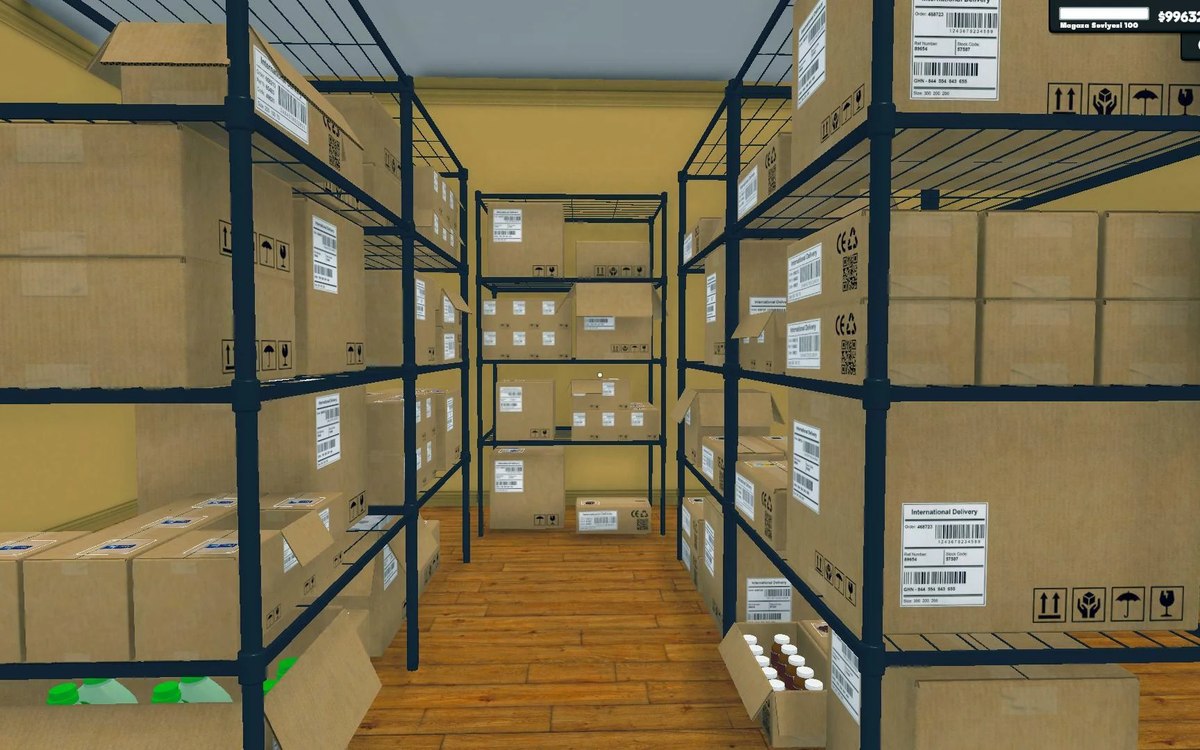 Shelves and stockThe storage lights and its doorThe storage area has lights of its own.
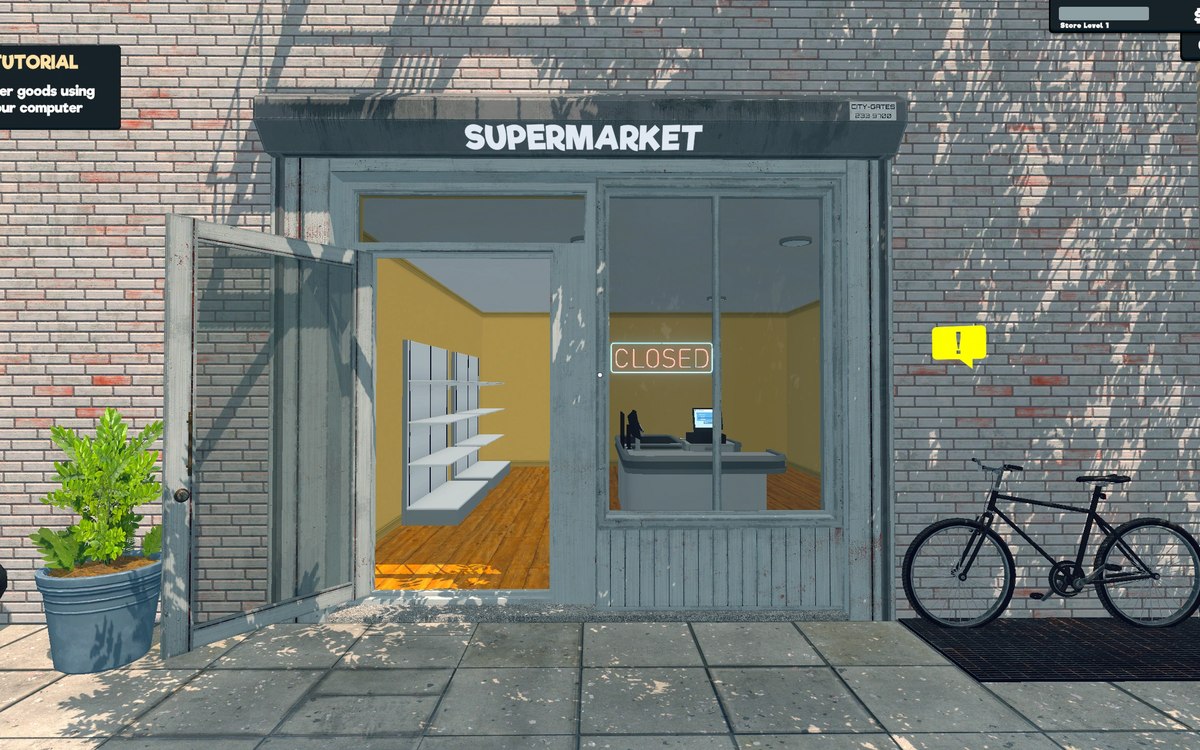 Running the shopFurniture and shop layoutFurniture arrives in a box that has to be handled before the piece can be used.
Version and sources
A local copy of the game, read only. The grounding for each fact is listed on the technical reference pages; nothing here is estimated. Documented build: 1.6.0 (223).