
Products · Supermarket Simulator · read from a local copy
The notebook your orders are written in
Orders are kept in a notebook held in a container of its own.
Orders in Supermarket Simulator are kept in a notebook of its own: the game holds the notebook in a container, gives it a display and an animation, sets how orders spawn, and can call a vehicle for a delivery.
What the game establishes
- Orders are kept in a notebook held in a container of its own. (checked against the game's own files)
- The notebook has a display of its own. (checked against the game's own files)
- It has an animation of its own. (checked against the game's own files)
- How orders spawn is set by a settings object of its own. (checked against the game's own files)
- A vehicle can be requested for a delivery. (checked against the game's own files)
- The game ships its own icon for an online order. (checked against the game's own files)
In play
What you have ordered is kept in a notebook rather than in your head. The game holds that notebook in a container of its own, which is why the list of orders survives leaving the screen and coming back.
The notebook is shown, not only stored. It has a display of its own, so the same record can be put in front of you as something you look at rather than a list of numbers.
It moves like an object. The notebook has an animation of its own, which is why opening and closing it is a movement rather than the list appearing out of nothing.
How orders arrive is set separately. There is a settings object for how orders spawn, so when an order appears is a thing the game decides rather than a consequence of the notebook being open.
A delivery can be called for. The game can request a vehicle, which is how a large order is collected rather than carried.
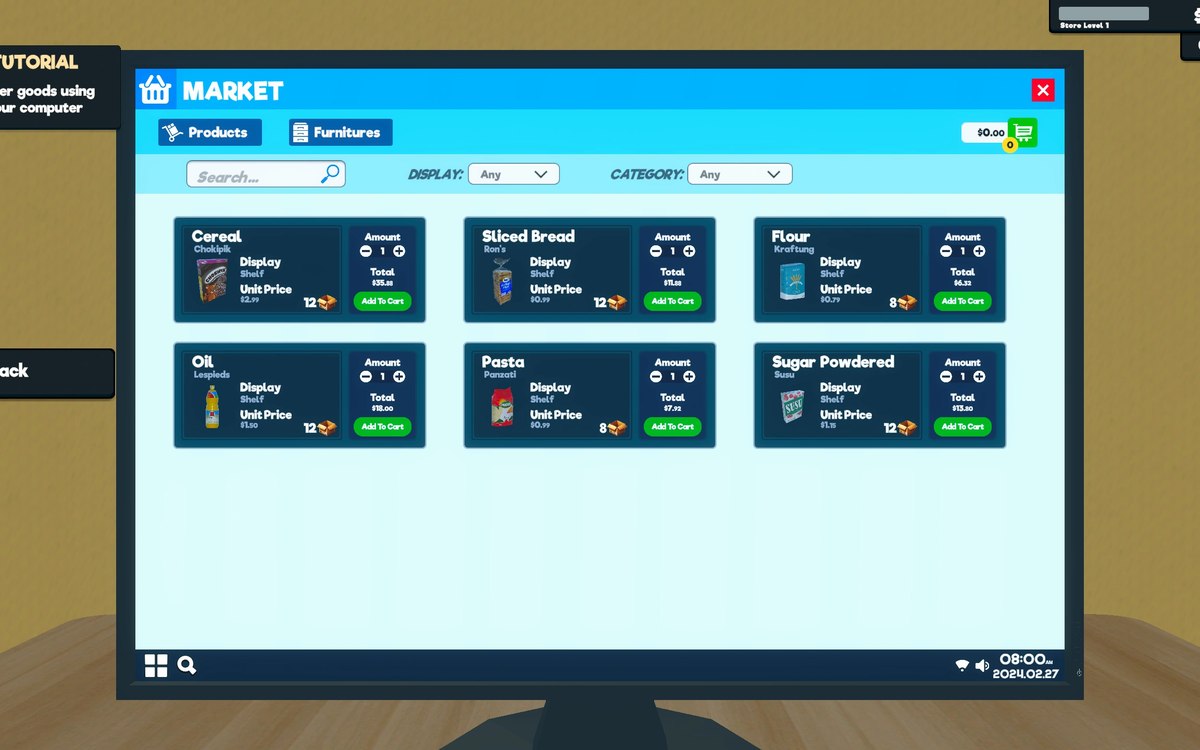
The image beside this entry is the game's own: the order icon it draws, which is what the notebook is a record of.
What this entry does not tell you: how many orders can wait at once, how long a delivery takes, or what a delivery costs. We have not verified those numbers, so we do not print them.
Related
 ProductsOrders and what you can orderOrders and their data are modelled by the game.
 ProductsThe crates you can buyA crate is an object of its own in the game.
 ProductsOnline orders and how they are trackedOnline orders are held together in a container of their own.
Version and sources
A local copy of the game, read only. Identifiers are listed on the technical reference pages; nothing here is estimated. Documented build: 1.6.0 (223).