
Products · Supermarket Simulator · read from a local copy
How a product is drawn on a shelf
The game keeps a manager for product pictures.
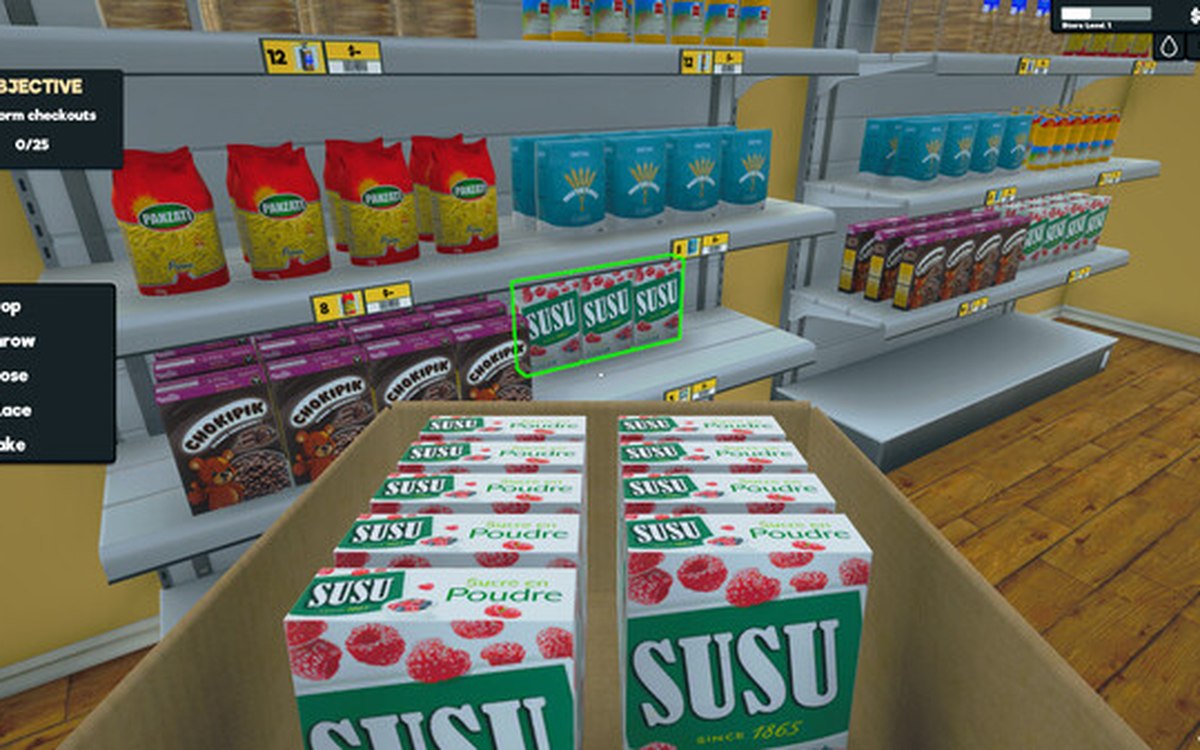
In Supermarket Simulator a product on the shelf is drawn rather than modelled piece by piece: the game keeps a manager for product pictures, gives each product a type and a material, and works out where it sits with a layout setting and a calculator.
What the game establishes
- The game keeps a manager for product pictures. (checked against the game's own files)
- A product has a renderable form and a kind of material of its own. (checked against the game's own files)
- Products have a type of their own. (checked against the game's own files)
- There is a form of a product that can be bought. (checked against the game's own files)
- Products are counted as a pair of amounts. (checked against the game's own files)
- Where products sit is decided by a layout setting of its own. (checked against the game's own files)
- A calculator works out the transform of a displayed product. (checked against the game's own files)
- Licences have a manager of their own, separate from the goods. (checked against the game's own files)
- A product line is described by its own set of pieces: a brand, a name written into its own text, a count with its own layout, an icon with a background and a canvas, and an information panel. (checked against the game's own files)
In play
The goods on your shelves are pictures before they are objects. The game keeps a manager for product pictures, which is how a shelf can hold many different goods without a model being built for every one of them.
A product can be drawn. There is a form of a product that is meant to be shown rather than only stored, which is why the same goods can appear on a shelf and inside a crate.
Materials are picked rather than shared. A product carries a kind of material of its own, so a carton, a bottle and a paper label do not all have to look the same.
Products have a type of their own. There is a type for a product, which is how the game sorts what it is dealing with before deciding how to show it.
There is a form of a product you can buy. A purchasable product exists separately, so what appears in an order list is a thing in its own right rather than a picture with a price attached.
Counts are kept in pairs. Products are counted as a pair of amounts rather than a single number, which is why what is on the shelf and what is still to come can be told apart.
Laying a shelf out is configured. There is a layout setting for products, so where things sit is decided by a setting rather than by each product knowing its own place.
Positions are worked out. A calculator works out the transform a displayed product should have, which is why a row of goods lines up rather than drifting apart.
Licences are managed apart from the goods. There is a manager for licences of its own, so what you are allowed to sell and what you are selling are two different things in the game.
What this entry does not tell you: how many product pictures the game holds, how many goods a shelf shows, or how a material is chosen. We have not verified those numbers, so we do not print them.
Related
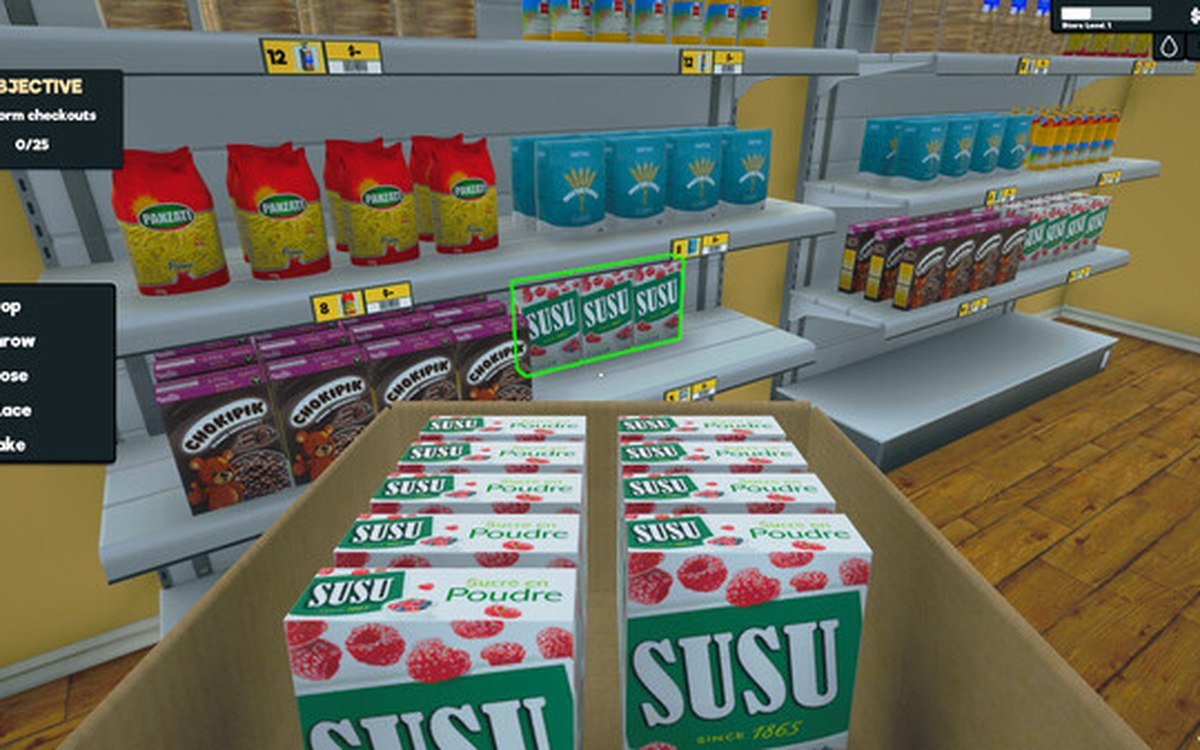 ProductsHow products are displayedProducts carry a display type of their own.
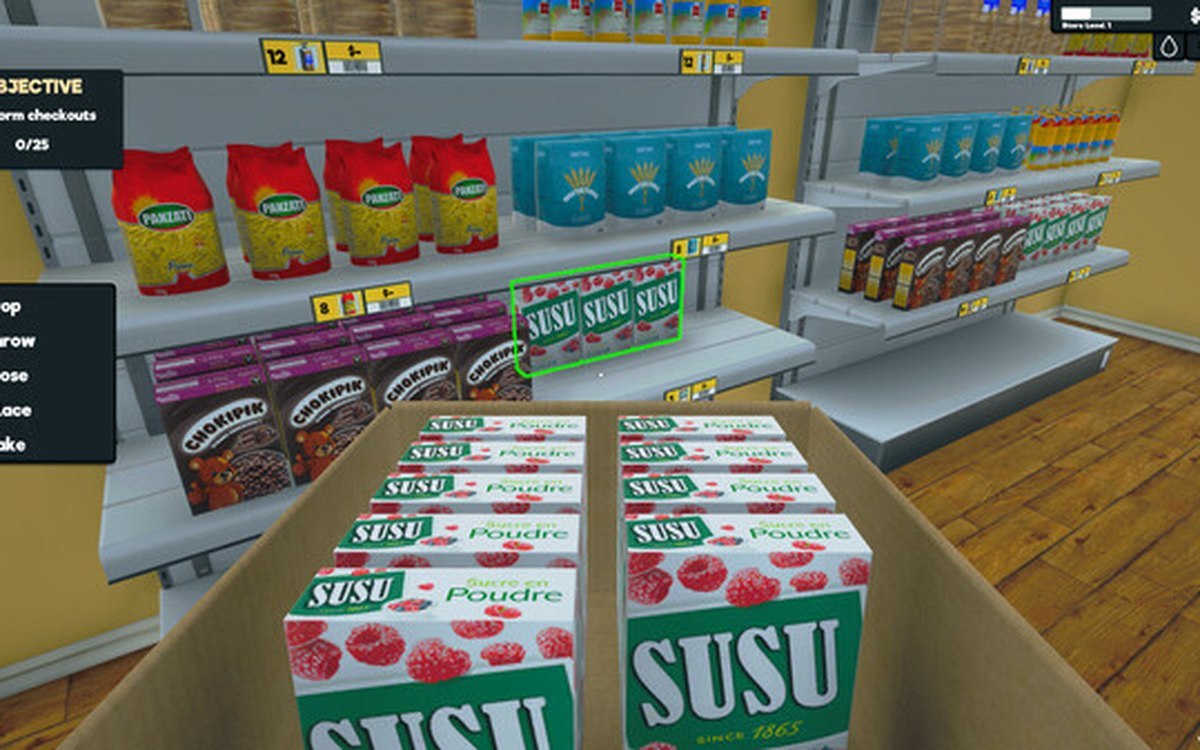 ProductsProducts and what arrives in a deliveryEvery product is identified by its own product id.
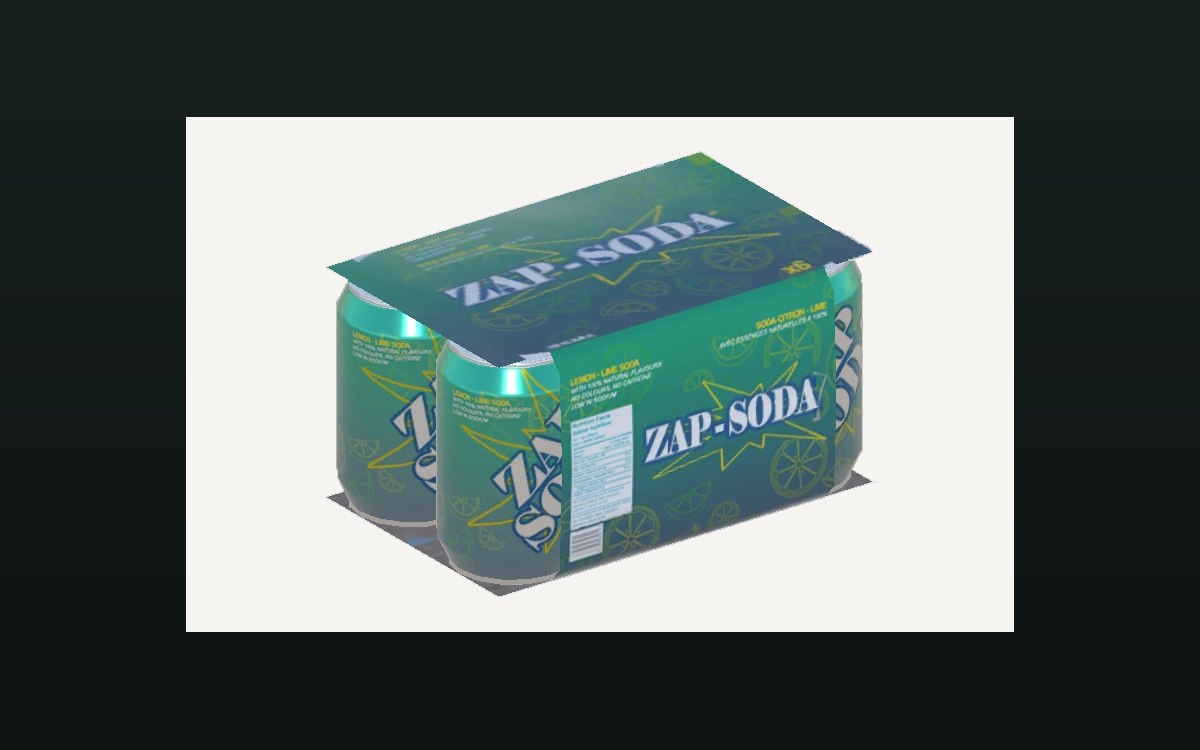 ProductsThe crates you can buyA crate is an object of its own in the game.
Version and sources
A local copy of the game, read only. The grounding for each fact is listed on the technical reference pages; nothing here is estimated. Documented build: 1.6.0 (223).